

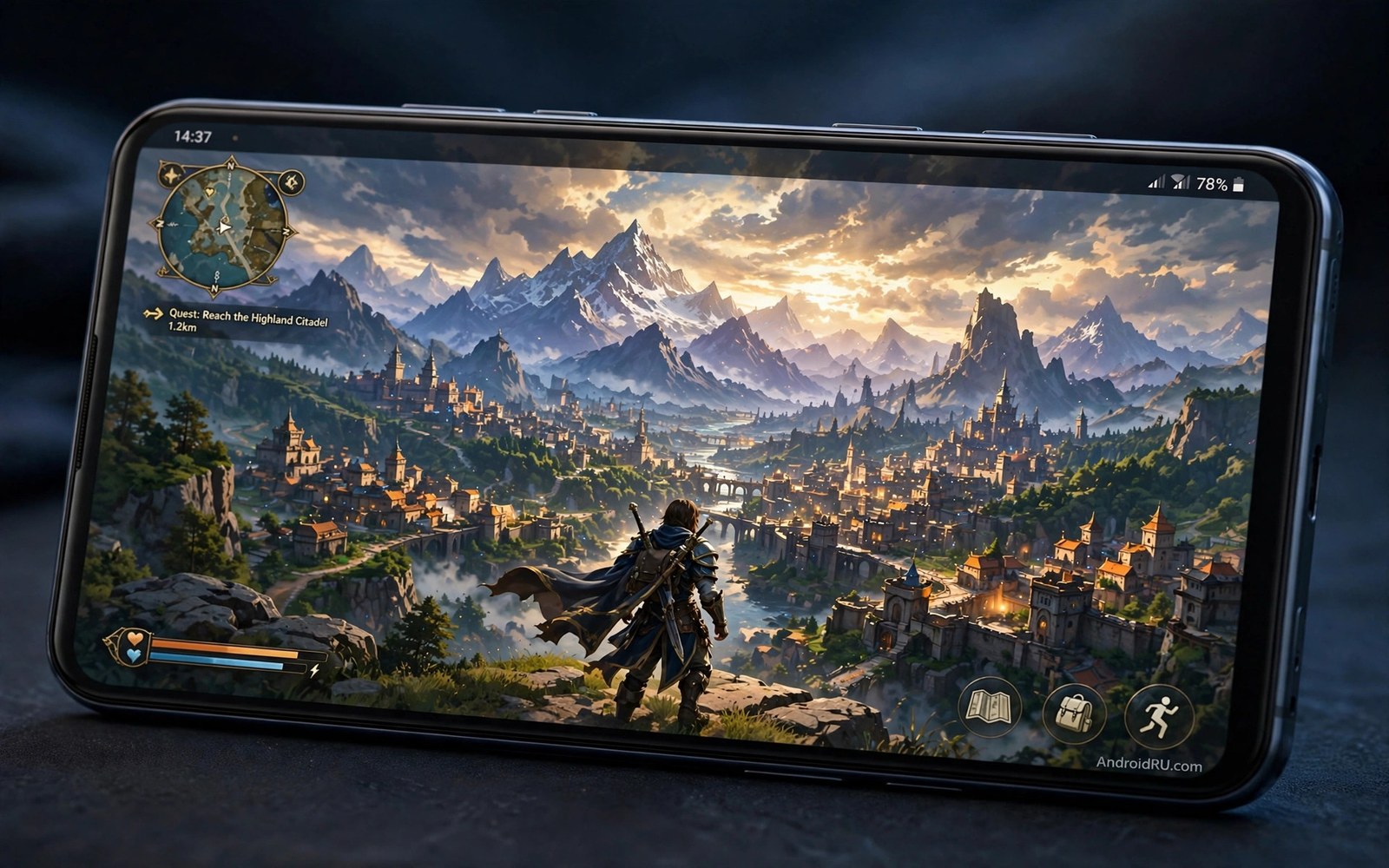
Open world games once needed a console or a gaming PC. A phone screen felt too small for a huge map. That gap has closed fast. Modern phones render large cities and wild landscapes with ease. Free titles now offer climbing and driving and quests across maps that take hours to explore. The best ones feel like console games that happen to fit in a pocket.
Free does not mean shallow here. The seven games below were picked for map size and freedom and play time. Each one lets you wander off the main path without a hard stop. Each one offers a different flavour of open world play. One focuses on city life and driving. Another focuses on wild survival and crafting. Another focuses on story quests across a fantasy land.
Start with the type of freedom you enjoy most. Do you like driving through a city at night. Do you like climbing a mountain to see a new valley. Do you like building a base far from any quest marker. Your answer points to a different game on this list. If you want offline console style graphics first then read ten offline Android games with console quality graphics for a wider set of native titles.
City worlds with driving and side missions
City open world games shine when the streets feel alive. Traffic moves and pedestrians react and side missions pop up as you drive past. A good city game gives you a reason to take a detour. A shop or a race or a hidden collectible should reward curiosity. The best free city games offer a large map with districts that feel different at night.
Play a city game in short bursts first. Drive one district and learn its shortcuts. Try one side mission type and see if it stays fun after five repeats. A city game lives or dies by mission variety. A game with only fetch quests will bore you fast even when the map looks great. A game with races and chases and hidden stunts will hold you longer.
Watch storage size before you install a city game. Large maps need several gigabytes of data. A phone with little free space will stutter as it streams map data. Free up space and keep the game on internal storage when possible. A slow memory card can cause pop in and late loading of buildings during fast driving.
Wild worlds with survival and crafting
Wild open world games reward patience and planning. You gather wood and food and shelter materials. You explore a valley and learn where danger hides. A good survival world feels fair rather than punishing. Death should teach a lesson about a new area or a new creature. It should not feel random or cheap.
Crafting depth matters more than map size in this genre. A huge empty map with only three craft recipes feels hollow fast. A smaller map with deep crafting and base building feels rich for weeks. Check the crafting menu early and look for upgrade chains. A game with long upgrade chains gives you goals beyond the main story.
Play survival games with a clear session goal. One session can focus on building a shelter. The next session can focus on exploring a cave. Clear goals stop aimless wandering from feeling dull. They also help you track progress when the map is huge and quests are sparse.
Fantasy worlds with quests and exploration
Fantasy open world games offer the closest console feel on mobile. They feature large landscapes and story quests and character growth. Climbing a tower to reveal a new region feels just as good on a phone as on a console. The best free fantasy games offer a full story without forcing constant payments.
Check how the game handles character power. A fair game lets skill and exploration raise your power steadily. An unfair game gates progress behind paid boosts. Play for a week without paying and watch the difficulty curve. If progress stalls sharply at one point then the game may push payments hard. Move on to another title on this list in that case.
Use a controller for fantasy games when possible. Touch controls work for menus and slow exploration. A controller helps a lot for combat and climbing and precise movement. If frame rate matters to you then read how to unlock 120fps in PUBG and Call of Duty Mobile and Genshin Impact for performance tips that also help large open worlds.
Check storage before you install a huge game
Open world games are among the largest apps on Android. A quick storage check before install saves a failed download. The commands below show free space and list large game packages on a connected phone. They do not delete anything. They only report what the phone holds at that moment.
adb shell df -h /data
adb shell pm list packages -3
adb shell dumpsys diskstats | grep -i -A 3 "data"
The code above was written for this guide as a short storage check example. Free at least twice the game size before a large install. That buffer leaves room for updates and extra map data after the first launch.
Plan a month of open world play without storage pain
A month of open world play needs a storage plan. Large games can fill a phone in weeks when installed carelessly. Install one large game at a time and finish it before the next install. Delete the finished game promptly to free space for the next title. That rotation keeps the phone fast all month.
Schedule updates for large games on Wi-Fi at night. A large update during play hours can crowd the network and slow the game. Night updates finish before the next session starts. Check update size before you start a session. A surprise update can eat a whole evening of play time.
Balance game types across the month to avoid burnout. A city game week followed by a survival week feels fresh. Two similar city games back to back can feel repetitive even with different maps. Variety in genre keeps exploration exciting. Plan genre switches in advance rather than by impulse.
Track play time per game with a simple note. A game that holds you for twenty hours deserves a sequel in the same genre. A game that bores you after three hours teaches a taste lesson. Those notes help you pick the next month games faster. Good taste notes save download time and storage.
End the month by reviewing screenshots and favourite places. A short review reminds you what made each world special. It also helps you recommend games to friends with confidence. A month plan with a review feels complete rather than random.
Judge an open world after the tutorial
An open world tutorial often restricts movement to a small guided area. That area shows story and controls but hides the full map freedom. A game that feels linear in the tutorial may open up dramatically later. Play until the map fully unlocks before you judge freedom. Many great open worlds need an hour before they breathe.
Side content quality only appears after the tutorial ends. Fetch quests in the opening area may repeat simple tasks. Later regions often add races and puzzles and hidden areas. Explore one full region beyond the tutorial before you judge mission variety. A single region test beats a tutorial impression every time.
Performance also changes after the tutorial area. A small tutorial zone may run smoothly on any phone. A large city or a dense forest may stress the same phone much harder. Test frame rate in a busy region before you praise performance. A game that stutters only in cities needs different settings from a game that stutters everywhere.
Common mistakes
The biggest mistake is installing every game on this list at once. Large games will fill storage and slow the phone. Install one game and play it for a week. Delete it or finish it before you install the next one. That habit keeps the phone fast and the backlog small.
- Players install a huge city game on a slow card and then blame the game for pop in.
- Players rush the main story and then miss the side content that makes open worlds fun.
- Players pay early to skip a grind and then lose interest in a game they never learned.
- Players play a survival game without a session goal and then call the world empty.
- Players ignore controller support and then struggle with combat on touch controls.
Another mistake is judging an open world game in the first ten minutes. The opening area is often a tutorial zone with limited freedom. Play past the tutorial and reach the first large region before you judge the map. Many great open worlds only open up after an hour of guided play.
FAQ
Are these free games really free to finish?
Most free open world games can be finished without paying. Progress may be slower without paid boosts. Cosmetic items and convenience packs are the usual paid extras. Test a game for a week without paying before you judge its fairness. A game that blocks story progress behind payment is not a good pick.
Free games can be finished without payment when progress stays fair. Paid boosts usually speed progress rather than gate the story. A game that blocks story progress behind payment is a bad pick. Test fairness for a week before spending any money.
Do open world games need a constant internet connection?
Some open world games need a connection for events and saves. Others work fully offline after the first download. Check the store page for offline support before a trip. A game that needs a connection will fail on a plane or in a low signal area.
Some open world games need a connection for events and cloud saves. Others work offline after the first download. Check offline support before a trip or a flight. A game that needs a connection will fail in a low signal area. Plan offline titles for travel days.
Will a budget phone run these games well?
A budget phone can run many open world games at medium settings. Lower shadow quality and view distance first when frames drop. A cloud option can help for the heaviest titles. For a cloud plan read the secret hack to use cloud gaming on low-end budget phones before you give up on a demanding title.
A budget phone runs many open world games at medium settings well. Lower shadows and view distance first when frames drop. A cloud option can help for the heaviest titles. A stable medium setting beats a stuttering maximum setting in open worlds.
Conclusion
Free open world games on Android now rival console titles in map size and freedom. City games offer driving and side missions. Wild games offer survival and crafting depth. Fantasy games offer story quests across huge landscapes. The best pick depends on the freedom you enjoy most rather than on a single top chart.
Your concrete next step is to pick one genre from this guide tonight. Install only one game from that genre. Play past the tutorial and reach the first open region. Keep the game only if that region makes you want to explore one more valley or one more street.

