

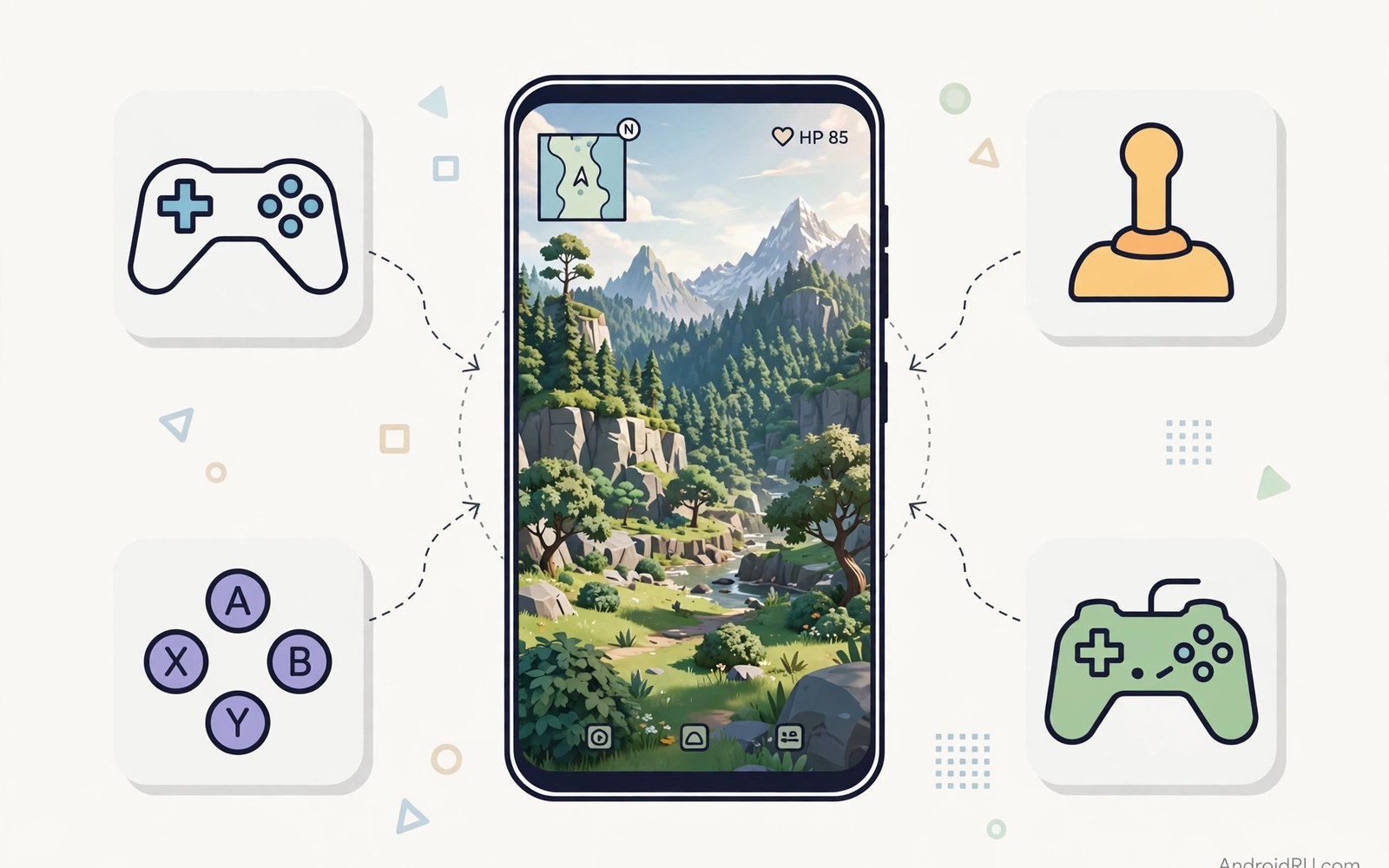
Airplane mode used to mean boring games. That era is over. Modern offline Android games carry detailed worlds and dynamic lighting and smooth animation that once belonged only to consoles. You can explore a mountain valley or race through a neon city with no signal at all.
Offline quality matters most when you actually need it. Flights and rural roads and subway tunnels all kill connections. A game that needs a server becomes a loading screen in those places. A true offline game keeps playing and keeps saving progress locally. That reliability is a feature worth seeking on purpose.
This guide highlights ten kinds of offline games that reach console visual quality. You will learn what makes each category shine and what hardware it needs. You will also learn how to manage storage and battery for big offline titles. By the end your offline shelf will rival a console library.
Open world adventures that fit in your pocket
Open world games impress through scale and detail working together. Rolling hills and distant mountains and weather systems create a sense of place. Offline open worlds stream terrain from local storage instead of a server. That design needs gigabytes of space but rewards you with freedom anywhere.
Check the storage requirement before you download an open world title on mobile data. Many exceed five gigabytes with extra content packs. Download on Wi-Fi and let the game verify its files before you travel. A half downloaded world stutters and crashes at the worst moment.
Performance settings matter more than maximum graphics in open worlds. A stable thirty frames with medium shadows feels better than sixty frames that collapse in a busy town. Lower shadow quality first when frames drop. Shadows cost heavily and their loss is hard to notice during action.
Save progress often in open worlds because sessions end abruptly on a phone. A call or a low battery warning can interrupt a long quest. Manual saves at safe points protect hours of exploration. Treat the save button as part of the game loop.
Racing and action games built for spectacle
Racing games showcase graphics through speed and reflections. Wet roads and car paint and motion blur sell velocity. Offline racers bake much of this detail into local tracks. The result looks stunning without any network help. A good racer also offers a career mode that works fully offline.
Action games impress through character animation and particle effects. A sword swing with sparks and a dodge with motion trails feels console grade. Offline action titles often focus on a tight campaign rather than live events. That focus produces a better story and a cleaner difficulty curve.
Control choice shapes the experience in both genres. A touch layout works for casual racing but a controller transforms action combat. Pair a controller for longer sessions and keep touch for quick races. The right input makes console graphics feel console playable too.
Battery drain hits hardest in these showpiece games. High frame rates and bright screens consume power fast. Lower the frame cap to thirty for long trips and raise it at home near a charger. Smart caps stretch a flight session from one hour to three.
Puzzle and story games with art direction
Console quality does not always mean realistic graphics. Some of the most beautiful offline games use stylised art with care. A hand painted puzzle world can look richer than a realistic one with weak lighting. Art direction beats raw polygon count for lasting beauty.
Story games benefit most from offline play because interruptions break immersion. A narrative that pauses for a connection error loses its spell. Offline stories keep tension intact from chapter to chapter. Download the full story before a trip and enjoy it without a single loading complaint.
Puzzle games with strong visuals suit short sessions and long ones alike. A five minute puzzle break and a two hour marathon both work. Their modest hardware needs mean they run smoothly on older phones too. Beauty without demanding hardware is a gift for budget devices.
Sound design deserves mention in this category. A quiet puzzle game with excellent audio feels premium through headphones. Download any extra audio packs on Wi-Fi before travel. Missing audio files can mute a scene that the visuals worked hard to build.
Strategy and role playing games for long journeys
Strategy games look console grade through dense detailed maps and crisp unit models. A battlefield with hundreds of units taxes the processor more than the graphics chip. Offline strategy titles balance that load with smart zoom levels. Detail appears when you zoom in and simplifies when you zoom out.
Role playing games impress through character customisation and vast inventories. Offline role playing titles let you build a hero over dozens of hours without server checks. Local saves mean your hero survives a lost connection or a changed account. That permanence matters for a game you invest weeks in.
Turn based systems suit phone play because they forgive interruptions. A phone call pauses a turn without penalty. Real time systems punish every distraction. For travel gaming prefer turn based titles or games with generous pause options. Your journey will interrupt you and the game should cope.
Storage management returns as the practical limit for this category. Role playing games with voice acting and large worlds grow huge. Keep two large titles installed and archive the rest. A rotating shelf of two games beats ten half downloaded giants.
Make big offline games run smoothly
Free storage before you install a large game. Android needs breathing room beyond the game size for caches and updates. Keep at least twenty percent of storage free for smooth operation. A full phone stutters even in a well optimised game.
Close background apps before a demanding session. Streaming music and social apps compete for processor time and memory. A clean background gives the game the resources it needs. Game mode on many phones automates this step for you.
Update games on Wi-Fi before a trip and then test a short session. An update that fails mid download can corrupt files. A ten minute test at home catches problems while Wi-Fi can fix them. Never discover a broken install at thirty thousand feet.
Build your gaming setup as a system rather than a pile of titles. A guide on how to turn your Android phone into a handheld gaming console shows how controller and library and settings fit together. Offline games shine brightest inside that deliberate setup.
adb shell dumpsys meminfo com.example.game | head -30
adb shell cmd package list packages -f | grep -i game
The code block above is an original example written for this article. It shows diagnostic commands that report memory use for a game and list installed game packages. Replace the example package name with the real package of your game. It is a learning aid for users who want to check whether a big title strains their phone.
Demo versions and lite trials help you test a big game before committing storage. Play the opening hour and check how the game handles your phone heat and battery. A trial that stutters in the opening will not improve in busier chapters. Delete trials promptly when they fail the test so storage stays free for winners. A disciplined trial habit keeps the offline shelf strong.
Family sharing turns one offline library into entertainment for a whole household. A tablet with the same offline games entertains children on a long drive without data. Keep age appropriate titles in a separate folder so younger players find them easily. Offline games shine for families because no account or connection gates the fun. One purchase or download can serve many quiet journeys.
Controller support transforms many offline games from good to great. A physical stick gives finer movement than a virtual pad for action titles. Pair a controller before judging a game that felt awkward on touch. Some games hide controller options deep in settings menus so search settings thoroughly. The right input can rescue a game you nearly deleted.
Common mistakes
The first mistake is downloading a huge game on mobile data right before a trip. Large downloads fail and corrupt on weak connections. Download on Wi-Fi a day early and test the game. Early preparation beats airport panic.
The second mistake is forcing maximum graphics on a midrange phone. A stuttering game at ultra settings looks worse than a smooth game at medium. Lower shadows and reflections first. Stability is the real visual quality.
The third mistake is assuming every single player game works offline. Some single player modes still phone home for saves or rewards. Check the offline capability in reviews before travel. A quick search saves a ruined flight.
The fourth mistake is filling storage to the brim with games. A full phone slows every game and blocks updates. Keep two large titles and archive the rest. Rotation keeps performance healthy.
Frequently asked questions
Do offline games need internet for updates?
Updates need internet but gameplay does not once installed. Download updates on Wi-Fi before travel. After updating test the game briefly to confirm files are complete. Then airplane mode will not hurt progress.
Why do console quality games drain battery fast?
Detailed graphics and high frame rates demand processor and screen power. Lower the frame cap and brightness for longer sessions. A controller session with a capped frame rate can last twice as long as an uncapped one.
Can older phones run console quality games?
Many stylised and turn based titles run well on older phones. Realistic open worlds need newer hardware for smooth play. Choose art driven games when hardware is modest. Great art direction ages better than raw realism anyway.
Conclusion
Offline Android games now rival console visuals across open worlds and racing and action and story and strategy. The best shelf mixes realistic showpieces with art driven gems. Manage storage and battery with the same care you give to picking titles. Your phone will then entertain you anywhere without a single bar of signal.
Your concrete next step is to pick one offline game from a category you love and download it on Wi-Fi tonight. Test it in airplane mode for twenty minutes with a capped frame rate. If it plays smoothly then it earns a permanent offline shelf spot. Continue building with stop lagging in mobile games with 5 performance fixes and how to play PS2 games on Android at 60FPS smoothly for more performance wins.

