

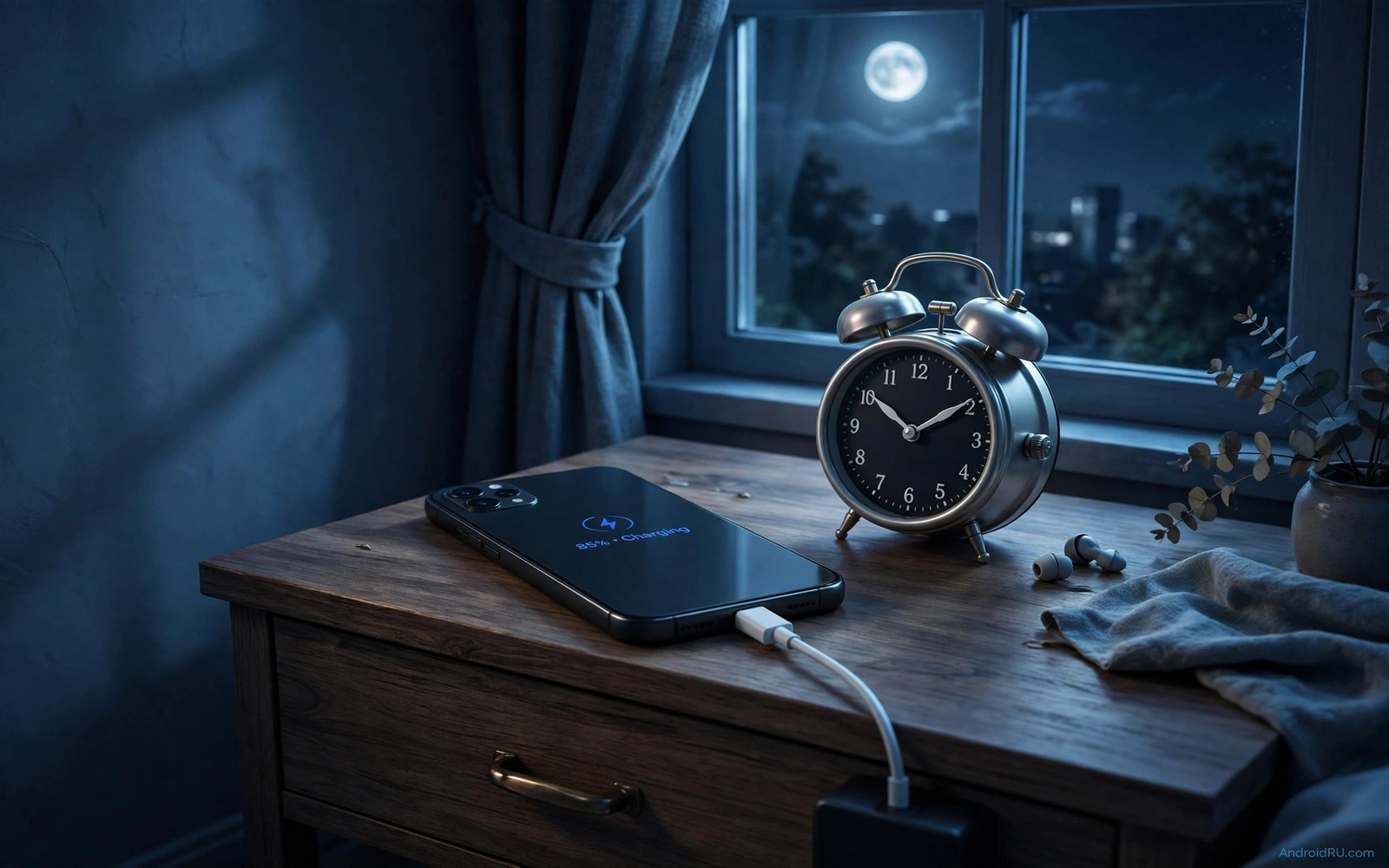
Stop Charging Your Phone Overnight! Do This Instead
For years I plugged my phone in at bedtime without a second thought. The cable went in around 11 p.m., the battery hit 100% before 1 a.m., and the phone sat there, warm and full, until my alarm went off. It felt efficient. It felt like the obvious routine. Then my two-year-old phone started shutting down at 18% on cold mornings, and a battery health reading showed capacity down to 84%. That was the bill for all those quiet nights at full voltage.
Overnight charging is not dangerous in the way people fear. Modern phones stop true overcharging. The real cost is slower and quieter: a lithium-ion cell held at its highest voltage for six or seven hours every night ages faster than the same cell held at 60% or 80%. Heat makes it worse, and a phone under a pillow or inside a thick case traps exactly the heat that speeds the wear.
This guide gives you a better routine, not a lecture. You will see what full voltage does inside the cell, how to switch on adaptive charging on Pixel and Samsung phones, how to set an 80% charge limit, when bypass charging helps, and how a 30-minute morning top-up can replace the whole overnight habit. Pick one change tonight and add the rest over the next week.
Why a phone at 100% all night wears the battery faster
A lithium-ion battery is happiest in the middle of its range. Around 40% to 80% the voltage inside the cell sits near 3.7 to 3.9 volts, and the chemical reactions that wear the electrodes move slowly. Push the charge to 100% and the voltage climbs to about 4.2 volts. That top zone is where the electrolyte breaks down faster and a thin layer builds up on the electrodes, raising resistance and eating capacity a little at a time.
One night at 100% costs almost nothing. Three hundred nights cost a visible slice of capacity. A phone that charges to full by 1 a.m. and stays there until 7 a.m. spends roughly six hours a night in that stressful top zone. Over a year that adds up to more than 2,000 hours at maximum voltage. Cutting that to one hour a night, or to zero on most nights, is the single biggest lever you have over battery lifespan.
Age matters too. A battery that already holds 85% of its original capacity loses ground faster at full voltage than a fresh one. That is why the decline often feels sudden in year two or three: the cell was wearing all along, and the weaker it gets, the faster the top zone hurts it. Changing the routine early pays more than changing it late, but late is still far better than never.
What 4.2 volts does inside a lithium-ion cell
At full charge the graphite anode is packed with lithium ions and the cathode is stretched to its limit. Side reactions at that voltage slowly consume the electrolyte and trap lithium where it can no longer shuttle back and forth. Each trapped ion is capacity you never get back. The phone still reports 100%, but 100% of a smaller tank is less driving range, fewer hours of screen time, and an earlier low-battery warning.
Fast charging adds a second pressure at the top. Above 80%, a good charging circuit slows down sharply, which is why the last 20% takes so long. Cheap chargers and worn cables can push past that taper or deliver noisy power, so the phone heats up right when the cell is most sensitive. A charger that feels hot to the touch at 95% is telling you something worth listening to.
Heat is the second wear factor, and it multiplies the first
Heat and high voltage are not two separate problems. They multiply each other. A cell at 100% in a cool room at 20°C ages far more slowly than the same cell at 100% in a 32°C bedroom under a blanket. Summer nights, thick cases, and charging while the phone backs up photos or downloads updates all push the temperature up during exactly the hours the battery is fullest.
I measured this on my own nightstand with a simple routine: charge on a hard wooden surface with the case off, and the phone stayed barely warm. Charge the same phone under a pillow with the case on, and it was noticeably hot at 2 a.m. Same charger, same phone, different result. Airflow is free, and it is worth more than most battery apps promise.
How to check battery temperature tonight
Open Settings, then Battery, then Battery health or Battery information, depending on your phone. Some phones show temperature there; others need a free battery monitor app from the Play catalogue. A healthy charging temperature sits roughly between 20°C and 35°C. If you see 40°C or more while the phone idles on the charger, move it to a cooler spot, take the case off, and check the cable. That one reading tells you more than a week of guessing.
Adaptive charging on Pixel, Samsung and other Android phones
Adaptive charging is the easiest fix in this whole guide because it changes nothing about your routine. You still plug in at bedtime. The phone charges to about 80% quickly, holds there through the night, and finishes the last stretch shortly before you wake. You still wake to a full battery, but the cell spends five or six fewer hours at maximum voltage.
On a Pixel, open Settings, then Battery, then Adaptive charging, and switch it on. The phone learns your wake time from your alarm and from when you usually unplug. On Samsung, open Settings, then Battery, then Battery protection, and choose Adaptive protection or Maximum protection, depending on the model and software version. OnePlus, Xiaomi and other makers hide a similar option under Battery, then Battery health or Charging settings, often labelled optimised charging or smart charging.
The feature needs about a week of regular timing to learn your pattern. Set an alarm for roughly the same time each day during that learning week, even on weekends if you can. Plug in at a similar time each night. Irregular schedules confuse the prediction, and the phone may finish charging early on a night you sleep in. That is a minor miss, not a failure of the idea.
- Plug the phone in at your usual bedtime and note the time.
- Open Settings, then Battery, then Adaptive charging or Battery protection, and switch the feature on.
- Set a regular alarm for the next seven mornings.
- Each morning, check the battery level and the time the phone finished charging, shown in the battery settings or notification history.
- If the phone finished more than an hour before you woke, keep the alarm steady for three more days so the pattern firms up.
What to check the next morning after enabling adaptive charging
Look for two things. First, the battery should read 100% when you wake, or very close to it. Second, the charging history should show a long pause near 80% and a late climb to full. If the phone sat at 100% from midnight, the feature may not have learned your alarm yet, or it may be switched off after a software update. Re-check the toggle after every major update, because updates sometimes reset battery settings without telling you.
The 80% charge limit: the simplest daily setting for battery health
An 80% charge limit is the bluntest and most reliable tool here. The phone simply stops at 80% and never enters the stressful top zone at all. For a normal day of messages, maps, music and some video, 80% on a healthy battery is plenty. I ran my own phone at an 80% cap for three months and needed a midday top-up only on two heavy travel days.
On Samsung phones the control lives in Settings, then Battery, then Battery protection, where Maximum protection caps charging at 80%. On Pixel phones with recent software, look in Settings, then Battery, then Charging optimisation, and choose Limit to 80%. Other makers call it Battery care, Charging limit, or Custom charging limit, and some let you pick 85% or 90% instead of 80%. Any cap below 100% helps; 80% helps the most for daily use.
The trade-off is honest: you start the day with one fifth less energy. If your day includes hours of navigation, video recording, or mobile gaming, plan a top-up. A 15-minute charge while you eat lunch adds far more usable energy than the overnight hours you gave up, because the phone charges fastest in the middle of its range.
When 80% is enough and when it is not
Office days, school days, and work-from-home days fit inside 80% with room to spare on most phones with a battery above 4,000 mAh. Long travel days, festival days, and days when you record video for hours do not. The trick is to treat 100% as a tool you pick up for a reason, not a default you accept every night. Flip the limit off the evening before a flight, charge fully, and switch it back on when you get home.
How to override the limit for one travel day
Open the same Battery protection or Charging optimisation screen, switch the limit off or choose the one-time full charge option if your phone offers it, and plug in. Some Samsung phones show a notification when the cap is active with a one-tap option to charge to 100% just this once. Use that option rather than turning the whole feature off and forgetting to turn it back on. A calendar reminder for the morning after travel helps too.
Bypass charging for gaming and long plugged-in sessions
Bypass charging is a feature more people should know about. When it is switched on, power from the charger runs the phone directly instead of passing through the battery. The battery stays at its current level, cool and unstressed, while you play a game, watch video, or sit on a long video call with the cable attached.
Sony phones call it Heat Suppression or Battery Care with bypass, and some gaming phones from ASUS, Xiaomi and others include a bypass or direct-power toggle in their game mode or battery settings. Samsung does not offer a general bypass toggle on most models, though its Pause USB Power Delivery option in Game Launcher does a similar job during games. Check your game mode settings before assuming your phone lacks it.
Here is the catch: bypass charging only helps while the phone stays plugged in and the feature is active. It does nothing for overnight charging, because the phone is idle and the battery still fills to full unless a limit or adaptive charging stops it. Use bypass for the evening gaming session, and use the 80% limit or adaptive charging for the night. The two tools cover different hours.
Which phones offer bypass charging in 2026
Sony Xperia models have offered it for years, and ASUS ROG Phone models include it in Armoury Crate under PowerMaster or charging settings. Several Xiaomi and Redmi gaming models add it through Game Turbo. If your phone lacks the feature, the closest substitute is simple: charge to 80%, unplug, play on battery, and plug in again only when you drop below 30%. That keeps the cell out of the top zone during the longest plugged-in hours.
The 30-minute morning top-up routine that replaces overnight charging
If your phone has no adaptive charging and no 80% limit, the morning top-up routine is your best move. Charge while you shower, dress, and eat breakfast. Thirty minutes on a modern fast charger adds roughly 40% to 60% to most phones, which is more than enough to carry a normal day when the phone went to bed at 50% or 60%.
Start the evening with the phone unplugged at whatever level the day left it, ideally between 40% and 70%. That middle range is where the cell ages slowest overnight. Put the charger in the bathroom or the kitchen, not beside the bed. Location shapes behaviour more than willpower does: a charger beside the bed tempts you back to the old habit, while a charger by the kettle makes the new habit automatic.
Faster charging setups help morning routines replace overnight full charges, because the right cable and charger turn a short window into a serious amount of energy. A 25W or 30W charger with a cable rated for that power fills a phone far faster than an old 5W brick, and the difference matters most in a 20-minute window.
A sample morning schedule that actually works
Here is the schedule I used for a month. At 7:00 a.m. I plugged in at 55% while I showered. By 7:20 the phone showed about 85%. I unplugged, ate breakfast, and left the house near 90%. On office days the phone ended the day near 35%, and the next morning started the same way. No overnight charging, no midday panic, and the battery health reading stopped sliding.
| Morning window | Charger power | Typical gain | Best for |
|---|---|---|---|
| 15 minutes | 25W | About 25% to 35% | Light days from 55% or higher |
| 30 minutes | 25W to 30W | About 40% to 60% | Normal days from 45% or higher |
| 30 minutes | 65W | About 55% to 75% | Heavy days from a low level |
| 45 minutes | 15W | About 30% to 40% | Slow, cool top-ups at a desk |
Check the gain yourself on day one: note the level when you plug in, set a timer for 30 minutes, and note the level again. That single measurement tells you whether your charger and cable deliver what the box promised. If 30 minutes adds less than 25%, the cable is the usual suspect.
Charger wattage, cables and heat: pick 15W, 25W or 65W wisely
Headline wattage is a poor guide to battery health. A 65W charger does not push 65W into the phone for the whole session. It delivers high power only in the low and middle range, then tapers hard above 80%. The danger is not the peak number on the box; it is heat during a long session and a cheap cable that negotiates power badly.
For overnight or long plugged-in sessions, a slower charger is often kinder. A 15W or 18W charger fills the phone more gently and runs cooler, which matters when the phone sits on the charger for hours. For a short morning top-up, a 25W or 30W charger earns its keep. For a 65W charger, use it when you genuinely need speed, and unplug once the phone passes 80% rather than leaving it attached.
Fast charging facts explain why heat matters more than headline wattage numbers, and the evidence points the same way: temperature, not the watt number, is what ages the cell. A cool 65W session beats a hot 15W session every time, so the surface and the case matter as much as the brick.
Why a slower charger can be kinder overnight
A slow charger spreads the same energy over more time, so the cell warms less and the charging circuit spends less time managing heat. If you still charge overnight with adaptive charging switched on, pairing it with a 10W or 15W charger is a sensible combination: the phone trickles to 80%, waits, and finishes gently before your alarm. Keep the fast charger for the morning, and keep the slow one by the bed.
How to spot a cable that is hurting your battery
Look for three signs. The phone charges far slower than it used to on the same brick. The cable or the connector feels hot while charging. The phone connects and disconnects repeatedly when the cable moves. Any one of those means the cable should be replaced. A certified USB-C cable from a known maker costs little, and a frayed cable is never worth the risk to the battery or to safety.
A cool charging station: surface, case and room temperature
Build the station once and it pays you every night. Choose a hard surface with airflow, such as a wooden nightstand or a desk, and keep it away from radiators, sunny windows, and bedding. Remove a thick case while charging if the phone feels warm. Use the brand charger or a certified charger with correct power negotiation, and keep the cable loose rather than coiled tightly around the brick.
Room temperature matters more than most people expect. A bedroom at 18°C to 22°C is kind to a charging battery. A room above 28°C in summer already starts the session warm, so move the station near a window with airflow or charge earlier in the evening when the room is cooler. Small changes in temperature compound over hundreds of nights.
Five station mistakes that undo good charging habits
- Charging under a pillow or blanket traps heat and blocks airflow, so the phone cooks while it fills.
- Charging inside a closed drawer or cabinet has the same effect with even less ventilation.
- Leaving a thick rugged case on during a fast charge adds insulation exactly when the phone needs to shed heat.
- Stacking the phone on a laptop or a game console passes extra warmth into the battery.
- Using a charger buried under clothes or bedding hides the warning sign of a hot cable.
Travel days, family phones and breaking the habit for good
Travel days break normal routines, and that is fine. A flight day offers scattered charging windows in lounges, trains, and cafes. Plan top-ups around those windows deliberately: charge while you wait at the gate, top up on the train, and carry a power bank rated for at least one full charge. Charge the power bank the night before travel, because a dead power bank helps nobody.
On travel days, match the charge strategy to outlet availability. A day with several top-up chances needs no full charge at all. A day with a single chance deserves one, so switch the 80% limit off that morning and enjoy the extra range without guilt. Judge the pattern across the month, not the single exception.
Dark mode battery tests show how screen type decides whether a toggle saves power, and that knowledge helps on travel days too: on an OLED phone, dark mode trims screen drain during long waits, while on an LCD phone the saving is small. Knowing which phone you hold stops you chasing savings that do not exist.
Helping family switch without a lecture
Family charging habits usually mirror the overnight default. A short explanation of voltage stress changes minds faster than a long lecture, and showing the setting on their own phone beats both. During a visit, open Battery settings on a parent’s phone, switch on adaptive charging or set the 80% limit, and move the charger to a ventilated nightstand together. A shared setup session fixes several phones at once.
Revisit those phones after a month. Updates sometimes reset battery settings silently, and a limit that slipped off unnoticed is the same as no limit at all. A monthly check takes two minutes per phone and keeps the routine alive. Gentle reminders beat one-time lectures for lasting change.
Break the overnight habit in three gradual steps
Step one is to enable adaptive charging while keeping the bedtime plug-in routine exactly as it is. Behaviour stays identical while battery stress drops at once. Step two, after a week, is to add the 80% limit for daily use and notice how rarely you miss the top fifth. Step three is to try morning top-ups on easy days and keep overnight charging only for travel or emergencies. Gradual steps make each change feel small, and small changes are the ones that survive.
Forgive the occasional overnight full charge during the transition. Travel and emergencies justify full charges without guilt, and a habit survives exceptions when exceptions stay rare. Perfectionism kills more habits than occasional lapses ever do. Sustainable routines tolerate real life gracefully.
Frequently asked questions about overnight charging
What happens if I charge to 100% every night for a year?
The phone will still work, and nothing dramatic happens on any single night. Over a year, though, the cell spends roughly 2,000 hours at maximum voltage, and capacity loss accelerates compared with a phone kept mostly below 80%. Expect the battery health reading to drop several percent faster, and expect the phone to need replacement or a new battery sooner in year three. The damage is gradual, which is exactly why it is easy to ignore until it shows up as shutdowns at 15%.
Does adaptive charging work without an alarm?
Yes, in most cases. Adaptive charging learns from usage patterns even without a fixed alarm, because a regular wake time from daily use gives it enough signal. A fixed alarm simply makes the prediction sharper. Irregular schedules reduce accuracy, and the phone may finish early on some nights, but the feature still delays the final stretch on many nights, which is a real saving over a year.
Is 80% enough for a heavy day of maps and video?
For most healthy phones, 80% covers a normal heavy day with a small margin, but a day of continuous navigation plus video recording can drain it by late afternoon. The fix is a planned top-up, not a return to overnight full charges. A 15-minute charge at lunch or in the car adds 25% or more, and a small power bank covers the days when no outlet appears. Test your own heavy day once and you will know your real margin.
Can a phone stay plugged in safely while I sleep?
Modern phones include protection circuits that prevent true overcharging, so the immediate safety risk is low with a certified charger on a ventilated surface. The risk is long-term wear rather than sudden danger. Keep the phone out from under bedding, use a charger and cable in good condition, and switch on adaptive charging or a charge limit. If a phone ever feels painfully hot, swells, or smells strange, unplug it and have it checked the same day.
Your first night on the smarter routine
Tonight, open Battery settings and switch on adaptive charging or set the 80% limit, whichever your phone offers. Move the charger to a hard, ventilated surface and take a thick case off before you plug in. Set a regular alarm so the phone can learn your wake time this week.
Tomorrow morning, check what happened: the level, the temperature, and whether the phone finished charging close to your alarm. That one check turns a vague intention into a routine you can see working. Repeat it for a week, add the morning top-up on easy days, and the battery you own in three years will be the proof that the change was worth it.

