

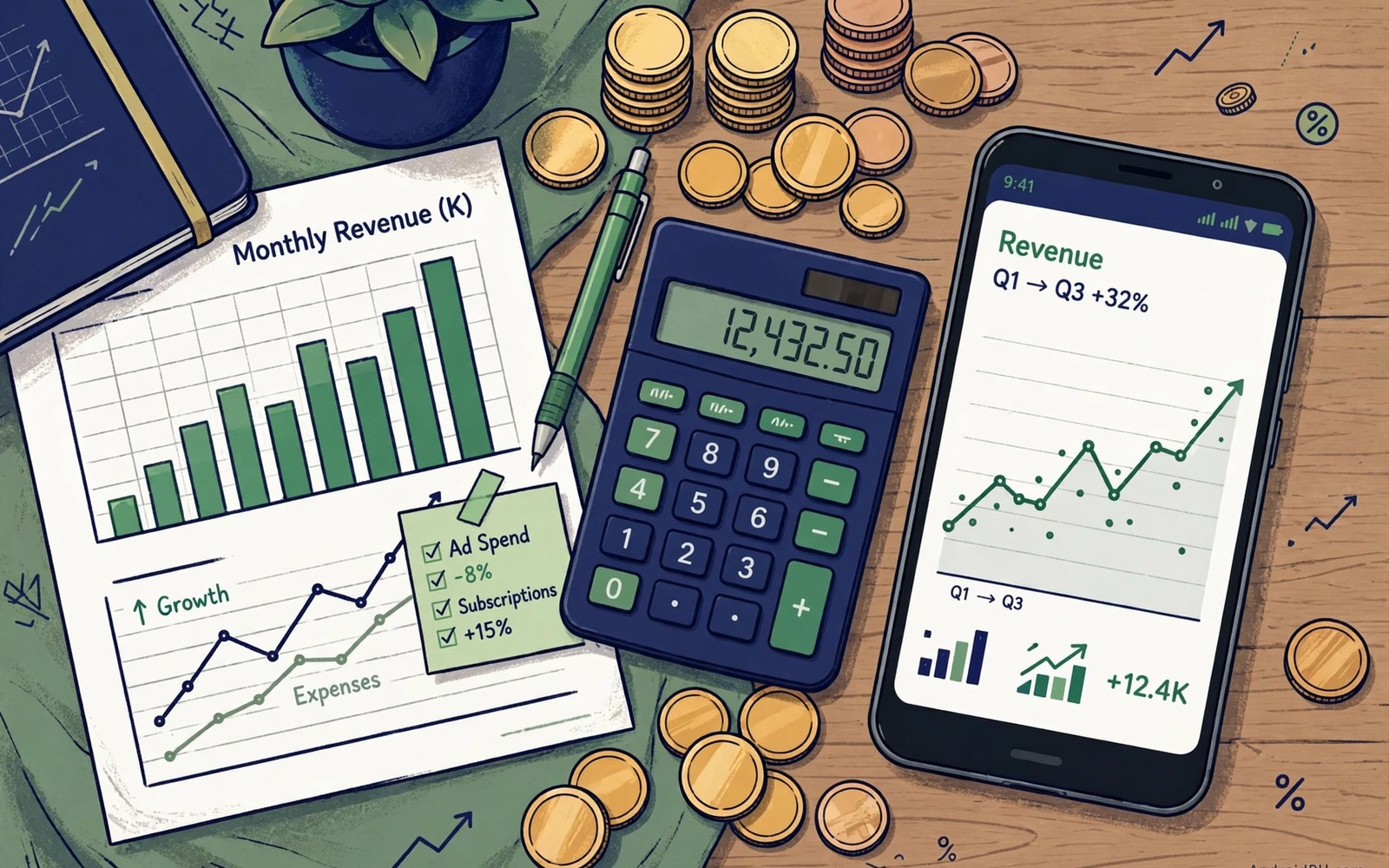
Financial reports turn app sales into numbers that you can plan around. They show gross sales and fees and refunds and payouts in separate lines. Reading those lines correctly prevents surprises at payout time. A developer who understands reports can forecast cash flow with confidence.
Reports also support tax work because they record where sales occurred and what was collected. Tax rules differ by country and by product type. A report that you read monthly gives your accountant clean data at year end. A report that you ignore until year end creates a stressful reconstruction task.
Start by learning the report types and their timing. Some reports update daily and some update monthly. Daily reports help you spot trends early. Monthly reports give the settled numbers that matter for accounting. Use both types for different questions rather than relying on one alone.
Find Reports In The Console
Open the financial section of the console and look for the report list. Reports are grouped by earnings and by payouts and by tax documents. Download the report that matches your question rather than downloading everything. A focused download is easier to read and easier to share with an accountant.
Check the report period before you read any number. A report for a partial month will look smaller than a full month report. Compare periods of equal length when you judge growth. A period mistake is the most common reason that a report seems wrong at first glance.
Understand Gross And Net Sales
Gross sales show the total that buyers paid before fees and refunds. Net sales subtract refunds and chargebacks from that total. Fees are then deducted to reach the payout amount. Each step matters because a large gross number can still lead to a modest payout.
Track gross and net separately over time. A rising gross with a flat net may signal rising refunds. A falling gross with a stable net may signal a pricing change that improved retention. Separate lines reveal causes that a single total hides completely.
Read Fees And Service Charges
Service fees are deducted from sales according to the current fee schedule. Different product types can carry different fee rates. Subscription fees can change after a retention threshold in some programs. Check the fee line for each product rather than assuming one rate for all sales.
Record fee rates in your own notes with the date that each rate took effect. A fee change mid month will split the month into two rates. Your notes help you explain that split later. Without notes a mid month change looks like an error in the report.
Track Refunds And Chargebacks
Refunds reduce net sales in the period when they are processed. A refund for an old sale can therefore reduce a current month payout. Chargebacks follow a similar pattern with additional processing steps. Read refund lines alongside sales lines to understand net movement.
Investigate a sudden rise in refunds promptly. A rise may signal a billing fault or a misleading listing or a broken feature. Fix the cause rather than only watching the number. A refund trend that you ignore will grow into a reputation problem as well as a revenue problem.
Understand Payout Timing
Payouts follow a schedule that lags sales by a set period. Sales in one month may pay out in the following month. Plan cash flow around payout dates rather than around sale dates. A business that spends sale money before payout can face a cash gap.
Check payout status in the console when a payout seems late. A payout can pause for missing tax forms or for unverified payment details. Fix the blocking item promptly and note the new expected date. Most payout delays trace to a missing form rather than to a system fault.
Read Country Breakdowns
Country breakdowns show where buyers live and which currencies they used. Those details matter for tax and for pricing decisions. A market with strong sales but high refund rates needs a different response from a market with steady sales. Country data guides focused action.
Use country data to test local pricing when a market underperforms. A price that works in one country may feel high in another. Local pricing tests should run long enough to show a real trend. Short tests in a new market often mislead more than they inform.
Handle Currency Conversion
Sales in foreign currencies convert to your payout currency at rates that change daily. Conversion differences can make the same sales total pay out differently across months. Read the conversion line in the report rather than assuming a fixed rate. A rate shift explains many small payout variations.
Do not set prices by converting your home price directly for every market. Local purchasing power and local competition matter more than a direct conversion. A price that ignores local conditions will underperform even when the conversion math looks correct on paper.
Prepare Tax Documents
Tax documents in the console summarize sales and taxes collected for a period. Download them monthly and store them with your accounting records. Give them to your accountant early rather than at the filing deadline. Early documents give time to ask questions and to fix gaps.
Check that your tax forms in the console are current before each payout cycle. An expired form can pause payouts until you update it. Set a calendar reminder for form expiry dates. A reminder costs seconds and it prevents a payout pause that could last weeks.
Work With An Accountant
Share console reports with an accountant who understands digital sales. Explain your product types and your markets in plain terms. An accountant who understands the business will classify income correctly. A generic classification can create tax problems later.
Ask your accountant which reports they need each month. Provide those reports on a fixed schedule. A monthly habit beats a year end dump of files. Regular sharing also lets the accountant spot a classification issue while it is still easy to fix.
Forecast Revenue From Reports
Use several months of net sales to forecast the next quarter. Smooth out one time spikes before you forecast. A spike from a promotion or from press coverage may not repeat. A forecast built on a spike will overstate expected cash and will mislead spending plans.
Update the forecast monthly as new reports arrive. A forecast is a living estimate rather than a fixed promise. Adjust spending when the forecast moves materially. A business that updates forecasts monthly avoids the shock of a sudden shortfall.
Spot Anomalies Early
Compare each new report with the previous month and with the same month last year. Flag any line that moves sharply without a clear cause. A sharp move may signal a data error or a real business change. Investigate before you assume either explanation.
Keep a short note for each anomaly and its resolution. A note about a promotion or a price change explains a spike months later. Without notes you will waste time re investigating the same spike. Anomaly notes turn reports into a business history.
Keep Records Organized
Store reports in folders by year and by month with clear names. Include the report type and the period in each file name. A clear folder structure lets you find any report in seconds. A messy folder wastes time during an audit or a tax filing.
Back up financial records in a second location separate from the console. Console access can change if an account issue arises. Your own backup ensures that you always have the numbers. A backup is cheap insurance for records that support your income.
Avoid Common Report Mistakes
Avoid reading gross sales as profit. Fees and refunds and taxes all reduce the amount that reaches you. Avoid comparing periods of different lengths. Avoid ignoring small lines such as chargebacks because small lines can grow into large problems.
Avoid sharing raw reports publicly without checking for sensitive details. Reports can contain account identifiers that should stay private. Share summaries with partners rather than raw files when a summary answers their question. Privacy in financial sharing protects your business.
Review Reports Monthly
Set a monthly review meeting with yourself or with your finance partner. Read the new reports and update forecasts and notes. Check tax form status and payout status in the same session. A single monthly session covers the whole financial picture.
End each review with a short action list. List any anomaly to investigate and any form to update and any forecast to revise. Complete the list before the next review. A monthly rhythm keeps finances current and keeps surprises rare.
Plan For Growth And Taxes
Growth changes tax obligations as sales cross thresholds in new markets. Monitor country sales against known thresholds. Consult a tax advisor before entering a market with complex rules. Early advice costs less than a correction after sales have grown.
Set aside a share of each payout for taxes rather than spending the full payout. A tax reserve prevents a painful bill at filing time. Adjust the reserve rate as your accountant advises. A reserve habit is the simplest form of financial discipline for a growing app business.
- Download the report that matches your question
- Compare periods of equal length only
- Track gross and net sales separately
- Check tax form status before each payout cycle
- Store reports by year and month with clear names
- Set aside a tax reserve from every payout
Reconciling Reports With Bank Payouts
Compare each console payout with the matching bank deposit when the payout arrives. Note any difference and check whether fees or refunds explain it. A small difference often traces to conversion timing. A large difference deserves a prompt inquiry with the payout details in hand.
Keep a reconciliation sheet that lists expected payout and actual deposit and difference for each cycle. Update the sheet on payout day rather than at month end. A current sheet makes tax work easier and makes anomalies visible early. Reconciliation is a habit that protects cash flow accuracy.
Sharing Reports With Partners
Partners such as investors or co founders may need revenue summaries without raw account details. Prepare a summary that shows net sales and growth and payout timing. Share the summary on a fixed schedule so partners can plan. A regular summary builds confidence without exposing sensitive identifiers.
Avoid sending raw report files to partners who only need totals. Raw files can contain details that partners do not need. A summary also forces you to understand the numbers before sharing them. Understanding before sharing prevents questions that you cannot answer.
For reference the snippet below shows the simple arithmetic that turns gross sales into a payout amount.
// Payout calculation example
val gross = 10000.0
val refunds = 400.0
val fees = 1500.0
val payout = gross - refunds - fees
println("Payout: $payout")
For more context read Play Integrity API protection against unauthorized piracy and app bundle publishing and dynamic feature delivery. You may also find device compatibility exclusions for unsupported hardware helpful for your next release.
The steps above follow the approach described in the official developer documentation for this platform. That guidance explains the same sequence in general terms. This article adapts those ideas into a practical workflow for independent developers and small teams.

