

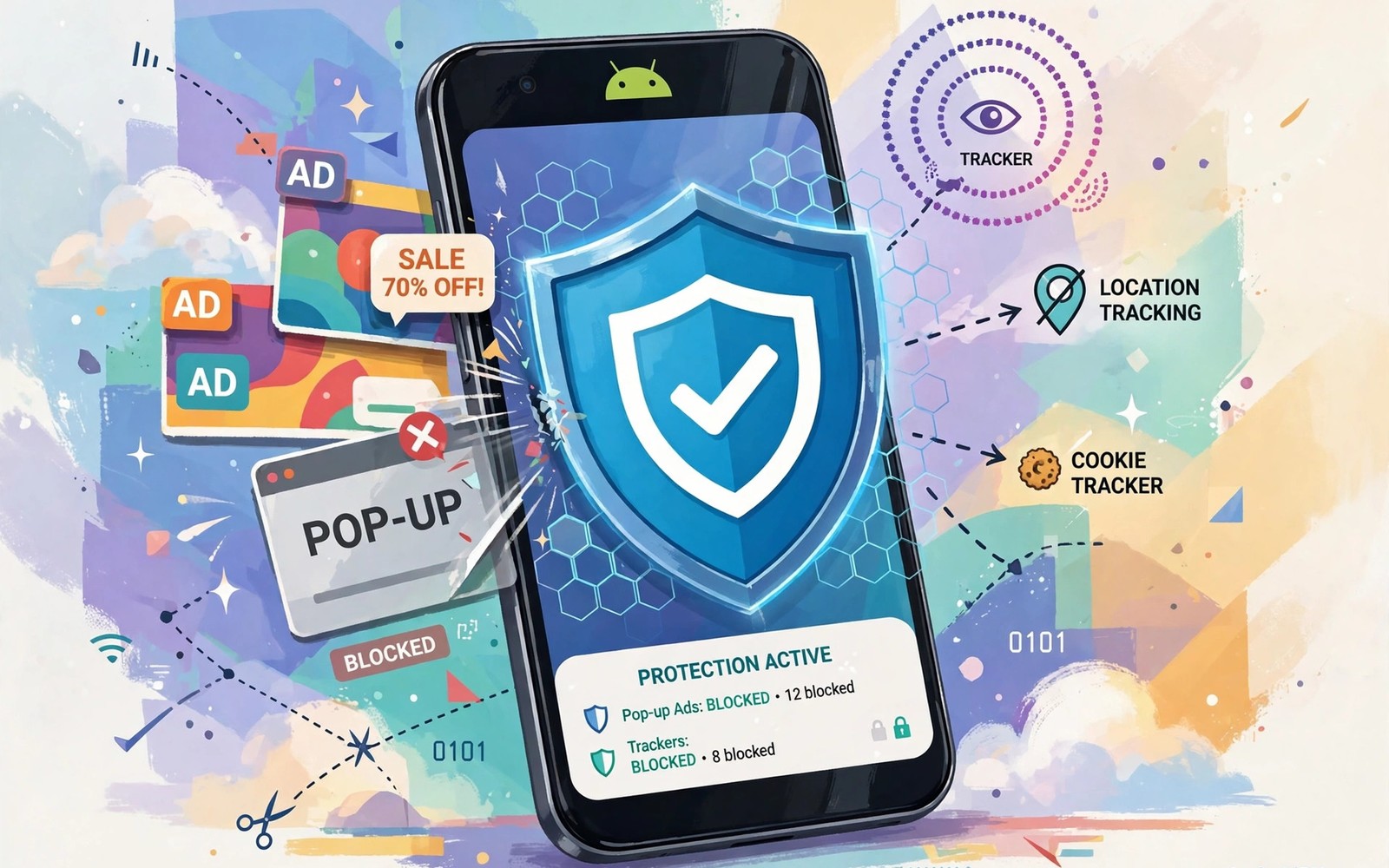
Ad-blocking VPNs intercept unwanted network tracking queries before ads and trackers load. They filter DNS requests and known tracker domains at the tunnel or resolver level. Blocked requests never reach the advertiser server so no ad content returns to the phone. Pages load faster and use less data when dozens of tracker requests disappear.
This approach differs from browser ad blockers that hide ads after pages already fetch them. VPN level filtering works across apps and browsers on the whole device at once. A game or news app benefits even though it has no browser extension support. Learning encrypted web browsers focused on privacy shows browser level blocking that complements device level filtering well.
Filtering is not perfect because advertisers constantly create new domains to evade block lists. Block lists need frequent updates to stay effective against new tracker infrastructure. Overly aggressive lists can break legitimate site features that share infrastructure with trackers. Balancing blocking strength against breakage is the central skill for users.
How DNS Filtering Blocks Trackers
DNS filtering checks each domain lookup against a list of known ad and tracker domains. Matching lookups receive a blocked response instead of a real server address. The app or browser then fails to fetch that tracker resource and continues loading the page. Non-matching lookups pass through normally to their real destinations.
Filter lists come from community projects that track advertising and analytics infrastructure. VPN providers bundle those lists into their DNS resolver or tunnel service. Users can sometimes add custom lists for specific trackers they want blocked. Custom lists require care because a wrong entry can break unrelated services.
Device-Wide Versus Browser-Only Blocking
Browser blockers protect web pages but leave app traffic untouched on Android phones. Many apps embed the same trackers found on websites inside their own code. VPN filtering covers those app trackers because it inspects traffic at the network level. That broader coverage is the main advantage of VPN based blocking over browser extensions.
Device-wide filtering cannot inspect encrypted app traffic contents in the same way as a browser. It blocks by domain rather than by page element which is coarser but safer. Some trackers share domains with useful content which makes domain blocking imperfect. Combining device filtering with browser blocking gives layered protection for web use.
What Breaks When Lists Are Aggressive
Login buttons and video players sometimes depend on domains that also serve tracking scripts. Blocking those shared domains can break sign-in flows on otherwise legitimate sites. Payment pages may fail when fraud detection domains appear on aggressive lists. Users often blame the site rather than the filter when breakage appears suddenly.
Allowlisting a trusted site restores its full function without disabling protection everywhere. Add the site domain to the allowlist and reload the page to test the fix. Keep allowlist entries narrow rather than disabling filtering for broad categories. Reading testing your Android phone for DNS leaks style testing habits help confirm that allowlisting did not create a leak.
- Start with default filter lists for balance
- Use device-wide filtering for app trackers too
- Allowlist only specific trusted sites that break
- Review allowlist entries monthly
- Check provider logging policy alongside filtering
- Combine VPN filtering with browser blocking
Privacy Limits of Ad-Blocking VPNs
Filtering reduces tracker exposure but does not make browsing fully anonymous on its own. First-party tracking by sites you visit directly continues despite third-party blocking. Fingerprinting can still identify devices from browser characteristics without tracker domains. A VPN filter is one layer among several needed for strong privacy.
The VPN provider running the filter also sees DNS queries that pass through its resolver. Provider logging policy therefore matters even for a filtering service that blocks trackers. A provider that blocks trackers but logs queries extensively offers limited privacy gain. Evaluate filtering and logging together rather than praising one feature alone.
Setting Up Filtering Without Breakage
Start with a default filter list rather than enabling every available list at once. Default lists balance blocking coverage against site compatibility for most users. Test your most visited apps and sites for a few days before adding stricter lists. Gradual tightening reveals which list causes a break when one appears.
Keep a short note of allowlist entries you add so you can review them later. Stale allowlist entries may restore trackers long after the original break is fixed. Review the list monthly alongside other privacy settings on the phone. Small regular reviews keep filtering effective without accumulating exceptions.
You can also explore how much speed drop to expect from a VPN for more context on neighbouring topics in this series.
Putting Ad-Blocking VPNs Into Practice
Enable the default filter list in your VPN app and use the phone normally for several days. Notice which apps load faster and which sites show broken elements after filtering starts. Keep a short list of broken sites so you can allowlist them deliberately later. Test news and shopping apps specifically because they embed many tracker domains. A few days of normal use reveals the real compatibility impact better than a single test.
Add custom filter lists only after the default list feels stable in daily use. Custom lists increase blocking coverage but also increase breakage risk on legitimate sites. Add one list at a time and test for a day before adding another list. Gradual addition identifies which list causes a break when one appears. Patience during setup prevents a filtering configuration that frustrates you into disabling it entirely.
Troubleshooting Filtering Problems
Login failures after enabling filtering often come from a blocked authentication domain. Allowlist the login domain for that specific service rather than disabling filtering globally. Reload the login page after allowlisting to confirm that authentication works again. If login still fails then check whether a second domain in the flow also needs allowlisting. Multi-domain login flows sometimes require several narrow exceptions to function fully.
Video playback failures can come from blocked content delivery domains that share infrastructure with trackers. Allowlist the delivery domain for that video service while keeping other trackers blocked. Test playback after each change so you know which domain fixed the problem. Broad site allowlisting should remain a last resort when narrow fixes fail repeatedly. Narrow fixes preserve most filtering benefit while restoring needed function.
Building a Habit That Lasts
Review filter lists and allowlist entries monthly alongside other privacy settings on the phone. Remove allowlist entries for sites you no longer visit because stale entries restore trackers needlessly. Update filter lists automatically when the VPN app offers that option for convenience. Automatic updates keep blocking effective against new tracker domains that appear constantly. Monthly reviews plus automatic updates form a sustainable filtering routine.
Measure page load improvement by comparing load times with filtering on and off occasionally. Faster loads confirm that filtering delivers tangible benefits beyond abstract privacy gains. Tangible benefits motivate continued use when breakage tempts you to disable filtering. Keep expectations realistic because some sites load similarly with or without filtering active. Realistic measurement prevents disappointment from exaggerated blocking claims.
Explain filtering to family members in terms of blocked tracker requests rather than technical DNS detail. Show them a page loading faster with filtering enabled for a concrete demonstration. Concrete demonstrations persuade better than abstract claims about tracker counts. Family adoption extends filtering benefits to shared devices and networks at home.
Advanced Tips and Next Steps
Use custom filter lists from reputable community projects rather than random lists found online. Reputable lists receive regular updates and public scrutiny for false positives. Random lists may block legitimate services or miss major trackers entirely without warning. List reputation matters as much as list size for filtering effectiveness in practice. A smaller well maintained list often outperforms a huge neglected list over time.
Test filtering impact on banking apps specifically because banking security domains sometimes appear on aggressive lists. Banking failures caused by filtering can lock users out of accounts at critical moments. Allowlisting banking domains before travel prevents lockouts during trips abroad. Pre-travel allowlisting is a simple precaution that avoids stressful account access problems. Banking reliability should outrank tracker blocking for financial apps in all cases.
Monitor filter list update frequency in VPN app settings to confirm lists stay current. Stale lists lose effectiveness as advertisers create new tracker domains constantly. Automatic updates keep lists fresh without manual intervention each week. Manual update checks serve as a backup when automatic updates fail silently. Fresh lists are essential because tracker infrastructure changes faster than most users expect.
Consider DNS filtering at the router level as an additional layer for home network devices. Router filtering protects devices that cannot run VPN apps such as smart televisions. Home filtering complements phone filtering when you return to trusted home networks. Layered filtering across phone and router covers more devices than phone filtering alone. Home layers matter because phones spend significant time on home networks daily.
Explain filtering limits to family members so they do not assume complete anonymity from blocking alone. Filtering reduces tracker exposure but does not hide browsing from providers or networks fully. Clear limits prevent overconfidence that leads to risky behaviour on shared devices. Honest limits encourage additional layers such as VPN encryption and private browsers. Layered understanding produces stronger overall privacy than any single tool promise.
filter:
  lists: [ads, trackers]
  dns_filter: enabled
  allowlist: [trusted_site]
  logging: none
The guidance above follows the approach described in the official developer documentation for Android networking and privacy controls. The advice reflects standard DNS filtering behaviour and privacy practice for Android devices.

