

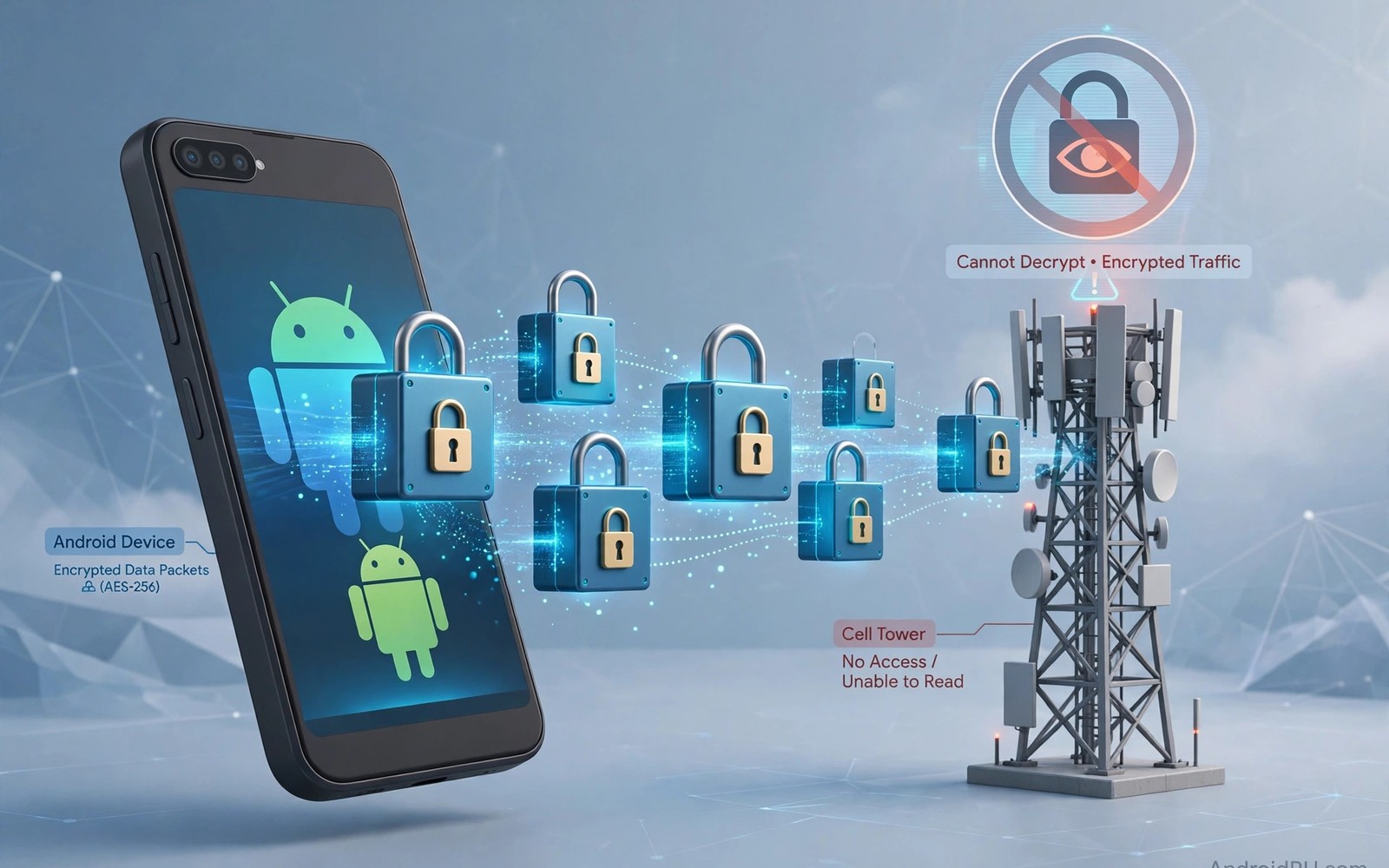
Your mobile carrier carries every packet between your Android phone and the internet when you use mobile data. Without a VPN the carrier can see destination addresses and DNS lookups in many cases. With a VPN active the carrier sees encrypted traffic heading to a VPN server instead. That change hides page contents and destination sites from direct carrier inspection.
The carrier still knows that you use a VPN and can measure timing and volume of your connection. It sees the VPN server address and the amount of data flowing in each direction. It cannot read message contents or page contents inside the encrypted tunnel. Learning what a mobile VPN is and why you need one explains the tunnel that creates this separation in the first place.
DNS handling decides whether browsing destinations leak despite the VPN tunnel being active. A DNS leak sends domain lookups outside the tunnel where the carrier can record them. Encrypted DNS inside the tunnel prevents that specific leak path. Testing both VPN and DNS together gives the honest answer for your own phone.
What the Carrier Sees Without a VPN
Without a VPN the carrier routes your traffic directly to each destination server address. It can record destination IP addresses and infer websites from those addresses in many cases. DNS lookups in plain text reveal domain names even when page contents use HTTPS. Combined records build a detailed browsing profile over weeks and months.
Carriers may use browsing records for network management and for commercial analytics depending on local law. Some carriers sell aggregated insights built from customer traffic patterns. Privacy policies and local regulations shape what carriers can legally do with those records. Users in different countries face very different carrier data practices.
What Changes When the VPN Connects
A VPN replaces destination addresses visible to the carrier with a single VPN server address. All browsing and app traffic merges into one encrypted stream toward that server. The carrier cannot separate streaming traffic from messaging traffic inside the tunnel by content. It can still estimate activity type from packet size and timing patterns in rough terms.
HTTPS inside the tunnel adds a second layer that protects contents even from the VPN provider in some cases. The VPN provider itself can see destination addresses because it forwards traffic onward. Provider trust therefore replaces carrier trust rather than removing trust entirely. Choosing a provider with a strong privacy record matters for that reason.
Metadata That Remains Visible
Connection timing reveals when you are active online and when your phone goes idle. Data volume reveals whether you streamed video or sent short messages during a session. VPN server location reveals a rough region but not your exact browsing destinations. These metadata points are far less revealing than full browsing history but they are not nothing.
Traffic analysis can sometimes identify popular services from distinctive packet patterns. Video streaming produces steady large flows while messaging produces short bursts. An observer with enough data can guess activity categories with moderate accuracy. Full content and exact pages remain hidden despite those rough inferences.
- Use a VPN with encrypted DNS inside the tunnel
- Enable the kill switch for tunnel failure moments
- Test for DNS leaks on mobile data specifically
- Check IPv6 handling in your VPN app settings
- Use a private browser with tracker blocking
- Review carrier privacy policy for data practices
DNS and Other Leak Paths
DNS leaks are the most common way carrier visibility survives an active VPN on Android. A phone that queries a carrier resolver outside the tunnel exposes every domain requested. Private DNS settings and browser DNS settings can both create that leak path. Reading testing your Android phone for DNS leaks gives a practical test routine for catching leaks early.
IPv6 traffic can bypass a VPN that only protects IPv4 traffic on some phones and providers. An IPv6 leak exposes destination addresses directly to the carrier network. Check whether your provider supports IPv6 inside the tunnel or blocks IPv6 entirely. Blocking IPv6 during VPN sessions closes that leak path completely.
Reducing Carrier Visibility Further
Combine a VPN with encrypted DNS configured inside the tunnel for the strongest practical setup. Enable the kill switch so carrier visibility does not return during tunnel failures. Use a private browser with tracker blocking to reduce fingerprint and tracking signals. Each layer removes a different leak path rather than duplicating the same protection.
Consider Wi-Fi use at home as an alternative when carrier tracking concerns you most. Home networks shift visibility from the carrier to your internet provider instead. Neither option removes trust entirely because some provider always carries traffic. The goal is to choose the most trustworthy carrier of traffic for each situation.
You can also explore setting up a home VPN server for more context on neighbouring topics in this series.
Putting Carrier Visibility Into Practice
Connect your VPN on mobile data and visit a test page to confirm your visible address changed. Check that DNS leak tests show your VPN provider rather than your carrier resolver. Those two checks together confirm that the carrier sees encrypted tunnel traffic only. Repeat the checks after switching between Wi-Fi and mobile data during a normal day. Network switches are the moments when visibility can return briefly if settings fail.
Enable the kill switch in both app and system settings to cover tunnel failure moments. A kill switch ensures that carrier visibility does not return silently during a brief outage. Test the kill switch by toggling airplane mode and watching for failed loads during reconnection. Failed loads during the gap prove that traffic stayed blocked when protection dropped. That proof matters more than any setting toggle appearance on the screen.
Troubleshooting Carrier Visibility Problems
Carrier resolvers appearing in leak tests usually indicate a Private DNS or browser DNS problem. Review Private DNS settings under Network and internet for a carrier hostname override. Review browser secure DNS settings for a resolver that bypasses the VPN tunnel. Aligning both settings with the VPN provider usually fixes the leak on the next test. Restarting the phone clears cached resolvers that persist after settings change.
IPv6 leaks appear when a VPN protects IPv4 traffic but leaves IPv6 traffic unprotected on the phone. Check provider settings for IPv6 handling inside the tunnel or IPv6 blocking during sessions. Blocking IPv6 during VPN use closes the leak path completely for most users. Test IPv6 leak pages specifically because ordinary leak tests may focus on IPv4 only. Specific IPv6 testing catches a leak that general testing can miss entirely.
Building a Habit That Lasts
Test carrier visibility monthly on mobile data specifically rather than only on Wi-Fi. Mobile data tests reflect the carrier relationship that matters for this topic directly. Wi-Fi tests reflect a different provider relationship that can hide carrier specific problems. Monthly mobile tests keep the carrier visibility question grounded in real measurements. Measurements beat assumptions about what a carrier can or cannot see.
Review carrier privacy policy yearly to understand what data the carrier claims to collect. Policies change with ownership and regulation and business strategy over time. Yearly reviews keep your threat model aligned with current carrier practices rather than old assumptions. Switching carriers is a larger decision than switching VPN providers for most users. Knowledge still helps even when switching is impractical in the short term.
Explain carrier visibility to friends using the tunnel analogy rather than technical packet detail. Tell them the carrier sees a sealed tunnel to one server but not the contents inside it. Simple analogies help friends understand why VPNs help and where their limits lie. Clear understanding prevents both overconfidence and dismissal of VPN protection entirely.
Advanced Tips and Next Steps
Use encrypted DNS inside the VPN tunnel specifically to prevent carrier DNS visibility during mobile sessions. Tunnel DNS ensures that domain lookups travel inside encryption rather than alongside it. Carrier visibility drops to tunnel metadata only when DNS stays inside the tunnel correctly. Test DNS specifically on mobile data because Wi-Fi tests cannot confirm carrier behaviour. Mobile specific testing answers the carrier question directly rather than by analogy.
Consider using Wi-Fi calling with a VPN to understand how voice traffic interacts with tunnel protection. Voice calls may route differently from data traffic depending on carrier implementation on Android. Some voice traffic bypasses VPN tunnels by design for emergency and quality reasons. Understanding voice routing prevents false assumptions about call privacy through a VPN. Data protection and voice protection follow different rules on mobile networks in practice.
Review carrier data retention laws in your country to understand legal limits on carrier records. Laws vary widely and shape what carriers can store and share with authorities. Legal knowledge helps you judge whether metadata visibility poses a practical risk for your situation. Users in different jurisdictions face very different carrier data practices despite using identical phones. Local law is part of the privacy threat model for carrier visibility questions.
Use a VPN provider with servers in a privacy friendly jurisdiction to reduce provider level exposure. Provider jurisdiction affects legal pressure that could compel logging or data sharing. Jurisdiction alone does not guarantee privacy but it shapes the legal environment for the provider. Combine jurisdiction awareness with audit evidence rather than relying on jurisdiction marketing alone. Balanced evaluation beats single factor decisions for provider trust overall.
Explain carrier metadata to friends using a sealed envelope analogy for tunnel contents. Tell them the carrier sees envelope size and destination post office but not the letter inside. Analogies make metadata concepts accessible without technical jargon about packets and routing. Accessible explanations help friends make informed VPN decisions without feeling lectured. Good analogies spread privacy understanding more effectively than technical accuracy alone.
carrier:
  vpn: connected
  visible: [vpn_server_ip, timing, volume]
  hidden: [urls, contents, dns]
  dns: encrypted
The explanation above follows the approach described in the official developer documentation for Android networking and privacy controls. The guidance reflects standard traffic visibility for mobile carriers and VPN connections on Android devices.

