

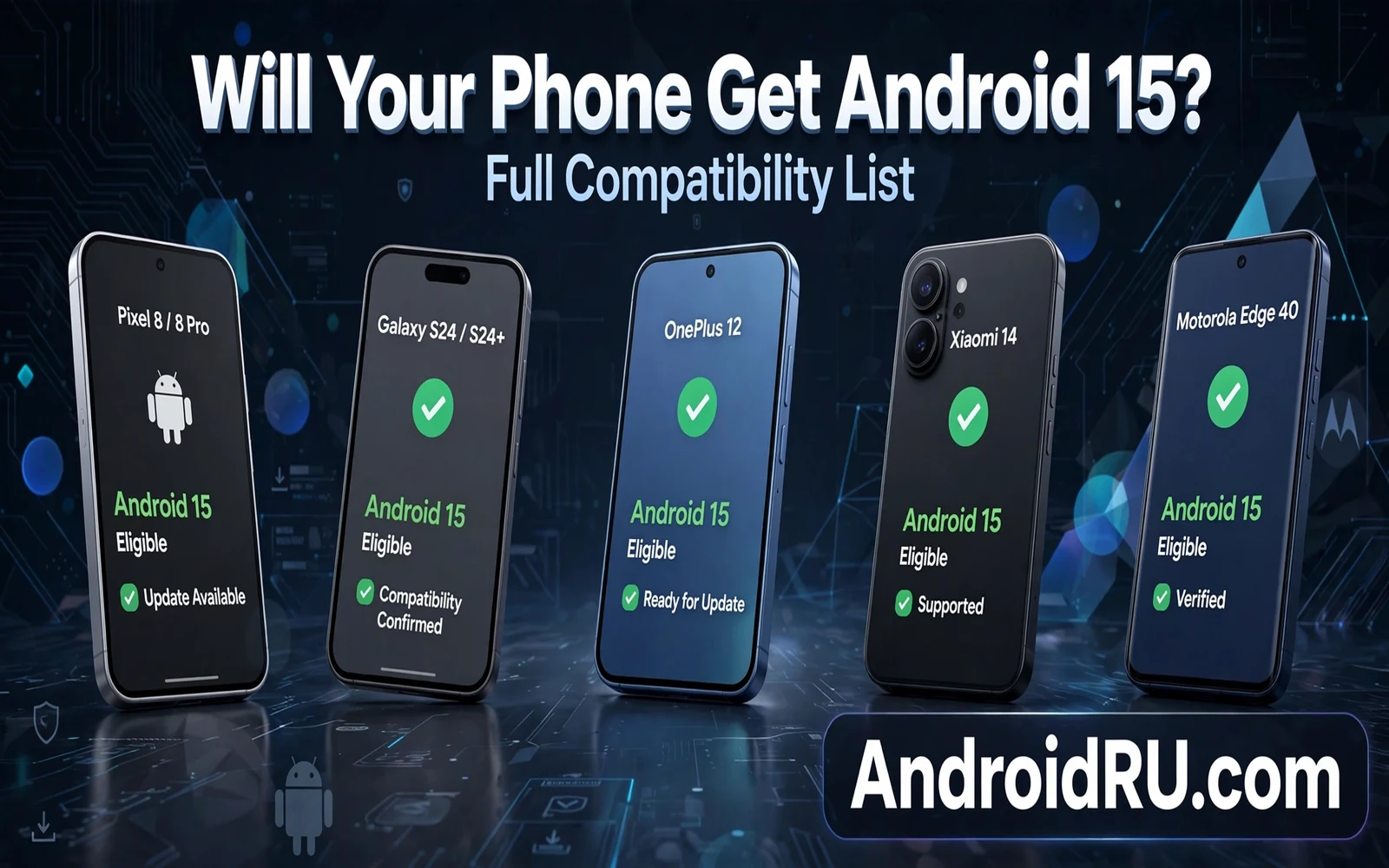
Android 15 reaches phones through maker rollouts rather than through a single global switch. Google releases the core system first. Makers adapt that system for their models. Carriers test the adapted system for their networks. Each step takes time and each step can delay a model. A phone that is eligible on paper may still wait weeks for the actual update. A phone that is not eligible will never receive the update through the official path.
This guide explains compatibility in plain language. It explains how makers decide which models receive Android 15. It explains how to check eligibility for your exact model. It explains how region and carrier affect timing. It also explains what to do when your phone will not receive Android 15. A clear eligibility check saves you from waiting for an update that will never arrive.
Compatibility is not a single list that fits every region. A model may receive Android 15 in one region and wait longer in another region. A carrier model may wait longer than an unlocked model of the same phone. A flagship model usually receives the update before a budget model from the same maker. Model and region and carrier together decide timing. Check all three for your phone.
How Makers Decide Eligibility
Makers decide eligibility by hardware and by support window and by business priority. Hardware must run the new system smoothly. A phone with very limited memory may struggle with a new version. A phone with an old chip may lack driver support for a new version. Makers test performance on each model before they commit to an update. A model that fails performance tests may stay on an older version.
Support windows set a clear boundary for eligibility. A maker promises updates for a set number of years from launch. A model inside that window should receive Android 15 when its turn arrives. A model outside that window should not expect Android 15. Support windows vary by maker and by model tier. Flagship models usually carry longer windows. Budget models usually carry shorter windows.
Business priority also shapes order inside the window. Flagship models usually update first because they carry the brand image. Recent mid range models usually update next. Older mid range models usually update later. Budget models usually update last when they update at all. Order inside the window is not a promise of a date. Order is a pattern that helps you set expectations.
Chip maker support limits eligibility in a quiet way. A chip maker must provide drivers for the new system. A chip maker may end driver support for an old chip. A phone with an ended chip driver cannot receive a full new version safely. Camera and modem and sensor drivers all depend on chip support. A phone that looks capable may still miss an update because a driver ended.
Pixel And Stock Android Rollout
Pixel phones receive Android 15 first in most cases because Google builds both the system and the phone. Pixel updates arrive through the normal system updater. Pixel updates arrive in staged waves rather than all at once. A staged wave lets Google catch a problem before it reaches every phone. A Pixel phone that has not received the update yet may simply be in a later wave. Check for updates manually after a few days if your wave feels late.
Pixel support windows vary by model generation. Recent Pixel models carry long update windows. Older Pixel models carry shorter windows from their launch era. Check the published window for your exact Pixel model. A Pixel model inside its window should receive Android 15. A Pixel model outside its window will stay on its last supported version. A Pixel model outside its window still deserves a patch check for any final fixes.
Pixel beta users receive new versions through a different path. A beta user may already run a pre release build of Android 15. A beta user moves to stable Android 15 when the stable build arrives. A beta user who leaves beta early may face a rollback that wipes data. Stay on beta until stable arrives when you want to avoid a wipe. A stable move from beta to stable is usually a normal update without data loss.
Pixel phones set the reference for other makers. Other makers adapt the Pixel reference system for their hardware and layers. Other makers need extra time for that adaptation. Pixel speed does not mean that other makers are slow by fault alone. Adaptation and testing take real time. Pixel speed shows what is possible when maker and system builder are the same company.
Samsung And Other Major Makers
Samsung adapts Android 15 for One UI before it reaches Samsung phones. Adaptation adds Samsung features and Samsung apps and Samsung settings style. Adaptation also needs testing across many Samsung models. Flagship Samsung models usually receive Android 15 first. Recent mid range Samsung models usually follow. Older and budget Samsung models usually follow later when they are eligible. Check the Samsung update schedule for your exact model when it appears.
Samsung support windows have grown longer for recent flagship models. Recent flagship models may receive many years of system updates. Recent mid range models may receive fewer years. Older Samsung models may carry shorter windows from their launch era. Do not assume that every Samsung phone shares the flagship window. Model details decide the real window for your phone.
Other makers follow a similar pattern with their own layers. Xiaomi and OnePlus and other brands adapt Android 15 for their own interfaces. Each brand tests its own models in its own order. Flagship models from each brand usually lead. Mid range models usually follow. Budget models usually trail. Brand forums and official support pages give the best model by model timing. A general brand claim cannot replace a model check.
Carrier models add another delay layer for many brands. A carrier may test the update for its network features. A carrier may add its own apps to the update. A carrier may stage the rollout by region. An unlocked model of the same phone may update before a carrier model. Check carrier update notes when your phone came from a carrier. An unlocked phone and a carrier phone of the same model are not on the same timeline.
How To Check Your Exact Phone
Open settings and find the about phone section. Note the exact model name and model number. Note the current Android version and patch level. Note the carrier name when your phone came from a carrier. These details matter more than a general brand name. A general brand name hides model differences that decide eligibility. An exact model number removes that ambiguity.
Search official support pages with that exact model number. Look for a published update window or a version roadmap for that model. Look for a carrier update page when your phone is a carrier model. Look for a region note when your region differs from the main market. Official pages give the most reliable eligibility signal. Unofficial lists can mix models and regions and cause false hope.
Check the system updater on your phone as a second signal. Open system update and tap the check option. A stable Android 15 update appears there when your wave arrives. A missing update does not always mean ineligibility. A missing update can mean that your wave has not arrived yet. Check again after a few days before you conclude that your phone will not receive it.
Back up before you install Android 15 when it arrives. Charge the phone to a high level. Connect to stable Wi-Fi for the download. Free storage when the updater warns about space. Test core apps after the update finishes. A prepared install avoids most upgrade problems. A rushed install can turn a smooth update into a stressful day.
When Your Phone Will Not Get Android 15
A phone outside its support window will not receive Android 15 through the official path. The phone keeps working on its last supported version. The phone may still receive final patches for a short time. The phone will gradually lose new app support as apps raise their minimum requirements. Plan for a replacement before app support becomes a daily problem. A planned replacement beats a forced replacement during urgent work.
A custom ROM path may bring a newer system to an old phone in some cases. A custom ROM needs an unlocked bootloader and a project that supports your exact model. A custom ROM can break banking apps and camera tuning. A custom ROM needs maintenance and backups. Consider a custom ROM only when you understand those costs and you have a backup plan. A custom ROM is not a free official update.
Low risk use can extend an old phone for a while. Remove banking apps from a phone that no longer receives patches. Remove work apps that hold sensitive data. Use the old phone for media and calls and low risk tasks. Keep the old phone off open networks. Low risk use lowers exposure but it does not replace patches. Treat low risk use as a bridge to a supported phone rather than a permanent solution.
A new supported phone does not need to be expensive. A recent mid range phone with a long support window can serve daily use well. A recent mid range phone with a long window beats an old flagship phone with an ended window for safety. Compare support windows before you compare cameras and processors. Support length decides how long a new phone stays safe and current.
Timing Expectations And Patience
Rollouts take months across all makers and models. A flagship phone may receive Android 15 within weeks of release. A mid range phone may receive Android 15 after a few months. A budget phone may receive Android 15 after many months when it is eligible. A staged rollout means that two identical phones in different regions can update on different days. Patience is part of every major rollout.
Do not force an update with an unofficial file when your wave has not arrived. Unofficial files can hide harmful code. Unofficial files can break future official updates. Unofficial files can brick a phone when the file matches a different model or region. Wait for the official updater for your exact model and region. Official patience is safer than unofficial speed.
Watch for official announcements for your model rather than general news. General news may announce a rollout for a flagship model. General news may not mention your mid range model at all. Official model pages and official community posts give model specific timing. A model specific note beats a general headline for your planning. Set a reminder to check your model page once a month during rollout season.
Beta testing on a Pixel shows the newest version first and installing the latest Android beta on Google Pixel follows the same eligibility logic as a stable rollout. Beta eligibility depends on model and region just like stable eligibility. A beta phone that is eligible for testing is usually eligible for stable later. A beta phone that is ineligible for testing will not gain stable eligibility by waiting alone.
Eligibility alone does not answer value and Android 15 versus Android 14 weighs privacy and battery and support for phones that do receive the upgrade. A phone that receives Android 15 gains longer support and newer permission rules. A phone that receives Android 15 late still gains those benefits when the update arrives. Value depends on how those benefits match your daily use.
Maker layers change rollout timing because stock Android versus Samsung One UI systems receive the same core version on different schedules. Stock systems update through a lean path with fewer layers to adapt. Maker layers need extra adaptation and testing time. That extra time explains why two phones with the same core version can update months apart.
Quick Checklist
- Note your exact model name and model number
- Check the published support window for that model
- Check carrier and region notes for your phone
- Check the system updater again after a few days
- Back up before installing Android 15
- Test core apps after the update finishes
- Plan a replacement before support ends
- Do not force an update with unofficial files

