

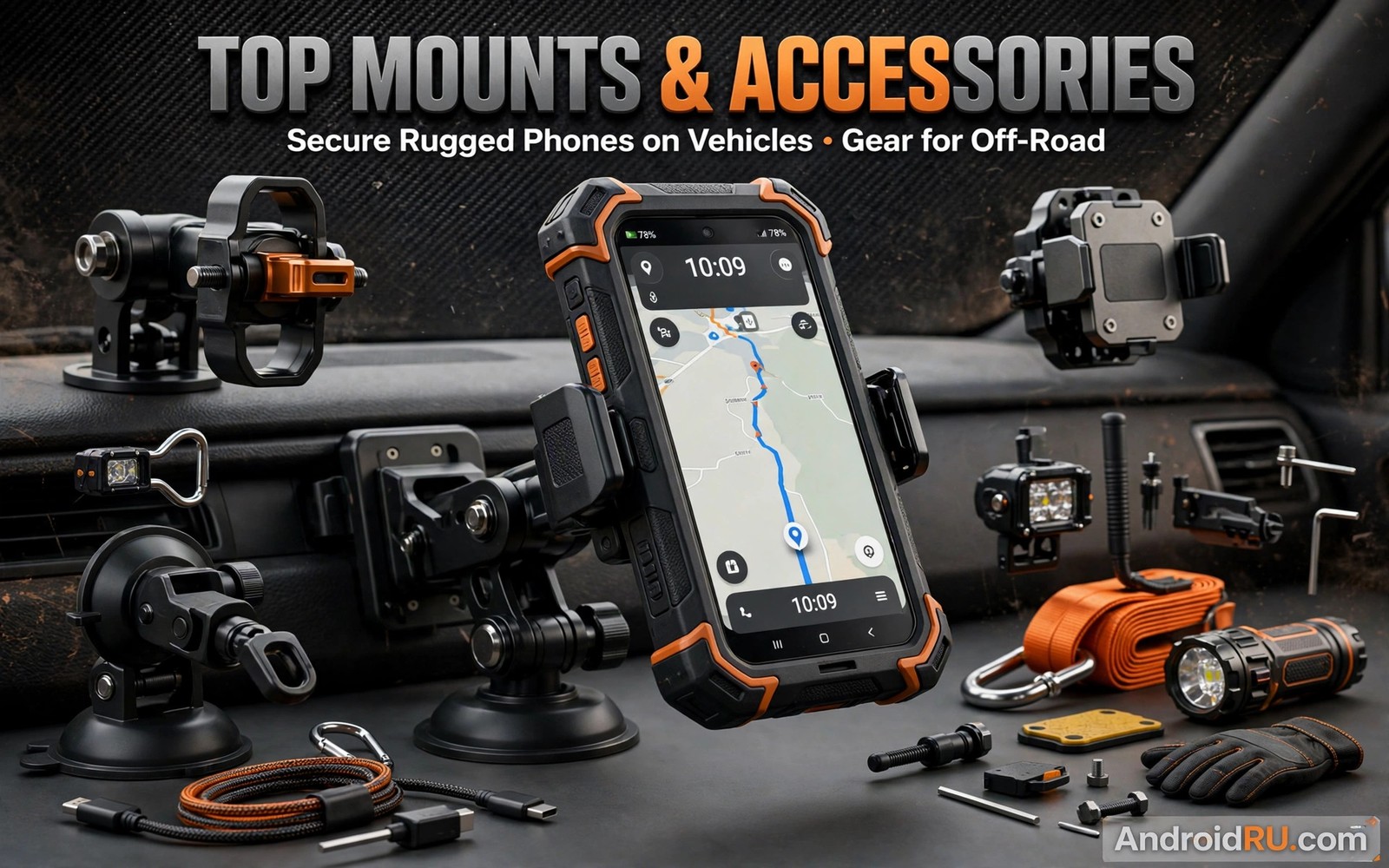
Mounts for rugged phones on vehicles must hold extra weight over rough ground. A mount that works for a slim phone may fail for a 350 gram rugged phone. Vibration loosens grips. Heat softens suction cups. A falling phone distracts a driver and can cause a crash. This guide compares mount types so you can secure a heavy phone safely.
Start with total phone weight including case and mount plate. Rugged phones often weigh twice as much as slim phones. Mount ratings must exceed that total with margin. A mount rated for 250 grams is unsafe for a 350 gram phone. The rugged phone versus heavy case weight comparison shows why totals matter. Measure your carried total before you shop for any mount.
Mount choice also affects driver distraction and road safety. A mount placed low on the dash forces eyes down from the road. A mount placed high near eye level keeps the road in peripheral view. A mount that wobbles draws attention away from driving. A stable mount at eye level is the safest option. Safety should rank above convenience when choosing mount position. A cheap mount in a bad position costs more in risk than it saves in money.
Suction mounts for windscreens and dashboards
Suction mounts stick to smooth glass or dash surfaces. A large suction cup holds heavy phones better than a small cup. Clean the surface before fitting. Dust under a cup causes slow air leaks and sudden drops. Press the cup firmly and lock the lever fully. Test the hold by tugging the mount before driving.
Heat weakens suction over time. A windscreen in summer sun can soften the cup seal. A dash pad can help on textured dashboards. Dash pads provide a smooth surface for suction on rough plastic. Replace a cup that loses grip repeatedly. A mount that drops once will drop again at the worst moment.
Vent mounts and their weight limits
Vent mounts clip onto air vent slats. They are compact and easy to move between vehicles. They suit lighter phones best. Heavy rugged phones can bend vent slats and block airflow. Blocked vents reduce heating and cooling in the cabin. A bent slat may rattle forever after.
Choose vent mounts with a support foot that rests on the dash. The foot transfers weight away from fragile slats. Check vent slat strength in your vehicle before buying. Trucks and farm vehicles often have stronger vents than cars. Even strong vents struggle with very heavy phones on rough roads. Prefer dash or windscreen mounts for the heaviest phones.
Dash mounts and adhesive bases
Dash mounts use adhesive bases or weighted friction bases. Adhesive bases hold heavy phones well on flat dash areas. They leave residue when removed. Weighted bases sit on the dash without adhesive. They rely on friction and weight to stay put. Rough roads can slide a weighted base across the dash.
Choose adhesive bases for dedicated work vehicles. Choose weighted bases for shared or rental vehicles. Clean the dash area with alcohol before adhesive fitting. Let adhesive cure for a day before loading a heavy phone. A rushed adhesive job fails under vibration. A cured base holds for years.
Handlebar mounts for bikes and ATVs
Handlebar mounts face the strongest vibration of any vehicle mount. They need metal clamps rather than plastic clips. A rubber lined clamp grips the bar and damps vibration. A safety tether adds a second layer of protection. Tether the phone to the bar so a clamp failure does not lose the phone.
Check bar diameter before buying. Motorcycle bars and bicycle bars differ in size. An adapter sleeve can fit a clamp to a smaller bar. Test the mount on rough ground at low speed first. Tighten all bolts after the first ride. Vibration loosens new bolts fast. Recheck bolts weekly on off road machines.
adb shell dumpsys battery | grep -i -m 3 'level\|status'
adb shell settings get system screen_brightness
adb shell dumpsys display | grep -i -m 3 'mDisplayState'
Attribution: the snippet above is an original example prepared for this article. It follows a standard public pattern for Android device checks and it does not copy code from any vendor site.
Vibration damping and phone protection
Vibration harms phones over time even when mounts hold firm. Camera stabilisers are sensitive to sustained vibration. Prolonged motorcycle vibration can damage optical stabilisation. A mount with rubber damping reduces that risk. Silicone dampers absorb high frequency vibration best. Hard mounts pass every jolt to the phone.
Remove the phone from a vibrating mount when you park for long periods. Engine idle vibration still shakes a mounted phone. Use a padded pouch for storage between rides. Check camera focus after months of mounted use. Blurry photos may signal vibration damage. Early detection lets you change mounts before damage worsens.
Charging cables and cable management
A mount should allow charging without stress on the port. A short cable with a right angle connector reduces port strain. Route cables away from steering and pedals. Loose cables snag and pull mounts down. Cable clips keep runs tidy and safe.
Wireless charging mounts suit phones with wireless charging. They remove cable wear entirely. They charge slower and they add heat. Wired charging remains faster for long drives. Choose wired charging for work vehicles that need fast top ups. Choose wireless for convenience on short trips.
Mount position driver safety and legal rules
Windscreen mounts must stay outside the driver swept view area in many regions. A mount blocking the road view can draw a fine. It can also hide pedestrians at crossings. Check local windscreen obstruction rules before fitting. A dash mount often complies more easily than a windscreen mount. Legal placement varies by region so verify local rules.
Voice control reduces the need to touch a mounted phone. Set voice commands for navigation and calls before driving. A driver who touches the screen while moving risks a crash and a fine. Hands free law in many regions bans handheld use entirely. A mounted phone still counts as a distraction when the driver taps it repeatedly.
Mount stability at speed matters for safety. A mount that vibrates blurs the screen and tempts the driver to adjust it. Adjustments while driving are dangerous. Test mount stability at highway speed on a safe road before long trips. A mount that shakes at speed needs damping or replacement. Never adjust a shaking mount while driving.
Passenger mounts offer a safer option for navigation on long trips. A passenger can operate navigation while the driver focuses on the road. A dash mount on the passenger side keeps the screen visible to both. That arrangement suits family road trips and work crews with a navigator. Team navigation beats solo screen interaction for safety.
Remove mounts from windscreens when parked in hot sun for long periods. Heat weakens suction and adhesive over time. A mount left in sun may drop the phone on the next drive. Store suction mounts in shade when parked. That habit extends mount life and prevents surprise drops.
Charging mounts and cable strain on rough roads
Charging mounts combine holding and power in one unit. They suit drivers who need navigation plus charging all day. Cable strain becomes the weak point on rough roads. A cable that pulls tight at every bump wears the phone port fast. Route cables with slack and support them with clips. A cable with a right angle connector reduces port leverage. Slack plus right angle connectors together extend port life greatly on rough routes.
Wireless charging mounts remove cable strain entirely. They also generate heat during charging on hot dashboards. Heat plus vibration stresses phone batteries over long drives. A wireless mount with ventilation slots manages heat better. A vent mount position adds airflow across the phone. Combine wireless charging with airflow for the best long drive setup. Wired charging remains better for fast top ups during short stops.
Mount maintenance deserves a regular place in vehicle checks. Suction cups lose grip when dust builds under the seal. Adhesive bases weaken when heat cycles loosen the bond. Clamp bolts loosen under vibration on rough roads. A monthly mount inspection catches all three problems early. Clean suction cups with water and dry them fully before refitting. Check adhesive edges for lifting corners. Tighten clamp bolts with the correct tool rather than by hand. A mount inspection added to a monthly vehicle checklist prevents drops that distract drivers and damage phones.
Common mistakes
The biggest mistake is buying a mount rated below your phone weight. An underrated mount fails on the first rough road. Another mistake is skipping the tug test before driving. A loose mount found in the driveway is a nuisance. A loose mount found at speed is a danger.
A third mistake is ignoring vibration damage to cameras. Hard mounts on motorcycles can harm stabilisers over months. Use damped mounts for bikes and ATVs. A fourth mistake is routing cables across controls. A snagged cable can pull a mount down or block a pedal. Clip cables neatly every time.
A fourth mistake is placing a mount where it blocks airbags. A phone flying from a mount during airbag deployment becomes a projectile. Keep mounts clear of airbag zones on dashboards and pillars. Airbag safety zones are marked in vehicle manuals.
Frequently asked questions
What mount type holds heavy rugged phones best?
Dash adhesive mounts and large suction mounts hold heavy phones best in cars and trucks. Metal handlebar clamps hold best on bikes. Vent mounts suit lighter phones only. Match the mount rating to your total phone weight.
Do I need a safety tether on a vehicle mount?
Yes for bikes and ATVs and rough off road driving. A tether catches the phone when a clamp fails. It costs little and it prevents loss and distraction.
Can vibration damage my phone camera?
Yes sustained high frequency vibration can harm optical stabilisation. Use a damped mount on motorcycles. Check camera focus regularly after long mounted use.
Conclusion
Mounts for rugged phones on vehicles must match weight and vibration and vehicle type together. Large suction and adhesive dash mounts suit heavy phones in cars. Metal damped clamps suit bikes and ATVs. Safety tethers and neat cables add protection on every vehicle. The rugged fleets for logistics teams adds useful context for this choice. The whether inspection camera accessories pay off adds useful context for this choice.
Your concrete next step is to weigh your phone with its case today. Then buy a mount rated above that total with a damping design for your vehicle. Tug test it before your next drive.
Check your mount position against local road rules this week. Move it to eye level and outside the swept view area when needed. A legal stable position protects you and other road users. Safety placement is part of good mount choice.

