

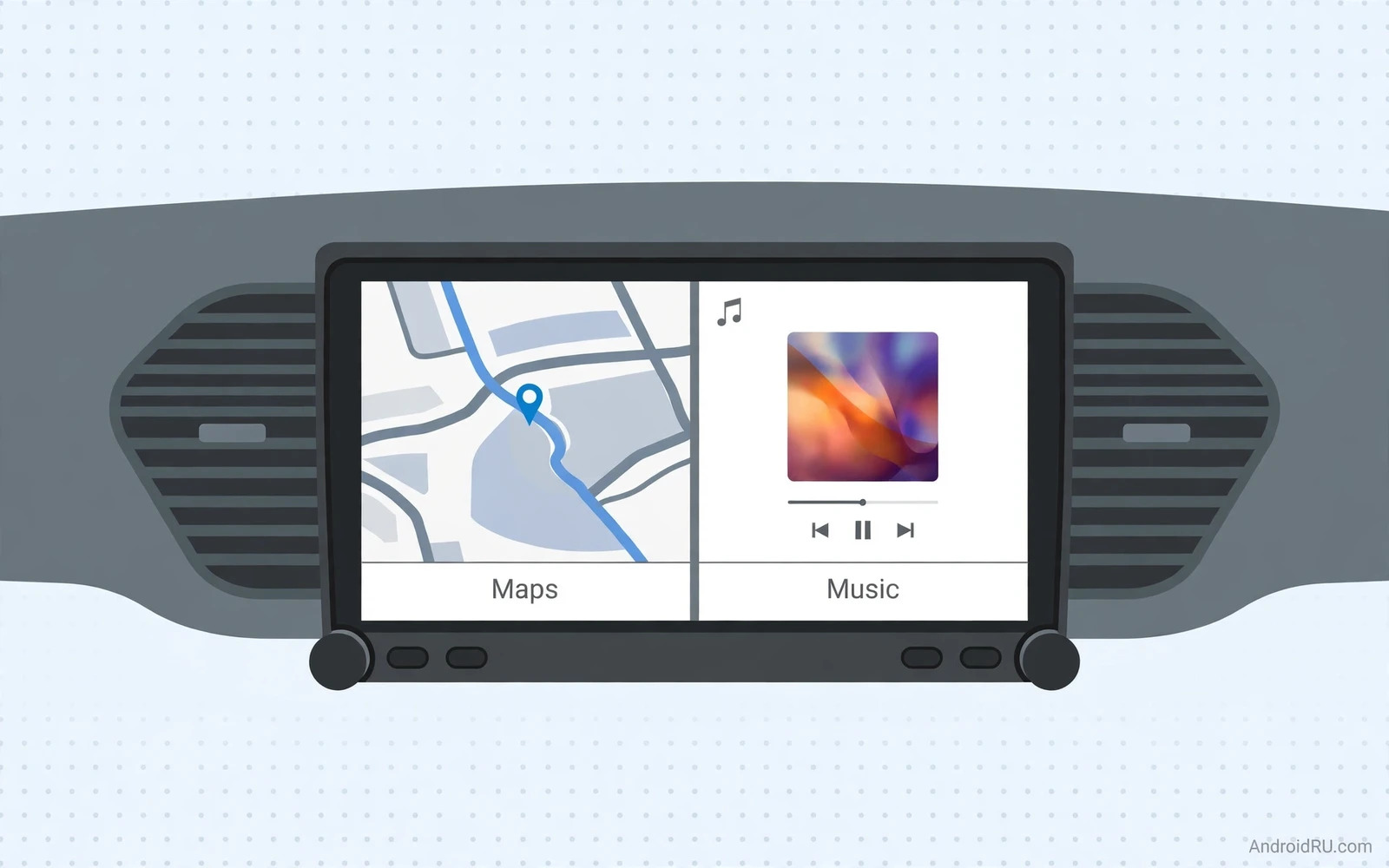
Native Android Versus Android Auto
A car head unit with native Android OS runs Android directly on dashboard hardware. Apps install onto the unit itself. Maps run from the unit. Music plays from the unit. The phone can stay in a pocket or even stay at home for basic functions. Android Auto works differently. It projects a phone interface onto a car screen while the phone does the real work. Both approaches put Android in the car but they feel very different day to day.
Native Android suits drivers who want a standalone car computer. It suits drivers who share a car between family members with different phones. It suits drivers who want apps that Android Auto restricts or reshapes. Android Auto suits drivers who want a familiar phone interface and seamless phone integration. It also suits drivers who upgrade phones often because the car screen improves automatically with each new phone. Choose based on independence versus phone dependence.
Navigation Without Phone Dependence
Navigation is the strongest native Android advantage. A native unit can run full mapping apps directly with offline maps downloaded to the unit. A driver without phone signal still navigates because the unit holds maps locally. A driver with a dead phone battery still navigates because the unit powers from the car. That independence matters on rural routes and on long road trips where phone signal and phone battery both face stress.
Map updates need care on native units. Offline maps grow large and they need periodic updates for new roads. A unit with generous storage and reliable Wi-Fi updating handles this easily. A unit with tiny storage forces painful map choices. Check storage size and check whether maps update over home Wi-Fi automatically. A navigation unit that runs outdated maps can mislead more dangerously than no navigation at all. Driver focused hardware context appears in the Android devices for car drivers guide where mounts and navigation accessories complement head units.
Audio Music And Calls
Audio quality separates good head units from mediocre ones. A good unit offers clean preamp outputs for external amplifiers. It offers a capable equaliser for tuning car acoustics. It handles music apps natively without phone mirroring delays. It manages calls clearly through the car speakers and microphone. A weak unit may sound thin even with good car speakers because its internal amplifier and processing limit output quality.
Call quality depends on microphone placement and on noise cancellation. A unit with a well placed external microphone hears the driver clearly over road noise. A unit that relies only on a built in microphone near the screen may struggle at highway speed. Test call quality at speed when possible because showroom tests at standstill hide road noise problems. Steering wheel controls also matter because they keep hands on the wheel during calls and track changes.
Screen Size Resolution And Sunlight
Screen size affects glanceability more than beauty. A larger screen shows maps with more surrounding context. It shows media controls with larger touch targets. It reduces driver distraction because the driver glances once rather than squinting repeatedly. Resolution matters for map text sharpness at a distance. A low resolution large screen can look blurry from the driver seat while a sharp smaller screen reads clearly.
Sunlight readability matters enormously in cars. A screen that looks vivid indoors can wash out under direct sun through a windshield. Anti glare coatings and high brightness help greatly. Screen angle also matters because a fixed angle may catch glare at certain times of day. A unit with adjustable tilt or a matte finish reduces glare frustration. Test the screen in daylight with the car facing the sun when possible rather than trusting indoor impressions.
Installation Fit And Vehicle Compatibility
Installation decides whether a great unit actually works in your car. Single DIN and double DIN sizes describe standard dashboard openings. Many modern cars use custom integrated dashboards that complicate aftermarket fitting. A fascia adapter and a wiring harness and a steering wheel control adapter may all be needed. Budget for these parts beside the unit price because a cheap unit with expensive fitting can cost more than a complete package.
Vehicle features complicate fitting further. Factory reversing cameras and factory amplifiers and factory climate displays may integrate with the original unit. An aftermarket unit may lose some factory features unless adapters preserve them. Research your exact car model and year before buying. Owner forums for your car model often list which adapters preserve which features. Professional installation costs more but it protects wiring and warranty and dashboard trim from DIY damage.
Processor Memory And Longevity
Processor and memory decide whether a native unit stays smooth for years. A weak processor stutters on map rendering and on app switching. Insufficient memory forces apps to reload constantly. A unit with a capable processor and generous memory feels responsive after years of map updates and app growth. A unit with minimal specs may feel fine on day one and sluggish after a year of updates.
Software updates decide longevity even more than hardware. A maker that updates Android version and security patches keeps apps compatible longer. A maker that abandons a unit after launch leaves it vulnerable to app incompatibility. Check update history for older models from the same maker before buying a new model. A maker with a strong update record deserves a price premium over a maker with a poor record. Head unit upgrades also connect to broader car tech and the Android Auto head units for car upgrades guide compares phone projected systems beside native systems.
Choosing By Driver Type
- Long distance drivers need offline maps and strong sunlight readability
- Shared family cars need standalone apps that work without any one phone
- Audio lovers need clean outputs and a capable equaliser
- Older cars need careful DIN fit and adapter research before purchase
- Newer integrated dashboards may suit phone projection better than replacement
- Every buyer should confirm steering wheel control and camera compatibility
Final Verdict
Native Android head units win for independence and for full app freedom and for offline navigation. Android Auto wins for simplicity and for phone centred users who upgrade phones often. Drivers who want a car computer that works alone should choose native Android with strong hardware and a good update record. Drivers who want the lowest friction phone link should choose Android Auto projection. The ultimate buying guide context also helps here because car use is one lifestyle among many and the ultimate Android buying guide covers car use beside flagship and budget and rugged needs. Whichever path you pick prioritise sunlight readability and call clarity and fitting compatibility over screen novelty. A head unit must serve safely at speed above all else.
Voice Control And Driver Safety
Voice control is the safest way to interact with a head unit while driving. A driver who speaks a destination keeps eyes on the road and hands on the wheel. A driver who types an address while moving risks everyone nearby. Native Android units support voice assistants that handle navigation and music and calls through speech. Voice accuracy in a noisy car decides whether this safety benefit materialises. A system that misunderstands often forces manual correction which defeats the safety purpose entirely.
Microphone quality and placement shape voice accuracy more than assistant branding. A microphone near the driver with noise cancellation hears commands over engine and wind noise. A microphone buried behind the dashboard hears muffled commands that fail repeatedly. External microphones mounted near the sun visor or steering column usually outperform built in screen microphones. Test voice commands at highway speed with windows closed and with ventilation running because showroom silence hides real car noise.
Voice command scope matters as well. Basic commands for navigation and calls and music cover most driving needs. Advanced commands for messaging and smart home control add convenience but they also add distraction when replies demand attention. Keep driving voice use focused on short commands with short confirmations. Avoid composing long messages by voice while driving because dictation errors demand visual checking. Safety comes from brevity as much as from hands free operation.
Passenger interaction adds another safety layer. A passenger can operate the head unit fully while the driver focuses on the road. That division of labour beats any voice system for complex tasks such as searching for a restaurant with specific filters. Agree before a trip who handles navigation changes. A clear passenger navigator role prevents dangerous mid drive debates about routes. Technology helps safety most when paired with sensible human habits.
Software Updates For Head Units
Head unit software updates arrive slower than phone updates in most cases because makers validate updates against vehicle hardware carefully. That slower pace frustrates users who expect phone like update speed. It also protects stability because a faulty head unit update can disable navigation during a trip. Check maker update history for older units before buying because a maker that updated older units reliably will likely support a new unit similarly. A maker with no update history should be treated cautiously regardless of launch features.
App compatibility over time depends on Android version support as much as on hardware. Mapping apps and music apps eventually require newer Android versions for new features. A head unit frozen on an old Android version may keep running older app versions for a while but it will lose new features gradually. Some makers offer paid hardware upgrades or replacement units when software support ends. Factor that possibility into total cost when choosing between a cheap unit with short support and a pricier unit with a longer support promise.

