

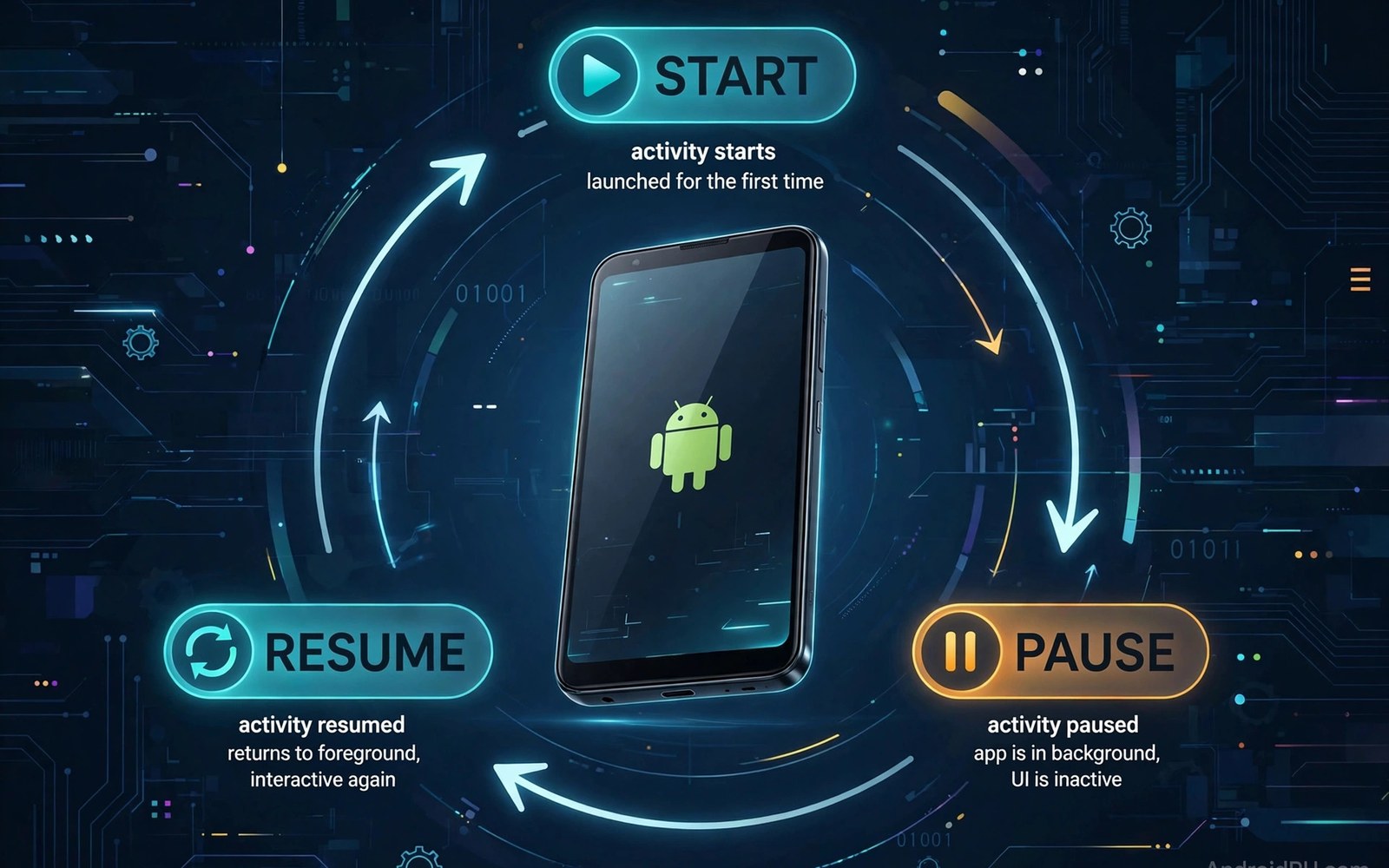
Every Android screen has a lifecycle that describes how it is created and shown and paused and stopped and destroyed as users navigate and as the system reclaims resources. Understanding this lifecycle is essential because many common bugs come from doing work at the wrong moment such as starting a camera in a paused screen or losing user input during rotation. Activities and fragments each have their own lifecycle callbacks and fragments add extra steps tied to their view creation and destruction that can surprise beginners. This guide explains the main states in order and shows practical rules for where to start and stop work safely. Once you internalise these states you will write screens that survive rotation and backgrounding without losing data or leaking resources.
An activity moves from created to started to resumed as it becomes visible and interactive and it moves back through paused and stopped as another screen covers it or the user leaves the app. A fragment follows a similar pattern but its view lifecycle is shorter than its overall lifecycle because its view can be destroyed while the fragment itself remains alive in the back stack. That distinction matters because holding a reference to a destroyed view causes crashes and leaks that are hard to reproduce in simple testing. View models help because they live longer than the view and they hold data across configuration changes such as rotation without manual saving in every callback. Learning the order of callbacks gives you a mental model that explains why certain code belongs in one callback and not another.
Activity States in Order
Creation happens once when the system first makes an activity and this is the right place to set up the basic interface and restore saved state from a bundle if the activity is being recreated. Starting follows creation and it is the moment when the activity becomes visible but not yet interactive while the user may still see a previous screen fading away. Resumption marks the point where the activity gains focus and user interaction begins and this is the right place to start foreground work such as camera preview or location updates that should run only while the user sees the screen. Pausing happens when another activity partially covers the current one and you should stop heavy work here even though the screen may still be partly visible behind a dialog. Stopping follows when the screen becomes fully hidden and you should release larger resources that are not needed while the user is elsewhere in the system.
Destruction is the final step and it can happen because the user finished the activity or because the system needs memory or because a configuration change forces recreation with new resources. You should not rely on destruction to save critical data because the system may kill a stopped process without calling every callback in a guaranteed order under memory pressure. Save important user input early and often through view models and persistent storage so a sudden process death does not erase work that the user expects to survive. Configuration changes such as rotation recreate the activity by default and view models survive that recreation while views are rebuilt from the saved state and the current data. Designing for recreation from the start avoids a whole class of bugs that appear only when a user rotates a phone at an awkward moment.
- Create the interface and restore saved state during activity creation.
- Start foreground work only when the activity reaches the resumed state.
- Pause heavy work when another screen partially covers the current activity.
- Release large resources when the activity becomes fully stopped and hidden.
- Save critical data early because process death may skip final callbacks.
Fragment States and View Lifecycle
A fragment is created and attached to its host activity before its view is inflated and that separation lets a fragment exist without a visible interface while it waits in a back stack. View creation happens when the fragment needs to show its interface and view destruction happens when that interface is removed even though the fragment object may remain alive for later reuse. That shorter view lifecycle is the reason you should clear view references when the view is destroyed and never access views from asynchronous callbacks that may complete after destruction. Observing data with a view lifecycle owner ensures that updates stop when the view goes away and resume cleanly when a new view appears for the same fragment. Ignoring this rule is a common source of crashes where a background task tries to update a view that no longer exists on screen.
Fragment transactions move fragments between states and the back stack controls whether a removed fragment is destroyed or kept for return navigation when the user presses back. Adding a fragment to the back stack preserves its instance while removing it without a back stack entry destroys it more completely in normal flow. Child fragments add another layer because a parent fragment can host its own fragment manager and lifecycle events flow from parent to child in a predictable order. Keep fragment responsibilities focused so lifecycle handling stays simple and a single fragment does not try to manage too many unrelated background tasks at once. Small focused fragments are easier to test and easier to reason about when lifecycle events arrive in quick succession during navigation.
Handling Rotation and Configuration Changes
Rotation is the most common configuration change and it recreates activities and fragment views while view models and retained data survive to repopulate the new interface quickly. Your interface code should read current data from the view model during creation rather than assuming that fields set earlier still hold the right values after recreation. Saved instance state complements view models for small interface details such as scroll position or text in a field that is not yet committed to a data model. Use saved state for transient interface values and use persistent storage for user content that must survive app restarts and not just rotation. Mixing these tools correctly gives users a seamless experience where rotation feels like a layout change rather than a reset of their work.
You can prevent unnecessary recreation for some configuration changes through manifest settings but that approach should be used sparingly because it shifts responsibility for resource selection onto your code. Handling rotation manually requires you to update layouts and resources yourself and it can create subtle bugs when a new configuration appears that your code did not anticipate. Most apps should accept default recreation and design state handling to survive it cleanly from the beginning. You can learn layout adaptation in building responsive layouts for phones tablets and foldables because responsive layouts pair naturally with rotation handling. You can also review Jetpack Compose for modern declarative UI because declarative interfaces rebuild from state after configuration changes in a clean way.
Background Work and Process Death
Background work must respect lifecycle because a screen that starts a long task and then goes away can waste battery and network resources while updating an interface that no one sees. Use lifecycle aware components and structured concurrency so tasks cancel automatically when their owner leaves the relevant lifecycle state. Work that must continue after the user leaves the app belongs in a proper background work system with constraints and persistence rather than in a fragment that may be destroyed at any moment. That separation protects battery life and it ensures that important work survives process death through a scheduled job rather than through a fragile reference to a dead screen. Developers who respect this boundary build apps that feel reliable even under system pressure and low memory conditions.
Process death is different from normal destruction because the system may kill the whole app process while it sits in the background and later restore the top activity from saved state when the user returns. Your app should restore gracefully from saved state and from persistent data without assuming that static variables or in memory singletons still hold values from before the kill. Test process death by using developer options to remove activities or by forcing a background kill and then returning to the app through recent apps. Many apps pass normal navigation tests but fail this test because they relied on memory that vanished during a long background period. Designing for process death from the start is a mark of mature Android development and it earns user trust over time.
Practical Rules for Clean Lifecycle Code
Keep lifecycle callbacks short and delegate work to view models and repositories so callbacks remain readable and testable without launching a full screen. Start work in the latest safe callback and stop work in the earliest safe callback so resources are held only while they are truly needed by the visible screen. Observe data with the correct lifecycle owner and avoid manual listener registration without a matching removal step in the corresponding callback. Avoid storing view references in fields that outlive the view and clear any such references during view destruction to prevent leaks. These rules sound simple but following them consistently prevents most lifecycle bugs that plague otherwise well designed Android apps.
Log lifecycle callbacks during development when you debug a tricky navigation flow because a short log reveals the actual order of events better than guessing from documentation alone. Remove or reduce such logging before release so production logs stay clean and useful for real issues that need investigation. You can deepen debugging skills through debugging app instability with logcat insights when lifecycle logs need correlation with system events. You can also study coroutines and Flow for background tasks because lifecycle aware concurrency is central to modern Android code. A calm and consistent approach to lifecycle handling turns a complex topic into a reliable foundation for every screen you build.
A final habit prevents lifecycle bugs because you should trace callbacks in a log during navigation and rotation for every new screen before you ship it to users. That trace shows whether work starts and stops at the right moments and whether view references survive longer than the view itself in any code path. Add a checklist item for process death testing so a screen that survives rotation also survives a background kill and restore without losing user input. With that discipline lifecycle handling becomes a routine verification step rather than a source of mysterious crashes after release.
class MainActivity : AppCompatActivity() {
    override fun onCreate(savedInstanceState: Bundle?) {
        super.onCreate(savedInstanceState)
        setContentView(R.layout.activity_main)
    }
    override fun onResume() {
        super.onResume()
        startCameraPreview()
    }
    override fun onPause() {
        stopCameraPreview()
        super.onPause()
    }
}
The steps above follow the approach described in the official developer documentation for this platform and reflect common practice used by experienced developers when they build and test Android apps in a careful and organised way.

