

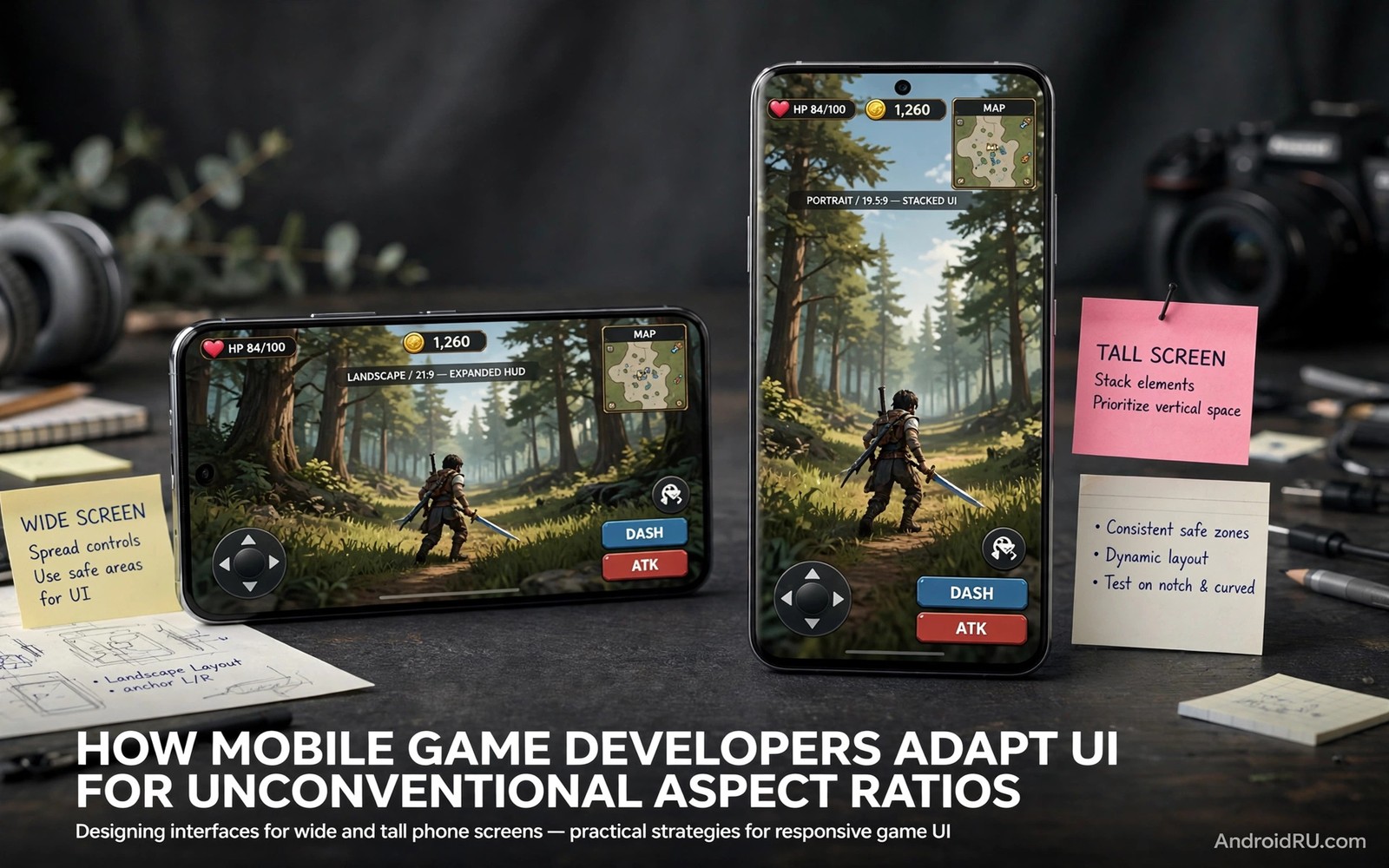
This article breaks down mobile game UI foldable aspect ratios without jargon and without hype.
Mobile game UI foldable aspect ratios challenge every game designer. Most phone games assume a tall narrow rectangle. Foldable inner screens are nearly square when open. Controls and cameras designed for tall screens break on square screens. Developers must reshape layouts without hurting fair play.
Good adaptation keeps controls reachable and views fair. Buttons move to thumb zones on wider screens. Cameras widen views carefully to avoid unfair vision gains. HUD elements avoid the fold line where possible. If hardware limits shape your game choice then read about cases made for hinge designs and how thin bodies affect cameras and heat.
Treat the sections below as a checklist for smarter ownership. Work through them one by one during your first month with a foldable. Small habits formed early protect screens and hinges for years. Revisit the checklist after system updates change settings or layouts. Good ownership is mostly steady routine rather than expert knowledge.
Why Tall Game Layouts Break
Tall layouts stack controls along narrow edges. Square screens push those edges far apart. Thumbs cannot reach far corners comfortably. Menus stretch wide and waste vertical space. Text lines grow long and hard to scan during play.
Camera views also change with aspect ratio. A wider view shows more of the game world sideways. That extra view can aid competitive play unfairly. Developers must balance vision across devices. Some games lock camera width to keep matches fair.
Control Placement on Wide Screens
Good controls sit within thumb arcs on both sides. Buttons cluster near bottom corners for easy reach. Secondary buttons move to floating panels. Players can often drag buttons to custom spots. Custom layouts matter more on foldables than on slab phones.
Test controls with the phone half folded as well as flat. Tabletop mode changes grip and reach greatly. Buttons near the fold may feel awkward under thumbs. Move critical actions away from the crease zone. Comfort during long sessions beats visual symmetry.
The snippet below checks window size class before placing game controls. Developers use this check to choose thumb friendly layouts. It shows the core step behind ratio aware game design.
val isWide = windowSize.widthSizeClass == WindowWidthSizeClass.EXPANDED
val controlMargin = if (isWide) 96 else 48
placeButtons(margin = controlMargin)
The code sample above follows the standard pattern shown in official Android developer guidance for adaptive window sizing. It is provided for learning and testing on your own device.
Cameras and Fair Play Balance
Wider cameras show more enemies and terrain at once. Competitive games often cap horizontal view to protect fairness. Single player games can embrace wider views freely. HUD scaling keeps health and maps readable at any width. Developers test many ratios before release.
Foldable players should check game forums for ratio reports. Some games letterbox square screens with black bars. Letterboxing wastes screen but preserves fairness and layout. Others stretch views and distort speed perception. Choose games that adapt cleanly for your main titles.
HUD and Menu Redesign
HUD elements need anchor points that survive resizing. Health bars and minimaps should avoid the fold line. Menus can use two columns on square screens. Inventory grids show more items per row when wide. Good menus keep tap targets large during play.
Font scaling matters because wide screens invite tiny text. Keep chat and quest text readable at arm length. Test menus in bright light as well as dim rooms. Accessibility settings should scale HUD text independently. Readable HUDs reduce mistakes during fast matches.
Testing Games on Your Foldable
Test each main game unfolded for thirty minutes. Note control reach and camera fairness and heat. Try split screen guides beside a game if supported. Some games pause when focus shifts to another app. Learn those limits before competitive sessions.
Update games often because foldable support improves steadily. Developers add ratio fixes in patches without fanfare. Patch notes may mention large screen support briefly. Revisit old favourites after major updates. A game that letterboxed last year may adapt well now.
A Simple Weekly Care Routine
A simple routine for mobile game UI foldable aspect ratios needs no special tools or products. A microfibre cloth and a soft brush handle most cleaning tasks. Avoid sprays and solvents near hinge gaps and ports. Work in good light so small debris stays visible. Gentle tools protect coatings that aggressive cleaning would strip away.
Record hinge feel and screen condition in the same note each week. Short notes build a history that reveals slow changes. Compare this month against last month rather than relying on memory. Slow change often escapes notice without written records. That record also strengthens warranty and resale conversations later.
Settings Worth Reviewing This Week
Settings reviews for mobile game UI foldable aspect ratios should start with display brightness and refresh rate. Adaptive brightness saves power and reduces screen ageing. A lower refresh cap suits reading days and travel days well. Reserve maximum smoothness for gaming and video sessions. These two settings shape daily battery life more than most apps.
Next review notification privacy on the cover screen and lock screen. Sensitive previews can appear where strangers might glance. Hide message content while keeping sender names visible. Check wallet and payment shortcuts for accidental triggers. Privacy settings deserve the same attention as battery settings.
Accessories That Help Most Owners
Accessory choices for mobile game UI foldable aspect ratios work best when matched to your riskiest moments. Outdoor workers need rugged grip and hinge coverage. Office workers need slim cases and desk stands. Travellers need compact power and secure pockets. Style buyers may trade protection for thin design knowingly. Match gear to risk rather than to trends.
Avoid accessories that block hinge motion or trap heat during charging. Test every new accessory through a full fold cycle slowly. Check wireless charging after fitting cases and mounts. Remove any accessory that causes uneven motion at once. Safety and motion matter more than looks for folding phones.
Travel Habits for Folding Phones
Outdoor travel for mobile game UI foldable aspect ratios needs weather awareness as well as power planning. Rain and dust demand pouches and quick wipes. Cold mornings demand pocket warming before folding. Hot afternoons demand shade during charging and video. Weather habits protect folding mechanisms across seasons.
Road trips add car mount and cable planning to the routine. Mounts must grip without pressing hinge edges. Cables should route away from folding motion. Passengers can use the large screen for maps and media. Driver attention must stay on the road at all times.
Planning Your Next Upgrade
Upgrade planning for mobile game UI foldable aspect ratios should start a year before you intend to buy. Track hinge feel and battery health monthly during that year. Note which features you actually use and which you ignore. That record guides the next purchase better than marketing. Needs based upgrades save money and regret.
Compare trade-in values and private sale prices three months early. Early research reveals the best selling window for your model. Clean the phone and gather accessories and receipts meanwhile. A prepared seller negotiates from strength. Rushed sellers accept the first low offer.
Reading and Media Habits on Big Screens
A reading routine for mobile game UI foldable aspect ratios should include regular breaks away from the screen. Follow a simple rule of looking away every twenty minutes. Stretch hands and wrists after long holding sessions. Adjust grip so the hinge never bears uneven pressure. Healthy habits protect both eyes and hardware over years.
Podcasts and audiobooks pair well with the cover screen during walks. Save the large screen for visual content that earns its size. Audio content needs no unfolding and saves battery. Mix media types across the day to balance power use. Variety keeps both screens useful rather than overworked.
Safety and Privacy on Two Screens
Data safety for mobile game UI foldable aspect ratios includes backup and remote wipe readiness. Test remote locate and lock features before you need them. Keep backups current so loss never means data loss. Record serial numbers and purchase receipts in a safe place. Preparation turns theft or loss into an inconvenience rather than a crisis.
Charging safety also belongs in a privacy and safety review. Use certified chargers and avoid damaged cables entirely. Charge on hard surfaces where heat can escape freely. Never charge under bedding or inside closed bags. Safe charging protects battery health and household safety together.
Common Mistakes to Avoid
A common mistake is forcing a tall game to stretch across a square screen. Stretching distorts speed and control spacing. Use the game native ratio or letterbox mode instead. Also read about cold weather effects on flexible screens to learn case options that keep grips comfortable during play.
Another mistake is placing key buttons near the fold line. Fold zone taps feel uneven and miss more often. Move critical actions to flat screen zones. Custom layouts solve most fold zone control pain.
Frequently Asked Questions
Do all games work on foldable inner screens?
Most games run but not all adapt layouts well. Some stretch or letterbox on square screens. Competitive games may cap camera width for fairness. Test your main titles before long sessions.
Is gaming better folded or unfolded?
Unfolded play suits strategy and simulation games well. Fast action games often feel better on the outer screen. Thumb reach matters more than screen size for shooters. Try both modes for each genre you play.
Does gaming overheat foldables faster?
Long gaming warms thin foldables faster than slab phones. Heat can throttle performance during extended sessions. Short breaks and lower graphics settings help. A cool room extends comfortable play time.
Conclusion
Set a monthly reminder to revisit hinge care and battery habits from this guide. Monthly checks catch stiffness and drain before they become faults. A five minute review protects a device that cost a premium price. Consistency matters more than intensity for long device life. Make the reminder part of your normal phone routine.
Foldable gaming improves when developers respect square screens. Choose games that adapt controls and cameras cleanly. Customise button layouts for thumb reach and avoid the fold zone. Then read about resale value and market adoption and review enterprise tablet replacement trends for large screen work.

