

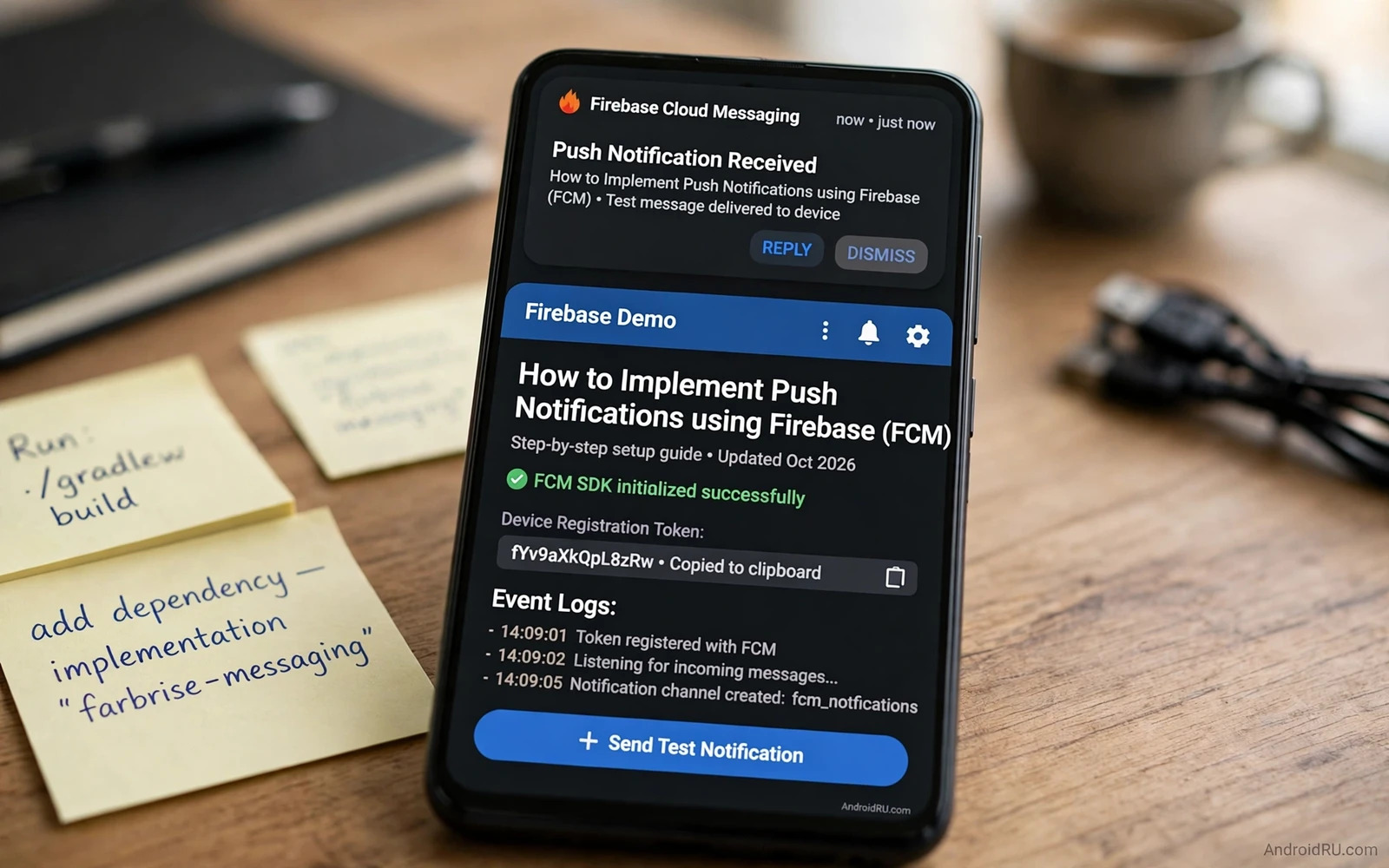
Push notifications bring users back to an app with timely information. A message arrival or a delivery update or a reminder can all travel as a push. Firebase Cloud Messaging provides the delivery channel between a server and Android devices. The app registers a token and the server sends messages to that token. This guide shows the full flow from setup to handling and to respectful sending habits.
Two message types shape the implementation. A notification message carries a title and a body that the system can display on its own. A data message carries custom key value pairs that the app handles in code. Notification messages suit simple alerts. Data messages suit silent sync and custom display logic. Many real apps combine both by sending data and building the notification in code for full control. Choose the type by how much control the app needs over display.
Permission behaviour changed on newer Android versions. The app must request notification permission at runtime before notifications can appear. Request it at a moment when the user understands the value such as after enabling alerts in settings. A request at first launch with no context invites a denial. A denied permission can be changed later in system settings but many users never return to fix it. Earn the permission with a clear in app explanation first.
class MessagingService : FirebaseMessagingService() {
    override fun onMessageReceived(message: RemoteMessage) {
        val data = message.data
        // build notification from data here
    }
    override fun onNewToken(token: String) {
        // send token to server here
    }
}
Set up the project
Add the Firebase configuration to the app and register the messaging service in the manifest. The service receives messages and token refresh events. Keep the service light because it runs in the background. Delegate heavy work to a worker that the system can schedule. A service that performs long network work directly risks being killed before the work finishes.
Obtain the registration token after setup and send it to your server with the user account identifier. Treat the token as a device address rather than a user identity. One user may own several devices with several tokens. One device may receive a new token after an app reinstall or data clear. Store tokens per device and clean up tokens that the server reports as invalid. Stale tokens waste sends and distort delivery statistics.
Handle token refresh events promptly. The messaging service receives a callback when a token changes. Send the new token to the server at once and remove the old token from the server record. A server that keeps sending to an old token will see failures grow. Token hygiene is boring work but it decides whether notifications actually arrive.
Handle messages in every state
Foreground handling is fully in app code. The app receives the message while the user views the app. Decide whether to show a notification or update the screen silently. A chat app may update the conversation view without a banner when the conversation is already open. A news app may show a quiet in app banner instead of a system notification. Match the handling to what the user already sees.
Background handling depends on message type. A notification message displays through the system when the app is in the background. A tap opens the app with the message data attached. A data message wakes the app code even in the background within system limits. Build the notification in code for data messages so the display stays consistent. Test background handling by swiping the app away and then sending a message. Many bugs appear only in that state.
Killed app handling deserves a dedicated test. Force stop the app and send a message. Check whether the notification appears and whether a tap restores the right screen. Some devices restrict background work aggressively and delay messages. Document expected behaviour for those devices rather than promising instant delivery everywhere. Users on restricted devices need an in app refresh path as a backup.
Build good notifications
A notification needs a clear title and a short body and a tap target that opens the relevant screen. A tap that opens the generic home screen wastes the user attention that the notification earned. Use a deep link that carries the message identifier. Mark the message as read when the user opens it through the notification. Keep the notification channel design thoughtful because channels let users control categories independently.
Channels group notifications by type such as messages and promotions and system alerts. Create channels at setup with sensible defaults for sound and vibration. Let users disable a noisy channel without losing important alerts. Never create a new channel for every message because users cannot manage dozens of channels. A small set of stable channels builds trust over time.
Frequency control matters more than any technical detail. A user who receives too many notifications disables them all or uninstalls the app. Batch non urgent updates into a digest when possible. Send urgent alerts at once and defer marketing messages to a sensible hour. Respect quiet hours and device do not disturb settings. A notification strategy that respects attention keeps the channel open for messages that truly matter.
Offline and network aware delivery
Push delivery depends on network availability. A message sent while the device is offline waits for reconnection within system limits. The app should also refresh its data when it opens after an offline period. Readers who design that refresh can continue with the piece on handling network connectivity loss gracefully and build an offline first flow that does not rely on push alone. Push is a hint that new data exists. The app still needs a reliable sync when it opens.
Collapse keys and time to live settings shape queued messages. A collapse key replaces older queued messages of the same type with the newest one. A score update should collapse because only the latest score matters. A chat message should not collapse because every message matters. Set a time to live that matches the value lifetime of the message. An expired promotion should not arrive a day late as if it were still valid.
Server side handling needs retries with care. A temporary server error should retry with backoff. A permanent token error should remove the token instead of retrying forever. Log delivery results by message type and by device class to spot patterns. A sudden rise in failures for one device class often signals a token handling bug rather than a network outage.
Security and privacy
Never put sensitive data in a notification body that appears on a lock screen. A message preview on a locked phone can expose private content to anyone nearby. Send only a generic alert through push and fetch the full content after the user opens the app. Let users choose lock screen visibility in settings. Privacy conscious users will thank the app for that control.
Authentication state interacts with push handling. A notification tap should not bypass login for protected content. Readers who protect screens can continue with the piece on implementing biometric authentication in Android apps and require the normal unlock before showing protected message content. Push opens the door to the app. Authentication still guards the room inside.
Accessibility services can read notifications when the user enables them. Readers who build automation features can continue with the piece on accessibility services and automation and review how notification content flows to assistive tools. Keep notification text concise so assistive reading stays clear and useful.
Test and monitor
Test with a small set of real devices before a wide rollout. Send test messages to each device state including foreground and background and killed. Check the tap target and the channel and the sound on each device. Vendor customisations change notification behaviour in small ways. A test matrix across vendors catches those differences before users do.
Monitor delivery and engagement after launch. Track sends and deliveries and taps by message type. A high send count with low taps signals a relevance problem. A high disable rate for one channel signals a frequency problem. Adjust content and frequency based on those signals rather than sending more messages to chase attention. Fewer relevant messages outperform many irrelevant messages.
Push notifications work best as a quiet servant. They arrive at the right moment with the right information and open the right screen. Build the token flow carefully and handle every app state and respect user attention. An app that masters those basics earns a permanent place in the notification shade. An app that spams loses that place fast.
Server design for push
Server design decides push reliability more than client code does. Store tokens with device and account and app version. Update tokens on refresh callbacks without delay. Remove tokens that return permanent errors. A token store with stale entries wastes sends and hides real delivery problems behind inflated send counts. Clean token hygiene is a server discipline.
Message construction needs templates per message type. A chat message template carries sender and preview rules. A promotion template carries expiry and deep link rules. Templates keep messages consistent and prevent a developer from sending sensitive data in a body by mistake. Review templates when a new message type appears rather than improvising fields per send.
Rate limiting protects users from server bugs. A bug that sends the same message in a loop can spam thousands of devices in minutes. Cap sends per user per hour for non urgent types. Alert on a sudden send spike before users complain. A cap turns a server bug into a contained incident. No cap turns it into a mass uninstall event.
Delivery analytics should separate technical delivery from user engagement. Technical delivery measures whether devices received the message. Engagement measures whether users tapped it. A message with high delivery and low taps needs better content. A message with low delivery needs token or channel investigation. Separating the two metrics prevents fixing content when the problem is delivery.

