

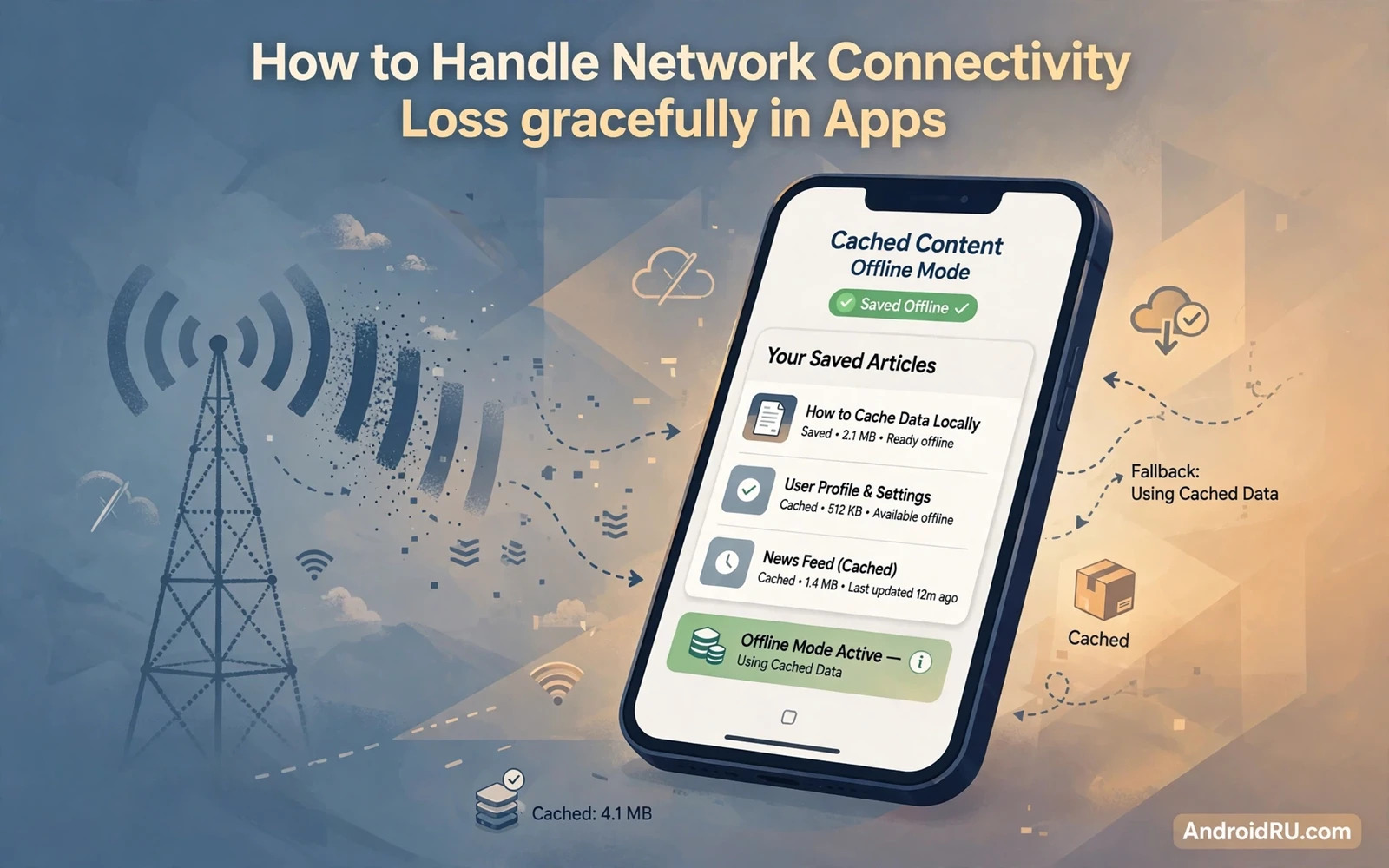
Network connections fail at real moments. A user enters a tunnel or boards a plane or walks into a basement with weak signal. An app that shows only a blank error at those moments feels broken. An app that keeps working with cached data feels reliable. Handling connectivity loss gracefully means designing for offline as a normal state rather than as an exception. This guide shows the patterns that make offline feel intentional.
Start by separating read flows from write flows. Read flows can show cached data while offline. Write flows need a queue that survives until connectivity returns. A feed reader can show yesterday articles offline. A message app must queue an unsent message and deliver it later. Designing reads and writes separately keeps each pattern simple. Mixing them into one generic error handler serves neither well.
Detect connectivity state without polling constantly. The system provides network callbacks that report when a network becomes available or is lost. Observe those callbacks and update the interface state accordingly. Show a subtle offline indicator rather than a blocking dialog. Users already know the network failed when the signal icon changes. The app should adapt quietly instead of alarming them.
val request = NetworkRequest.Builder()
    .addCapability(NetworkCapabilities.NET_CAPABILITY_INTERNET)
    .build()
connectivityManager.registerNetworkCallback(request, callback)
Cache for reading offline
Cache the data users actually revisit. A home feed and a profile and recent messages all deserve a local cache. Store the cache in a local database with a timestamp per item. Show cached data at once when the app opens offline. Mark the data as cached with a small stale hint when it matters. A stale hint is honest. A silent stale feed misleads users who think the data is fresh.
Set cache expiry by data type. News headlines expire fast. User profile data expires slowly. A price list may expire at a defined time. Expire aggressively for data that changes often and keep stable data longer. When connectivity returns refresh expired items in the background. A background refresh keeps the interface responsive while data updates quietly.
Handle cache size with limits. An unbounded cache grows until storage runs low. Set a maximum size and evict the least recently used items first. Prioritise recent and favourited items during eviction. A cache that respects storage limits stays welcome on the device. A cache that fills storage gets blamed for every storage warning the user sees.
Queue writes for later
Queue every write action that happens offline. A created task and an edited note and a sent message all enter a local queue with a unique identifier. Show the queued item in the interface with a pending state. A pending badge tells the user the action is saved locally and will sync later. Never silently drop a queued action when the app closes. Persist the queue in durable storage that survives restarts.
Sync the queue in order when connectivity returns. Process items one by one and mark each item as synced only after server confirmation. Retry a failed item with backoff rather than hammering the server at once. A single failing item should not block the whole queue forever. Move a permanently failing item to an error state with a clear retry option. The user can then fix the item instead of watching the queue stall.
Conflict handling matters when the same data changes on two devices. A note edited offline on a phone and online on a tablet may conflict during sync. Choose a conflict rule per data type before shipping. Last write wins suits simple settings. Merge suits text notes with care. Manual resolution suits critical data where automatic choice could lose work. Document the rule so support can explain sync behaviour to users.
Retry wisely
Retry logic needs backoff and limits. An immediate retry after a failure often fails again for the same reason. Wait a short interval and then retry with a longer interval on each failure. Cap the number of retries and then surface the error to the user. Unbounded retries drain battery and waste data. A capped retry with a clear user action respects both battery and user patience.
Distinguish error types before retrying. A timeout may succeed on retry. An authentication failure will not succeed on retry without a fresh login. A validation error will not succeed until the data changes. Retry only the errors that time can fix. Surface other errors at once with a clear explanation. Smart error handling beats blind retry loops every time.
Background sync should respect system limits. The system batches background work to save battery. Schedule sync with a work manager that runs when a network becomes available. Avoid a custom background service that polls constantly. A scheduled worker that wakes on connectivity uses far less battery than a polling loop. Respecting system limits keeps sync reliable across vendors.
Push and offline together
Push notifications hint that new data exists but they do not replace sync. A message sent while offline waits for reconnection. Readers who build push flows can continue with the piece on implementing push notifications with Firebase and combine push hints with a reliable open time refresh. The app should refresh on open even when no push arrived. Push accelerates discovery. Sync guarantees correctness.
Storage rules affect offline data too. Cached media and documents must live in a location the app can read after a restart. Readers who manage files can continue with the piece on scoped storage and MediaStore APIs and place cached files in the right storage home. A cache in a volatile folder may vanish exactly when offline use needs it most.
Memory pressure during offline use deserves attention. A long offline session with many cached images can grow memory use. Readers who chase growth can continue with the piece on testing app performance with profiler tools and check heap behaviour during extended offline browsing. Offline reliability includes memory health as well as network handling.
Interface patterns for offline
Show offline state subtly. A small banner or an icon change signals offline mode without blocking content. A full screen error should appear only when the user requests fresh data that cannot load and no cache exists. Even then offer a retry button and a path to cached content when available. A blocking dialog for every offline moment trains users to dismiss dialogs without reading them.
Disable actions that cannot work offline with a clear explanation. A live video call button cannot work without a network. Grey it out with a hint that explains the need for connectivity. Keep actions that can queue enabled with a pending state. Users understand a disabled button with a reason. Users resent a button that appears active and then fails silently.
Test offline behaviour by actually disconnecting. Enable airplane mode and use the app for ten minutes. Create items and edit items and browse cached content. Reconnect and watch sync complete. Test with a weak signal as well because weak signal behaves differently from no signal. Timeouts and partial responses appear on weak signal and need their own handling.
Ship offline as a feature
Present offline support as a feature in release notes and in app help. Users who travel or work in low signal areas value it highly. Explain what works offline and what queues for later. Clear expectations prevent support tickets from users who assume everything works offline. Honest scope beats a vague claim of full offline support.
Monitor sync health after launch. Track queue length and sync success rate and conflict rate by data type. A growing queue signals a sync bug rather than user behaviour. A high conflict rate signals a data model that needs a better merge rule. Metrics turn offline support from a launch feature into a maintained system.
Graceful offline handling earns trust in the moments when networks fail. Cache reads and queue writes and retry wisely and show state honestly. An app that keeps working through a tunnel or a flight feels dependable. Dependability is a feature users remember long after they forget individual screens.
Sync metrics that matter
Sync metrics reveal offline health better than user complaints do. Track the number of queued items per user in aggregate. Track average sync delay after reconnection. Track conflict rate by data type. A rising queue length signals a sync bug. A rising conflict rate signals a data model problem. Metrics turn vague offline complaints into specific investigations.
Battery impact of sync needs measurement on real devices. A sync worker that wakes too often drains battery even when it transfers little data. Measure battery use during a day of intermittent connectivity. Compare sync worker wake counts across releases. A release that doubles wake counts without new features deserves a sync review before it ships widely.
Storage growth from queued data needs limits too. A user offline for a week may queue many photos and messages. Cap queue size by data type and warn the user before the cap blocks new actions. A clear warning lets the user free space or connect to sync. A silent cap that drops new actions loses user work without explanation. Limits with warnings protect both storage and trust.
Test sync across app updates. A queue created by an old version must sync correctly after an update to a new version. Version the queue format and migrate it on update. A queue that breaks on update loses exactly the offline work users trusted the app to keep. Update migration testing belongs in the offline test plan.
Airplane mode testing routine
Airplane mode testing should become a routine part of manual testing. Turn on airplane mode and use the app for a full task such as creating a note and browsing a feed and editing a profile. Turn airplane mode off and watch sync complete without duplicate items. Repeat the routine after every sync related change. A routine that runs often catches sync regressions early. A routine that runs only before release catches them when fixing costs most.
Partial connectivity behaviour
Partial connectivity behaves differently from full offline mode. A request may start but never finish. A response may arrive truncated. A retry may duplicate a write that actually succeeded on the server. Design writes with idempotency keys so a retried request does not create a duplicate record. Design reads with timeouts that fail cleanly rather than hanging forever. Partial connectivity testing with a throttled connection reveals these behaviours before users meet them on weak signal.

