

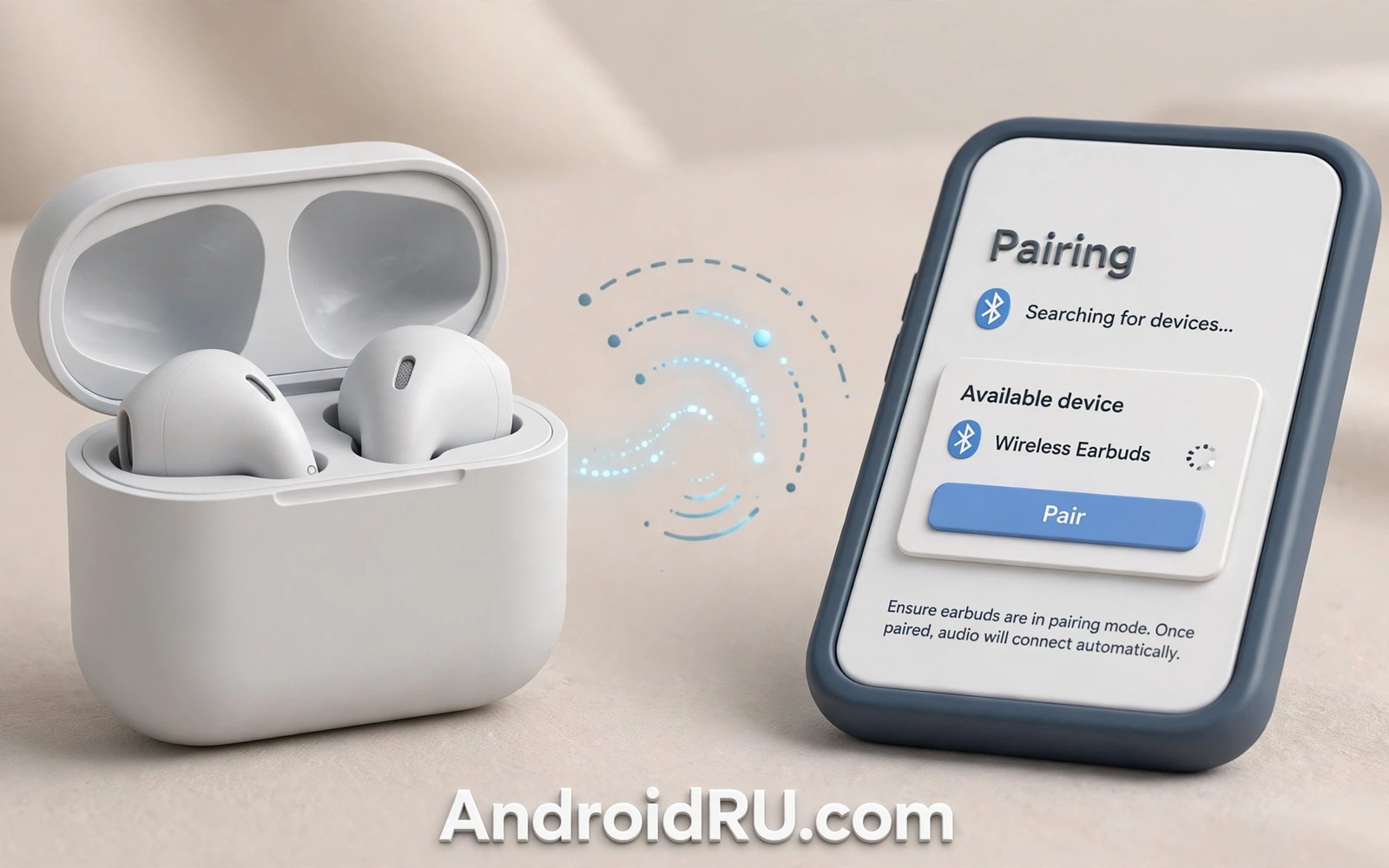
Wireless earbuds fail in a frustrating way. They sit in the case with a full charge yet the phone cannot see them. One bud may connect while the other stays silent. Music may stutter or drop every few seconds. The buds are rarely dead when this happens. Their pairing memory is usually confused.
Pairing memory stores the last phone and the link between the two buds. A failed update or a low battery shutdown can corrupt that memory. A phone that pairs with many devices can also hold a stale entry that blocks a fresh link. A reset clears that memory and lets the buds start clean.
This guide gives you a reset routine that works for most true wireless buds. You will forget the device on the phone and reset the buds in the case. You will then pair fresh as if the buds were new. Follow the order exactly because order decides success.
Rule out simple causes first
Charge both buds and the case for at least thirty minutes before you reset anything. A bud with a dead cell cannot enter pairing mode no matter how many buttons you press. Check that the case lights show charging for each bud. Clean the charging contacts with a dry cotton swab when a bud shows no light.
Move away from other Bluetooth devices during the test. A nearby laptop or watch can steal the connection before your phone finishes pairing. Turn off Bluetooth on other nearby devices for a few minutes. A quiet radio environment makes pairing far more reliable.
Restart the phone before you blame the buds. A phone Bluetooth stack can stall after days without a restart. A fresh restart clears stale phone side pairings that block new links. Test pairing once after the restart before you move to a full reset.
Forget the earbuds on the phone
Open Bluetooth settings on the phone and find the earbuds entry in paired devices. Tap the settings icon beside the name and choose forget or unpair. This step removes the stale phone side record that may conflict with a fresh pairing. Do not skip it because a bud reset alone leaves the bad phone record in place.
Check for duplicate entries with similar names after you forget the first one. Some buds create separate entries for calls and for media. Remove every entry that belongs to the buds. A single leftover entry can pull the buds back into the broken state.
Turn Bluetooth off and on again after forgetting the device. That refresh clears the phone cache for the removed entry. Wait ten seconds with Bluetooth off before you switch it back on. A rushed toggle can leave the old state in memory.
Reset the buds in the case
Place both buds in the case and close the lid for ten seconds. Open the lid and look for the pairing light pattern in the manual for your model. Most buds reset when you hold the case button or both bud touch areas for ten to fifteen seconds. The light usually flashes a distinct colour to confirm the reset.
Keep the buds in the case during the reset unless the manual says to remove them. The case supplies power and keeps the two buds linked while memory clears. Removing a bud midway can split the pair so one bud resets and the other does not. A split pair is a common cause of one sided sound.
Wait for the reset light to finish its pattern before you close the lid again. A reset that is cut short leaves partial memory behind. Patience here saves a second reset later. When the light settles into pairing mode the buds are ready for a fresh link.
Pair fresh like new buds
Open Bluetooth settings on the phone and keep the buds in pairing mode nearby. Select the earbuds name when it appears in available devices. Accept any pairing prompt for calls and media together when the phone offers it. A single combined pairing keeps both buds in sync.
Test both buds with a short music track and a short call. Music tests stereo balance and call tests the microphone path. If one bud stays silent then return both buds to the case for thirty seconds and try again. A second seating often fixes contact and sync issues.
Check the volume balance in accessibility or audio settings when one bud sounds quieter. A balance slider shifted by accident mimics a hardware fault. Centre the balance and test again before you conclude that a bud is broken. Software balance is a frequent hidden cause.
Fix one sided sound after pairing
One sided sound after a fresh pair often means the buds lost sync during the reset. Return both buds to the case and close the lid for a full minute. That pause lets the buds renegotiate their link without phone interference. Open the case and test again before you reset a second time.
Check for earwax or debris blocking the quiet bud speaker mesh. A blocked mesh sounds like a dead bud yet it needs only gentle cleaning. Use a dry soft brush and never poke the mesh with a pin. A pin can push debris deeper and damage the driver behind the mesh.
Swap the ear tips between buds to rule out a fit problem. A poor seal on one side reduces bass and volume sharply. A correct tip size restores sound without any electronic fix. Fit is an easy check that many users skip while chasing software faults.
A pairing checklist to keep
A short checklist prevents skipped steps during a frustrating failure. Work down the list in order and tick each step before moving on. The order matters because phone side and bud side memory must both clear before a fresh pair can succeed.
Step 1: charge buds and case for 30 minutes
Step 2: forget earbuds in phone Bluetooth settings
Step 3: reset buds in case until light confirms
Step 4: pair fresh and test music plus call
The checklist sample above was written for this guide and it follows standard Bluetooth troubleshooting practice. Each step clears one side of the pairing memory before the fresh link begins. Skipping the forget step is the most common reason a reset appears to fail.
Save the checklist in a note for the next failure. Pairing trouble returns after major phone updates and after long storage periods. A saved routine turns a stressful failure into a five minute fix.
Keep firmware and phone software current
Earbud firmware updates fix pairing bugs and improve connection stability. Check the companion app for firmware updates after a successful fresh pair. An update on a stable link is safe and it often prevents the next pairing failure. Never update during a pairing crisis when the link itself is unstable.
Phone Bluetooth software matters just as much as bud firmware. System updates can change Bluetooth behaviour and fix stack bugs. Install phone updates on trusted Wi-Fi and then test bud pairing after the update. A post update test catches profile changes early.
Clear the Bluetooth cache on the phone when pairing grows flaky across many devices. Cache clearing removes stale profiles without deleting paired device lists in most versions. Test pairing after the clear with the earbuds nearby. A fresh cache often restores clean discovery.
When several devices pair poorly the phone may be the common fault. Test the buds with a second phone or tablet to isolate the side. Buds that pair cleanly elsewhere point to the first phone. Buds that fail everywhere point to the buds themselves.
Store earbuds charged during long breaks
Earbuds left dead for months can lose battery capacity and pairing stability. Charge the case every few weeks during a break from use. A maintained battery pairs more reliably when you return. Storage care prevents a surprise failure after a holiday.
Reset the Bluetooth pairing list on the phone yearly
Old paired devices accumulate in phone Bluetooth settings over years. A long list can slow discovery and confuse new pairings. Review the paired list yearly and remove devices you no longer own. A short clean list pairs faster and fails less often. Yearly pruning is a small habit with a noticeable payoff for wireless reliability.
Common mistakes
The biggest mistake is resetting the buds without forgetting them on the phone. The phone then reconnects using the stale profile and the fault returns. Always clear both sides of the memory. A reset is a pair of actions and not a single button press.
Another mistake is pairing the buds while they sit far from the phone. Distance and walls weaken the first link and the buds may pair in a degraded mode. Keep the case beside the phone during the first pairing. Move away only after music plays cleanly on both sides.
Users also update bud firmware during a pairing crisis. A firmware update needs a stable link and a failing link can corrupt the update. Fix pairing first with a reset and update firmware only after a stable connection lasts a full day. Order protects the firmware from the very fault you are fixing.
Finally do not buy replacement buds before trying a case contact clean. Dirty contacts mimic dead batteries and broken pairing. A dry swab on the contacts and in the case often restores charging and pairing at once. Cleaning is free and replacement is not.
Frequently asked questions
Why do earbuds unpair after a phone update
Phone updates can change Bluetooth profiles and drop old pairing records. A fresh pair after an update rebuilds the profile cleanly. This pattern is normal and it rarely means the buds are faulty.
Can I pair earbuds with two phones at once
Some buds support multipoint pairing and many budget buds do not. Check your model manual for multipoint support before you try. Without multipoint support the buds pair with one phone at a time and switching needs a manual reconnect.
When should I replace earbuds instead of resetting
Replace when a bud will not charge after contact cleaning and cable checks. Replace also when sound stays distorted after a clean reset and a fit check. Those signs point to battery or driver failure that no reset can fix.
Conclusion
Pairing failures look like hardware death yet they usually mean confused memory. Charging and forgetting and resetting and fresh pairing restore most buds in minutes. The order of those steps matters more than any single trick. A calm routine beats repeated random button presses.
Your concrete next step is to forget the earbuds on your phone today and run the case reset exactly as described. Test music and a call on both buds before you finish. Readers who want related Bluetooth habits can explore a guide to why always on radios waste resources and a guide to what to do when a phone overheats while idle plus a guide to habits that damage a phone over time for steadier wireless use.

