

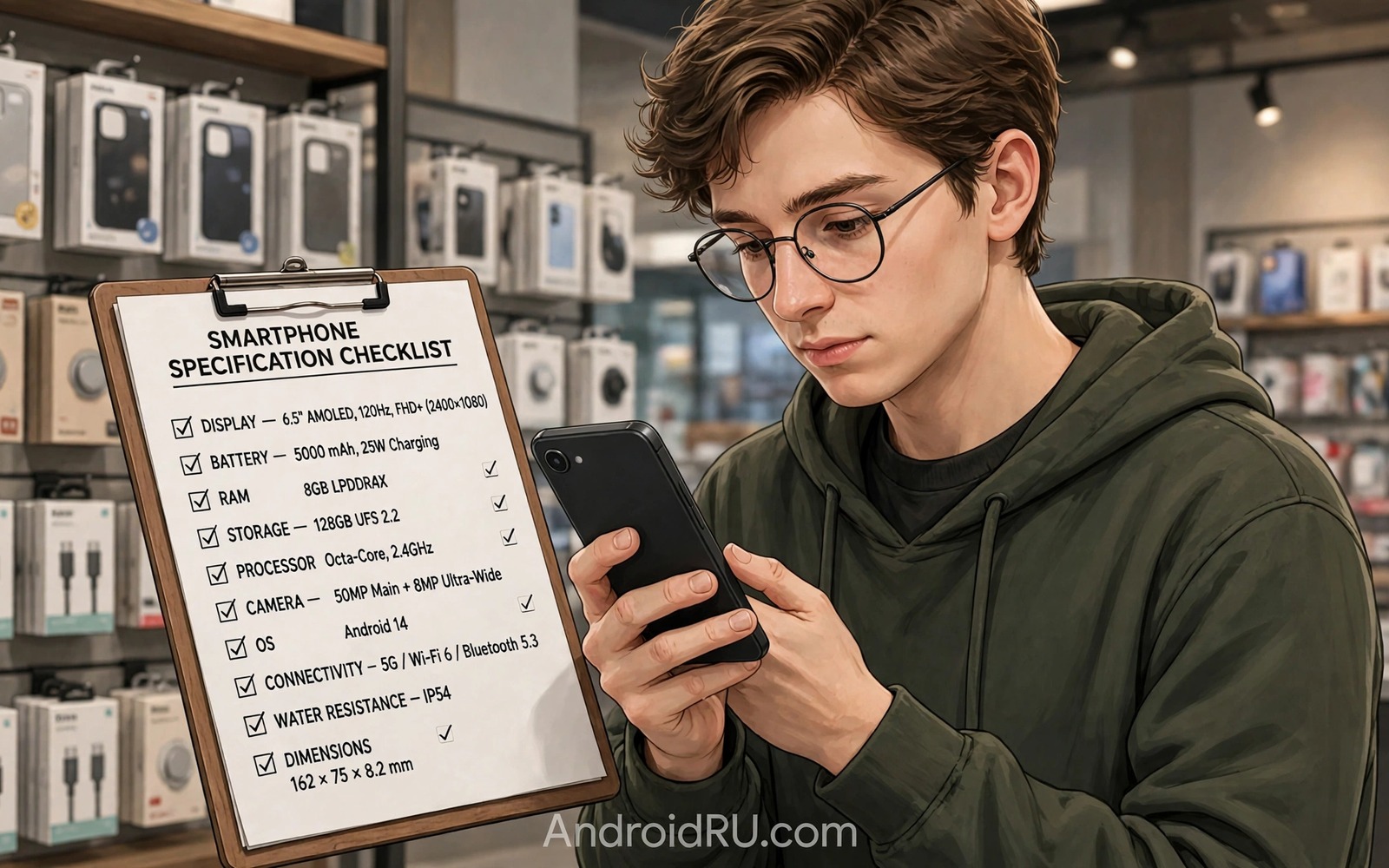
Never Buy Smartphones Without Verifying These Hardware Specs!
A poster in a phone shop can make almost any handset look like a flagship. Big megapixels, a huge battery number, a chip name you half recognise. I have stood in front of those posters, and I have also lived with the phone for six months after the shine wore off. That is when the specs nobody mentioned start to matter: the slow storage that makes apps stutter, the dim screen you cannot read on a sunny street, the camera that falls apart indoors.
The gap between the sales pitch and daily life comes down to a short list of hardware specs. Chip and memory, storage type, screen brightness, camera sensor, battery behaviour, update support, network bands. Each one interacts with the others, and no single number tells the full story. A fast chip with slow storage still stutters. A huge battery behind a power-hungry screen still dies before dinner.
This guide gives you a verification routine you can run in the shop or from a listing at home, with menu names, numbers to look for, and a checklist to carry. Work through it before you pay, and you will know exactly what you are buying.
Verify the processor and RAM pairing before you pay for a smartphone
The processor name alone does not guarantee speed. A midrange chip with enough memory often beats a flagship chip starved of memory, because Android keeps apps in RAM and reloads them when memory runs out. Check the chip model and the RAM amount together, and treat them as one decision rather than two separate numbers.
Eight gigabytes of RAM is a sensible floor for heavy multitasking on a current Android phone. Twelve gigabytes gives more headroom for large games, split-screen work, and keeping a camera app ready in the background. Below 6GB, expect apps to reload often, especially if you switch between a browser, maps, and a messaging app all day.
Check the chip generation, not just the brand name
Chip makers reuse similar names across years with very different performance. A newer midrange chip can beat an older flagship chip on efficiency and heat control, which matters more than a peak benchmark score when you play a game for forty minutes. Search the exact chip model and read its release year before you judge it.
Look for the generation number inside the name. A Snapdragon 8 Gen 3 and a Snapdragon 8 Gen 1 share a family name and little else. The same applies to MediaTek Dimensity, Samsung Exynos, and Google Tensor chips. Two phones with the same brand label can sit two years apart in real performance.
How to read a chip name in Settings
Open Settings, then About phone, and look for the processor or chipset line. Some makers hide it, so check the model page on the maker site or search the model name with the word processor. Write the exact chip name down and compare it against one rival model before you decide.
Test multitasking with your own apps
A shop demo rarely shows memory pressure, so run your own test when the shop allows it. Use the apps you actually live in, not the demo loop on the display unit.
- Open your browser, a maps app, and the camera, one after another.
- Switch back to the browser and check whether the page reloads or stays as you left it.
- Open a messaging app, then return to maps and watch for a reload or a lost route.
- Repeat the cycle twice. A phone that reloads apps constantly has too little memory for your habits, whatever its advertised speed.
What 8GB and 12GB of RAM mean in practice
With 8GB, a typical day of messaging, browsing, maps, and photos runs without drama. With 12GB, you can add a large game and a video editor to that mix and still switch without reloads. Past 12GB, most people gain little, so spend the extra money on storage speed or a brighter screen instead.
UFS vs eMMC storage: the hidden spec that decides app loading speed
Storage size gets the headline, yet storage speed decides how fast apps open and how quickly the camera saves a burst of photos. Modern UFS storage loads apps far faster than older eMMC storage, and budget phones sometimes hide the slower type behind a large capacity number. Ask for the storage type or check a trusted specification sheet before you buy.
The table below shows why the type matters more than the capacity number on the box. A phone with 128GB of fast storage feels quicker every day than a phone with 256GB of slow storage.
| Storage type | Typical sequential read speed | App loading feel | Where you find it |
|---|---|---|---|
| UFS 4.0 | Roughly 2,000 to 4,200 MB/s | Instant app opens, fast photo bursts | Current flagships and upper midrange phones |
| UFS 3.1 | Roughly 1,500 to 2,100 MB/s | Quick loading, smooth everyday use | Many midrange phones from the last few years |
| UFS 2.2 | Roughly 500 to 1,000 MB/s | Noticeable pauses on large apps and games | Budget phones and older midrange models |
| eMMC 5.1 | Roughly 250 to 400 MB/s | Slow installs, laggy camera saves | Entry-level phones; avoid it if you can |
Notice how wide the gap is: the fastest type in the table reads roughly ten times faster than the slowest. That gap shows up every time you open a large game, install an update, or save a 4K video. UFS storage is the single cheapest way to tell whether a phone will still feel fast in year two.
Check real free space in Settings, not the box number
System software can occupy a large share of a small drive, so a phone advertised with 128GB may offer far less for your own apps and photos. Open Settings, then Storage, on the demo unit and read the free space number directly. If the demo unit shows less than 60GB free on a 128GB phone, think hard before buying that capacity.
Photos and videos fill storage faster than most buyers expect. A minute of 4K video can take several hundred megabytes, and a year of photos adds up quietly. Choose 256GB if you record video often or keep large games installed, and treat 128GB as the floor for light users only.
Confirm the microSD slot before you need it
Confirm whether the phone supports expandable storage and whether it uses a shared slot. A shared slot forces a choice between a second SIM and a memory card, while a dedicated card slot removes that trade. Know which design you are buying before you need the extra space.
Shared SIM tray versus dedicated card slot
Pull the SIM tray out in the shop and look at it. A tray with two SIM seats and no card seat means no expansion at all. A tray with one SIM seat plus a card seat on the reverse side means a shared slot. A tray with a separate card seat means you can keep two SIMs and a card at once.
Screen brightness and refresh rate checks that matter outdoors
Screen resolution matters less than brightness for outdoor use. A bright screen stays readable in sunlight while a dim screen forces you to shade the phone with your hand. Look for peak brightness figures from reviews rather than typical brightness from ads, because the peak number is what the screen reaches under strong sun.
Resolution still counts for sharpness, but the difference between a sharp 1080p panel and a 1440p panel is hard to see at normal reading distance. The difference between 800 nits and 2,000 nits outdoors is impossible to miss. Spend your attention, and your money, on brightness first.
Peak brightness beats resolution on a sunny day
Look for a peak brightness figure near or above 1,000 nits if you spend time outside. Flagship panels now reach 2,000 nits or more at peak, while many budget panels top out around 600 to 800 nits. That gap decides whether you can read a map at noon or have to duck into shade.
Check the figure in a review that measures brightness with a meter rather than repeating the maker claim. Makers quote different conditions, so a measured peak from a reviewer gives a fairer comparison between two models. Peak brightness above 1,000 nits is the number I treat as the pass mark for a phone that will live outdoors.
Adaptive refresh rate saves battery without losing smoothness
Refresh rate affects smoothness when scrolling and gaming. A 120Hz screen feels fluid, yet it also uses more battery than a 60Hz screen. Check whether the phone adapts the rate to content or locks it high all day. Adaptive refresh gives smoothness without constant battery cost, dropping to 10Hz or 1Hz on a still page and rising only when you scroll or play.
Open Settings, then Display, then look for a motion smoothness or refresh rate entry. If the phone offers an adaptive option, choose it. A phone locked at 120Hz all day can cost you an hour of screen time for smoothness you only notice while scrolling.
How to spot a green tint at low brightness
Turn the brightness down to its lowest setting in a dim corner of the shop and open a grey image or a dark settings page. Watch for a green or pink tint, or uneven light near the edges. Those flaws rarely appear in spec sheets, yet they annoy you every evening. If the panel looks uneven at low brightness, try a second unit of the same model before you blame the whole line.
Camera sensor size, aperture and stabilisation beat megapixels
Megapixels count pixels, not photo quality. Sensor size, lens aperture, and stabilisation shape results far more. A larger sensor gathers more light and produces cleaner low-light shots. Optical stabilisation keeps video steady and helps night photos stay sharp. Ask for sensor details in reviews when the box hides them.
The classic trap is the 200-megapixel sensor with pixel binning, which usually outputs a standard 12-megapixel photo. The extra pixels help cropping, yet they do not fix a small sensor in low light. Judge sample photos rather than sensor marketing.
Sensor size decides low-light photos
A sensor described as 1-inch type or 1/1.3-inch gathers far more light than a 1/2-inch sensor, and that light is what keeps night shots clean instead of noisy. Pixel binning combines neighbouring pixels into one larger effective pixel, which helps, but it cannot fully replace a physically larger sensor. Sensor size is the camera number worth memorising, not the megapixel count.
Check the aperture too. A lens at f/1.8 lets in more light than one at f/2.4, and the difference shows in indoor portraits and evening street scenes. A wide aperture plus a large sensor is the combination that survives a dim restaurant; a high megapixel count alone is not.
Optical stabilisation for video and night shots
Optical image stabilisation moves the lens or sensor to cancel hand shake, and it matters for every video you shoot while walking. Electronic stabilisation crops the frame to do the same job, which narrows your field of view and softens detail. A phone with real optical stabilisation on its main camera records steadier video and sharper night photos than one with electronic stabilisation alone.
Test it in the shop. Record a short clip while walking slowly past a shelf, then play it back on the phone. Compare it with the same walk on a rival model. Your eyes will settle the question faster than any spec sheet.
Test the front camera for video calls
Stand near the shop window and start a video call with a friend, or record a selfie video against the bright glass. A front camera with good dynamic range keeps your face visible instead of turning it into a silhouette. Autofocus on the front camera helps too, since a fixed-focus selfie camera goes soft when you hold the phone at arm’s length.
Battery capacity vs real screen-on time and charging speed
Battery size in milliamp-hours does not equal battery life. A power-hungry chip and a bright high-refresh screen can drain a large battery fast. Read review battery tests that measure screen-on time for browsing and video, because those real tests beat a capacity number every time.
A 5,000mAh battery on an efficient phone can outlast a 5,500mAh battery on a phone with a brighter screen and a hotter chip. Capacity is only one ingredient. The screen, the chip, and the software all decide how far that capacity goes.
Read battery tests, not milliamp-hour numbers
Look for a review that reports screen-on time for mixed use: browsing, video, and messaging on one charge. Six to eight hours of screen-on time suits most people, while heavy users should look for eight or more. Check the test conditions as well, since a test at half brightness flatters every phone.
Note how the phone behaves after a year, too. Batteries lose capacity with charge cycles, so a phone that barely survives your day when new will struggle in year two. A little headroom today is insurance for later.
Charging curves: fast to 50 percent, slow after
Charging speed also needs a full picture. A phone may advertise a high wattage yet slow down sharply after half charge, because fast charging heats the battery and the phone protects it by easing off. Ask how long a full charge takes from empty in reviews, not just how fast it reaches half.
A phone that charges fast to half and then crawls may still suit you if you top up during the day, yet you should know the pattern before buying. Also confirm the charger situation in the box, since some phones ship without a charger and need a separate purchase to reach advertised speeds. Add that cost to the phone price when you compare models.
Cheap accessories deserve the same suspicion as cheap specs. A bargain cable can charge slowly, heat up, or fail within weeks, and it can even damage a port over time. Readers who want the full warning should read about the hidden dangers of cheap charging cables before trusting a no-name cable with a new phone.
Check what charger is actually in the box
Open the box in the shop or read the contents list on the maker page. Note the charger wattage, whether a cable is included, and whether the cable is USB-C on both ends. A phone that advertises 65W charging but ships with a 25W charger will never reach its headline speed without another purchase.
Software update support and network band checks before you buy
Hardware ages slowly, but software support decides whether the phone stays safe and pleasant to use. A phone with strong hardware and short update support ages badly, because it stops receiving fixes long before its chip and screen wear out. Check the update promise in writing before you pay.
Flagship makers now promise several years of system updates, and some offer up to seven years of security patches. Budget phones often promise far less, sometimes only two years of system updates and three years of security patches. That difference can matter more than a slightly faster chip.
Count the years of system and security updates
Ask for two numbers: years of Android version updates and years of security patches. A phone with four years of system updates and five years of security patches will feel current far longer than a phone with two years of each. Years of security updates matter even after the big version updates stop, since patches close holes that attackers actually use.
Check whether the maker has a public update page listing the promise per model. If the seller cannot name the update length, treat that as a warning sign. A vague promise of updates for a while usually means a short one.
Confirm network bands for your carrier
Buyers also forget network bands for their region. An imported phone may lack a band that their carrier uses for coverage indoors, and that gap causes weak signal in buildings even with strong hardware. Confirm band support for your carrier before importing any model.
Check the 4G and 5G bands on the maker specification page and compare them with your carrier’s published band list. Pay attention to low-frequency bands, which carry signal through walls, and to the 5G bands your carrier actually uses in your city rather than the ones on the poster.
Imported phones and missing bands
A phone built for another region can miss a band your carrier relies on for rural coverage or indoor reception. It can also miss carrier features such as Wi-Fi calling or VoLTE, which need carrier approval per model. Before importing, confirm bands, VoLTE, and Wi-Fi calling with your carrier, and keep the receipt until you have tested a call indoors.
The 10-point hardware spec checklist to carry into the shop
A short written checklist keeps a sales conversation focused on facts. Tick each item as you verify it and walk away when too many boxes stay empty. The checklist below fits on a phone note and covers the specs that shape daily life.
| Check | Where to verify it | Pass mark |
|---|---|---|
| Chip model and year | Settings, About phone | Current or previous generation chip |
| RAM amount | Settings, About phone | 8GB minimum, 12GB for heavy use |
| Storage type | Specification sheet or review | UFS 3.1 or faster |
| Free space | Settings, Storage | At least half the advertised capacity free on a new phone |
| Peak brightness | Review measurements | 1,000 nits or more at peak |
| Refresh rate | Settings, Display | Adaptive up to 120Hz |
| Camera sensor | Review or specification sheet | Large sensor plus optical stabilisation |
| Battery screen-on time | Review battery test | Six hours or more of mixed use |
| Update promise | Maker update page | Four years of system updates or more |
| Network bands | Specification sheet vs carrier list | All your carrier’s main bands present |
Run the checklist in order when you pick up a demo unit, and do it the same way for every model you compare.
- Open Settings, then About phone, and write down the chip, RAM, and storage numbers.
- Open Settings, then Storage, and note the free space.
- Open Settings, then Display, and check the refresh rate options.
- Take the same three test photos on each rival model: a face indoors, a shelf in mixed light, and a view through the window.
- Ask the seller to confirm the update promise and the charger in the box, in writing if possible.
- Compare at least two models with the same checklist before you decide. A side-by-side comparison reveals which phone hides a weakness behind a strong headline.
Common mistakes when buying a new smartphone
The classic mistake is buying for the camera number alone. A 200-megapixel sensor with pixel binning often outputs a standard size photo, and the extra pixels help cropping yet do not fix a small sensor in low light. Judge sample photos rather than sensor marketing, and test the camera with your own subjects before you pay.
Another mistake is ignoring software update promises, which we covered above. A phone that stops receiving patches early becomes a security risk long before its hardware fails, and it loses new features while rivals keep improving. The update promise belongs on the same checklist as the chip and the screen.
Used phones carry the same traps with extra risk, and the lessons transfer directly. If you are weighing a second-hand handset against a new one, read the mistakes people make buying used phones so you know which checks change when the phone already has a history.
Buying for one headline number
A single headline number is the easiest way to sell a weak phone. A huge battery hides a dim screen badly, a huge megapixel count hides a small sensor, and a huge wattage hides a slow charging curve. Every time one number looks far better than the rest of the spec sheet, ask what the maker is not saying.
Letting a free gift decide the purchase
Do not let a bundle gift decide the purchase. A free accessory rarely compensates for weak storage or a dim screen. Price the phone alone and judge the gift as a bonus. A good bundle on a weak phone is still a weak phone, and you will live with the phone long after the gift is forgotten.
Buying a new phone often means selling the old one, and the order matters: check what your old handset is worth before you commit to the new price. The checks before selling an old phone online will help you price it fairly, wipe it safely, and avoid the scams that target sellers in a hurry.
Hardware spec questions buyers ask before paying
Is 8GB of RAM enough for a phone in 2026?
For most people, yes. Eight gigabytes handles messaging, browsing, maps, photos, and a game without constant reloads, provided the chip and storage are not bottlenecks. Heavy users who edit video, play large games, and keep dozens of apps open should look at 12GB. Past 12GB, the money usually buys more happiness spent on storage speed or a brighter screen.
Does a higher megapixel count mean better photos?
Not on its own. Sensor size, lens aperture, and stabilisation shape photo quality far more than the pixel count, especially indoors and at night. A 12-megapixel photo from a large sensor with optical stabilisation usually beats a 108-megapixel photo from a small sensor. Look at sample photos in low light and judge those, not the number on the box.
How many years of updates should a new phone get?
Look for at least four years of Android version updates and five years of security patches on a phone you plan to keep for three or four years. Some flagships now promise up to seven years of security patches. If a phone offers only two years of updates, its useful life will end while the hardware still works, and that short life raises the real cost of owning it.
Can I trust benchmark scores when comparing phones?
Benchmarks help compare chips, yet they ignore heat and sustained performance. A phone can score high for a minute and then throttle during a long game, dropping frames while a cooler rival stays steady. Read sustained performance tests alongside peak scores, and give more weight to a review that played a game for thirty minutes than to a score from a one-minute run.
Your next step before you pay
Hardware specs decide daily comfort far more than slogans do. Chip and memory and storage and screen and camera and battery form one system, and weakness in any part drags the whole phone down. Verification before payment protects you from that slow disappointment.
Your concrete next step is to copy the checklist above into a note and verify two models against it before your next purchase. Note the free storage and the peak brightness and the update promise for each one, take the same test photos on both, and buy the phone that passes the most checks rather than the one with the loudest single number.

