

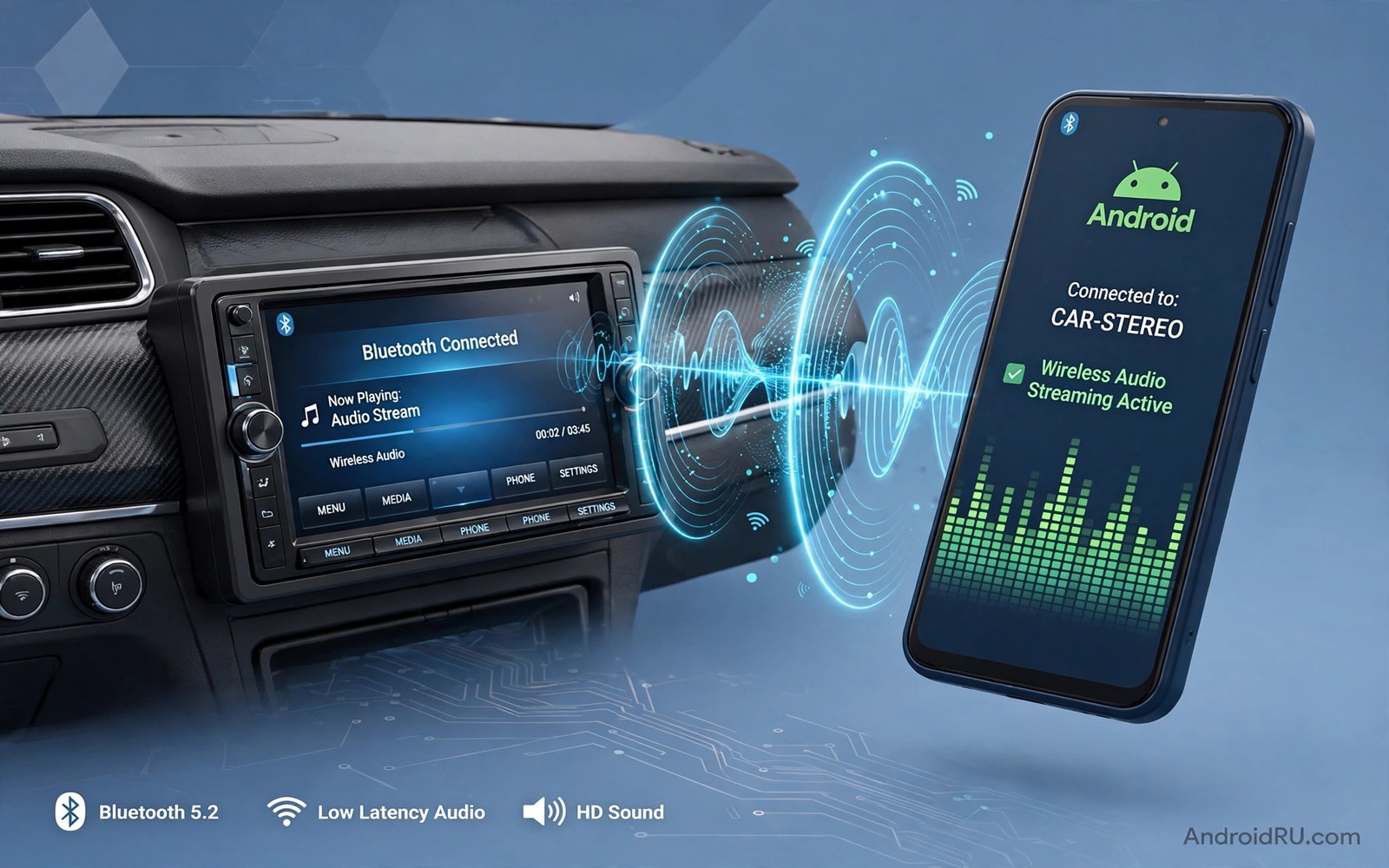
Music in a car should sound full and clear but Bluetooth often delivers a muffled version. Road noise competes with music and a weak Bluetooth link adds its own problems. Car stereos also apply processing that can hide detail. This guide separates phone settings from car settings. It shows the tweaks that improve car Bluetooth sound without new hardware. Work through the steps in order and test with a familiar track.
Start with a baseline test on a quiet road. Play a familiar track at a comfortable volume and note bass and vocal clarity. Note whether highs sound dull or whether bass sounds boomy. That baseline helps you judge every change that follows. Without a baseline you may change settings randomly. A short baseline note takes two minutes and it saves confusion later.
Check Bluetooth Codec In The Car
Open Bluetooth device details for your car stereo on the phone. Check which codec is active while music plays. Many car stereos support only basic codecs while phones support better ones. If both sides support a better codec then select it in developer options or device settings. Test playback after changing the codec. A better codec can improve detail noticeably on a good car system. A basic codec on a premium car system wastes its potential.
If your car stereo supports only a basic codec then focus on other tweaks. Codec choice matters less than volume balance and equalizer settings in that case. Do not buy a new stereo solely for a codec upgrade unless other tweaks fail. A basic codec with good tuning often sounds better than a premium codec with poor tuning. Prioritise tuning that you can control today.
Balance Phone And Car Volume
Phone volume and car volume interact in ways that confuse many drivers. Set phone media volume to about three quarters of maximum. Set car volume to a comfortable listening level. That balance gives the car amplifier a strong clean signal. A phone volume set too low forces the car amplifier to work harder and adds hiss. A phone volume set to maximum can clip the Bluetooth signal and distort sound.
Test the balance with a track that has quiet and loud passages. Quiet passages should stay audible without hiss. Loud passages should stay clean without distortion. Adjust phone volume one step at a time until both extremes sound good. Note the winning phone volume level for future drives. For a related codec topic explore LDAC versus aptX HD audio codecs and how codec stability affects car links.
Tune Car Equalizer Carefully
Car equalizers often ship with a bass heavy preset that suits showroom demos. That preset can sound boomy on the road. Start from a flat car equalizer and test a familiar track. Raise bass only slightly if music sounds thin. Cut a muddy middle frequency slightly if voices sound thick. Save the result as a custom preset if the car allows it. A flat starting point reveals the true car speaker sound.
Disable phone equalizer effects while tuning the car equalizer. Two equalizers stacking can create unpredictable boosts. Use one equalizer path at a time. If you prefer phone equalizer control then set the car equalizer flat. If you prefer car control then set the phone equalizer flat. A single control path gives predictable results.
Reduce Road Noise Interference
Road noise masks music detail more than any Bluetooth setting. Close windows and check door seals for wind leaks. A small wind leak at highway speed can overwhelm subtle music detail. Tyre noise also matters and it varies with road surface. Accept that some detail will always be lost at highway speed. Focus tuning on middle frequencies that carry voices and melody. Those frequencies survive road noise better than very low or very high frequencies.
Use sound deadening mats only if road noise is extreme and other tweaks fail. Mats are a larger investment and they require installation effort. Start with simple fixes such as closing windows and checking seals. Those fixes cost nothing and they often help more than expected. A quieter cabin improves every other audio tweak.
Handle Calls In The Car Separately
Car calls use different audio paths from car music. Test a call after tuning music settings. Ask the caller whether your voice sounds clear. Car microphones sit far from the driver and they pick up road noise. Speak slightly louder and slower during car calls. That habit helps callers more than any setting. Check call volume separately from media volume.
Disable car voice enhancement if it makes your voice sound robotic. Test calls with enhancement on and off. Choose the setting that gives the most natural voice to the caller. Note that setting for future drives. A natural voice is easier to understand than a heavily processed voice.
Plan Audio For Different Drive Types
City driving and highway driving need different audio settings. City driving has frequent stops and lower road noise. Highway driving has constant high road noise. Create a mental profile for each drive type. Raise middle frequencies slightly for highway driving. Lower bass slightly for city driving if it sounds boomy at low speed. Switching profiles manually takes seconds.
Short trips and long trips also differ in listening fatigue. A bright tuning that sounds exciting for ten minutes can tire ears over two hours. Choose a gentler tuning for long trips. That gentler tuning keeps music enjoyable for the whole journey. Test long trip tuning on a real long drive before settling.
Keep Settings Stable After Updates
Phone updates can reset Bluetooth codec choices. Check codec settings after every major phone update. Confirm that the active codec still matches your notes. Test a familiar track after the update. That short check prevents a sudden drop in car sound quality. Car stereo firmware updates can also reset equalizer presets. Check car presets after any stereo update.
Write down your winning phone volume and codec and car equalizer settings. A short note lets you restore the setup quickly after a reset. Keep the note in the car or in your phone notes. A written record saves repeated tuning sessions.
Test Car Audio Realistically
Test car audio while driving at normal speeds rather than only while parked. Parked tests sound better because road noise is absent. Driving tests reveal how settings perform in real conditions. Play the same track parked and driving and compare. Adjust settings based on driving results. A driving tuned setup serves daily use better than a parked tuned setup.
Test with passengers present because passengers change cabin acoustics. A full car absorbs sound differently from an empty car. Note whether settings still sound good with passengers. Adjust slightly if needed for full car trips. That realistic test prevents surprises on family drives.
Organise Car Audio Sources
Many cars offer Bluetooth and USB and auxiliary inputs. Test each input with the same track. USB often sounds cleaner than Bluetooth because it avoids wireless compression. Use USB for critical listening when possible. Use Bluetooth for convenience when USB is impractical. Knowing the difference helps you choose the right input for each trip.
Remove old Bluetooth pairings from the car stereo to keep the device list short. A short list connects faster and avoids pairing confusion. Delete pairings for phones you no longer use. That maintenance improves daily connection reliability.
Protect Car Audio Equipment
Avoid maximum volume for long periods because it can damage car speakers. A distorted speaker at maximum volume wears faster than a clean speaker at moderate volume. Listen for distortion as a warning sign. Lower volume immediately when distortion appears. That habit protects car speakers for years.
Keep the car stereo firmware updated when the manufacturer offers updates. Firmware updates can improve Bluetooth stability. Check for updates during routine car maintenance. An updated stereo pairs more reliably with new phones.
adb shell dumpsys bluetooth_manager
adb shell settings get system volume_music
The snippet above shows a standard Android Bluetooth and music volume check and it was adapted for this car guide so you can verify the car link safely.
Review Car Audio Monthly
Car audio needs change with seasons and passengers. Review car audio settings once a month in a short session. Check phone volume balance and car equalizer preset. That monthly inspection spots silent resets after updates. It also lets you adjust for winter road noise or summer windows open driving. A short review keeps car sound good across the year.
Note any setting changes and why you made them. That note helps you restore settings after a reset. It also helps passengers understand why sound changed. A brief monthly note is a small habit with lasting benefit for daily driving.
Common Mistakes
The biggest mistake is setting phone volume to maximum and blaming the car for distortion. A clipped Bluetooth signal distorts before the car amplifier. Another mistake is stacking phone and car equalizers. Use one equalizer path. A third mistake is tuning only while parked. Road noise changes everything.
People also forget that codec support depends on both phone and car. Check both sides. For a related topic explore individual app audio to Bluetooth speakers and how routing affects car sound.
Frequently Asked Questions
Why does car Bluetooth sound worse than USB?
Bluetooth compresses audio while USB often carries a cleaner digital signal. Compression removes some detail especially at high frequencies. USB avoids that wireless compression step. Use USB for best quality and Bluetooth for convenience. Both have a place in daily driving.
Can a new phone improve old car Bluetooth sound?
A new phone can improve sound if it supports a better codec that the car also supports. If the car supports only a basic codec then a new phone helps less. Tuning and volume balance matter more in that case. Check car codec support before expecting a phone upgrade to transform sound.
Should I use maximum phone volume in the car?
Maximum phone volume often clips the Bluetooth signal. Use about three quarters phone volume and adjust car volume to taste. That balance gives a strong clean signal without clipping. Test quiet and loud passages to confirm the balance.
Before your next drive set phone volume to three quarters and test a familiar track. For another audio topic explore systemwide graphic sound equalizers and how global tuning works in cars.
Conclusion
Car Bluetooth sound improves most from codec checks and volume balance and single equalizer tuning. Test while driving and note winning settings. Your concrete next step is a ten minute drive test today. Set phone volume to three quarters and play a familiar track. If that track sounds cleaner than before then your car setup is on the right track.

