

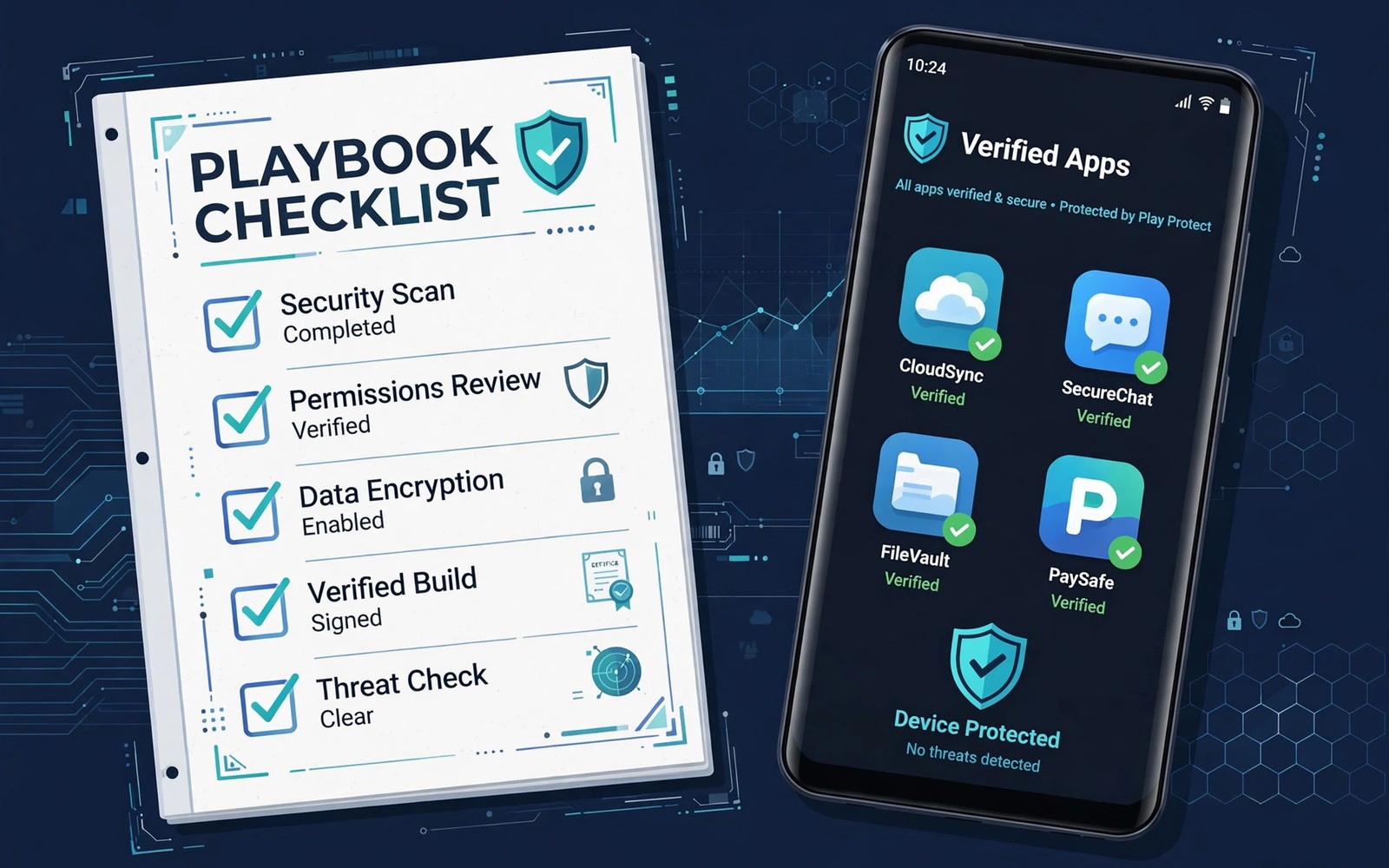
Safe sideloading is a skill, not a single setting. It combines source research and file checks and permission discipline into one routine that you repeat every time. A playbook matters because sideloading without a routine drifts toward careless taps. This guide collects the routine into steps you can follow for any app. The fake button advice on identifying fake download buttons is the first line of defence in that routine.
Sideloading appeals to users for good reasons, including early access and older versions and apps that stores do not list. Those reasons do not remove risk, but they explain why a ban on sideloading would hurt legitimate users. A safe playbook respects both the freedom and the risk. It lets you enjoy the benefits while keeping verification habits firm.
Before you download anything
Start by identifying the developer and the official source for the app you want. A developer website or a public project page gives you a reference point for later checks. If you cannot identify the developer at all, stop and reconsider whether the app is worth the risk. Anonymous software deserves extra suspicion, not a free pass.
Check whether the app is available through a store or an official channel first. An official channel usually offers automatic updates and a review history that direct downloads lack. Use sideloading only when the official path is missing or unsuitable for a clear reason. A deliberate reason keeps sideloading purposeful rather than habitual.
Verify the file before you install
Compare version and file size with the listing before you open the installer. A mismatch may indicate an incomplete download or a substituted file. Check the signer or hash when the source provides one, because that comparison is stronger than size alone. When details conflict across sources, choose caution and investigate.
Scan the file when your device offers a security scan, and do not disable warnings to speed up the install. Warnings slow you down for a reason, and that pause often reveals a mistake. The repository guide on file repositories every power user keeps bookmarked helps you compare sources before this step. Verification is a chain, and every link matters.
Install with minimal permissions
Grant only the permissions that the core feature needs during first setup. A reader does not need contacts, and a wallpaper app does not need messages. You can grant additional permissions later if a feature genuinely requires them. Starting minimal lets you learn what the app actually needs through use.
Watch the app during its first week for unusual battery use or network activity or unexpected popups. Early behaviour reveals problems that a file check cannot catch. If behaviour looks wrong, uninstall promptly rather than hoping it improves. A week of observation is cheap insurance.
Manage updates deliberately
Sideloaded apps do not update automatically through a central store, so you own the update schedule. Note the installed version and the source for each sideloaded app in one list. Check for updates on a monthly schedule, and update one app at a time so you can test each change. Batch updates hide the culprit when something breaks.
Before updating, back up settings when the app offers export or sync. An update that breaks a feature may require a rollback, and a backup makes rollback safe. The backup guide on backing up settings before downgrading explains that process in detail. Updates plus backups together form a resilient routine.
Remove apps cleanly when done
Uninstall apps you no longer use, because unused sideloaded apps still occupy storage and may request updates. After uninstall, check that leftover files and folders do not contain sensitive data. A clean removal closes the loop that installation opened. A device with fewer forgotten apps is easier to audit.
Review your sideloaded list quarterly and ask whether each app still earns its place. An app that you have not opened in months probably does not need to stay installed. Quarterly review keeps the list short and the risk surface small. Small lists are easier to secure than sprawling ones.
Handle shared devices with extra care
Sideloading on a shared device affects every user of that device, not only the installer. Use separate profiles when possible, so sideloaded apps stay isolated from other users data. Explain the sideloading routine to other regular users, so they do not undo your checks by installing casually. Shared safety requires shared habits.
Keep a visible note of sideloaded apps on a shared device, so any user can see what came from outside a store. Transparency helps family members report problems early. A hidden sideloaded app is harder to troubleshoot than a documented one. Openness is a safety practice on shared hardware.
The master sideloading playbook
Keep this playbook on your phone or in a note you can reach during any install. It summarises the full routine in one place.
Research: developer known, official channel checked first
Verify: version, size, signer or hash compared
Install: minimal permissions, first week observed
Update: monthly check, one app at a time, backup before update
Remove: uninstall unused apps, quarterly list review
The code above is an original example written for this guide. It shows one practical way to apply the idea in this article. You can adapt the wording and the values to fit your own phone and your own routine.
Build a personal sideloading log
A personal log turns sideloading from a series of isolated installs into a managed system. Record each app name, version, source and install date in a simple note. Add a line for permission changes and update dates as they happen. A log that takes one minute per install saves hours when troubleshooting a problem months later.
Review the log monthly alongside your update checks, so the log stays current rather than becoming a historical curiosity. Remove entries for uninstalled apps and update entries for new versions. A current log is a tool, while a stale log is clutter. Treat log maintenance as part of the update routine itself.
Teach the playbook to someone else
Teaching the playbook to a friend or family member tests whether you truly understand it. Explaining verification steps in plain words reveals gaps in your own routine. A friend who learns the playbook also becomes a second pair of eyes for suspicious downloads. Shared knowledge raises safety for everyone who shares a device or a recommendation.
When teaching, start with the fake button check and the file size check, because those two habits catch the most common traps. Add permission discipline next, then update routines. The backup step in backing up app settings before downgrading APKs completes the lesson, because recovery matters as much as prevention. A taught playbook spreads safety beyond a single phone.
Audit your playbook once a year
Android and its threats change each year, so a playbook written today may miss new risks next year. Audit the playbook annually and update steps that no longer match system settings or store behaviour. Remove steps that became obsolete and add steps for new permission types or new install flows. An annual audit keeps the playbook relevant without constant rewriting.
During the audit, test each step on a real install to confirm it still works as written. A step that sounds good but fails in practice should be rewritten or removed. Practical testing separates a living playbook from a theoretical document. A tested playbook earns trust through use.
Common mistakes
The most common mistake is sideloading on impulse from a link in a message or a social post. Impulse installs skip every verification step. Another mistake is granting all permissions at setup to avoid future prompts. Convenience at setup creates risk for the life of the app.
- Do not disable security warnings to make installation faster.
- Do not update several sideloaded apps at once without testing each one.
- Do not keep sideloaded apps you no longer use out of inertia.
- Do not sideload on a shared device without telling other users.
A final mistake is treating sideloading as a one time skill rather than a routine. Skills fade without practice, and routines survive when they are written down. Keep the playbook accessible and follow it every time.
Frequently asked questions
Is sideloading safe if I follow a playbook?
It becomes much safer, because verification and minimal permissions catch most problems early. No routine removes all risk, but a consistent playbook reduces risk to a level many users accept. Stay alert during the first week after any install.
Should I sideload apps from social media links?
No as a default, because social links often lead to copycat pages. Find the developer official source first and compare file details. A link alone is never sufficient proof of legitimacy.
How often should I review sideloaded apps?
Review the list quarterly and check for updates monthly. Quarterly review removes unused apps, while monthly update checks keep kept apps current. A regular rhythm beats sporadic audits.
Use the playbook for family devices
Family devices benefit most from a written playbook, because several people with different habits share one phone or tablet. Print the playbook steps or keep them in a shared note that everyone can reach. When a child or a guest wants to install an app, the playbook gives a clear process instead of a vague warning. A shared process reduces arguments and increases safety at the same time.
Review family installs together once a month, so the playbook becomes a conversation rather than a set of rules imposed from above. Ask each user which apps they installed and whether any behaved strangely. A monthly review catches problems early and teaches younger users to think critically about downloads. Safety habits learned in a family setting often last into adult device use.
Keep the playbook note backed up outside the phone as well, because a lost phone should not mean a lost routine. A cloud note or a printed copy preserves the steps for your next device. A routine that survives device changes becomes a lifelong habit rather than a one phone project.
Conclusion
Safe sideloading comes from a repeatable routine of research and verification and minimal permissions and deliberate updates. A written playbook turns that routine into a habit you can follow under pressure.
Your concrete next step is to write down your current sideloaded apps tonight with their versions and sources. Use that list as the start of your personal playbook.

