

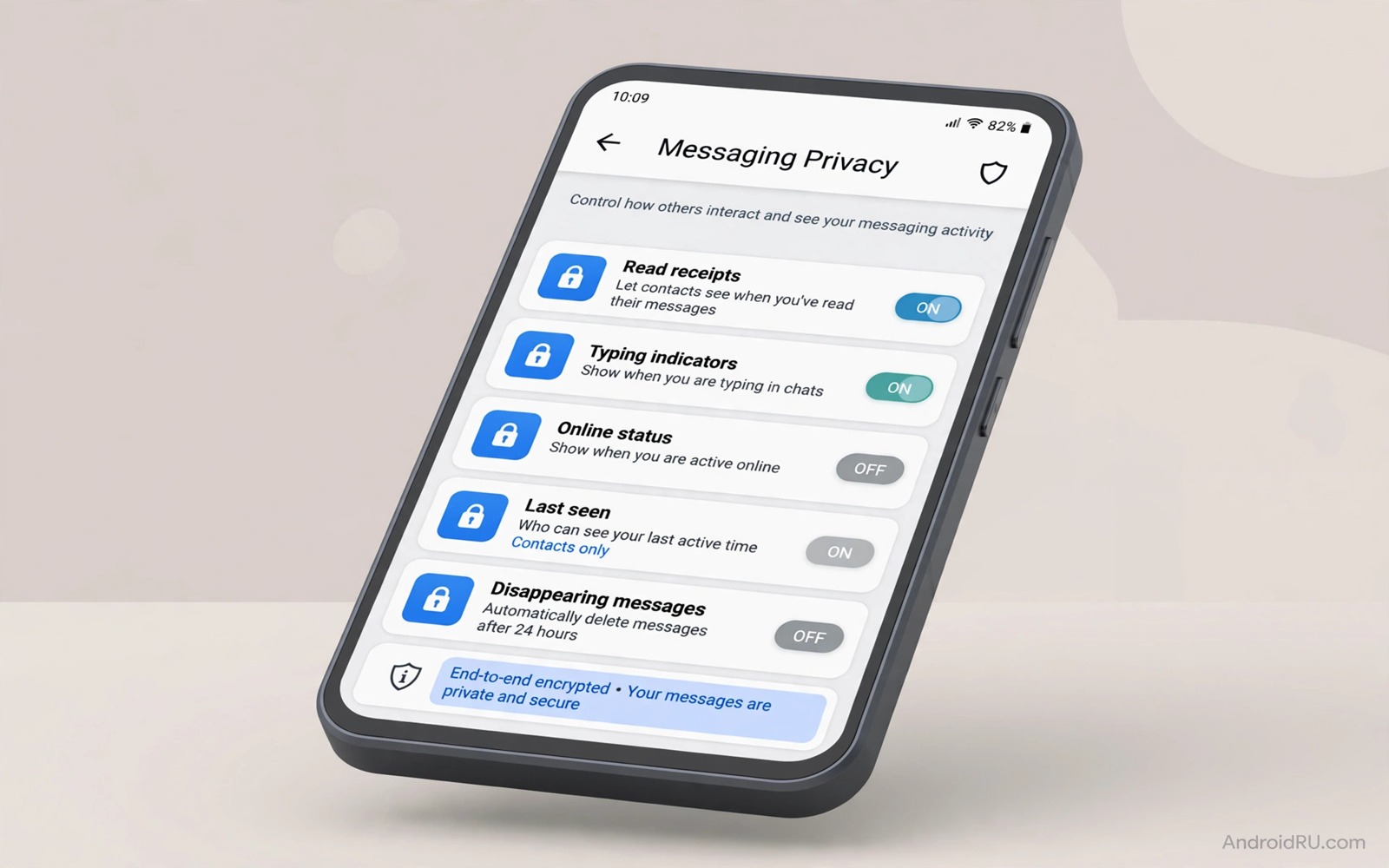
WhatsApp holds a large share of daily conversation for many people. Photos and voice notes and location shares pass through it every day. The default settings favour easy connection over tight privacy. A few minutes of changes can shift that balance toward control without losing the features that make the app useful.
The seven settings in this guide cover profile visibility and status sharing and read receipts and group invites and disappearing messages and live location and two step verification. Each setting lives inside the app and each one changes who can see a piece of your activity. Together they form a privacy baseline that suits most users.
Open WhatsApp and then open Settings and then open Privacy to find most of these controls in one place. Work through them in order and test each change with a trusted contact. A setting that hides your online status may also hide the status of others. That trade off is part of the design and it is worth understanding before you change it.
Control who sees your profile and status
Profile photo visibility is a simple first change. Set it to contacts only so strangers who message you cannot harvest your photo. A photo can reveal identity and location clues when it shows a workplace or a home background. Contacts only keeps the photo inside a circle that you already trust.
About info deserves the same treatment. A short bio can reveal a job or a city or a personal detail that a stranger could misuse. Set About to contacts only as well. Status sharing needs a closer look because status posts reach a wider audience by design. Review the status privacy list and exclude people who should not see personal updates.
Last seen and online status control timing clues. A stranger who sees your last seen time can learn your daily routine. Set last seen to contacts only or to nobody if you prefer stronger privacy. The same choice hides the last seen times of others from you. That symmetry is fair and it keeps the setting honest.
Manage groups and read receipts
Group invites are a common privacy leak. Anyone with your number can add you to a group by default. That group may expose your number to dozens of strangers at once. Set group invites to contacts only so only people in your address book can add you directly. Others must send an invite that you can accept or decline.
Read receipts tell senders exactly when you opened a message. That detail can create pressure to reply at once. Turning off read receipts gives you breathing room. Group chats still show read receipts even with the setting off. That exception matters when you join a large group for work or school.
Disappearing messages add a time limit to sensitive chats. Turn them on for chats where messages should not linger forever. A timer of one day or seven days suits most personal chats. Remember that a recipient can still screenshot a message before it disappears. Disappearing messages reduce long term exposure rather than guaranteeing secrecy.
Add account protection beyond privacy menus
Two step verification protects the account itself. Open Settings and then open Account and then open Two-step verification. Choose a PIN that you will remember and add a recovery email that you control. That PIN blocks a stranger who gains your SIM from registering your number on a new phone.
Live location sharing needs a strict rule. Share live location only for a short period and only with a trusted contact. Check the sharing list after a trip and stop any share that is no longer needed. A forgotten live share can reveal your route for hours after the reason for sharing has passed.
Chat backup settings also affect privacy. Backups stored in the cloud may not carry the same end to end protection as chats on the phone. Check the backup setting and decide whether cloud backup fits your privacy needs. A local backup or no backup may suit a user with high privacy needs. For wider phone privacy read which dangerous permissions to revoke from unused apps and review the permissions that WhatsApp itself holds.
A simple privacy checklist
The checklist below covers the seven settings in a single pass. Work through it on the phone in hand rather than from memory. Each step takes less than a minute once you know where the menu lives. Recheck the list after a major app update because updates can reset or add new options.
1. Set profile photo and About to contacts only
2. Set last seen and status privacy to contacts only
3. Set group invites to contacts only
4. Turn off read receipts for private chats
5. Enable disappearing messages for sensitive chats
6. Enable two-step verification with a recovery email
This checklist follows the standard controls built into the app and it uses only the menus that ship with the app. No extra tool is required to complete the six steps. The order matters because profile controls come first and account protection closes the list with the strongest guard.
Review privacy after every major update
App updates can add new privacy options or reset old choices without a clear notice. A major update may introduce a new status feature that defaults to public sharing. A minor update may add a new data collection toggle that defaults to on. A privacy review after each major update catches those changes before they expose new details. Open the privacy menu after an update and walk through profile and status and group settings in order. That walkthrough takes five minutes and it prevents a silent reset from undoing months of careful choices.
Test privacy changes with a trusted contact who is not in your close circle. Ask that contact what they can see of your profile and status after the update. An outside view reveals a gap that your own screen cannot show because your own view always shows full access. A contact who sees a photo that should be hidden gives you a clear signal to fix the setting at once. That test is especially useful after an update that changes the layout of the privacy menu.
Teach the privacy routine to family members who share groups with you. A group member with open privacy settings can expose your number to strangers through a shared group. A family group where everyone sets group invites to contacts only protects every member at once. A short conversation about group privacy helps the whole group more than a private setting change on one phone alone. That shared awareness also reduces the chance that a stranger joins a family group through an open invite link.
Protect group chats from outside exposure
Group chats expose your number to every member of the group. A large public group can include strangers who harvest numbers for spam. Check the member list of every large group that you join and leave groups where most members are unknown to you. A group that serves a real purpose with known members is worth keeping. A group that exists only for casual forwarding with strangers is a privacy cost without a clear benefit. Leaving such a group protects your number from dozens of strangers at once.
Control who can add you to future groups by keeping the group invite setting at contacts only. That setting forces strangers to send an invite that you can decline. An invite from an unknown number with a vague group name should be declined without opening the group preview. A preview can reveal your profile photo to the group even before you join. That preview exposure is easy to miss yet it defeats the purpose of a contacts only setting when you preview groups casually.
Keep WhatsApp privacy current with new features
WhatsApp adds new features regularly and each new feature can carry a new privacy default. A new channel feature may default to public discovery. A new status reaction may reveal activity to a wider audience. A privacy check after each feature announcement catches those defaults before they expose new details. Open the privacy menu when a feature announcement appears and walk through the new options in order. That announcement triggered check is more reliable than a calendar review alone because it matches the moment when defaults change.
Test new features with a trusted contact before you use them widely. A new feature that shares a status update with a broad audience should be tested with one contact first. That test reveals the true audience for the feature rather than the audience promised in the announcement. A feature that reaches strangers in a test should stay off until its audience setting is tightened. That test habit prevents a new feature from becoming a privacy leak on its first day.
Review old chats for privacy risks that new features may expose. An old chat with a stranger may gain a new feature that reveals your profile photo or status to that stranger. Archive or delete old chats with strangers to close that path. An archived chat still exists yet it no longer appears in the main list and it no longer invites casual browsing. That old chat cleanup complements new feature checks by closing old exposure paths as well.
Common mistakes
One mistake is changing privacy settings while leaving the phone lock weak. App privacy means little when anyone can pick up an unlocked phone. Use a strong lock screen and a separate app lock where available. Physical access defeats many app level controls at once.
Another mistake is sharing status posts with everyone while restricting the profile photo. Status posts often reveal more than a photo does. A status video can show a street sign or a workplace or a group of friends. Review status privacy with the same care as profile privacy.
A third mistake is forgetting about linked devices. A session on a shared computer can read chats long after you leave the room. Open linked devices and remove any session that you do not recognise. If you use other messaging protections read how to auto filter suspicious SMS phishing scams and apply its filtering habits to unknown WhatsApp messages as well.
Frequently asked questions
Does turning off read receipts hide group reads?
No and group chats still show read receipts even when the setting is off. Private chats respect the setting fully. Keep that exception in mind when you join a group where timing matters.
Will contacts know I changed my privacy settings?
No and WhatsApp does not notify contacts about privacy changes. They may notice that your last seen or photo is hidden. No alert explains the change. Your settings remain private by design.
Is two-step verification enough to stop account theft?
It adds a strong layer yet it is not total protection. Never share the PIN or a verification code with anyone. A support agent will never ask for those codes. Combine the PIN with a strong phone lock and a secure recovery email.
Conclusion
Seven settings can transform WhatsApp from open by default to controlled by choice. Profile limits and group controls and read receipt choices and disappearing messages and account verification each close a different gap. Together they protect daily conversation without making the app hard to use.
Your concrete next step is to open Privacy settings today and set profile photo and group invites to contacts only. Then enable two step verification before the day ends. For broader sensor control read how to secure camera and sensor permissions and review what WhatsApp and other apps can access.

