

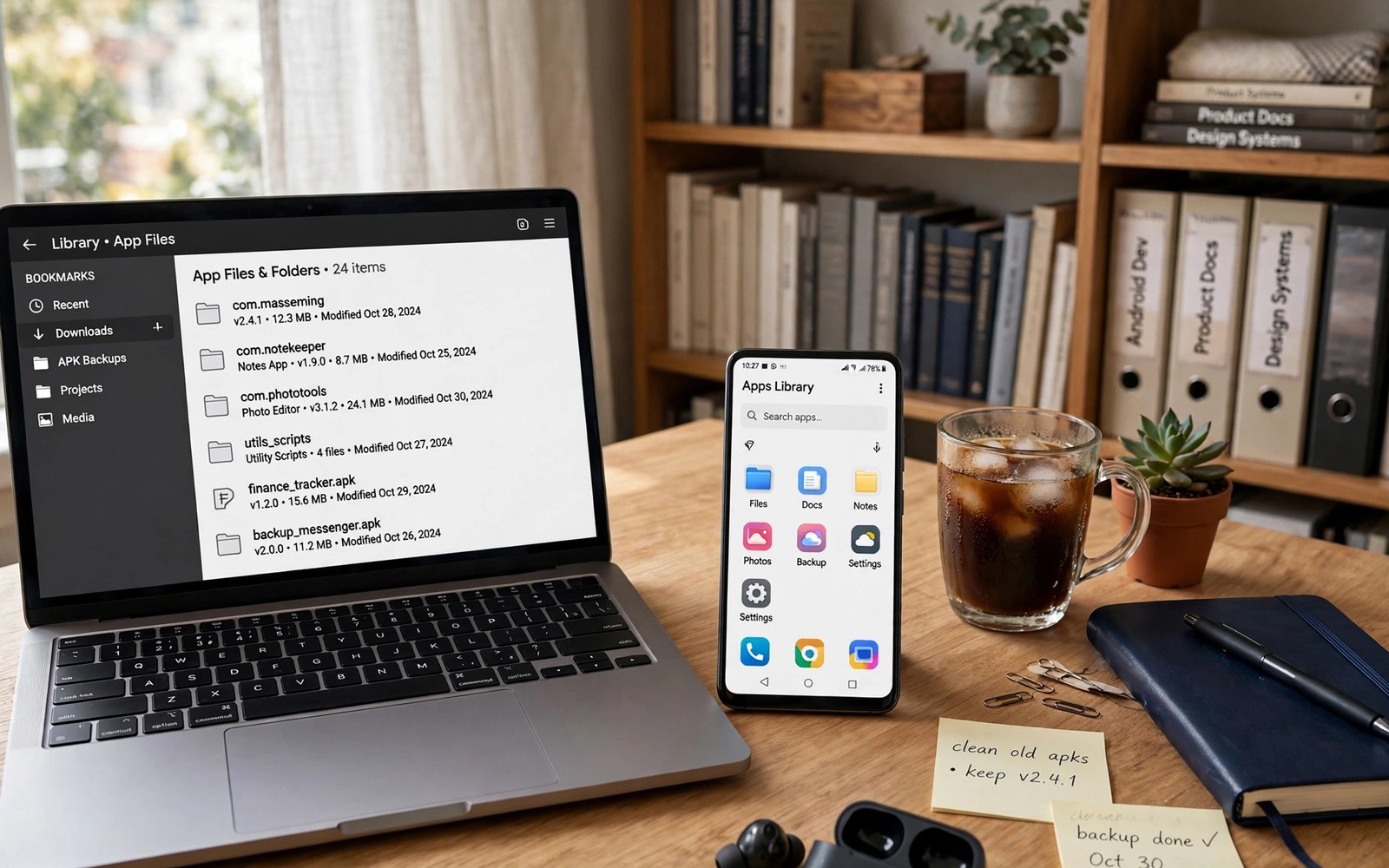
Power users bookmark file repositories because a single trusted source saves hours of risky searching later. A good repository lists versions clearly and shows file details and update history in one place. A poor repository hides versions behind ads and popups. Building a small set of bookmarked sources turns app hunting from a gamble into a routine. The fake button guide on identifying fake download buttons pairs well with this topic because repositories differ sharply in quality.
A repository is only as good as its discipline around versions and signatures. The best sources keep old versions available so you can roll back a bad update. They also show file hashes or signer details that let you compare files across sources. When two sources show the same hash for the same version, confidence rises. When details conflict, pause and investigate before installing.
Judge a repository by its version history
Open a repository and check whether it lists several versions for a popular app. A deep version history shows that the source tracks updates over time rather than posting one random file. Check whether release dates look plausible and whether version numbers increase in order. Gaps and jumps may signal missing releases or sloppy tracking.
Read the file details page before you download anything. A useful page shows version and file size and minimum Android version and update date. Missing details force you to guess, and guessing is a poor basis for installing software. Prefer sources that publish details consistently across apps.
Compare sources before you trust one
Never rely on a single repository for an important app. Compare file size and version across two or three sources you have bookmarked. Agreement across sources is a good sign, while a lone outlier deserves suspicion. Cross checking takes minutes and it catches tampered files that a single source might miss.
Keep notes on which sources proved reliable over time. A source that stayed consistent for a year earns more trust than a new source with flashy design. The sideloading playbook in the master playbook for safe sideloading and distribution stresses consistent sets and trusted sources for the same reason. Your bookmark list should evolve based on evidence, not on first impressions.
Organise bookmarks by purpose
Group bookmarks by purpose rather than dumping every source into one folder. Keep one group for general apps and one for older versions and one for open source tools. Purpose groups speed up searches because you start in the right place for the task. A tidy bookmark bar also helps when you share recommendations with friends.
Review bookmarks every few months and remove sources that have decayed. A repository that now shows aggressive popups or stale versions no longer deserves a place in your list. Pruning keeps the list short and trustworthy. A list of seven good sources beats a list of thirty mixed sources.
Use repositories without surrendering judgment
Even a trusted repository can host a problematic file, so keep your own checks in place. Verify file size and version after download and scan the file when your device offers that option. Do not disable security warnings just because a source feels familiar. Familiarity should speed up checks, not replace them.
Avoid repositories that require extra installer apps or that push unrelated downloads alongside the file you want. Bundled extras are a warning sign, not a convenience. A clean repository delivers the file you requested and nothing else. If a download starts with extras you did not ask for, delete it and choose another source.
A repository scorecard you can reuse
Score each repository on the same points so comparisons stay fair. A simple scorecard prevents a pretty design from outweighing missing version history.
Version history: multiple versions, plausible dates, ordered numbers
File details: version, size, minimum Android, update date shown
Consistency: same size and version across other sources
Clean delivery: no bundled extras, no forced installer app
Maintenance: recent updates, stale sources removed quarterly
The code above is an original example written for this guide. It shows one practical way to apply the idea in this article. You can adapt the wording and the values to fit your own phone and your own routine.
Verify files after download
Verification after download is a habit that many power users skip, yet it catches problems that pre download checks miss. Compare the downloaded file size with the size shown on the repository page. A mismatch suggests an incomplete download or a substituted file, and either case deserves deletion. A size check takes seconds and it prevents a faulty install.
Check the file name as well, because a renamed file may hide a different version or a different app entirely. Version numbers in file names should match the version you selected on the repository page. When names disagree, trust neither file and download again from a source you have verified. Small naming checks prevent large mistakes.
Handle old versions wisely
Old versions are useful for rollback, but they also carry old security flaws that newer versions fixed. Use an old version only when a specific bug in the new version forces you to do so. Note the reason for the rollback and the date you plan to try the newer version again. A temporary rollback with a review date is far safer than a permanent stay on an old version.
Keep old version files in a separate folder from current installers, so you never install an old file by accident. Label the folder clearly with the app name and the reason for keeping old files. Separation prevents the classic mistake of tapping the wrong file during a hurried reinstall. Organisation is a safety tool, not just tidiness.
Share repositories responsibly
When friends ask for a download source, share only repositories you have personally verified over time. Explain what you checked, such as version history and file details, so friends understand why you trust the source. A recommendation without reasoning may lead friends to trust a source that has since decayed.
Warn friends about the limits of your recommendation as well, because a repository that was safe last month may change. Encourage them to run their own file checks after download. The backup habits in backing up app settings before downgrading APKs also help friends recover when an install goes wrong. Responsible sharing combines a good source with good habits.
Track repository changes over time
A repository that was excellent last year may have changed owners or policies since then, so periodic rechecks matter. Visit each bookmarked source quarterly and compare its current behaviour with your earlier notes. Look for new popup patterns, missing version history or slower updates. Change over time is normal, but decay should trigger removal from your list.
Keep a short note for each repository with the date you last verified it and what you found. A dated note prevents you from trusting a source based on a memory from two years ago. Verification dates turn a bookmark list into a living record rather than a fossil collection. A living list adapts as sources evolve.
Use mirrors with caution
Mirrors copy files from other repositories, which can be useful when a primary source is slow or unavailable. A mirror adds a hop between you and the original source, and each hop is a chance for substitution. Verify mirror files against the primary source whenever both are available. Agreement between mirror and primary raises confidence substantially.
Avoid mirrors that hide their origin, because an anonymous copy gives you no way to trace a problem. A good mirror states where its files came from and when they were copied. Transparency about origin is a basic quality signal, and its absence should end the download. When in doubt, wait for the primary source rather than trusting an opaque mirror.
Common mistakes
The most common mistake is bookmarking the first repository that appears in search results. Search ranking rewards popularity and advertising, not file discipline. Another mistake is keeping every source ever visited. A bloated bookmark list slows decisions and hides the best sources.
- Do not download from a source that hides version and file size details.
- Do not accept bundled extras that arrive with a requested file.
- Do not trust a lone source when other sources disagree on size or version.
- Do not keep stale repositories in your list out of habit.
A final mistake is sharing bookmark lists without noting which sources you actually verified. A shared list should mark trusted sources clearly and flag untested ones. Honest labelling protects friends who follow your recommendations.
Frequently asked questions
How many repositories should I bookmark?
A small set of five to seven reliable sources covers most needs without creating clutter. More sources add comparison value only if you actually check them. A short list you maintain beats a long list you ignore.
What matters most on a repository page?
Version history and file details matter most, followed by consistency across other sources. A page that shows version and size and update date lets you verify before you download. Design quality alone proves nothing about file safety.
Should I delete a repository that adds popups?
Yes if popups become aggressive or if version updates stall. A repository that decays should leave your bookmark list promptly. Replace it with a source that maintains clean delivery and current versions.
Sync bookmarks across your devices
Power users often work across a phone and a tablet, so bookmark sync keeps the trusted repository list consistent everywhere. Use browser sync or a shared notes file to carry the same bookmark groups to each device. Consistency prevents a situation where a phone uses a verified source while a tablet falls back to an untested search result. One list, kept in sync, protects every device you own.
Revisit the list after any major Android update as well, because repository pages and download formats sometimes change with new system rules. A source that worked perfectly on an older Android version may need a new approach after an update. A short recheck after system updates keeps the list current without a full audit.
Conclusion
A bookmarked set of file repositories works when each source earns its place through version history and consistent file details. Compare sources, organise by purpose and prune stale entries regularly.
Your concrete next step is to audit your current bookmarks this week. Keep only sources with clear version history and delete any source that hides file details.

