

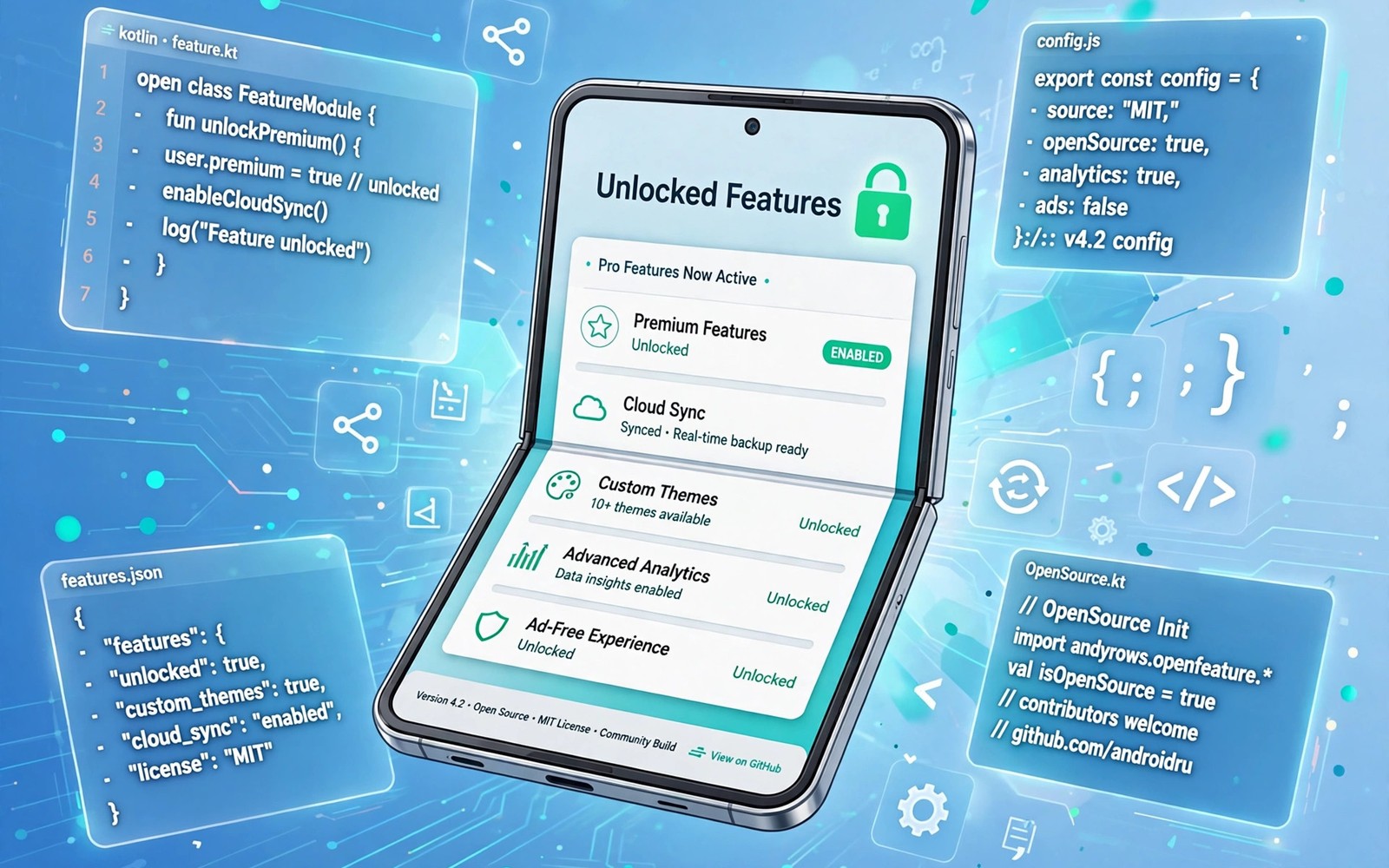
Open source mods attract users because they promise features that official apps lock behind payments. A mod may remove ads or unlock themes or add export options that the original app charges for. That promise is real in some cases, but it comes with trade-offs in safety and updates and support. Understanding those trade-offs helps you decide when a mod is worth trying. The guide to identifying fake download buttons is a useful companion because mod downloads attract many deceptive pages.
Open source differs from a random modified file because its code can be inspected by others. When code is public, independent reviewers can check what it does and whether it sends data elsewhere. That transparency does not guarantee safety, but it gives the community a chance to spot problems. Closed mods offer no such inspection, so trust rests entirely on the distributor.
Start with mods that solve one clear problem
Choose a mod that fixes one annoyance you face daily, such as ads in a reader or missing export in a notes tool. A focused mod is easier to evaluate than a bundle that changes everything at once. Test it for a week and note whether the promised feature works reliably. A single purpose mod also limits the damage if it turns out to be unstable.
Avoid mods that promise every premium feature at once without explaining how they achieve it. Broad promises often hide aggressive changes to app behaviour. A mod that unlocks server side features by faking account status may break when the service updates. Features that live on a server cannot be unlocked reliably by a client side change alone.
Check the project behind the mod
Look for a project with recent activity and clear release notes and a history of fixes. A project that has not updated in a year may break on newer Android versions. Release notes that explain changes show care, while vague notes suggest rushed builds. Community discussion also reveals whether users report crashes or data issues after updates.
Prefer projects that explain what they change and what they leave alone. A good project states which features it modifies and which parts of the original app it does not touch. That honesty helps you judge risk. The backup advice in backing up app settings before downgrading APKs matters here because a backup lets you return to the official app quickly. A tested project plus a backup is a safer combination.
Test mods in a low risk way
Test a mod on a secondary profile or a spare device when possible, especially if it needs broad permissions. Keep sensitive accounts out of the test until the mod proves stable. A cautious test protects messages and photos while you evaluate a new feature. If no spare device exists, limit the test to a non sensitive account first.
Watch battery and network behaviour during the test week. A mod that constantly contacts unknown servers or drains battery deserves removal even if its headline feature works. Check permission use in system settings and revoke access that the feature does not need. Performance and network behaviour are early warning signs.
Keep updates and exit plans simple
Mods do not update through the official store, so you must track new versions yourself. Keep a note of the project and the installed version and check for updates on a schedule. Falling behind on updates can leave security fixes unapplied. A mod that you forget to update becomes riskier over time.
Plan your exit before you depend on a mod for daily work. Know how to export your data and return to the official app without losing notes or files. An exit plan turns a fun experiment into a safe one. If export is impossible, limit the mod to non essential tasks only.
A mod evaluation checklist
Use this checklist before you install any open source mod. It forces a pause for project quality and safety before excitement takes over.
Project: recent updates, clear release notes, public code
Feature: one clear problem solved, no vague unlock all promise
Permissions: only what the feature needs, no broad access
Test: secondary account first, one week of real use
Exit: data export tested, official app reinstall path known
The code above is an original example written for this guide. It shows one practical way to apply the idea in this article. You can adapt the wording and the values to fit your own phone and your own routine.
Understand mod update cycles
Mods follow the update cycle of the original app, which means a new official release can break a mod overnight. A mod developer must then adapt the changes and release a new version, and that work takes time. During the gap, the old mod may crash or lose features. Patience during update gaps is part of using mods, because rushing to a copycat source increases risk.
Track both the official version and the mod version in your notes, so you know which pair works together. Installing a mod built for an older official version onto a newer base often causes instability. Version pairing notes prevent mismatches that look like random bugs. A short note saves hours of troubleshooting after an update.
Separate mods from official features
Keep a clear mental line between features the official app provides and features a mod adds. When a mod breaks, you should know which features will disappear if you return to the official app. That knowledge helps you decide whether a mod is essential or merely nice to have. Essential features deserve more careful testing than cosmetic extras.
Avoid building daily work around a mod feature that could vanish after the next official update. Use mods for convenience and keep critical work on official features or on exportable data. A workflow that survives mod removal is a resilient workflow. Convenience should never become a single point of failure.
Document your mod setup
Write down each mod you use, its version, its source project and the feature it provides. A documented setup makes troubleshooting easier, because you can check each mod in turn when a problem appears. Documentation also helps after a factory reset, when rebuilding from memory would take far longer.
Review your mod list quarterly and remove mods you no longer use. Unused mods still consume storage and may request updates that you no longer need. A quarterly prune keeps the device tidy and reduces attack surface. The repository guide on file repositories every power user keeps bookmarked can help you find current versions when a kept mod needs an update. A lean mod list is easier to secure than a sprawling one.
Respect developers behind original apps
Mods exist because original developers built something worth modifying, and that work deserves recognition. When a mod replaces a paid feature, consider whether the original developer still earns enough to maintain the app. Supporting developers through a purchase or a donation, when possible, keeps the ecosystem healthy for everyone.
Some mod projects encourage users to support the original app, and that stance signals a mature community. A project that openly credits the original developer and explains its changes tends to be more trustworthy. Credit and transparency are signs of a community that values the software it builds upon.
Use mods for learning when possible
Open source mods offer a rare chance to learn how Android apps work in practice. Reading mod code can teach you about app structure and permissions and user interface design. Even a basic reading of a small mod reveals how a feature connects to the rest of the app. Learning from mods turns a shortcut into a skill.
Start learning with a small, well documented mod rather than a large bundle that changes everything. A small project has fewer moving parts, so you can trace a change from code to behaviour. Document what you learn in your own notes, so the knowledge survives after you remove the mod. Curiosity plus caution makes mod use educational rather than merely opportunistic.
Common mistakes
The most common mistake is installing a mod from the first search result without checking the project. Search results include copycat pages that bundle harmful code with a popular mod name. Another mistake is granting every permission during setup. A theme mod does not need contacts or messages.
- Do not use a mod for banking or sensitive accounts without a long proven track record.
- Do not ignore update duties because an outdated mod can break or become unsafe.
- Do not trust a mod that hides its changes behind vague release notes.
- Do not skip a backup before replacing an official app with a mod.
A final mistake is assuming that open source automatically means safe. Public code helps reviewers, but only if someone actually reviews it. Check activity and discussion rather than trusting the label alone.
Frequently asked questions
Are open source mods legal to use?
It depends on the app licence and the service terms and your local rules. Some projects are lawful modifications while others violate terms of service. Read the project notes and the original app terms before you install. When in doubt, use the mod only for personal learning.
Can a mod unlock server side premium features permanently?
Usually not, because server side features are checked by the service itself. A client side change may appear to work briefly and then fail after an update. Treat permanent unlock claims with scepticism and test claims over time.
How do I return to the official app after using a mod?
Export your data first if the mod allows it, then uninstall the mod and install the official app. Restore data from your export and check that login and core features work. A backup made before the mod makes this return far easier.
Find community support before you need it
Locate the support channel for a mod project before you install it, so help is available when an update breaks a feature. A project with an active discussion forum or issue tracker gives you a place to report problems and learn workarounds. Read recent issues before installing, because they reveal whether the project responds to users or leaves problems unanswered. Support quality is part of mod quality.
Conclusion
Open source mods can add useful features, but they reward careful selection and disciplined testing. A focused mod from an active project, tested on a low risk account with a backup ready, is a reasonable experiment.
Your concrete next step is to pick one daily annoyance and research its mod project for thirty minutes. Check recent updates and permissions before you install anything.

