

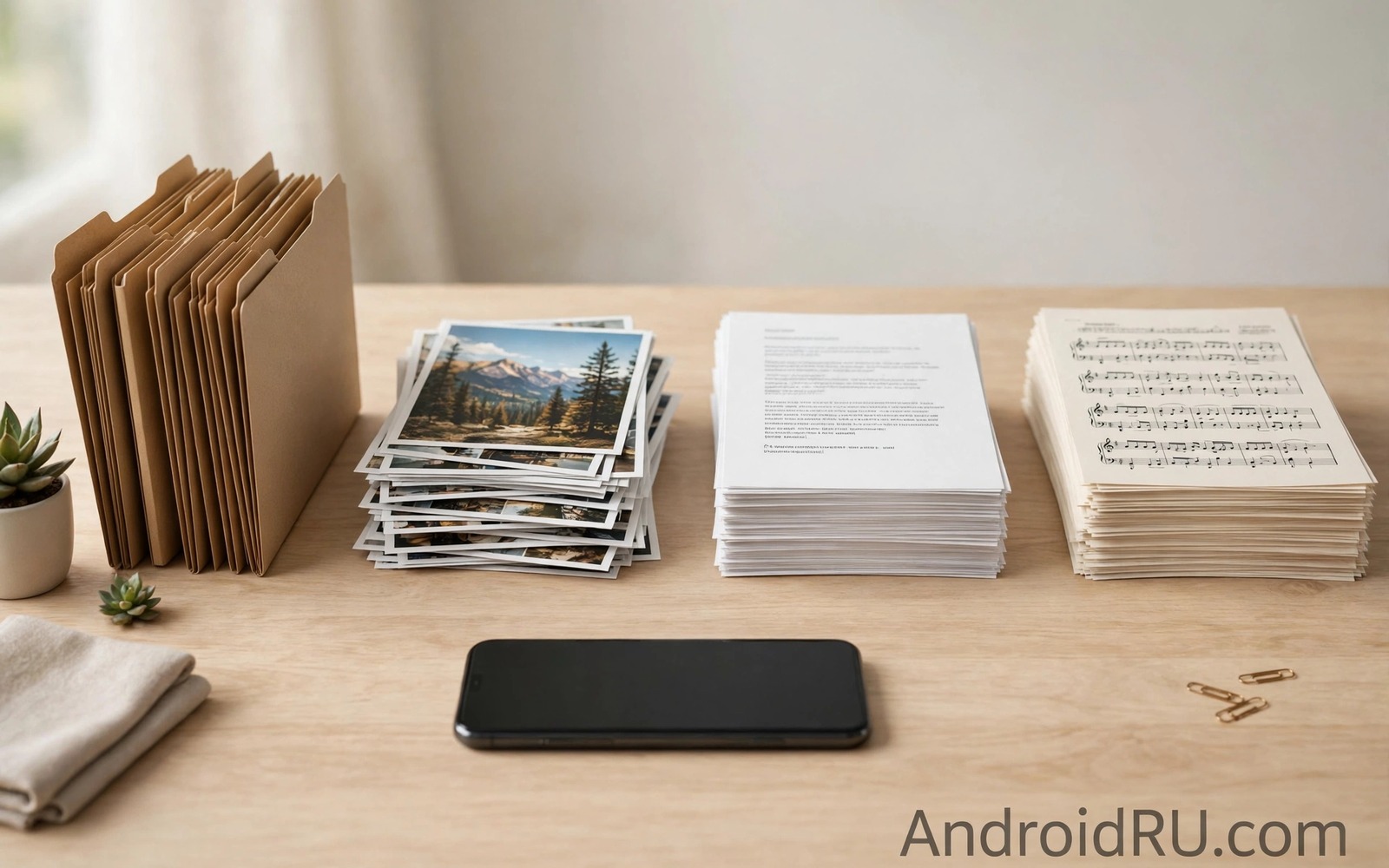
A phone with thousands of files feels like a drawer that never closes. Photos mix with documents and downloads mix with voice notes. Searching for one file becomes a scroll through endless names. The pile grows because every file lands in a default folder. A short sorting system breaks that cycle without a weekend project.
Ten minutes is enough when you sort by broad groups rather than by perfect detail. Broad groups such as photos and documents and media and archives cover most files. A broad group is easy to choose in seconds. A perfect category system slows you down with decisions. Speed matters because a system that feels slow will be abandoned. Owners who also struggle with duplicates may start with automatic duplicate cleaners for photos before they sort the rest.
Start with a timer and a clear goal. The goal is a smaller pile in the main folders and a set of named destination folders. Do not aim for a perfect library in ten minutes. Aim for a visible improvement that you can repeat next week. A repeatable ten minute pass beats a single heroic cleanup that never happens again.
Sort by type in the first pass
Open the file manager and sort files by type. Move all documents into a documents folder in one batch. Move all spreadsheets and PDFs together rather than sorting them by topic yet. Move all audio files into a media folder. Type sorting is fast because the file extension tells you the group. A batch move also gives an immediate sense of progress.
Leave photos for a separate pass because photos need date sorting more than type sorting. A photo pile sorted only by type still feels chaotic. A document pile sorted by type already feels useful. That difference explains why type sorting works best as a first pass rather than as a complete system. The same batch thinking helps when you clean the downloads folder automatically every week with simple age rules.
Sort by date in the second pass
Sort the remaining files by date with newest first. Recent files usually matter most for daily work. Move recent files into a current folder with a clear name. Move older files into an archive folder by year. A year archive is easy to search because you usually remember roughly when a file arrived. A date pass also reveals files that are old enough to delete safely.
Use the file manager search to find files by a keyword when a topic matters. Search for a project name or a sender name before you move a batch. A keyword search beats manual scrolling through thousands of names. Move the search results as a batch to the right folder. Repeat the search for the next project name until the main folder feels manageable.
Plan a ten minute sort with a short script
groups = {"pdf": "Documents", "jpg": "Photos", "mp3": "Media"}
for ext, folder in groups.items():
    print(ext, "goes to", folder)
print("total groups", len(groups))
The snippet above follows a standard pattern for mapping file extensions to destination folders. It only prints mappings and it moves no file. You can adapt the mapping for your own file types and your own folders.
A written mapping keeps a ten minute sort consistent. Add a new extension to the mapping when you meet it. Share the mapping with yourself in a note for the next pass. Consistency matters more than cleverness because a consistent system is easy to repeat.
Use search as an organisation tool
Search can organise files without moving them at all. A good file name plus a good search query finds a file faster than a perfect folder tree. Name files with keywords that you will remember later. A contract file named with a client name and a year is searchable years later. A file named with a random string is invisible to search even in a perfect folder.
Rename files during a sorting pass when the original name is cryptic. A download named with a long code deserves a human name. A photo named with a timestamp deserves an event name when the event matters. Renaming takes seconds and it pays off every time you search. A renamed file also sorts more sensibly in a folder view.
Use search operators in the file manager when they are available. Search by file type to list all PDFs at once. Search by date range to list files from a specific trip. A type search plus a date search narrows thousands of files to a handful. A handful is easy to move as a batch. Search therefore complements folders rather than replacing them.
Maintain the system with a weekly micro pass
A weekly micro pass of five minutes prevents a pile from returning. Open the downloads folder and move new files to their purpose folders. Open the camera folder and check for duplicates from burst shots. Delete obvious junk such as duplicate installers. A five minute pass feels trivial and it keeps the system alive. A system that receives weekly attention never needs a heroic cleanup.
Pair the micro pass with an existing habit such as Sunday evening charging. A paired habit is easier to remember than a standalone task. Plug in the phone and open the file manager while it charges. A short pass during charging feels like a pause rather than a chore. A habit that fits into dead time survives busy weeks.
Review the folder structure itself every few months. A folder that never receives files may be unnecessary. A folder that grows too large may need a subfolder by year. A structure review keeps the system aligned with changing work and travel patterns. A system that evolves with your life stays useful for years.
Advanced file naming for searchability
File naming is the foundation of searchability. A file with a descriptive name can be found years later. A file with a generic name such as Document One cannot be found without opening it. A naming habit that includes date and topic and version transforms search. A name such as Budget 2026 Final tells you everything at a glance. A name such as File 123 tells you nothing.
Use a consistent date format at the start of file names for chronological sorting. A format such as 2026-05-12 at the start sorts files correctly in any file manager. A date at the end of a name does not sort as cleanly. A consistent date format also helps when you move files between devices. Consistency across devices prevents sorting surprises.
Include a version marker when a file goes through revisions. A marker such as v2 or Draft or Final prevents confusion between versions. A file without a version marker may be mistaken for the latest version when it is not. A version marker also helps collaborators know which file to use. A clear version system reduces errors in shared work.
Avoid special characters in file names that can break sharing or syncing. Characters such as slashes and colons can cause problems on some systems. A simple name with letters and numbers and hyphens travels safely across systems. A safe name also syncs cleanly to cloud services. A name that works everywhere saves troubleshooting later.
Rename files in batches during a sorting pass to build the habit efficiently. A batch rename of similar files takes less time than renaming one by one over weeks. A batch rename also ensures consistent naming across a set. A consistent set is easier to search than a set with mixed naming styles. Batch habits build a searchable library faster.
A practical file checklist for new projects
A new project deserves a folder structure created on its first day. A structure created early guides every file that follows. A structure created late must fight against files already scattered. Create a main project folder with subfolders for documents and media and references. A clear structure on day one saves hours of sorting later.
Name project files with a project code at the start of each name. A project code groups files together in any sorted view. A code also helps search find project files quickly. A consistent code across documents and media unifies a project. A project code habit is simple and it scales across many projects.
Archive a project folder when the project ends rather than leaving it in active folders. An archive move clears active space while preserving history. An archived project remains searchable when a question arises later. An active folder list that contains only current projects feels manageable. A manageable active list supports focus.
Review project folders quarterly and delete drafts that were superseded by finals. A draft that served its purpose does not need permanent storage. A final version plus a brief notes file usually suffices for history. A quarterly draft purge keeps project archives lean. A lean archive is easier to back up and easier to search.
Common mistakes
One common mistake is creating dozens of tiny folders in the first pass. Tiny folders hide files and they slow future searches. A second mistake is sorting by topic before sorting by type. A third mistake is deleting files during a sorting pass. Sorting and deleting are different jobs and mixing them causes errors. Sort first and delete later with a clear head.
Another mistake is trying to organise every file in one session. A huge pile invites fatigue and rushed decisions. Stop after ten minutes and repeat the pass next week. A regular short pass will clear the pile over a month without stress.
Frequently asked questions
How do I start when I have thousands of files?
Start with the largest folder and sort by type only. Move documents as one batch and media as one batch. Stop after ten minutes and note what remains. Repeat the pass next week with the same broad groups.
Should I use many folders or few folders?
Use few broad folders at first. Broad folders are easy to choose and easy to search. Add a subfolder only when one folder grows too large to browse. A small number of clear folders beats a maze of tiny folders.
What about files that belong in two folders?
Pick the folder where you will look for the file first. A single home avoids duplicate copies and confusion. Use search by name when you need the file from another angle. A clear primary home plus search covers most cases.
Conclusion
Organising thousands of files works when you sort by type first and by date second. Broad folders and batch moves keep a ten minute pass fast. A written extension map keeps later passes consistent. Regular short passes clear a pile that a single marathon cannot.
Your concrete next step is to set a ten minute timer today and move all documents from downloads into a documents folder. Then create a year archive folder for older files. Readers who need more space can follow ways to free a large amount of phone storage quickly after the sort.

