

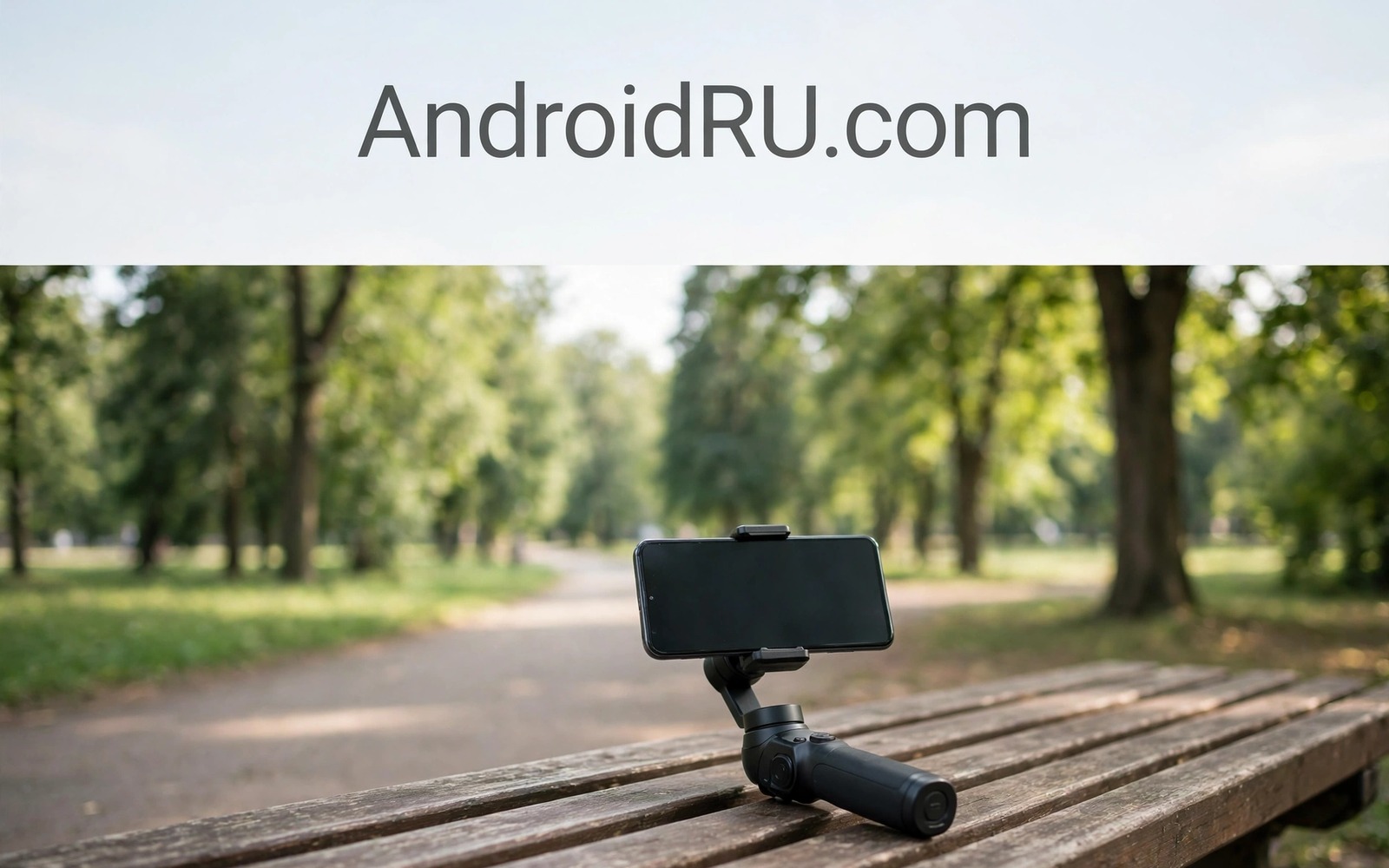
Gimbals produce buttery video but they cost money and add bulk that discourages spontaneous filming. Your body and your phone stabilisation can produce surprisingly smooth footage when you move correctly. The secret lies in absorbing bounce with bent knees and short steps rather than fighting it with stiff arms. Smooth handheld video is a physical skill that improves with practice.
Phone stabilisation helps but it cannot rescue violent shaking or fast jerky pans. Optical and electronic stabilisation work best when movement stays gentle and predictable. Combine stabilisation with good body technique and the result approaches gimbal quality for walking shots. Readers interested in film motion should also read cinematic 24fps video on Android because frame rate interacts with perceived smoothness.
Start by filming a short walking clip in your garden or street using the technique in this guide. Watch it on a larger screen and note where bounce appears most. That feedback shows whether your knees or your arms cause the shake. Adjust one element at a time until walking footage looks steady.
Hold the phone like a stabiliser
Hold the phone with both hands and tuck elbows close to your body for a stable triangle. That triangle absorbs small tremors better than arms held far from the body. Keep wrists straight and let your body move rather than your hands. A relaxed grip shakes less than a tense white knuckle grip.
Use a simple phone grip or a small handle when your hands tire during long takes. A handle gives a larger grip surface and reduces finger fatigue. Even a selfie stick held low can act as a handle and a counterweight. Choose a grip that feels natural rather than a complex rig that distracts from filming.
Keep the phone close to your chest for walking shots because a close position moves with your torso smoothly. Arms extended forward amplify every step into a visible bounce. A close hold also lets you watch the screen comfortably without straining. Comfort matters because tense muscles shake more than relaxed muscles.
Walk like a camera operator
Walk with bent knees and short heel to toe steps that roll smoothly across the ground. That ninja walk absorbs the vertical bounce that normal walking creates. Practice the walk without filming first until it feels natural. Exaggerate the knee bend at first and then relax it to a sustainable level for longer takes.
Move slowly and deliberately because speed amplifies every bump in handheld footage. A slow walk gives stabilisation time to correct small movements. Plan your path before recording and avoid sudden turns or stops. Smooth direction changes feel professional while abrupt turns break immersion instantly.
Use your hips to turn rather than twisting your wrists when changing direction. Hip turns keep the phone level while wrist turns tilt the horizon. Practice turning in a wide arc instead of pivoting sharply on one foot. Wide arcs look cinematic and they keep the horizon steady throughout the move.
Use stabilisation settings wisely
Enable electronic stabilisation in your camera app for walking footage because it crops slightly to smooth motion. That crop reduces the field of view a little but the steadiness gain outweighs the loss. Check whether stabilisation works at your chosen resolution because some phones disable it at maximum resolution. Choose a resolution where stabilisation stays active for handheld work.
Super steady modes offer even stronger stabilisation for running or cycling footage. Those modes crop more aggressively and may reduce quality in low light. Use super steady only when movement is genuinely vigorous. Normal stabilisation suits walking and standing shots better because it preserves more detail.
Test stabilisation with a short clip before an important shoot because settings vary between phone models. Film the same walk with stabilisation on and off and compare on a larger screen. That test reveals whether your phone stabilisation helps or creates warping artefacts at edges. Knowledge from a test beats assumptions during a real event.
Plan shots to hide movement
Static shots with moving subjects look smooth without any camera movement at all. Let people and vehicles move through a locked frame for a professional feel. That technique needs no stabilisation skill and it produces calm footage. Use static shots for establishing scenes and save movement for deliberate reveals.
Short clips hide shake better than long continuous takes because viewers forgive brief movement. Film in five to ten second bursts and edit them together later. That burst method also gives you more chances to capture a clean take. A single long shaky take wastes an entire scene while short bursts salvage the best moments.
ffmpeg -i input.mp4 -vf deshake=x=-1:y=-1:rx=-1:ry=-1 -c:v libx264 stable.mp4
ffprobe -v error -show_entries stream=width,height,r_frame_rate -of default=noprint_wrappers=1 input.mp4
adb shell dumpsys media.camera | grep -i stabilisation
The commands above follow the standard Android developer workflow for stabilising and checking video from a computer. Credit for this method belongs to the wider Android developer community that demonstrates these tools for everyday video stabilisation checks.
Use rests and supports creatively
Walls and railings and tables provide excellent rests for handheld video when you lean the phone against them. A rested phone moves far less than a free held phone during a static shot. Use a bag or jacket as a cushion rest for low angle shots. Those improvised supports cost nothing and they transform shaky scenes.
A monopod or a walking stick can double as a video support for standing shots. Rest the phone on top of the stick and hold both together for extra stability. That simple support reduces arm fatigue during long events. Fatigue causes shake so any support that rests your arms improves footage.
Vehicles offer smooth movement when filmed from a slowly moving car or train window. Brace the phone against the window frame and let the vehicle carry the camera smoothly. Avoid filming through dirty glass because smudges ruin the shot. Clean the window area first when vehicle filming is planned.
Film different subjects handheld
Street walking footage benefits most from the ninja walk because streets offer long continuous paths. Walk slowly along a market street and let shop fronts and people pass through the frame. That walking shot feels immersive when the camera moves smoothly. Stop occasionally for a static detail shot to break up the walk.
Nature walking footage needs extra care because uneven ground creates bounce even with bent knees. Step carefully on trails and use a walking stick as a support when the path gets rough. Pause for static shots of flowers and streams rather than forcing a shaky walk through rough terrain. Static nature shots often beat shaky walking shots for beauty.
Event footage such as weddings and concerts needs discreet handheld technique because large rigs disturb guests. Hold the phone close and move slowly around the edges of the event. Capture short bursts of key moments rather than long continuous coverage. Discreet short clips respect the event while still preserving memories.
Children playing footage challenges handheld stability because children move unpredictably and quickly. Follow children at a distance with slow pans rather than chasing them closely. A wider frame gives children room to move without leaving the shot. That wider framing also forgives small camera shakes that close framing would exaggerate.
Interview style handheld video needs a steady frame on a seated person for long periods. Rest your elbows on a table to support the phone during interviews. That table support removes arm fatigue that causes gradual drift. A supported interview frame looks professional even without a tripod.
Product demonstration video benefits from slow handheld moves around the product rather than static shots alone. Circle the product slowly while keeping it centred in the frame. That orbit shot shows shape and detail from multiple angles in one take. Practice the orbit at home before filming a real product for a client.
Travel vlogging handheld footage mixes walking shots and talking head shots in one sequence. Hold the phone at arm length for talking shots and close to the chest for walking shots. Switching between those holds takes practice but it keeps both shot types steady. Plan the switch points before recording so transitions feel intentional.
Common mistakes
The biggest mistake is walking normally while filming because normal walking bounces the phone with every step. Adopt the bent knee ninja walk for all moving shots. That walk feels odd at first but it becomes natural with practice.
Another mistake is panning too fast because fast pans judder and break stabilisation. Slow every pan until it feels deliberate and test pans on a large screen. Slow pans look professional while fast pans look rushed.
People also film long single takes that accumulate shake and boredom together. Shoot short purposeful clips and edit them into a sequence. Short clips stay fresher and steadier than marathon takes.
Frequently asked questions
Can handheld video really match a gimbal?
Handheld video can approach gimbal quality for walking shots with good technique. Gimbals still win for running and complex moves but handheld suffices for most casual and travel video.
Does electronic stabilisation reduce quality?
Electronic stabilisation crops the frame slightly and can soften edges in low light. The steadiness gain usually outweighs that small loss for handheld work.
Should I use a tripod instead?
A tripod suits static scenes perfectly but it cannot follow moving subjects easily. Use a tripod for locked shots and handheld technique for moving shots.
Conclusion
Smooth handheld video without a gimbal comes from a stable hold and a bent knee walk and wise stabilisation settings. Plan short purposeful shots and use rests when available. Practice the ninja walk until it feels natural and your footage will steady dramatically.
Your concrete next step is to film a one minute walking clip today using bent knees and short steps and both hands close to your chest. Compare it with an old normal walking clip tonight and note the bounce difference. Readers ready for film looks will enjoy cinematic 24fps video on Android and colour grading mobile footage with custom LUTs as natural follow-ups. As a related next step, explore stabilizing shaky mobile videos in 5 seconds for free to extend what you set up here.

