

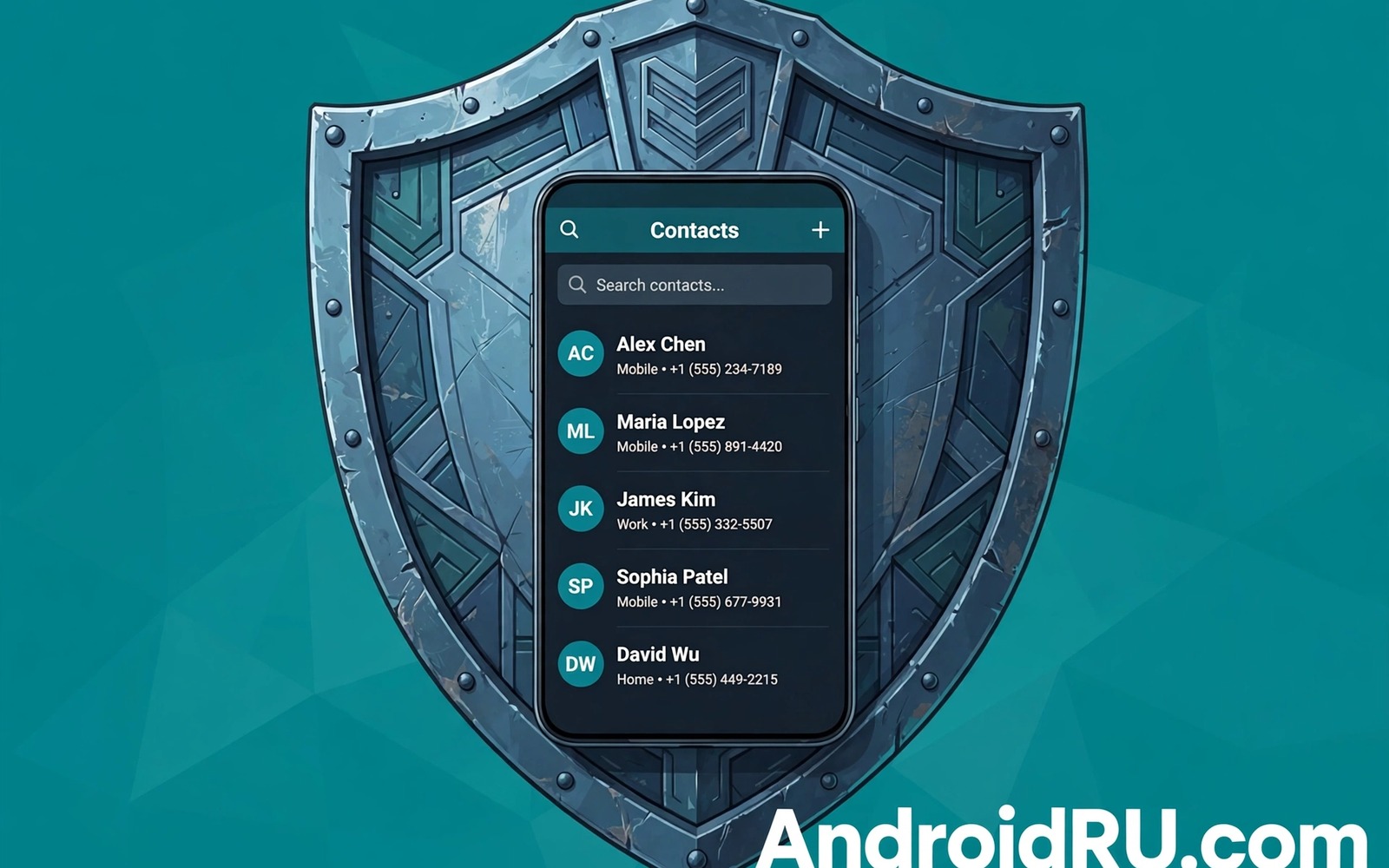
Social apps often ask for your contacts the moment you install them. The request sounds harmless because finding friends is a normal feature. In practice that permission can hand over names and numbers and email addresses for people who never agreed to share them. Your friends did not consent to that upload and you may not realise how much data left your phone.
Contacts are more sensitive than most people think. A name paired with a number can reveal family ties and work relationships and private groups. When an app syncs your whole address book it can map your social circle and suggest connections that you never wanted to make public. It can also store that data long after you stop using the feature that requested it.
This guide shows how to stop that access without losing the parts of social apps that you actually enjoy. You will learn where the permission lives and how to revoke it and how to check whether an app already uploaded your contacts. You will also learn safer ways to find friends that do not require a full address book upload.
Find every app that holds contact permission
Open Settings and go to Privacy and then Permission manager and then Contacts. That screen lists every app that can read your contacts and it shows whether access is allowed or denied. Many people are surprised by how many social and shopping and game apps appear on that list. Some apps gained the permission years ago during a setup step that was easy to skip past without reading.
Work through the list slowly and ask a simple question for each app. Does this app need my contacts to do the job I installed it for. A messaging app may need contacts to start a chat. A photo filter app does not need them at all. A game that asks for contacts during setup is almost certainly collecting data for growth rather than for gameplay.
Deny contact access for every app that fails that test. Denying the permission does not delete the app and it does not block your existing chats in most cases. It simply stops future reads of your address book. If an app later needs a contact for a real task then it will ask again and you can decide in that moment.
Revoke access on each social app
Start with the social apps that you use most often because they hold the largest social graphs. Open each app and look for settings about contacts and friend finding and sync. Many apps have a separate toggle for contact sync that stays on even after you deny the Android permission. Turn that toggle off inside the app as well as in system settings.
Some apps also offer a delete option for contacts that were already uploaded. Look for wording about uploaded contacts or synced contacts or find friends data in the privacy settings. Use that delete option when it exists and take a screenshot of the confirmation for your records. Deletion may take days to complete on the server side so do not assume that the data vanished instantly.
If an app offers no delete option then consider whether keeping the app is worth the data it already holds. You can also contact the app support team and ask for deletion of uploaded contact data in plain language. Keep the request short and state the account and the data type clearly. A written request creates a record that a silent toggle never will.
Stop new uploads before they start
New installs are the easiest place to stop contact uploads because the permission request appears before any data has moved. Read every permission prompt during setup instead of tapping allow on autopilot. If a social app asks for contacts on first launch then deny it and continue with setup. Most apps will still work and you can grant access later only if a specific feature truly needs it.
Watch out for setup flows that bundle contacts with other permissions in one screen. A single allow button can grant several permissions at once on some devices. Tap the individual permission rows when that option exists and deny contacts while allowing the permissions that the app genuinely needs. That granular choice takes seconds and it prevents a broad grant that you would need to undo later.
Teach the same habit to family members who share devices or who appear in your contacts. Their choices affect your data too because their address books may contain your number and your email. A short conversation about permission prompts can protect a whole circle of people. It also makes it easier for everyone to say no without feeling rude to an app.
Use safer ways to find friends
You do not need a full address book upload to connect with people you already know. Most social apps let you search by username or by a shared link or by a QR code. Those methods reveal only the person you choose to connect with rather than your entire contact list. They take a few seconds longer and they keep the rest of your circle private.
Share your profile link directly with friends who want to follow you instead of letting an app scan for them. That habit also helps on messaging apps where privacy settings you must enable on WhatsApp instantly give you tighter control over who can see you and contact you. A link sent in a message gives the recipient a clear choice to connect or not. It also avoids awkward suggestions to people you know only through work or through a one time transaction. Privacy often improves when connection becomes a deliberate act rather than an automatic scan.
For group chats you can invite people by phone number one at a time when you already know that number. That manual step feels old fashioned but it respects the people involved. It also stops an app from learning about contacts who never joined the platform. The small extra effort is the price of keeping other people’s details out of a corporate database.
adb shell pm list packages -3
# List third party apps on your own device
# Note any social app you do not recognise
# Then open Settings and review its contact permission
The commands above are an original example written for this guide to help you spot unfamiliar apps on your own device. They list third party packages so that you can compare the result with the contact permission screen in Settings. Use them only on a device that you own and remove any app that you cannot identify before you grant it further access.
Common mistakes
One common mistake is denying the system permission but leaving contact sync switched on inside the app. Another mistake is granting contacts to a social app just to try a single feature and then forgetting to revoke it after the test. A third mistake is assuming that deleting an app also deletes the contacts it uploaded. In many cases the server copy remains until you ask for deletion or use a dedicated delete tool.
People also confuse contact permission with permission to make calls or send messages. Those are separate permissions and denying contacts does not block normal calling from your phone app. Understanding that separation makes it easier to say no with confidence. You are not breaking the app by protecting your address book.
Another error is focusing only on social apps while ignoring other apps that sync contacts for backup or for caller identification. A caller ID app or a backup tool can upload the same data through a different route. Check the full permission list rather than only the apps with a social label. A broad review catches the quiet uploaders that a narrow review misses and it pairs well with revoking dangerous permissions from unused apps across the whole device.
FAQ
Will denying contacts break my messaging app?
Most messaging apps will still send and receive messages to people already in your chats. You may lose automatic name matching for new numbers until you grant access again or add the contact manually. That trade is usually worth it because you keep control over which numbers the app can see. You can also add a single contact through the system contacts app when you need a name to appear.
If a messaging app refuses to work without contacts then check whether a lite mode or a web version offers the same chats with fewer permissions. Some apps also let you paste a username or a phone number directly into a search box. Those options give you the connection without the full upload. Choose the path that asks for the least data.
Can I delete contacts that an app already uploaded?
Many major social apps provide a manage uploaded contacts page in their privacy settings. That page often includes a delete all button and a confirmation step. Use it and then deny the permission so that the app cannot upload the list again on the next sync. Keep in mind that deletion from the visible list may not remove backups or aggregated data that the company already processed.
When no delete tool exists you can submit a data deletion request through the app support channel. State that you want uploaded contact data removed and ask for written confirmation. If the company ignores the request then consider deleting your account on that service as a stronger step. That choice is drastic but it sends a clear signal about the value of your contacts.
Do contacts include email addresses and notes?
Yes in many cases. A contact entry can hold several phone numbers and email addresses and a home address and a birthday and private notes. An app with contact permission can read the fields that the system exposes to it. That is why the permission feels so broad even when the app only claims to find friends. One grant can expose far more than a list of names.
Clean your own contacts before you grant access to any app that truly needs it. Remove sensitive notes and extra addresses that no longer serve a purpose. That cleanup limits what any future permission grant can reveal. It also helps you spot fake entries that may have been added by another app and it complements checking whether someone is secretly tracking your location as part of a wider privacy review.
Conclusion
Your contacts belong to many people at once. Every name in your address book represents a person who trusted you with a private detail. Protecting that list is therefore a responsibility as well as a personal privacy choice. Denying contact permission to apps that do not need it is a simple act that respects that trust.
Your concrete next step is to open Permission manager tonight and deny contact access to every social app that does not need it for messaging. Then open each of those apps and turn off contact sync and delete any uploaded contacts you find. That one review will shrink your exposed social graph within minutes.

