

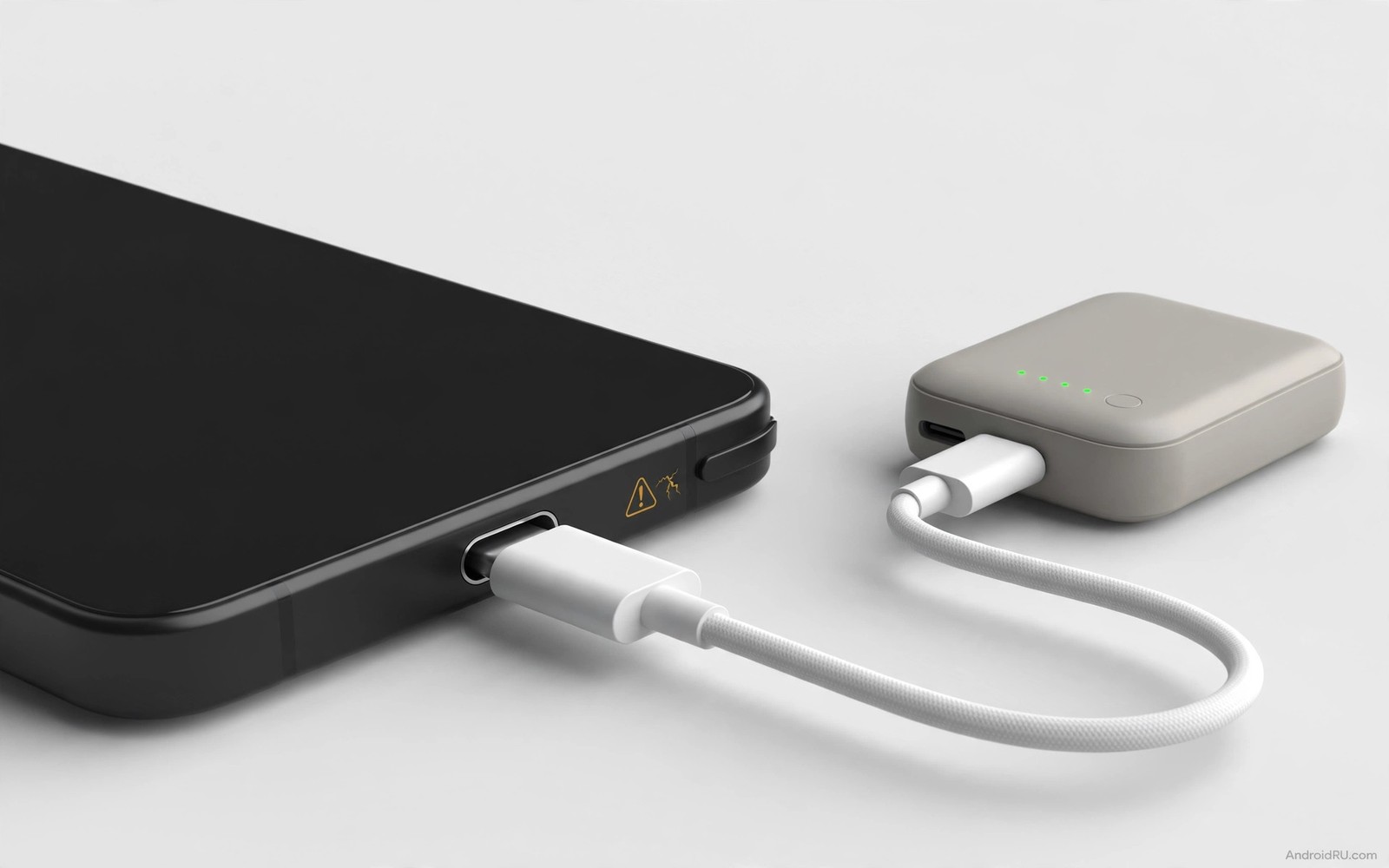
Why Portable Power Banks Might Be Destroying Your Charging Port
A power bank feels like freedom until the day your phone only charges when you hold the cable at a certain angle. I learned that lesson on a long train ride, with a heavy bank swinging from a short cable in my jacket pocket while my phone sat in my hand. The charge kept dropping in and out, the plug felt warm, and by the end of the trip the cable no longer clicked firmly into place. Nothing about the bank itself had failed. The way I had used it had slowly worked the port loose, one small tug at a time.
Charging ports are tougher than they look, yet they are built for straight, gentle plugs, not for a weight hanging off them for hours. A bank in a bag, a phone in a pocket, and a cable stretched between them turn every step into a small sideways pull on tiny metal contacts. Add heat from fast charging, a cheap cable with a loose plug, and months of the same habit, and the damage adds up. This guide explains how that damage happens, how to spot it early, and how to keep using a power bank without paying for a port repair.
You do not need to give up your power bank. You need to change the geometry of how you carry it, pick gear that fits snugly, and check the port before a small wobble becomes a dead port. The sections below walk through the mechanics, the heat and voltage side, cable choice, safe habits, buying advice, and a monthly check you can do in one minute.
How a Dangling Power Bank Strains Your USB-C Charging Port
Inside a USB-C port sit tiny spring contacts that grip the plug and carry current. They are designed for thousands of straight insertions, and normal desk charging barely stresses them. Sideways force is a different story. When a bank dangles, gravity pulls the plug down and to one side, bending it inside the port. That bend presses one side of the contacts harder than the other, and over time the springs lose their grip. I first noticed this on my own phone when a cable that used to snap in with a firm click started sliding in with almost no resistance.
What happens inside the port when the plug wobbles
A loose plug does not just feel annoying. It makes and breaks contact dozens of times a minute while you walk, and each break can arc, a tiny spark across a gap that pits the metal. Pitted contacts have higher resistance, higher resistance makes more heat, and heat softens the plastic tongue inside the port a little more each time. Solder joints under the port also take the strain, because the plug acts like a lever and the port is the fulcrum. Repeated bending can crack those joints, and a cracked joint gives you the classic symptom of charging that works only when you press the cable up or down.
The pocket test I use before a long day out
Before I leave the house with a bank, I plug it in, hold the phone in one hand, and let the bank hang for five seconds. If the plug tilts visibly or the charging icon flickers, that setup is not safe to walk with. I either shorten the cable, put both devices in the same pocket, or slip them into a small pouch so they move as one unit. That five-second test has saved me from carrying a bad setup all day, and it costs nothing.
Why sideways pull hurts more than plugging in and out
Plugging a cable in and out wears the port slowly and evenly. Sideways pull wears it fast and unevenly, because all the force lands on one edge. Think of a door hinge: opening and closing it is fine, but hanging a heavy bag from the handle bends it out of shape. A bank of 200 grams or more on a 30-centimetre cable is a real lever arm, and a jerking step while running or climbing stairs multiplies the force. That said, a short cable and two devices carried together remove most of the lever, which is why the same bank can be harmless on a desk and harmful in a pocket.
Cable length and weight amplify the problem in a predictable way. A short cable keeps bank and phone close, so they move together and little pull crosses the port. A long cable lets them separate, and separation creates leverage. A bank in a bag while the phone is in a hand pulls constantly, and constant pull is worse than a brief tug because gravity works on it all day. In practice, placing the phone on top of the bank on a table, or holding both together while walking, is the single most protective habit you can build.
Why a right-angle cable helps when you must walk and charge
A right-angle cable routes the wire along the body of the phone instead of sticking straight out, so a tug pulls along the phone rather than levering the plug sideways. I keep one in my bag for travel days and use a straight cable at my desk, where no pull exists. It is a cheap accessory, it fits most USB-C phones, and it makes pocket charging noticeably calmer. Match the cable shape to the situation and the port will thank you.
Heat, Voltage and Fast Charging Stress on Your Charging Port
Power banks generate heat while they discharge, and cheap banks generate more of it because their conversion circuits are less efficient. That heat travels along the cable and warms the port, and a warm port expands slightly and fits a little looser. One warm session does no harm, but hundreds of warm cycles in a closed bag slowly loosen the fit for good. A bag traps heat, so a phone charging in a bag while a bank discharges can climb steadily in temperature for an hour or more, and both the port and the battery suffer in that warm pocket.
How fast charging from a bank adds heat to the port
A bank delivering 20 watts heats the port more than a 10-watt bank, because more current flows through the same small contacts. Fast charging is useful when you need a quick top-up before a flight, but using it as the default for every bank session means the port runs hot far more often than it needs to. I now use the lower-output port on my bank for routine top-ups and save the fast port for real urgency. The phone still gains charge at a useful rate, and the plug stays cool enough to touch.
Voltage stability is where bank quality really shows. A good bank regulates its output tightly, holding close to 5 volts even as its own battery drains. A cheap bank can sag or spike, and those spikes stress the phone charging circuit and the port contacts through sudden current changes. A bank that makes the phone charge, stop, and start again every few seconds is telling you its output is unstable. A bank that gets very hot to the touch is telling you the same thing in a different way. Replace a suspect bank instead of nursing it along, because a cheap bank can cost a port repair that is far more expensive than a quality bank.
Signs your power bank itself is the problem
Watch for a bank that swells, even slightly, or one whose case no longer sits flat on a table. Swelling signals cell failure, so stop using that bank at once, do not charge it further, and dispose of it safely according to local rules. Other warning signs are a bank that charges your phone much slower than it used to, a bank that cuts out when you move the cable, and a bank that smells hot or chemical after a session. An unstable power bank output is the clearest warning sign I know, because it shows up as flickering charging long before the port is badly damaged.
You can compare bank risks with other charging risks in the hidden risks of cheap chargers guide, because banks and wall chargers share the same quality lessons: good regulation, honest capacity, and temperature protection matter more than a low price. A quality bank uses better cells and better regulation, and it usually includes temperature protection that cuts output before heat becomes dangerous. Those features protect both the phone and the port, and they are worth paying for once instead of paying for a repair later.
Cable Quality and Connector Fit for Power Bank Charging
The cable that comes free with a cheap bank is often the weakest part of the whole setup. Thin wires heat up under load, poor plugs fit loosely from day one, and a loose plug arcs and pits the port contacts a little more every session. I have thrown away more than one bundled cable after noticing that my phone charged fine with a branded cable and flickered with the free one. The bank was innocent in those cases. The cable was the culprit, and it was quietly damaging a good port.
How to test a cable before it damages your port
Plug the cable into your phone without a bank attached and feel for the click. A good plug seats with a firm, definite click and resists a gentle sideways nudge. A worn plug slides in softly and wobbles when you nudge it. Try the same test with two or three quality cables. If the wobble disappears with a different cable, the first cable was worn and you should replace it. If the wobble stays with every cable, the port itself is worn, and you should change your habits and get the port checked before it fails completely.
Short cables, snug plugs, and monthly checks
Use a short, quality cable with a bank, ideally 15 to 30 centimetres, because a short cable reduces both leverage and electrical resistance. Check plug fit monthly, and replace a worn cable promptly instead of keeping it as a spare. A worn cable damages a good port over time, and keeping it in a drawer just means you will reach for it on a busy day and repeat the damage. I label my good cables with a small tag so I never grab a suspect one by mistake.
Connector type matters too. USB-C ports tolerate more insertion cycles than older Micro-USB ports, but they still wear under sideways force, so the same rules apply. A right-angle cable can reduce leverage in a pocket, a straight cable is fine on a desk, and matching the cable shape to the situation is a simple, effective habit. If your phone still uses Micro-USB, be even more careful, because that connector is more fragile and its plug can bend the tongue inside the port more easily.
Safe Power Bank Habits That Protect Your Charging Port
Safe bank use is mostly about geometry and patience. Charge with the phone and bank together on a stable surface when you can, because that eliminates dangling pull and lets heat escape into open air. Use a bank as a desk charger rather than a pocket charger when you have the choice. When you must walk, hold both devices together or use a pouch that holds phone and bank as one unit, so no pull crosses the port. A pouch also protects both devices from bumps, and it costs far less than a repair.
A step-by-step routine for safe power bank charging
- Place the phone and bank side by side on a table or in one pouch, with a short cable between them, so they move as a single unit.
- Plug the cable straight in, feel for the firm click, and check that the charging icon stays on without flickering for ten seconds.
- Charge in open air, not inside a closed bag or under bedding, so heat can escape from both devices.
- Top up to a useful level, often around 60 to 80 percent, then disconnect instead of leaving the phone attached all day.
- When you need to move quickly, pause charging, walk, and resume when you stop, because a paused charge costs minutes and a damaged port costs a repair.
- After the session, unplug by gripping the plug itself, never by yanking the cable, and coil the cable loosely for the bag.
Limit bank charging to sessions you actually need. Do not leave a phone connected to a bank all day out of habit, because constant connection means constant mechanical stress and constant heat. Charge to a useful level and then disconnect, and use wall charging at home for routine full charges. Banks are for mobility and walls are for routine, and respecting that division makes ports last longer. Short bank sessions also preserve bank capacity for later, so you get more useful top-ups from one charge of the bank.
Cleaning the port and charging while gaming
Keep the port clean if you use banks weekly, because lint plus a bank plug creates poor contact, and poor contact plus bank current creates heat. Clean the port gently once a month with a wooden or plastic pick, never metal, and blow out loose dust first. After cleaning, the plug should click firmly again, and a firm click means good contact and efficient charging with minimal heat. If you need more help with a phone that charges slowly, the quick fixes for slow charging guide covers the checks I run first, from cable swaps to lint removal.
Avoid charging from a bank while gaming, because gaming plus bank charging adds heat and processor load at the same time, and walking while gaming adds movement on top of that. That combination stresses the port and the battery together. Pause the game during a bank top-up, let the phone charge calmly, and pick the game back up when you have a wall charger or a stable surface. It is a small trade, and your port will last longer for it.
How to Choose a Power Bank That Will Not Hurt Your Phone
Choosing a bank is choosing a power supply that will sit millimetres from your port for hundreds of hours, so quality matters more than the headline capacity number. Buy from a reputable maker, look for certification marks such as CE or UL, and be suspicious of a bank that claims huge capacity at a tiny price, because real cells cost money and a lying bank often uses poor cells with unstable output. A bank that swells, gets very hot, or charges erratically is not a bargain. It is a risk, and safety outweighs savings every time.
| What to check | Good sign | Warning sign |
|---|---|---|
| Brand and certification | Known maker, CE or UL marks, clear model number | No brand, no marks, vague capacity claims |
| Capacity for daily use | 10,000 mAh, one to two full phone charges, light to carry | Claimed 50,000 mAh in a pocket-size case at a very low price |
| Output and regulation | Stable 5 volt output, temperature protection, honest watt rating | Charging flickers on and off, plug gets hot, output sags |
| Cable and plug | Short quality cable, snug plug, right-angle option for pockets | Thin free cable, loose plug, wobble from day one |
| Weight and size | Light bank for walking, heavier bank kept on a table | Heavy bank dangled from the phone while walking |
Matching bank size to how you actually use it
A 10,000 mAh bank suits most daily use. It charges a typical phone one to two times, it is light enough to carry without much pull, and it fits in a pouch beside the phone. A 20,000 mAh bank suits travel and long days away from a wall, but it is heavier, and a heavier bank pulls harder when it dangles, so use it on a table rather than in a pocket. Match the bank to the situation: a light bank for walking, a heavy bank for desk and travel use. An oversized bank tempts dangling use because it is awkward to hold, so choosing the right size is part of protecting the port.
Check the output specs before you buy. A bank with a 10-watt output suits slow overnight top-ups, a bank with a 20-watt output suits faster top-ups when time matters, and higher output heats the port more. Some banks offer multiple ports with different outputs, so use the lower-output port for routine use and reserve the fast output for urgency. Gentle charging from a power bank protects the port and the battery together, and speed is a tool to use when you need it, not a default for every session.
Sharing charge with another phone adds a different trade-off. A bank protects the host phone battery because the energy comes from the bank, not from your phone, while reverse charging from your own phone drains your battery to feed someone else. The reverse charging costs to the host battery guide explains that trade-off in detail, and it is worth reading before you share power from your own handset. A bank is the kinder way to help a friend, because it risks nothing except the port if you use it poorly, and you now know how to avoid that.
A Monthly Port Health Check Routine for Power Bank Users
If you use a bank often, check the port once a month. It takes about a minute, and it catches wear while you can still slow it down. Insert a quality short cable, note how firmly it clicks, note any wobble, note the charge speed from both the bank and a wall charger, and note whether charging flickers when you nudge the cable. Write the result down in a note on your phone, because a short log shows a trend that memory hides. A stable firm fit means your habits are working. A growing wobble means wear is progressing and you should change habits now.
What a healthy port check looks like
A healthy check reads like this: cable is a quality short USB-C, fit is snug, charge speed is normal from bank and wall, wobble is none, plug clicks firmly, and only a small amount of lint came out with a wooden pick. That result means the port is healthy, so continue the safe habits that got you there. If the same check shows a soft fit and slow charging, try a different quality cable first, because a worn cable can mimic a worn port. If the wobble stays across cables, the port is the problem, and an early repair visit is cheaper than waiting for the port to fail on a trip.
When to get the port checked by a repair shop
Book a repair check when the plug wobbles with every cable, when charging only works at one angle, when the port feels hot during normal charging, or when you see visible damage or bent pins inside the port. Tell the technician that you use a power bank often, because that history helps them judge whether the solder joints or the contacts are the weak point. A port cleaning and a solder reflow can sometimes save a port that still charges, while a dead port usually needs a replacement part.
Keep the log simple so you actually keep it. Record fit, speed, and lint, compare the trend month to month, and act on a trend toward wobble instead of waiting for failure. Early habit changes preserve the remaining life of the port. Late changes may be too late, and that is why the monthly minute matters more than any accessory you can buy.
Common Mistakes That Damage Charging Ports With Power Banks
The most common mistake is dangling a bank from a phone while walking, because that habit causes the most port damage of all. The next is using the cheap cable included with a bank for years, even after its plug has gone loose. Charging in a bag all day traps heat and pull together, ignoring a wobbling plug lets early damage grow, and buying the cheapest bank with the largest claimed capacity invites poor cells and unstable regulation. Leaving a phone connected to a bank overnight in bed is another one, because bedding traps heat and the cable can snag while you sleep.
Mistakes I stopped making after my first loose port
I stopped running with a dangling bank, because running creates jerking forces that damage ports fastest. I stopped yanking cables out by the wire, because that strains both the cable and the port. I stopped charging on a soft bed, and I moved bank charging to a desk or a hard surface in open air. I also stopped assuming that portability removes physics. A bank is portable, but pull and heat still apply, and a portable device can still damage a port if you use it carelessly. A firm plug click is the simplest daily health check you have, and losing that click is the earliest warning worth acting on.
Another mistake is treating a bank as a permanent charger. A bank is a top-up tool for time away from a wall, not a replacement for wall charging at home. If your phone spends most of its life on a bank, the port spends most of its life under load, and that load adds up. Use the wall at home, use the bank on the go, and give the port a rest between sessions. That division is the intended use pattern, and it is the simplest way to make a port last for the life of the phone.
Frequently Asked Questions About Power Banks and Charging Ports
Do power banks damage charging ports?
They can, through dangling pull, heat, and unstable output from a cheap bank, but they do not have to. Proper use, with the phone and bank together on a stable surface, a short quality cable, and charging in open air, keeps the risk low. Poor dangling use accelerates port wear noticeably, and a wobbling plug is the first sign that the wear has started.
Should I stop using a power bank?
No, you should use it wisely. Hold the devices together, use a quality short cable, charge in open air, and limit sessions to useful top-ups instead of all-day connection. Those four habits make bank use safe for most phones, and they cost nothing except a little attention. If your port already wobbles, change the habits today and get the port checked, because early action preserves what is left.
How do I know if my charging port is damaged?
A plug that wobbles, a charge that flickers when you move the cable, or charging that only works at one angle all signal wear. Try two or three quality cables first, because a worn cable can look like a worn port. If the wobble stays across cables, the port is worn, so clean out lint gently, change to safe bank habits, and visit a repair shop before it fails completely.
Can a cheap power bank damage my phone battery too?
Yes, a cheap bank with unstable voltage and poor temperature control can stress the charging circuit and the battery as well as the port. The damage is usually slow, showing up as faster battery wear and more heat during charging, rather than a sudden failure. A certified bank from a known maker, used with gentle output for routine top-ups, is kinder to both the battery and the port.
Start today with one change: put your phone and bank together in one pouch on your next outing, use a short cable, and feel for that firm click when you plug in. If the click is gone, do not ignore it. Change the habit, clean the port, and get it checked while a repair is still small. A few habit changes now save a repair later, and they let you keep the freedom a power bank gives you without paying for it with your charging port.

