

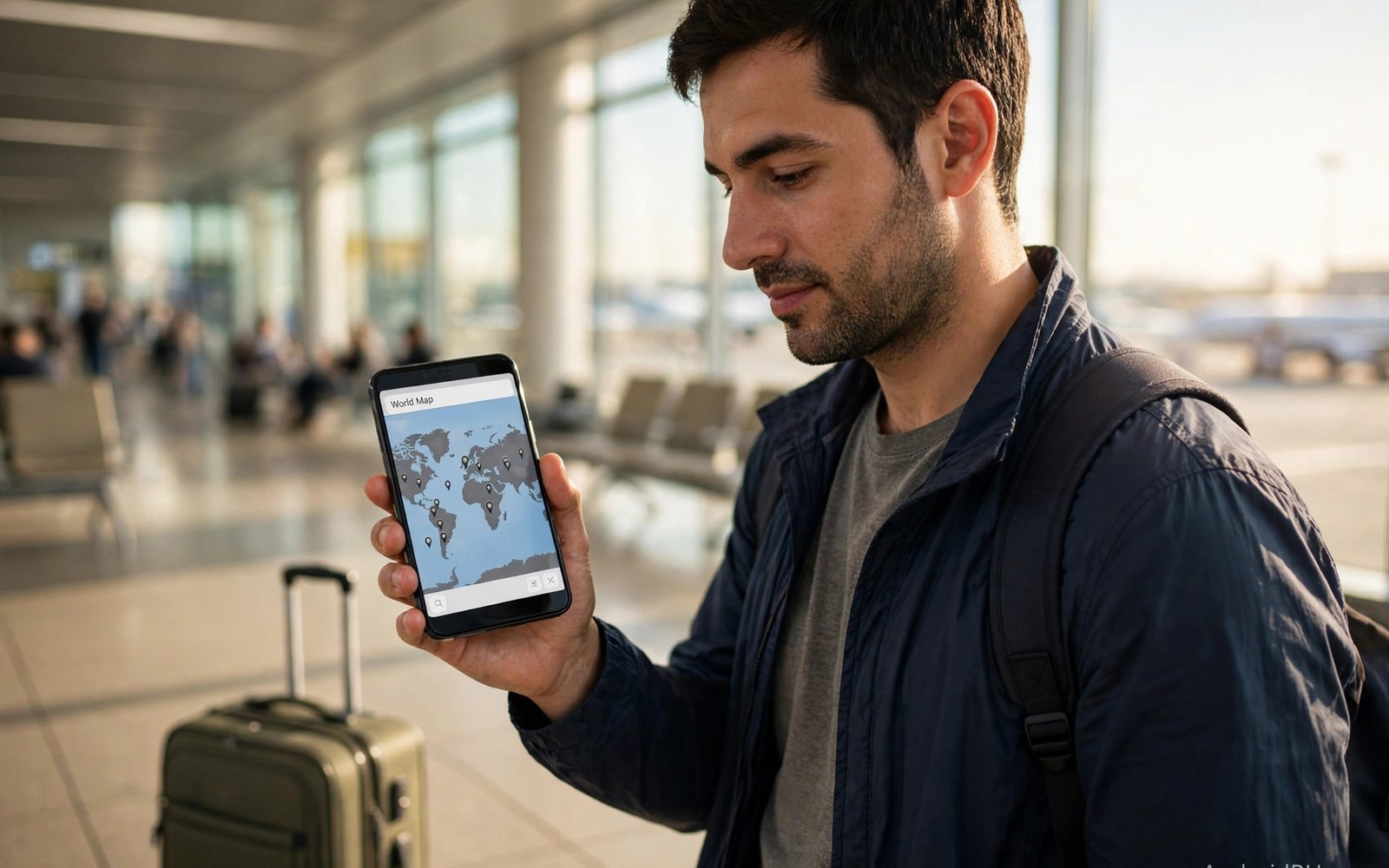
Landing abroad with no data feels stressful in a new country. Roaming should solve that problem at once. It often creates a scary bill instead. Roaming means your home carrier rents a foreign network. That rental carries high wholesale prices. Your carrier passes those prices to you with a markup. Dual SIM phones change the roaming equation completely. They let you add a local plan while home service stays on.
This article explains roaming in plain language. It covers how charges build and how to avoid them. It also covers dual SIM setups for travelers. You will learn travel passes and local eSIM options. You will also learn settings that prevent surprise bills. Read it before your next trip abroad. A short preparation saves real money at the border.
How Roaming Connects You Abroad
Your phone scans for partner networks after landing. It connects to a network with a roaming deal. Your home carrier authenticates your SIM remotely. Calls then route through the foreign network back home. Data flows through the partner network to the internet. That chain involves several companies at once. Each company takes a share of the fee. The chain explains why roaming costs far more than local rates.
Roaming agreements vary by destination and carrier. Some countries enjoy cheap roaming deals. Others carry very high per-megabyte rates. Remote islands and cruise ships cost the most. Satellite-linked networks charge extreme rates. Check your carrier roaming page for each destination. Note the rates for calls and texts and data separately. A destination with cheap calls may still charge dearly for data.
Why Roaming Bills Shock Travelers
Background apps consume data without your knowledge. Email sync and photo backup run silently abroad. App updates download over roaming data by default. A single cloud backup can cost hundreds of dollars. Maps and social feeds add steady background use. The bill grows while the phone sits in your pocket. Most shock bills come from background use rather than browsing. Stopping background data is the top roaming skill.
Roaming charges also apply to incoming calls in many plans. You pay even when you do not answer some calls. Voicemail deposits can trigger charges too. Texts cost less but still add up over a trip. Two-factor codes from banks arrive as texts. Those codes are worth the small cost for security. Keep the home line active for codes only. Route all other use through a local plan instead.
Travel Passes Versus Pay Per Use
Travel passes charge a flat daily fee for roaming. The fee usually covers calls and texts and data. Daily fees range widely by carrier and destination. A pass suits short trips with heavy use. It removes per-megabyte anxiety for a day. A pass wastes money on days you stay on Wi-Fi. Compare pass cost with local SIM cost first. A week of passes can exceed a local plan price fast.
Pay-per-use roaming charges each unit separately. Light users may pay less than a daily pass. Heavy users face steep bills under pay-per-use. One video stream can cost more than a pass day. Check the per-megabyte rate before you rely on it. Some rates exceed ten dollars per megabyte. At that rate a single photo upload shocks the bill. Pay-per-use suits emergency-only use abroad.
Local SIM and Travel eSIM Options
A local SIM gives you local rates at once. Buy it at the airport or a local shop. Registration may need your passport in some countries. Keep the receipt and the original packaging. You may need the PIN codes printed inside. Store your home SIM safely during the trip. A lost home SIM complicates your return. Use a small case for spare cards and pins.
Travel eSIM apps sell data plans before departure. You install the profile over Wi-Fi at home. You activate it on landing with one tap. Prices beat roaming rates in most destinations. Coverage depends on the local partner network. Read recent reviews for your exact destination. Some eSIM brands throttle speeds after a small cap. Choose a brand with clear full-speed terms. Dual SIM phones run the travel eSIM beside your home line.
Dual SIM Roaming Setup Step by Step
Set the travel line as the data default on arrival. Turn off data roaming on the home line first. That order prevents accidental roaming charges. Keep the home line active for calls and texts. Enable Wi-Fi calling on the home line if available. Wi-Fi calling routes home calls over hotel internet. That trick avoids per-minute roaming call fees. Test the setup at the airport before you leave.
Label both lines clearly before departure. Name one line Home and the other Travel. Clear labels prevent wrong-line data use. Set data warnings on the travel line too. Warnings alert you before the travel allowance ends. Top up the travel plan early if it runs low. A topped-up plan beats emergency roaming rates. Review the setup each morning during the trip. A daily glance catches settings that changed overnight.
Settings That Prevent Bill Shock
Turn off data roaming for the home line before takeoff. That single toggle blocks the biggest shock source. Turn off automatic app updates over mobile data. Set cloud backup to Wi-Fi only in each app. Disable background data for social and video apps. Keep maps offline for your destination city. Offline maps work without any mobile data. Download them over hotel Wi-Fi each evening.
Set a spending cap with your carrier if one exists. Caps stop data when charges hit a limit. Not every carrier offers caps for roaming. Ask support before departure if unsure. Enable carrier usage alerts by text. Alerts warn you as charges build during the trip. Check usage in the carrier app each evening. A nightly check catches runaway apps before the bill explodes.
Calls and Texts While Roaming
Roaming calls cost more than roaming data in some plans. Incoming calls may cost you even unanswered. Let unknown calls go to voicemail abroad. Return important calls over Wi-Fi calling apps. Messaging apps over data cost far less than voice calls. Use them for family updates during the trip. Keep SMS for bank codes and official alerts. SMS delivery works even on weak signals.
Voicemail needs care while roaming abroad. Each voicemail deposit may trigger a roaming charge. Some carriers charge for listening to voicemail too. Disable voicemail deposits if your carrier allows it. Or check voicemail over Wi-Fi through visual voicemail. Visual voicemail downloads over data instead of voice minutes. That route costs less on a local data plan. Ask your carrier for the cheapest voicemail path before travel.
Cruise Ships Airplanes and Border Zones
Cruise ships use satellite networks at sea. Those networks charge extreme roaming rates. A few megabytes can cost more than the cruise fare. Turn on airplane mode before the ship leaves port. Use the ship Wi-Fi package for internet instead. Ship packages cost a lot but far less than roaming. Warn family that calls may fail at sea. Set expectations before departure to avoid worry.
Border zones create accidental roaming too. A phone near a border may join a foreign tower. That switch triggers roaming charges at home rates. Disable automatic network selection near borders. Lock the phone to your home network manually. Check the network name on screen often. If a foreign name appears then switch back at once. Travelers near borders should also review testing signal strength accurately to understand tower behavior. Border roaming surprises many first-time travelers.
Business Travel and Team Roaming
Business travelers face roaming costs across whole teams. A company plan with pooled roaming saves money. Pooled data spreads heavy users across light users. Travel passes for teams cost less per person. Finance teams should approve roaming budgets per trip. Employees should report usage daily on long trips. Daily reporting catches problems before month-end bills. A shared spreadsheet tracks team roaming simply.
Companies can issue travel eSIM profiles centrally. IT teams install profiles before departure day. Employees land with data ready at once. Central billing avoids expense claims for each trip. Security teams should approve eSIM vendors first. Approved vendors protect company data on foreign networks. Unapproved vendors may route data through risky partners. Corporate roaming needs both cost control and security review.
Returning Home and Checking the Bill
Restore home settings on the day you return. Turn data roaming back on for the home line. Switch the data default back to the home line. Remove or disable the travel profile if it expired. Keep the travel profile if you visit again soon. Check the final roaming bill within a week. Dispute errors quickly while records are fresh. Carriers correct genuine errors faster with prompt claims.
Save roaming receipts and usage screenshots from the trip. Screenshots prove your case in a billing dispute. Note the dates and times of any problems. Support teams resolve documented claims faster. Compare the bill with your nightly usage notes. Flag any charge that lacks a matching usage record. A careful traveler rarely pays a wrong roaming bill. Good records turn disputes from arguments into corrections.
Roaming Trip Checklist
- Check roaming rates for your exact destination before departure.
- Turn off data roaming on the home line before takeoff.
- Set the travel line as the data default on arrival.
- Download offline maps over Wi-Fi before you leave the hotel.
- Set cloud backup and app updates to Wi-Fi only.
- Check usage in the carrier app every evening of the trip.
Before takeoff: Settings > SIMs > Home line > Data roaming OFF
On arrival: Settings > SIMs > Travel line > Mobile data ON
Set Preferred SIM for data = Travel line
Wi-Fi calling ON for the home line
Check usage nightly in the carrier app
The steps above reflect standard Android settings and common carrier roaming practice. Rates and travel pass terms vary widely by carrier and destination. Always confirm current roaming rates with your own carrier before travel.
Travel Connected Without the Shock
Roaming works well when you control the settings. Turn off home data roaming before takeoff. Add a local plan or travel eSIM for daily data. Keep the home line for calls and bank codes only. Check usage nightly during the trip. Those habits remove nearly all bill shock risk. Travelers who plan roaming spend less and stress less. Users weighing local options should also compare travel SIM cards vs travel eSIM apps for their destination.
Start preparing a week before departure for best results. Research rates and buy the travel plan early. Test the dual SIM setup at home first. Label lines clearly and set data warnings. A calm setup at home beats a rushed setup abroad. Roaming then becomes a tool rather than a trap. Enjoy the trip with data ready from touchdown. Clear calls abroad also depend on Wi-Fi calling and VoLTE setup on hotel networks.

