

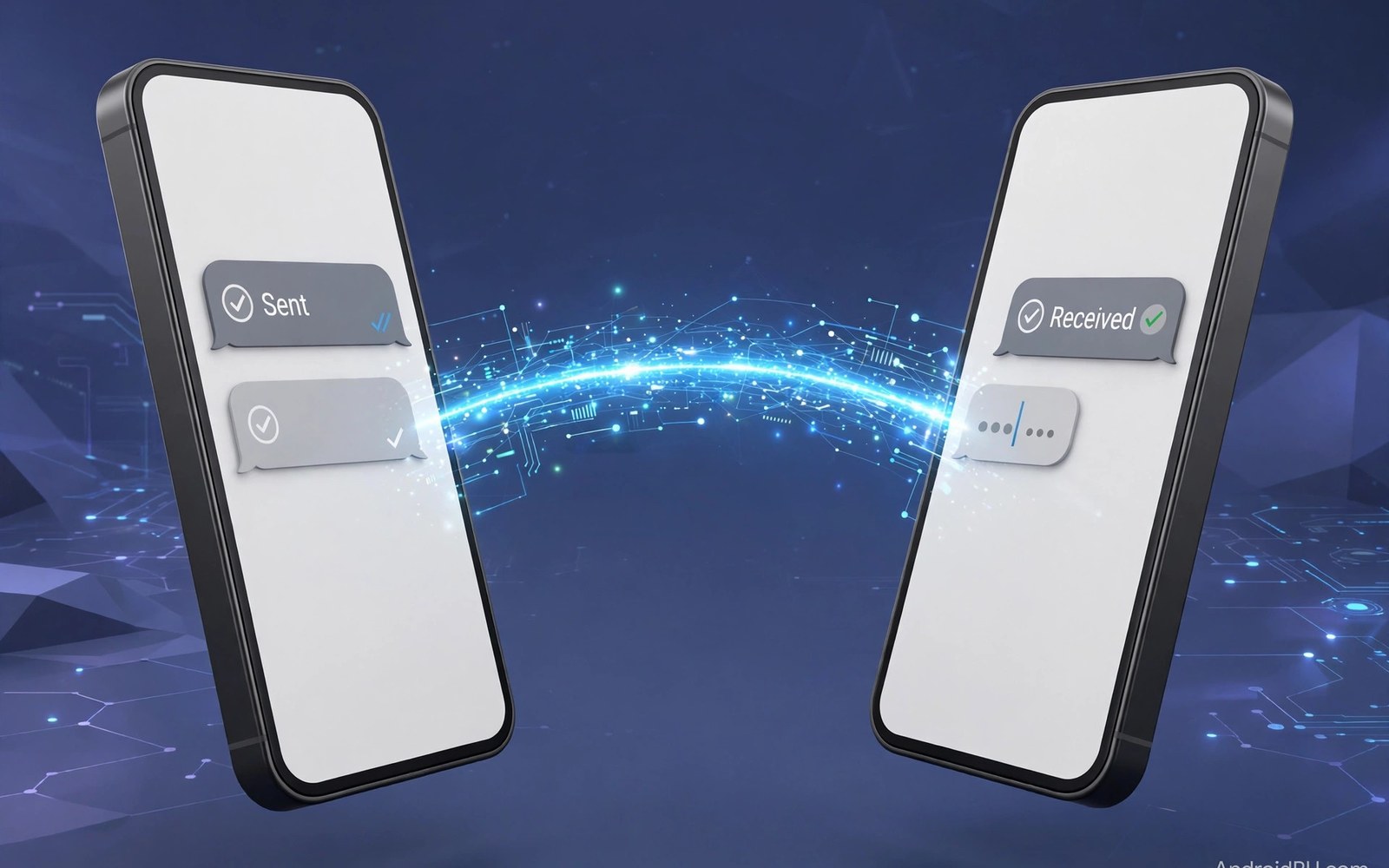
Texting looks simple. Behind it sits a tangle of standards. Android now leans on RCS for rich chats. Apple leans on iMessage for its own users. When the two meet, chats fall back to old SMS. That fallback explains green bubbles and lost features.
This article untangles both systems. It covers RCS features and limits. It covers iMessage features and walls. It covers group chats and media. It also covers the path toward better cross chats. By the end the bubble war will make sense.
What RCS Actually Is
RCS is a carrier standard for rich messaging. It adds typing signs to chats. It adds read receipts. It adds high quality photos. It adds group chats that work well. It rides on data or Wi-Fi when possible.
RCS on Android runs through carrier and cloud hubs. Your phone checks if the other side supports RCS. If yes, the chat upgrades at once. If no, the chat falls back to SMS. The upgrade is invisible most days. You just see richer bubbles.
What iMessage Actually Is
iMessage is a private service for Apple devices. It runs over data and Wi-Fi. It adds typing signs and read receipts. It adds reactions and effects. It adds high quality media. It syncs across phone and tablet and laptop.
The wall is the point. iMessage works only inside its own family. A chat with an Android phone leaves iMessage. It falls back to SMS or to RCS in newer releases. Features shrink in that fallback. Media compresses and reactions turn to text.
Group Chats: Where Standards Show
Group chats test a standard hard. RCS groups support naming and rich media. Members can join and leave cleanly. Reactions work across supported phones. The flow feels modern when all members support RCS.
iMessage groups feel rich inside the family. Reactions and threads work well. Add an Android member and the group degrades. Reactions become awkward text lines. Media quality drops. The group still works. But the polish fades fast.
Media Quality and Reactions
Media quality matters for family photos. RCS sends photos at high quality. Videos stay sharper than SMS clips. iMessage sends full quality inside its family. Cross chats compress media more. The gap is shrinking as RCS support spreads.
Reactions show the same pattern. A heart or laugh lands cleanly inside one system. Across systems it may arrive as text. That text clutters the chat. Newer releases map reactions better. Still, test with a friend on the other side. For voice notes in chats, see the voice assistant comparison for hands free sending.
Security and Encryption Gaps
Encryption protects chats from snoopers. iMessage encrypts chats inside its family end to end. RCS encryption depends on the app and the path. Some RCS chats encrypt end to end. Others encrypt only in transit. The label in the chat should tell you.
Check the lock or shield icon in your chat app. If it is missing then the chat is less private. Avoid sensitive details in such chats. Use a private chat app for secrets. Standards will improve. Until then, check before you share.
A Chat Setup That Works Across Phones
Turn on RCS in your Android chat app. Turn on chat features in settings. Test with a friend who uses RCS. Send a photo and check its quality. Send a reaction and check how it lands. Fix settings if the chat stays on SMS.
chat_checks = [
  "RCS on",
  "photo quality",
  "reactions",
  "group test"
]
for check in chat_checks:
    print("Test: " + check)
The snippet above is a simplified illustration of a chat setup test. It shows the idea in plain form. Run each test with a real contact on the other system.
Why Bubble Colors Cause Arguments
Bubble colors signal the chat path. Blue means iMessage inside the family. Green means SMS or RCS outside it. Teens and groups read social meaning into colors. That meaning is not technical. It is social pressure built on a color.
Ignore the color and judge the chat itself. A green chat can carry rich media now. A blue chat is not better by color alone. Good chats depend on people, not bubbles. Teach kids that a color is not a status.
SMS Fallback: What You Lose
SMS fallback strips rich features at once. Typing signs vanish from the chat. Read receipts vanish too. Photos compress to small sizes. Videos shrink to short clips. Group chats lose clean threading. Reactions turn into text lines. The chat still delivers words. It loses the polish around them. Long messages may split into parts. Parts may arrive out of order. A split message confuses readers. Keep fallback messages short. Send media by link when quality matters. A cloud link beats a crushed photo. Fallback is a safety net, not a home.
Fallback also affects security. SMS lacks modern encryption. Anyone on the path can read it. Avoid passwords and codes in SMS when you can. Use a private app for sensitive talks. Banks send codes by SMS still. That habit persists for reach. Accept it but stay alert. A code request you never made signals fraud. Report it to your bank at once. Fallback chats serve reach. They do not serve privacy.
Business Messaging and Verified Chats
Business chats now carry orders and bookings. Verified marks show real businesses. A check mark beats a plain name. Scammers clone business names often. Check the mark before you trust a chat. Never send payment details in a business chat. Real businesses link to secure payment pages. A chat that asks for card numbers is a scam. Report it and block it fast. Business chats also send delivery updates. Tracking links in chats save app hunts. Tap the link to see parcel progress. The chat becomes a receipt trail.
Small businesses gain from rich chats too. They can send catalogs in chat. Customers can tap to order. Replies can carry images of products. The flow suits local shops well. Customers should still verify prices outside chat. A chat price is not a contract. Confirm totals on a secure page. Business messaging blends chat ease with shop risk. Verify before you pay, every time.
Switching Chat Apps Cleanly
Switching chat apps scatters history. Each app holds its own chats. Export history before you switch. Some apps export a text file. Others export only media. Note what each export keeps. Tell close contacts about the switch. They may message the old app for weeks. Set an auto note on the old app. Point contacts to the new app. Keep the old app installed for a month. Check it weekly for stragglers. After a quiet month, remove it. A clean switch needs a month of overlap. Rushed switches lose friends and deals.
Group chats need extra care in a switch. A group cannot move as one. Create the group anew in the new app. Invite members with a clear note. Explain why the group moved. Keep the old group read only for reference. Old files in the old group still matter. Copy key files to the new group. Pin key rules in the new group. A group move tests patience. Clear notes keep members together.
Spam and Scam Message Filters
Spam messages flood phones daily now. Fake delivery notices lead the pack. Fake bank warnings follow close. Filters sort spam from real chats. Android spam filters learn from reports. Report spam to improve filters for all. Reporting takes one tap in most apps. A reported number helps strangers too. Filters still miss clever scams sometimes. Scammers rotate numbers fast. A new number bypasses old blocks. Read message content, not just sender names. Sender names can be faked easily. A delivery notice with a strange link is a trap. Real delivery firms link to tracking pages you know. Unknown links deserve deletion, not taps. A tapped scam link can steal passwords. Deletion costs nothing and protects all.
Verification codes deserve special caution. Real firms never ask for your code. A chat asking for a code is a scam. Delete it and block the sender at once. Tell the real firm about the attempt. Firms track scam patterns from reports. Your report may protect thousands. Elderly relatives need scam coaching most. Scammers target elders with fear tactics. Teach elders to call firms directly. A direct call beats a chat link always. Write the real firm number on paper. Paper numbers resist fake chats well. Family scam talks save money and dignity. Hold them kindly and regularly.
Dual SIM and Two Numbers
Dual SIM phones serve two lives at once. Work and personal numbers share one device. Travelers add a local SIM abroad. A local SIM cuts roaming costs hugely. Dual SIM chats need clear labels. Label one SIM work and one personal. Chat apps may ask which SIM sends. Pick the right SIM per chat. A work chat from a personal number confuses. A personal chat from a work number leaks privacy. Set default SIMs per contact when possible. Key contacts deserve fixed SIM rules. Test both SIMs after setup. Call each number from another phone. A SIM that fails silently causes missed calls. Check signal for both SIMs in key places. Home and office signal may differ per carrier. Two carriers cover gaps better than one.
RCS on dual SIM needs extra care. Each SIM may support RCS differently. One carrier may support it fully. Another may support it partly. Chats may upgrade on one SIM only. Note which SIM gives rich chats. Use that SIM for rich group chats. Use the other SIM for calls and SMS. Data SIM choice affects RCS too. RCS rides on data or Wi-Fi. A data SIM with a weak plan limits RCS. Set the data SIM wisely for travel. Roaming data costs can explode abroad. Turn data off for the roaming SIM. Use Wi-Fi for RCS abroad instead. Dual SIM freedom needs SIM discipline. Labels and defaults provide it.
Archiving Old Chats
Old chats hold memories and proof. Keep key chats archived, not deleted. Archive hides chats without erasing them. Archived chats stay searchable in most apps. Delete only chats with no value left. A deleted chat cannot prove a deal later. Export vital chats before switching apps. Exports preserve deals and promises. Store exports with other records. A deal chat belongs with contracts. A family chat belongs with photos. Archive discipline protects memory and money. Review archives yearly and prune lightly. Prune chats that embarrass without value. Keep chats that prove or delight. Archives should serve future you, not burden present you.
Legal chats deserve extra archive care. A chat can serve as evidence in disputes. Screenshots preserve chats outside apps. Screenshots need dates visible to prove timing. Capture full threads, not single lines. Single lines mislead without context. Store legal screenshots in two places. Cloud plus drive beats either alone. Never edit screenshots for legal use. Edited proof loses trust in disputes. Honest archives protect honest people. They also deter false claims against you. Chat archives are quiet insurance. Pay the small effort premium gladly.
The Future: One Rich Standard for All
Cross support for RCS is growing. More carriers and makers now support it. Apple devices now handle RCS chats too. The fallback still loses some features. But the gap narrows each year. A universal rich chat is closer than before.
Until that day, use the best tool per contact. Use RCS chats where they work. Use a private chat app for groups that mix systems. For backup of chats, see the cloud backup options. For alerts about new chats, see the notification controls on your phone. Good habits beat waiting for a perfect standard.

