

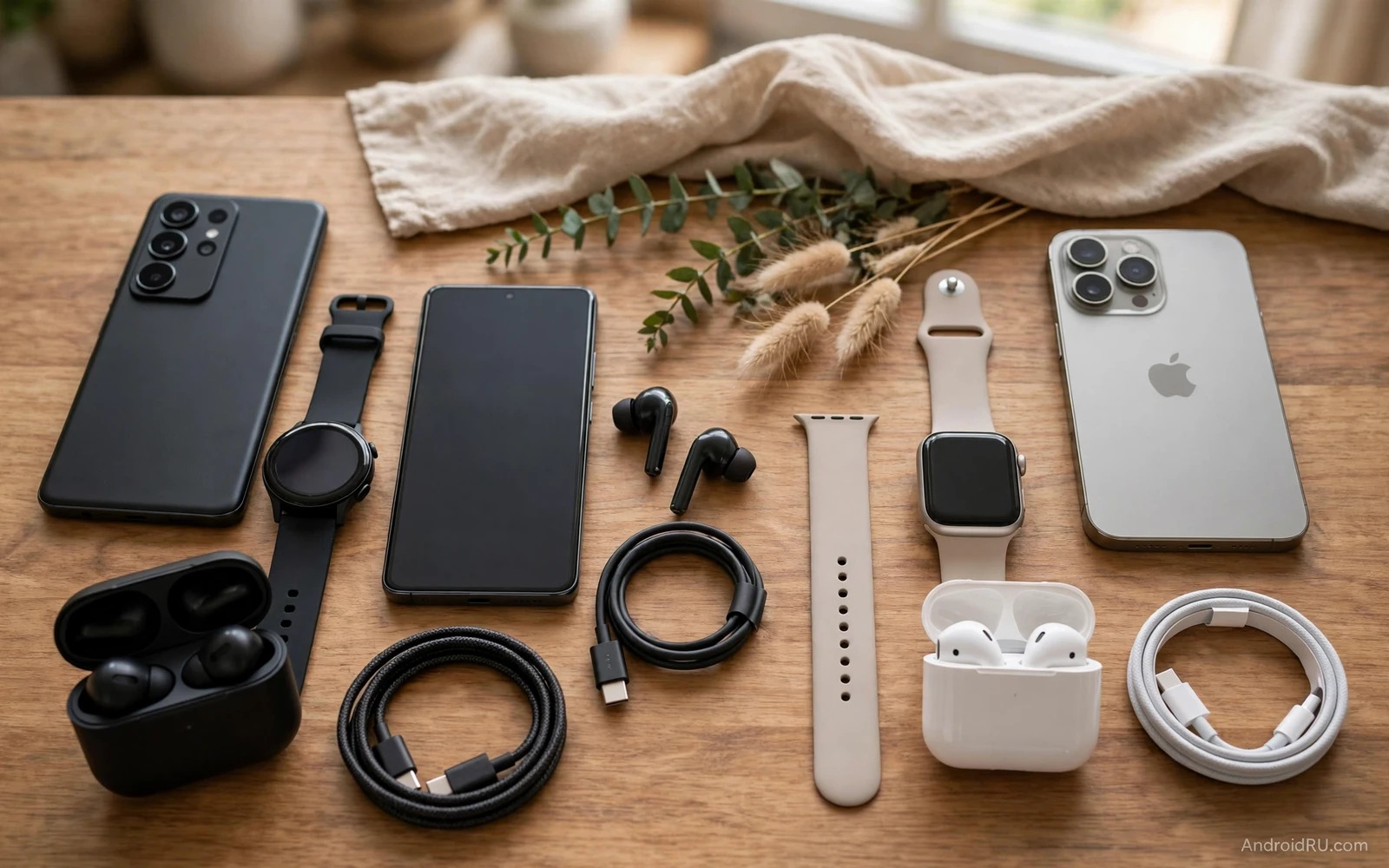
Android Phone Ecosystem vs Apple Ecosystem: Pros and Cons
A phone ecosystem is more than a single phone. It covers tablets and watches and earbuds, laptops and TVs and smart home devices, cloud storage and messaging and payments. Android ecosystem strength lies in choice across many makers, while Apple ecosystem strength lies in tight unity across one maker. I have lived in both, and the honest answer is that neither wins in the abstract: the best ecosystem is the one that removes friction from your daily routine.
This guide weighs both sides fairly and helps you choose by your household rather than by a logo. Ecosystem fit shows up in small daily moments: a watch can wake a phone or a laptop, earbuds switch between phone and tablet smoothly, a message started on a phone continues on a laptop, and a photo taken on a phone appears on a tablet at once. When these links work they feel magical, and when they break they feel frustrating.
Android vs Apple Ecosystem at a Glance
The table below compares the two ecosystems on the criteria that decide daily life. Read it as a map, then read the sections that follow for the detail behind each row.
| Criteria | Android ecosystem | Apple ecosystem |
|---|---|---|
| Device choice | Widest range, every price level, many makers | Narrow premium range, consistent design |
| Continuity across devices | Strong within one brand, varies across brands | Smooth handoff across iPhone, iPad, Mac, and Watch |
| Services and apps | Google services work everywhere, flexible defaults | Apple services best inside Apple, weaker outside |
| Smart home support | Broadest brand coverage, mixed setup quality | Curated certified devices, reliable setup |
| Privacy and control | More control over defaults and sideloading | Tighter app tracking control and store review |
| Switching cost | Lower device prices, more repurchase of apps | Higher prices, stronger lock-in across devices |
| Resale and support | Varies by model, flagships supported for years | Strong resale value, long support for flagships |
That table is the whole guide in miniature. The rest of this article explains what each row means in practice, because a row that looks like a draw on paper can feel like a win or a loss in a real household.
How to Read This Comparison
Start from your current devices rather than from a phone alone. List your laptop and tablet and watch and earbuds, list your smart home devices and your main services, and the ecosystem that connects most of that list wins on practical grounds. A single great phone cannot fix a broken device chain, while a good device chain makes even a modest phone feel great.
The Household Test
Count how many of your devices already belong to one ecosystem. If four of five are Apple, switching to Android means replacing four devices, not one. If your household mixes Samsung, Google, and Windows, Android already fits and Apple would demand a full rebuild. The household test answers the question faster than any feature list.
Device Choice and Hardware Range
Android offers the widest hardware range in the market. You can buy phones at every price level, tablets in many sizes, watches from several makers, and earbuds with many feature sets. That range helps every budget and taste. Apple offers a narrower and more premium range, where each device feels polished and consistent, and each device costs more on average.
A buyer with a tight budget gains more choice on Android. Hardware unity also affects repair and accessories: Android accessories vary by maker and model, while Apple accessories follow fewer designs. That narrow range makes shopping simpler and makes Apple accessories more widely stocked. Android variety can confuse a first-time buyer, while Apple simplicity can limit a buyer who wants an unusual form factor.
Android Hardware: Choice at Every Price
Android phones range from under 150 dollars to over 1,500 dollars, and the mid-range segment around 300 to 600 dollars now offers flagship-class cameras and multi-day battery life. That range means a family can buy different phones for different members without leaving the ecosystem, and a buyer can upgrade one device without upgrading everything.
Apple Hardware: Fewer Choices, Higher Polish
Apple sells fewer models, and each one is tuned to work with the rest of the line. The polish shows in details such as consistent gestures, matched accessories, and predictable repair options. The cost is real: an Apple household pays more per device, and a buyer who wants a folding phone or a stylus-first tablet will not find it in the Apple line.
Repair and Accessories in Practice
Apple accessories follow fewer designs, so cases and chargers are easy to find in any shop. Android accessories vary by maker, so a case for one model rarely fits another. That difference matters when you travel and need a cable in a hurry.
Services, Messaging, and Continuity
Services bind an ecosystem together. Android leans on Google services for mail and maps and storage, while Apple leans on its own services for the same tasks. Both service sets work well on their home platforms, but cross-platform use differs: Google services work well on Apple devices too, while Apple services work less fully on Android devices.
Messaging and continuity highlight the unity gap. Apple messages and calls flow smoothly across Apple devices, and Handoff between iPhone and Mac feels smooth. Android continuity has improved greatly across makers, yet it still varies by brand and by device pair. A Samsung phone pairs best with Samsung tablets and laptops, while a Pixel phone pairs best with Google services and Chrome devices. Check continuity for your exact device pair before you assume it works.
Messaging: iMessage, RCS, and WhatsApp
Apple Messages offers encrypted messaging, reactions, and smooth handoff between iPhone, iPad, and Mac. Android now supports RCS, which brings typing indicators and high-quality media to Android-to-Android chats, and cross-platform messaging keeps improving. In practice, most people message across platforms through WhatsApp or Telegram, which work the same on both sides and make the messaging gap smaller than it looks.
Continuity Features Worth Testing
Test three things before a switch: starting a message on the phone and finishing it on the laptop, copying text on one device and pasting it on another, and answering a call on the tablet when the phone is in another room. Those three tests reveal the real continuity gap in ten minutes. A system comparison such as Android strengths against iOS limits frames the operating system side of the choice.
Smart Home, Wearables, and Accessories
Smart home support follows the same pattern of breadth against unity. Android phones control many smart home brands, and Google Home and third-party apps cover a wide range. Apple Home focuses on a curated set of certified devices, and that curation brings reliable setup while limiting device choice. A home full of mixed smart devices suits Android flexibility, while a home built around Apple certified devices suits Apple unity.
Wearables show a similar split. Android watches come from Samsung and Google and other makers, offering varied designs and prices. Apple Watch offers deep iPhone integration in one product line, with strong health features and app support, and it works only with iPhone. An Android user who switches to iPhone must replace the watch too, and an iPhone user who switches to Android must do the same. Wearable lock-in adds real cost to any ecosystem switch.
Smart Home: Breadth Versus Curation
Android controls more brands, including cheap sensors and bulbs that Apple Home never certifies. Apple Home controls fewer brands, but setup is smoother and routines fail less often. Count your smart devices before you choose: if you own twenty mixed-brand devices, Android keeps them all, while Apple may leave some behind.
Wearables and the Lock-In Cost
A watch is the most expensive accessory to replace in a switch, because it holds your health data, your payment cards, and your daily habits. Add the watch cost to the phone cost before you compare prices, since a 400-dollar watch turns a 200-dollar phone saving into a 200-dollar loss.
Privacy, Security, and Account Control
Both ecosystems offer strong account security tools. Two-factor sign-in protects mail and storage and payments, device tracking helps find a lost phone or watch, and remote wipe protects data after theft. Android gives more control over default apps and sideloading, while Apple gives tighter control over app tracking and store review.
Neither ecosystem guarantees safety alone. Strong passwords and updated software matter most, so review account activity regularly on either platform. Account recovery deserves attention before any switch: keep recovery options current on every account, save backup codes in a safe place, and check which devices can approve a sign-in. A switch becomes painful when recovery depends on the old phone alone, so set up the new phone fully before wiping the old phone and keep the old device until every service works on the new device.
Privacy Controls Compared
Apple shows a privacy report for every app, including which trackers it blocked and which permissions it used. Android shows a privacy dashboard with the same idea, plus more control over which apps can run in the background. Both are good enough that the difference is taste rather than safety.
What Matters More Than the Platform
Your habits matter more than the logo. A strong password, two-factor sign-in, and updated software protect you on either platform, while a weak password and an outdated phone expose you on either platform. Spend ten minutes on account security before you spend ten hours comparing ecosystems.
Switching Costs and Long Term Value
Switching ecosystems costs money and time. Paid apps may need repurchase, watch and earbud pairings need setup again, smart home routines may need rebuilding, photo libraries may need transfer and sorting, and family sharing plans may need new setup. These costs add up beyond the phone price, so count the full switch cost before you commit.
A switch can still be worth it when the new ecosystem fits better. A trial period with one new device can test fit before a full move. Long term value also depends on support and resale: Apple devices often hold resale value well, Android flagship devices vary more in resale value, and Android value devices lose less money in absolute terms. Support length now spans many years on both sides for flagship models, so check support for the exact model rather than for the brand.
The Full Cost of Switching, Counted Honestly
List every paid app, every subscription, every accessory, and every hour of setup time, then put a price on each. Most people find the true switch cost is two to three times the phone price, and that number changes the decision more than any feature list. A trial with one cheap device tests the fit for a fraction of that cost.
Resale Value and Support Length
An iPhone typically keeps 50 to 60 percent of its value after two years, while a flagship Android phone keeps 35 to 50 percent. That gap matters if you upgrade often, and it matters less if you keep a phone for four years. Check the support length for the exact model, since a device with long support and strong resale gives better total value.
Pros and Cons Summary: Android and Apple Side by Side
Android ecosystem pros include wide choice and lower entry prices, flexible services and broad smart home support, and deep customization across devices. Android ecosystem cons include varied continuity across brands, uneven update timing across models, and more complex shopping choices. Apple ecosystem pros include smooth continuity and consistent design, strong resale value and simple shopping. Apple ecosystem cons include higher prices and narrower choice, plus stronger lock-in across devices and services.
The summary points to a simple decision rule. Pick Android when choice and price flexibility matter most, and when your household mixes many brands. Pick Apple when smooth unity matters most, and when your household already runs on Apple devices. A software comparison such as Samsung One UI and Pixel UI features shows variety inside Android itself, while a skin test such as Xiaomi HyperOS against Motorola Hello UI shows how deep that variety runs.
Who Should Pick Android
Pick Android if your household mixes brands, if your budget is tight, if you want a folding phone or a stylus tablet, or if you rely on Google services and want them everywhere. Pick Android if you like choosing your own defaults and your own hardware, and if you upgrade devices one at a time rather than all at once.
Who Should Pick Apple
Pick Apple if your household already runs on Apple devices, if you want the smoothest continuity between phone and laptop, if you value resale value and simple shopping, or if your family shares purchases and parental controls inside one brand. Pick Apple if you want fewer choices and fewer surprises.
The Verdict Per Use Case
For a mixed-brand family, Android wins on flexibility and price. For an all-Apple household, Apple wins on unity and simplicity. For a Windows office, Android pairs better with the tools you already use. For a Mac office, Apple continuity wins. For a traveller, Android wins on dual SIM choice and offline tools, while Apple wins on eSIM convenience. There is no universal winner, only a winner for your household.
Family, Work, and Travel in Each Ecosystem
Families often share tablets and subscriptions across an ecosystem. Android families can mix brands and price levels freely, so each member can pick a device that fits personal taste. Apple families gain simpler sharing inside one brand, and parental controls and purchase sharing work smoothly across Apple devices. Android parental controls work well too, but setup varies by maker, so a family with mixed devices should test sharing tools before committing fully.
Work ecosystems often decide phone choice for professionals. A Windows office gains from Android phone links and Google services, while a Mac office gains from Apple continuity and shared apps. Cross-platform tools now bridge many gaps, and cloud docs and chat apps work on both sides. Native continuity still favours matching the office platform, so check your work apps on each platform before switching. A missing work app can block an otherwise attractive switch, and security policies at work can also limit ecosystem choice.
Choosing One Ecosystem Gradually
A gradual ecosystem move reduces risk and cost. Start with one device rather than replacing everything at once, try a new watch or tablet first, and test continuity and services for a month. Keep the old phone as a backup during the trial, because a gradual move reveals friction before it becomes expensive and it also spreads cost across several months.
Review the trial honestly after one month of daily use. Note every friction point and every delight, count how often continuity helped and how often it failed, and compare that record against the old ecosystem record. Numbers and notes beat impressions for a big decision. A trial that still delights after a month deserves a full move, while a trial that frustrates daily deserves a rethink.
Travel Adds a Final Ecosystem Test
Offline maps and translation tools matter abroad, and battery life and dual SIM support matter for travel. Android offers wide dual SIM choice across models, while Apple offers eSIM focused travel options. Check carrier compatibility for your travel destinations, and check offline tools for each platform before you fly.
Frequently Asked Questions About Android and Apple Ecosystems
Can I mix Android and Apple devices in one household?
Yes, and most households do. Google services work well on Apple devices, and cross-platform apps such as WhatsApp, Spotify, and cloud storage work the same on both sides. Mixing works best when you rely on cross-platform services rather than on native continuity features, which need matching devices.
Is it hard to switch from Android to iPhone, or the reverse?
The switch itself takes an afternoon, but the full migration takes a week. Paid apps need repurchase, watch pairings need setup again, and smart home routines may need rebuilding. Use the official transfer app for photos and contacts, then keep the old phone for a week until every service works on the new one.
Which ecosystem is better for kids?
Android offers many affordable tablets and phones for kids, with strong parental controls that vary by maker. Apple offers fewer and pricier options, with simpler parental controls inside one brand. Durability and parental controls matter more than flagship power for kids, so budget and control needs decide the winner.
Does Apple really hold resale value better than Android?
Yes, on average. An iPhone typically keeps more of its value after two years than a flagship Android phone, although the gap shrinks if you keep the phone for four years or buy a mid-range Android phone that cost less to start with. Count total ownership cost, not just resale percentage.
Start the choice from your current devices rather than from a phone alone. List your laptop and tablet and watch and earbuds, list your smart home devices and your main services, and let the ecosystem that connects most of that list win. Test continuity before a full switch when you can, by pairing a borrowed device or a cheap accessory first and checking message flow and photo sync and earbud switching. That one-month trial tells you more than any review, because it measures your household rather than someone else’s.

