

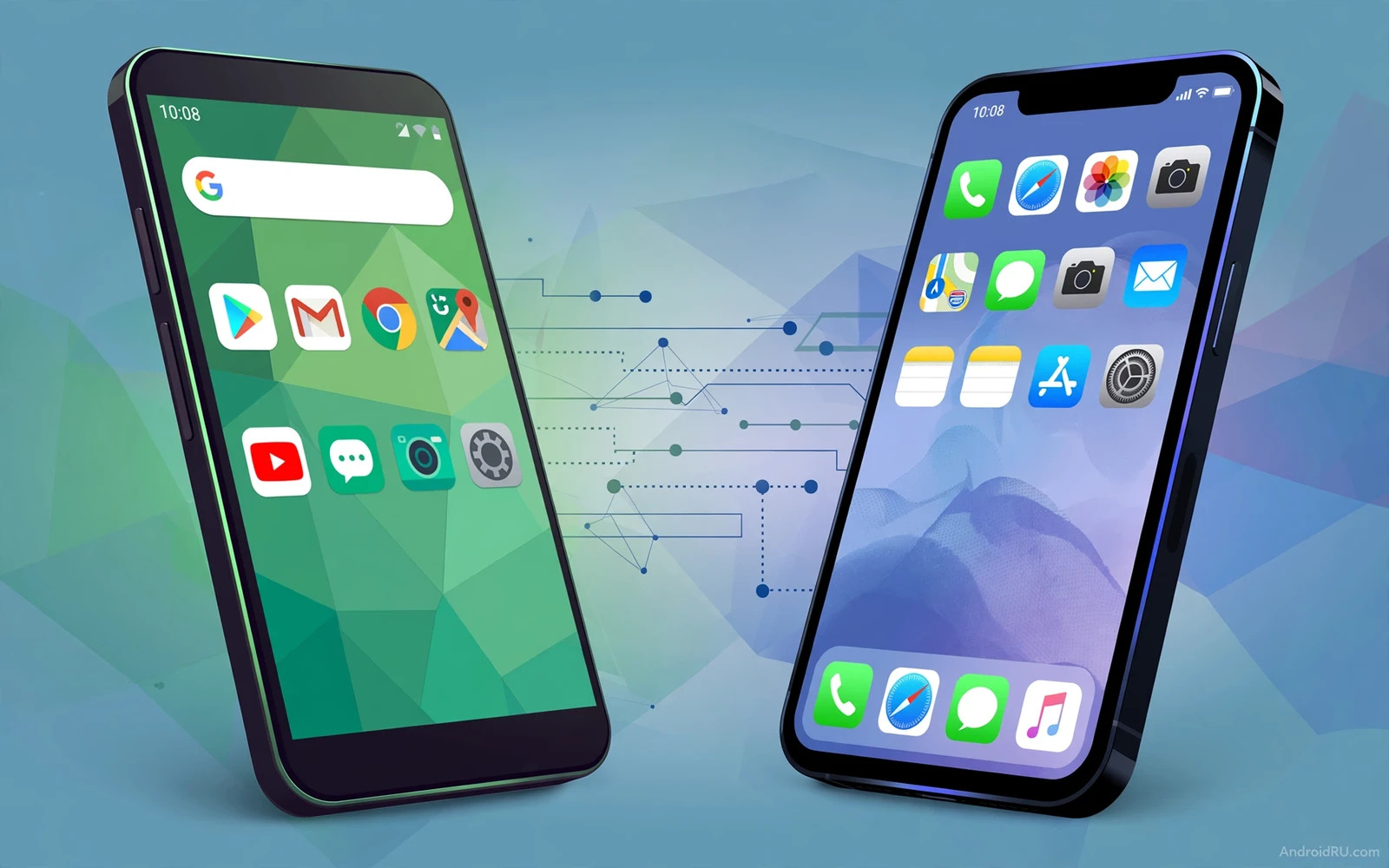
The question of Android versus iOS has no single winner for every person. Each system makes different trade-offs. Each system serves a different kind of user well. The right choice depends on your habits and your devices and your budget. This guide compares the two systems on practical grounds. It looks at choice and control and updates and apps and services. It avoids fan arguments. It focuses on what changes your daily experience.
Android gives you a wide range of phones at many prices. You can pick a small phone or a large phone. You can pick a basic phone or a powerful phone. You can pick a brand that suits your taste. iOS gives you a smaller range of phones from one maker. That narrow range makes the choice simpler. It also makes the experience more uniform across models. A buyer who values variety will lean toward Android. A buyer who values simplicity will lean toward iOS.
Customization And Control
Customization is the clearest difference between the two systems. Android lets you change the launcher and the icons and the widgets. You can reshape the home screen to fit your workflow. You can set a different default app for many tasks. You can automate tasks with deeper system access. iOS keeps the home screen more controlled. It has added widgets and lock screen options over time. It still limits deep system changes. A user who enjoys tailoring every detail will feel at home on Android.
Control also affects how you manage files and connections. Android treats the phone more like a small computer. You can browse files and move them freely. You can connect to many kinds of accessories. You can sideload apps outside the main store on many devices with clear risk warnings. iOS keeps file access and app installation more guarded. That guard reduces risk for many users. It can frustrate a user who wants full control. The trade-off is real on both sides.
Updates And Long Term Support
Update speed differs sharply between the two systems. iOS updates reach supported phones on the same day. Every supported model gets the same build at the same time. Android updates depend on the phone maker and the carrier. Pixel phones get updates fast. Other brands take longer to adapt each release. Support length has improved across Android brands in recent years. Still the gap in day-one delivery remains. A buyer who wants instant updates should weigh this point heavily.
Long term support matters more than a single new feature. A phone that gets security fixes for many years stays safer for longer. It also keeps its resale value better. Check the promised support window before you buy any phone. Do not assume that every Android phone gets the same window. Do not assume that every iOS model stays supported forever. Older models drop off each list over time. The support window is part of the price you pay.
Apps Services And Ecosystem Fit
Most popular apps exist on both systems. The difference lies in defaults and services. Android works closely with Google services and with Windows computers. iOS works closely with Apple services and with Mac computers. Your laptop and tablet and watch may decide the winner for you. A household full of Apple devices gains more from iOS. A household full of mixed devices gains more from Android flexibility. When you compare Android ecosystem strengths against Apple ecosystem limits you see how lock-in shapes the choice.
Switching between systems has become easier but it is never free. Contacts and photos can move with transfer tools. Paid apps often need to be bought again. Subscriptions may need to be managed in a new store. Watch and earbud pairings may need to be set up again. Smart home devices may need new routines. Plan the switch over a weekend if you can. Keep the old phone until every account works on the new phone. That safety net saves time and stress.
Privacy Security And Daily Feel
Both systems now offer strong privacy controls. You can limit location access per app. You can limit photo access to selected images. You can review permissions in one place. Android gives granular controls and clear permission prompts. iOS gives strong tracking limits and clear app privacy labels. Neither system makes you safe by itself. Your habits matter more than the logo on the phone. Review permissions every few months. Remove apps you no longer use. Keep the system updated.
Daily feel is hard to measure but easy to notice. Android feels open and flexible. iOS feels polished and consistent. Notifications behave differently on each system. Gestures feel slightly different on each system. Keyboards and voice assistants have different strengths. Try both systems in a store before you commit. Hold the phone in your hand. Open the settings app. Send a message. Take a photo. A short hands-on test tells you more than any spec sheet.
Who Should Pick Which System
Pick Android if you want hardware choice and deep customization. Pick Android if you use Google services every day. Pick Android if you want a strong phone at a lower price. Pick Android if you enjoy changing launchers and widgets. Pick iOS if you want the simplest setup and the fastest updates. Pick iOS if your family and work already run on Apple devices. Pick iOS if you prefer a tightly controlled app store. Neither pick is wrong. The wrong pick is the one that fights your habits.
Budget often settles the debate in practice. Android covers every price level from basic to premium. iOS covers the mid-range to premium levels with fewer budget options. A buyer with a tight budget gets more choice on Android. A buyer who plans to keep a phone for many years may value the long iOS support window. A comparison of flagship cost against mid-range value helps here even when the brand differs. Price and support and ecosystem together form the real decision. The winner today is the system that fits your life rather than the system that wins a headline.
Verdict For Today
Android wins on choice and flexibility and price range. iOS wins on simplicity and update speed and ecosystem unity. Most users would be happy on either system after a short adjustment period. The gap between the two systems is smaller than it was years ago. Features cross over in each release. Design ideas spread from one system to the other. Your devices and your budget and your habits matter more than any single feature. Choose the system that supports the life you already live.
A smart buyer tests before buying and checks support length before paying. Read the return policy of the seller. Keep your data backed up before any switch. Set up two-factor sign-in on every important account. The operating system is only one part of the phone. The screen and the battery and the camera matter too. When you weigh Samsung software against Pixel software inside Android itself you learn that the choice inside one system can matter as much as the choice between systems. Start with your needs and let the system follow.
Real World Scenarios
A commuter who rides a train each morning needs offline maps and strong battery life. Android offers many phones with large batteries at low prices. iOS offers efficient power use on a smaller battery. Both paths can survive a long commute. The commuter should test real battery drain on a normal route. A phone that dies before the return trip fails the basic test. Screen brightness on a sunny platform also matters. A dim screen frustrates reading and navigation alike.
A family that shares photos and calendars needs simple sharing tools. Android sharing works across many apps and services. iOS sharing works best inside the Apple family circle. A mixed family with both systems needs a neutral service for photos. A shared cloud album solves most sharing friction. A shared calendar app solves scheduling friction. The operating system matters less when neutral services carry the shared work. Focus on the services the whole family will actually use.
A worker who uses a Windows laptop gains clear benefits from Android links. Messages and photos can flow to the desktop with less friction. A worker who uses a Mac gains clear benefits from iOS links. Calls and messages and files flow across Apple devices smoothly. A worker who uses both platforms should pick the phone that matches the main work computer. That single match removes daily friction. It also reduces the need for extra sync apps and workarounds.
Common Mistakes To Avoid
A common mistake is to buy based on a single headline feature. A new camera mode or a new AI tool rarely changes daily life alone. The full system experience matters more than one feature. Another mistake is to ignore storage needs. A phone with too little storage fills up fast with photos and videos. Storage pressure then forces constant deletions. A third mistake is to ignore the return window. Test the phone hard in the first days. Return it early when a core function disappoints.
Another mistake is to copy a friend choice without checking your own needs. A friend may game heavily while you only browse and message. A friend may love deep settings while you prefer simple defaults. Their perfect phone may frustrate you daily. Use your own habit list as the test. Borrow a phone for a day when possible. A day of real use beats a week of reading reviews. Your hands and your apps tell the truth fast.
A final mistake is to delay updates out of fear. Updates bring security fixes and bug repairs. Delaying them leaves known gaps open longer. Back up data before a major update. Charge the phone fully before starting. Update over a stable Wi-Fi connection. These simple steps make updates safe and calm. A phone that stays updated stays safer and smoother for longer.
Final Checks Before You Switch
Check your most used apps on the new system before you commit. Open your bank app and your work chat and your photo app. Confirm that each app supports the features you rely on daily. A missing feature in one key app can outweigh many small advantages. A quick check on a borrowed phone or in a store saves regret later. Do not assume that every app behaves identically on both systems.
Check accessory compatibility before you switch systems. Watches and earbuds and car systems may pair differently across platforms. Some accessories work fully on both systems. Others lose features outside their home ecosystem. List your accessories and check each one. A watch replacement adds cost to any switch. An earbud replacement adds cost too. The full accessory bill belongs in the switch decision.
Check your photo and message backup before you move data. Back up photos to a service that works on both systems. Back up chats where the app allows export. Keep the old phone charged and safe until the transfer finishes. Verify photos and contacts on the new phone before wiping the old phone. A careful transfer protects memories that cannot be recreated. Patience during transfer beats speed every time.

