

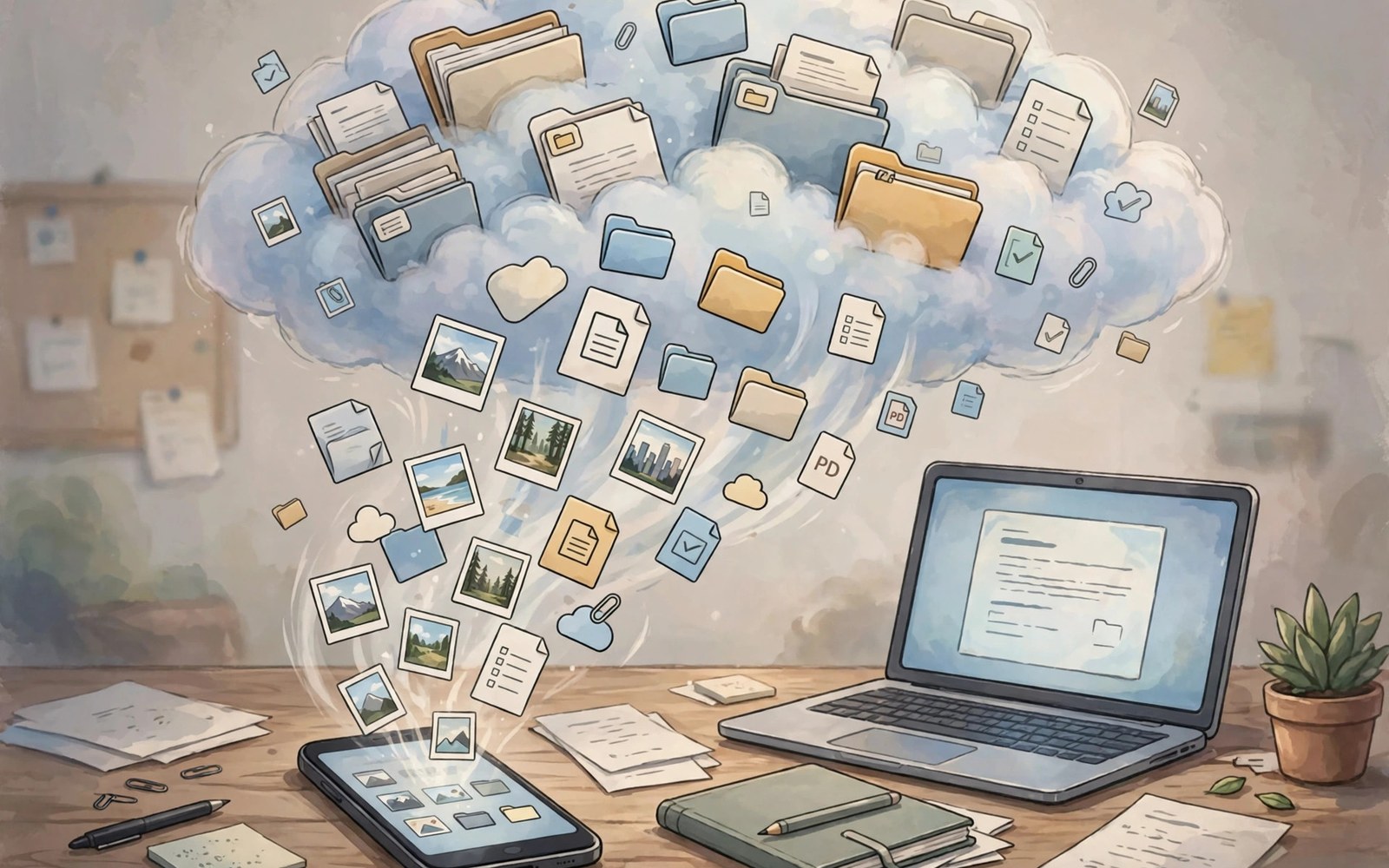
Backups are boring until disaster strikes. Then they are everything. Google Photos and Drive back up Android life. iCloud backs up iPhone life. Both save photos and files. But flexibility and price differ a lot. This article compares them in plain terms.
It covers photos and device backups. It covers file storage and sharing. It covers prices and restore steps. It also covers leaving one cloud for another. By the end you can build a backup that survives a lost phone.
Photos: The Heart of Every Backup
Photos carry memories that cannot be remade. Google Photos backs up pictures and videos. It groups faces and places for search. It offers smart albums and sharing. Search for beach and find beach trips fast. The search alone wins many users.
iCloud Photos syncs the full library across devices. Edits on one device show everywhere. Shared albums invite family with ease. The library feels like one pool. Storage fills fast with video. Watch your quota each month.
Full Device Backups
Device backups save settings and app data. Google backup saves app data and call history. It saves SMS and device settings. It saves Wi-Fi passwords too. Restore on a new phone brings much of it back. Some app data still needs app level restore.
iCloud backup saves a fuller device image. It covers app data and settings and photos. Restore feels close to a clone. The backup needs enough cloud space. Large phones need larger plans. Check backup size before you rely on it.
Files, Docs and Sharing
Drive stores files of any type. Docs open in a browser or app. Sharing a file takes a link and a permission. You control view and edit rights. Collaboration feels natural in docs. Many teams live in Drive daily.
iCloud Drive stores files across Apple devices. Docs open in office apps on those devices. Sharing works well inside the family. Outside the family, links work through the web. The flow is smooth but less open. For file habits on phones, see the file system comparison.
Price and Storage Tiers
Free tiers are small on both sides. A few gigabytes cover light users only. Photo lovers outgrow free space fast. Paid tiers add space in steps. Compare the price per year, not per month. Yearly billing often saves money.
Family plans change the math. One plan can cover several members. Shared storage suits households well. Check who can see whose files. Shared space does not mean shared access. Permissions still guard each folder.
Restore: The Test That Matters
A backup is only good if restore works. Test restore before disaster hits. Sign into a spare device or a new phone. Check photos and contacts first. Check key app logins next. A restore test takes an hour. It saves panic later.
restore_test = [
  "photos",
  "contacts",
  "app logins",
  "files"
]
for item in restore_test:
    print("Verify: " + item)
The snippet above is a simplified illustration of a restore test list. It shows the idea in plain form. Run it on a spare device before you trust a backup fully.
Leaving One Cloud for Another
Leaving a cloud takes planning. Download your photos in full first. Export docs in open formats. Move files in batches, not all at once. Verify counts after each batch. A rushed move loses files.
Keep the old cloud for a month after the move. You may find a missing album. You may need an old doc version. After a month of calm, cancel the old plan. For messaging backups, see the messaging standards that affect chat restore.
Shared Albums and Family Plans
Shared albums gather family memories in one place. Invite family with a link. Each member adds photos from trips. Comments keep stories alive. Shared albums need storage rules. The owner pays storage in most cases. Members add without paying. Agree who owns the album early. An owner who leaves can strand the album. Export shared albums yearly as a safeguard. A yearly export protects against account loss. It also creates a family archive. Print favorites from shared albums too. Prints survive account changes. They also decorate homes with real joy.
Family storage plans share space across members. One bill covers several people. Each person keeps private files separate. Shared space does not mean shared eyes. Check privacy settings per folder. Teach kids that shared space has limits. A child who fills the plan blocks others. Set gentle quotas by talk, not by force. Review plan use each quarter. Upgrade only when all members need it. A family plan should feel fair. Fairness keeps the plan alive for years.
Local Backups as a Second Net
Cloud backups fail in rare but real ways. Accounts lock after suspicious activity. Payments fail and plans shrink. A local copy covers those gaps. Copy photos to a home drive monthly. Copy docs to the same drive. Label drives by year for order. Store one drive away from home if you can. A drive at a relative house survives fire and theft. Rotate two drives for safety. One drive stays home. One drive stays away. Swap them each month. The ritual takes twenty minutes. It protects a lifetime of files.
Test local backups like cloud backups. Open old files each quarter. Play an old video to prove it reads. Open a doc from three years back. A silent drive failure hides for years. Testing exposes it early. Replace drives every five years. Drives age even when idle. A fresh drive costs little against lost memories. Local plus cloud beats either alone. Two nets catch what one net misses.
Storage Full: What to Do First
Storage full warnings arrive at bad times. A full phone cannot take photos. It cannot update apps. It cannot receive files. Act fast with a clear order. Delete large videos first. Delete downloaded files next. Clear app caches with care. Caches refill but free space now. Move photos to cloud or drive. Verify the move before deleting local copies. A rushed delete loses memories. Check storage after each step. Stop when free space passes ten percent. Phones need breathing room to work well.
Prevent the next full warning with habits. Turn on auto photo backup. Set old downloads to auto clean. Review large files monthly. Delete apps you never open. A monthly five minute review prevents panic. Storage warnings should grow rare. When they vanish, your backup habit works. Celebrate that quiet win. It means your files live in safe places.
Photo Search and Memories
Photo search turns chaos into memories. Search by place to find trips. Search by face to find family. Search by object to find pets and food. Modern photo apps index all three. Indexing runs on device or in cloud. On device indexing protects privacy better. Cloud indexing searches faster across devices. Both serve memory hunting well. Test search with a hard query. A query like beach dog reveals index depth. A shallow index fails hard queries. A deep index delights with old finds. Memories features resurface old photos yearly. A photo from five years ago can lift a day. Share resurfaced memories with family. Shared memories spark calls and visits. Photo search is a time machine with a keyboard.
Face grouping needs privacy care too. Face models identify people in photos. Grouping helps find family fast. It also creates a face database. Review face groups for errors. Merge duplicate faces for one person. Remove strangers from groups. A stranger in a family group confuses search. Turn face grouping off if it worries you. Search by place still works without faces. Memories still surface without face data. Privacy and convenience trade here plainly. Pick the balance that suits your comfort. No balance is right for everyone. Your photos deserve your rules.
Document Scanning to Cloud
Scanning turns paper into cloud files fast. Phone cameras scan docs well now. Auto crop straightens pages nicely. Text recognition makes scans searchable. Searchable scans beat photo scans hugely. Scan receipts for tax season early. Scan contracts before signing copies away. Scan kids art before it fades. Name scans by date and topic at once. A scan named tax-2026-receipt finds itself. A scan named scan-1 hides forever. Upload scans to cloud folders by topic. Tax scans belong in tax folders. School scans belong in school folders. Folder discipline beats search alone. Search plus folders finds anything fast.
Scan quality matters for legal docs. Use good light and flat pages. Avoid shadows across text. Check each page after scanning. A blurry page fails later when needed. Rescan blurry pages at once. Later rescans may be impossible. Paper gets lost or damaged. Originals deserve safe storage too. A scanned contract plus a paper original beats either alone. Shred paper only after verified scans exist. Verified means opened and read, not just uploaded. Scanning habits turn paper chaos into order. Order saves tax season panic yearly.
Account Security for Cloud
Cloud accounts hold a life of files. Guard them with strong unique passwords. A password manager creates and stores them. Two factor checks add a second wall. Use app codes over SMS codes when possible. App codes resist SIM swap attacks better. SMS codes travel through carriers. Carriers can be tricked by attackers. Review account sessions monthly. Unknown sessions signal trouble fast. Sign out unknown sessions at once. Change the password after a scare. Recovery options need care too. A recovery mail should be secure itself. A weak recovery mail breaks a strong account. Test recovery yearly with a safe drill. A drill reveals gaps before crises.
Sharing cloud folders needs security review. Shared folders expose files to others. Review shares each quarter. Remove shares for finished projects. Remove shares for departed colleagues. A share that lives forever leaks eventually. Set view only rights by default. Edit rights suit active collaborators only. Expiry dates on shares help greatly. Set expiry for temporary projects always. Cloud security is a habit stack. Passwords plus two factor plus reviews win. No single wall holds forever. Layers hold far longer than walls.
A Backup Rule That Never Fails
Follow one simple rule for safety. Keep three copies of key files. Keep one copy on the phone. Keep one copy in the cloud. Keep one copy on a drive at home. This rule survives theft and cloud faults.
Automate what you can. Turn on auto photo backup. Turn on auto device backup. Plug in a home drive once a month. Automation beats willpower. For devices that share one backup, see the multi-device setup. Your future self will thank you after a cracked screen or a lost bag.

