

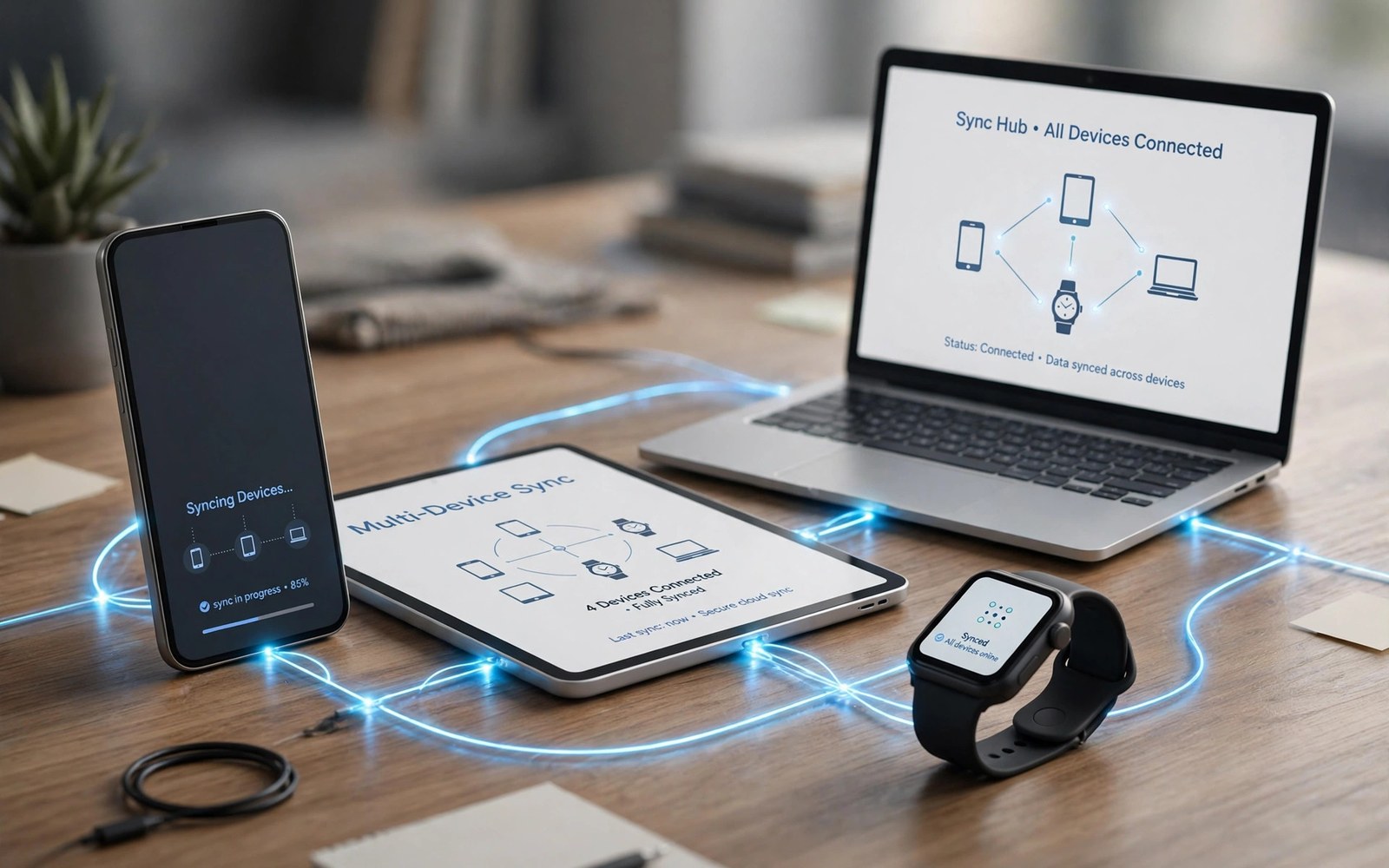
A phone rarely lives alone now. It sits beside a watch and a tablet. It pairs with earbuds and a laptop. How well those devices work together shapes daily life. Apple built a famous tight circle. Google and Android built a wider and looser web. Both can feel great. They feel great in different ways.
This article compares the two webs side by side. It covers calls and messages across devices. It covers photos and files. It covers watches and earbuds. It also covers the cost of joining each web. By the end you can judge which web fits your home.
The Apple Circle: Tight and Simple
Apple devices share one account and one design language. A call can move from phone to laptop in a tap. A message thread stays in sync across screens. Photos appear on every device at once. Copy on one device and paste on another. The tricks feel like magic because the parts are made together.
The price of that magic is loyalty. The best tricks need devices from the same maker. A watch pairs only with its own phones. A tablet works best beside its own laptop. If you own one brand already then the circle is tempting. If you mix brands then the circle breaks.
The Android Web: Wide and Flexible
Android links devices from many makers. A phone can pair with a watch from another brand. A tablet can share files with a laptop from a third brand. Google services tie the web together. Your account carries mail and photos and docs across screens. The web is less uniform. But it is far more open.
Cross device tools on Android keep improving. Nearby share moves files fast. Phone link tools mirror calls and texts on a PC. Cloud docs open on any screen. The setup takes more taps than the Apple path. But you keep freedom to pick each device on merit. For the big picture, see the ecosystem breakdown first.
Calls, Texts and Notifications Everywhere
Apple routes calls and texts to your laptop and tablet. You can answer from the nearest screen. Notifications stay in sync across devices. Dismiss one and it clears elsewhere. This calm sync is a daily joy for desk workers.
Android now offers much of the same. Link tools show phone texts on a PC. Some tablets take calls from the phone nearby. Watch alerts mirror phone alerts well. The depth varies by maker and by model. Check the exact pairing before you buy a second device.
Photos, Files and Clipboard Flow
Photos sync through the cloud on both sides. On Apple devices the library feels like one pool. Edits on a tablet show on the phone at once. Shared albums invite family with ease. The flow is smooth when all devices match.
On Android, cloud photos also sync well. Files move by nearby share or by drive links. Clipboard sharing exists on some pairs. It is less universal than on Apple. But it works across brands when both ends support it. For file habits, read the file system comparison too.
Watches, Earbuds and the Small Screen
Watches show the circle idea at its sharpest. An Apple watch needs an iPhone. It unlocks the laptop and pays with a tap. Health data flows into one app. The bond is deep and simple. But it locks you to one phone family.
Android watches pair with many Android phones. They track health and show alerts. They pay and play music too. Earbuds switch between phone and tablet on both sides. Android earbuds pair well across brands. You can mix and match without losing core features.
Tablets and Laptops in the Mix
A tablet can extend a phone or stand alone. Apple tablets run apps made for touch and pen. They share files and calls with the phone. Laptops from the same maker join the same flow. The trio feels like one workspace. The cost of the trio is high.
Android tablets vary more in size and price. Some focus on media and reading. Others add keyboards for light work. Chromebooks and Windows PCs link to Android phones well. You can build a desk setup for less money. You trade some polish for price and choice.
A Setup Plan for a Mixed Home
Start with one account for mail and photos. Add each device to that account in turn. Turn on sync for contacts and calendars first. Turn on photo backup next. Test a file move between phone and laptop. Fix gaps before you add a watch.
device_plan = [
  "phone",
  "tablet",
  "watch",
  "laptop"
]
for device in device_plan:
    print("Link: " + device)
The snippet above is a simplified illustration of a device linking order. It shows the idea in plain form. Adjust the order to match the devices you already own.
Cost, Lock In and Exit Paths
Lock in grows with each device you add. Apps and media tie you to one store. Accessories fit one connector or one watch band. Leaving later means replacing more gear. Count that cost before you buy device three or four.
Android lock in is softer in most cases. Your mail and photos live in open services. Your files move by standard formats. Watches and earbuds pair across brands. Exit is still work. But it is less painful than leaving a tight circle. The store security checks also matter when you buy apps for many devices.
Earbuds Handoff and Audio Flow
Audio should follow you across devices. Start music on the phone. Continue it on the laptop with one tap. Take a call on the watch without fumbling. Android earbuds pair with many devices. They switch based on recent use. Some switch based on calls over media. The rules vary by maker and model. Test the switch before you rely on it. Play music and then start a call. See which device wins the audio. Note the behavior for each pair. A known quirk beats a surprise in a meeting.
Apple earbuds switch inside the family with ease. The switch feels instant and silent. The cost is brand loyalty again. Android earbuds now switch well too. Multipoint pairs two devices at once. A laptop and a phone can share one pair. Calls take priority over music in most cases. Check multipoint support before you buy. Not every pair offers it. Good audio flow turns many devices into one sound world. It matters for workers and travelers alike.
Smart Home as Part of the Web
Smart homes extend the device web into rooms. Lights and locks join phones and tablets. Speakers join watches and earbuds. One account ties them together. Routines run the house on a phrase. Good morning can open blinds and start news. Good night can lock doors and dim lights. Android homes welcome many brands. You can mix cheap plugs with fine speakers. Apple homes need supported devices. The setup feels tidy but the shelf is smaller. Pick the home web that matches your device web. Mixed webs cause daily friction.
Guests and family need simple home access. Share a room, not the whole house. Give kids lights but not locks. Give guests music but not cameras. Review shared access each season. Remove access for people who moved out. A tidy share list protects privacy. It also prevents accidental control. Test routines after each new device joins. A new plug can break an old routine. Fix it at once before habits form around the fault. A smart home should reduce chores, not add them.
Traveling With Two Systems
Travel tests a device web hard. Chargers differ by brand and region. Cables tangle in bags. Cloud sync needs hotel Wi-Fi. Plan the travel kit before departure. Pack one charger that serves many devices. Pack a short cable for each device type. Download maps and tickets offline. Offline files save you when Wi-Fi fails. Test offline access before you leave home. A file that needs the cloud will fail abroad.
Mixed systems travel well with planning. A phone from one family can share a hotspot. A tablet from another can join it. Files move by link or by drive. Photos back up when Wi-Fi returns. Keep a paper copy of key tickets too. Paper never runs out of battery. Charge all devices the night before. Carry a small power bank for long days. Travel rewards the prepared device web. It punishes the web that needs perfect nets.
Car Links and Driving Handoff
Cars now join the device web too. Phones link to car screens by cable or wireless. Maps appear on the car display. Music follows from the phone. Calls route through car speakers. Android car links work across many car brands. Apple car links work in many cars too. Both need a compatible car system. Check car support before buying a phone for driving. A phone that cannot link frustrates daily commutes. Wireless links add ease but drain battery faster. Cable links charge while they link. Long drives suit cable links best. Short trips suit wireless links well. Test both on a real drive before deciding. A link that drops mid route causes stress. Stable links matter more than fancy car screens.
Driving safety rules should govern car links. Set navigation before moving the car. Never type addresses while driving. Voice commands handle mid drive changes. Passengers can type when the driver cannot. Agree this rule with regular passengers. Calls should stay short on the road. Long calls split attention badly. Pull over for complex calls. A parked call takes minutes. A driving call risks lives. Car links serve safety when used well. They harm safety when they invite taps. Use voice and pre set routes always. Your commute deserves calm, not screen taps.
Health Data Across Devices
Health data flows across watches and phones. Steps count on the watch. Sleep tracks through the night. Heart data logs during workouts. Phones gather it all into one dashboard. Android health data spans many watch brands. That breadth helps mixed device homes. Apple health data stays inside one family. Depth inside the family feels strong. Sharing health data with doctors helps care. Export a report before appointments. A report with trends beats a single number. Trends show sleep decline over months. They show resting heart changes too. Doctors use trends to guide questions. Keep health data private by default. Share it only with trusted care providers. Review sharing permissions each season.
Health goals need honest tracking, not perfect tracking. A watch that misses steps still shows trends. Trends matter more than daily exact counts. Set goals by weekly averages. Weekly averages forgive bad days. A bad day should not break a habit. Celebrate weekly wins with small rewards. A new strap or a book rewards progress well. Avoid health anxiety from constant checking. Check health dashboards once a day at most. More checks breed worry without action. Health webs should support life. They should not dominate it with numbers. Balance tracking with living fully.
Guest Access and Shared Homes
Guests need limited access to a smart home. A guest may need lights for a weekend. A guest never needs cameras or locks. Share a guest room only, not the whole house. Set expiry on guest access always. Access that never expires leaks over years. Remove guest access after departure at once. A checklist for guest departure helps. Lights off the list and locks off the list. Music access off the list too. Review the guest list each season. Old guests should vanish from the list. A tidy list protects privacy quietly. It also prevents accidental control by former guests. Shared homes need boundaries as much as sharing.
Kids and elders need tailored access too. Kids need lights and music, not locks. Elders need simple controls for key rooms. Complex apps confuse elders fast. Voice phrases suit elders better than apps. Teach two phrases well rather than ten poorly. A phrase for lights and a phrase for music covers most needs. Write phrases in large print near speakers. Large print helps eyes and memory alike. Shared homes work when every member can act. They fail when only one expert controls all. Spread simple control widely. Keep complex control with one trusted adult.
Which Web Should You Join
Join the tight circle if you already own its devices. You will enjoy the smoothest daily flow. You will pay more for each new device. You will also stay inside one family. For many people that trade is worth it.
Join the wide web if you value choice and price. You can pick the best watch and the best tablet separately. You can mix brands without losing core sync. The setup needs more care. But the freedom lasts for years. Pick the web that fits your budget and your shelf.

