

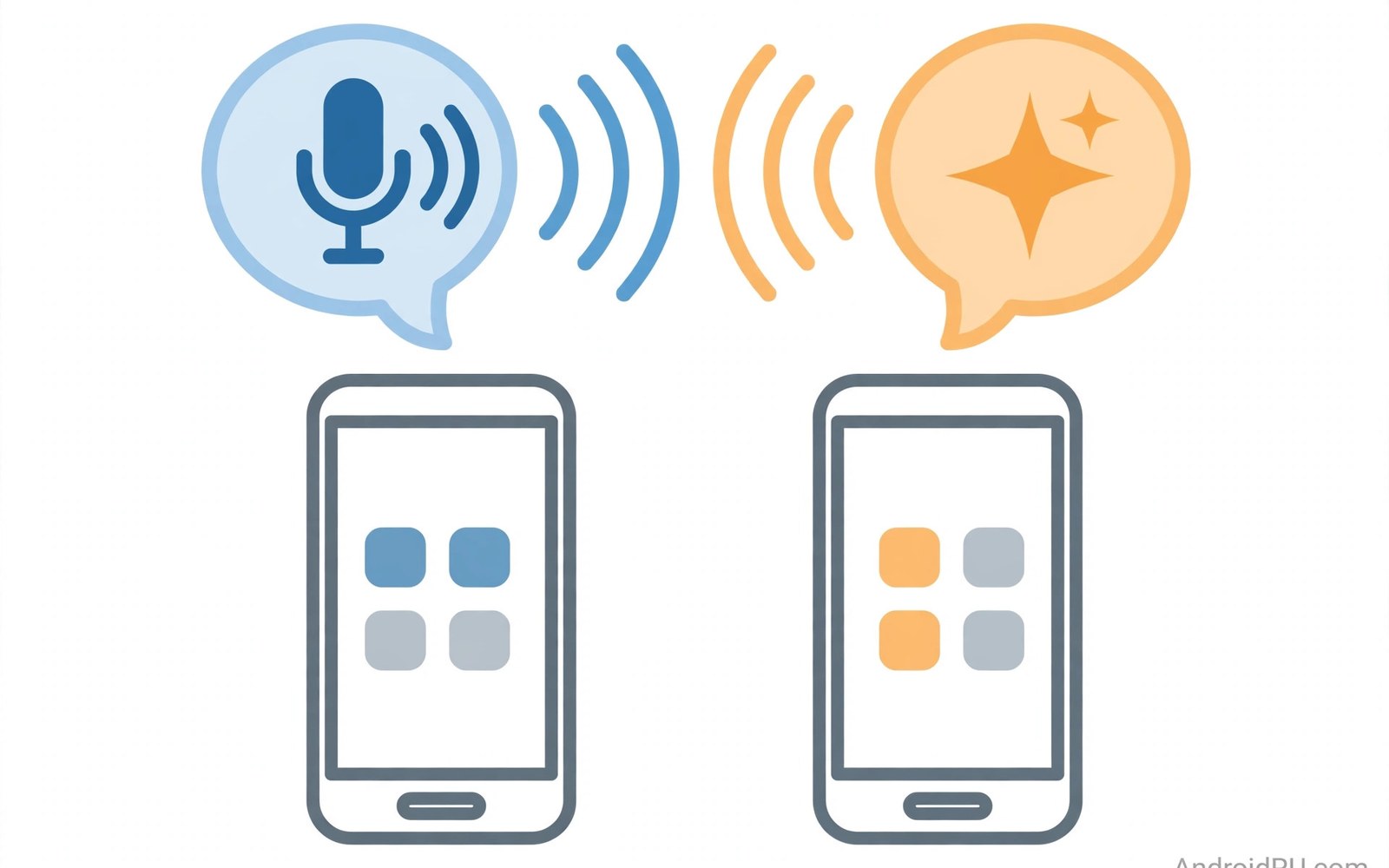
Voice assistants promise hands free help. You ask and the phone acts. You ask for a timer or a message. You ask for facts or directions. Google Assistant and Gemini lead on knowledge. Siri leads on device harmony. Both keep getting smarter.
This battle compares them on real tasks. It covers questions and commands. It covers smart home control. It covers language and privacy. It also covers on device speed. By the end you will know which voice fits your life.
Answering Questions Well
Google assistants draw on vast web knowledge. Ask a factual question and you get a direct answer. Ask a follow up and it keeps context. Ask about a place and it shows maps and hours. The depth is hard to beat. Curious users will love it.
Siri answers common questions well. It handles timers and calls with ease. It opens apps and plays music fast. For deep research it leans on web search. The answer may be a list of links. That is fine for simple needs. It frustrates deep question chains.
Doing Tasks on the Phone
Tasks test an assistant beyond trivia. Set a reminder for a place and time. Send a message to a contact. Start navigation to work. Play a playlist in the car. Google assistants chain these steps well. They fill slots from your words.
Siri chains device tasks smoothly too. It sets alarms and sends texts fast. It controls system settings by voice. It hands off to apps when needed. The flow feels native on its own phones. Third party app depth varies more.
Smart Home Control
Smart homes need a steady voice hub. Google assistants control many device brands. Lights and plugs and cameras join one app. Routines tie actions to one phrase. Say good night and the house dims and locks.
Siri controls homes through its own home platform. Devices need support for that platform. The range is smaller but the setup is tidy. Scenes and automations work well. Privacy stays on device for many tasks. For gaming voice chats, see the mobile gaming options too.
Language, Accents and Multilingual Homes
Language support decides daily success. Google assistants handle many languages. They cope with accents better in tests. They switch languages mid sentence in some cases. Multilingual homes benefit a lot.
Siri supports many languages as well. It handles common accents well. It may struggle with mixed language homes. Test your own voice before you commit. Speak as you speak at home. A demo in a shop is worth more than a spec list.
Speed and On Device Processing
Speed comes from on device work. Simple commands now run on the phone. No net round trip is needed. The reply feels instant. Privacy improves too. Your voice stays local for those tasks.
Complex questions still need the cloud. The assistant sends text to servers. Servers return a rich answer. That takes a second or two. Good net makes it feel fast. Weak net makes it feel slow. Both assistants share this limit.
Privacy and Voice Data
Voice data is sensitive by nature. Both makers let you review recordings. Both let you delete history. Both offer auto delete options. Turn auto delete on for peace of mind. Review the history once a month.
voice_privacy = [
  "review history",
  "auto delete on",
  "wake word only",
  "mute mic at night"
]
for step in voice_privacy:
    print("Apply: " + step)
The snippet above is a simplified illustration of a voice privacy routine. It shows the idea in plain form. Adapt each step to your own assistant and household.
Routines That Run Your Morning
Morning routines save decisions before coffee. One phrase can start the day well. Lights rise slowly to wake you gently. News plays while you dress. Traffic reports warn of delays. Calendar events read aloud in order. Set the routine in the assistant app. Test it on a weekend first. A broken routine on Monday hurts. Fix wake times and news sources early. Keep the routine short and calm. Five actions beat fifteen noisy ones. A calm start shapes a calm day.
Evening routines wind the house down. One phrase dims lights and locks doors. It silences non urgent alerts. It sets the alarm for tomorrow. It plays calm music for sleep. Test the evening routine for a week. Adjust volumes until sleep comes easy. Routines fail when they grow too long. Prune actions that add no value. A routine should feel like a good habit. It should not feel like a show. Simple routines survive busy weeks. Complex routines die in busy weeks.
Assistant in the Car
Car voice control keeps hands on the wheel. Ask for navigation without touching the screen. Ask for music without hunting menus. Ask for messages by voice alone. The assistant reads messages aloud. You reply by voice in turn. Keep commands short in the car. Long commands distract from the road. Set car mode to silence non urgent alerts. Allow calls from favorites only. Test the setup on a short drive. Check that nav voice stays clear over music. Check that mic hears you over road noise. A car assistant should reduce glances, not add them.
Passengers can help with complex tasks. Let a passenger type an address. Let the driver speak simple commands only. Agree this rule before long trips. Safety rules set at home hold on the road. Park before fixing a failed command. A parked fix takes a minute. A driving fix risks lives. Car voice tools serve safety first. Use them that way every trip.
Fixing Misheard Commands
Assistants mishear names and places often. Speak slowly for names and streets. Spell a rare name when needed. Add contacts with phonetic nicknames. A nickname like mom beats a long formal name. Train the assistant with repeat corrections. Correct the same error the same way each time. Patterns teach the system your voice. Check the transcript after a failure. The transcript shows what it heard. A near miss needs a small rephrase. A wild miss needs a new phrase entirely. Keep a list of phrases that work. Reuse them instead of improvising daily.
Noise causes many misheard commands. Move closer to the mic in loud rooms. Reduce background music before speaking. Speak toward the phone, not past it. A case over the mic muffles voice too. Test with and without the case. If the case muffles then cut a wider mic hole. Small physical fixes beat software tricks. Patience with corrections pays off in weeks. The assistant learns your voice and your phrases. Soon mishears grow rare.
Translation and Language Help
Translation turns a phone into a travel guide. Point the camera at a foreign sign. The assistant reads and translates it live. Speak a phrase and hear it back translated. Travelers use this daily abroad. Students use it for language homework. Workers use it for foreign clients. Accuracy varies by language pair. Common pairs translate well now. Rare pairs still struggle with nuance. Check key phrases before important talks. A mistranslated medical phrase harms. A mistranslated menu phrase only amuses. Test translation with a native speaker when you can. Native feedback reveals errors fast. Save key phrases offline before travel. Offline packs work without nets abroad. Download them on home Wi-Fi first. Translation helps communication but never replaces learning. A few local words earn smiles everywhere.
Language learning apps pair well with assistants. Daily practice builds vocabulary slowly. Assistants can quiz you by voice. Ask for a word and answer aloud. Voice quizzes suit commutes well. They turn dead time into study time. Set a daily goal of ten words. Ten words a day becomes thousands yearly. Review old words weekly or they fade. Spaced review beats cramming for memory. Assistants can schedule reviews with reminders. Reminders at fixed times build habits. Language skill grows like fitness. Small daily reps beat rare long sessions. A phone assistant makes reps easy anywhere.
Reminders and Calendar Voice
Voice reminders capture tasks before they vanish. Speak a reminder while cooking. Speak one while driving safely. The assistant sets time and text. Location reminders trigger on arrival. Arrive at a shop and the list appears. That trick suits errands perfectly. Calendar voice adds events without typing. Speak a meeting with date and time. The assistant parses natural phrases well. Phrases like tomorrow at ten work reliably. Complex recurring events need checking after. Open the calendar to verify recurrence. A wrong recurrence causes missed meetings. Verify once and trust after. Voice capture plus visual check beats either alone. Capture fast by voice. Confirm slowly by eye.
Shared calendars need voice care too. A voice event on a shared calendar alerts others. Family members see it at once. That speed helps busy households. It also risks wrong events spreading fast. Confirm shared events before speaking them. A wrong shared event confuses many people. Private events should stay private by default. Check the calendar target before saving. A work event on a family calendar embarrasses. A family event on a work calendar confuses. Voice speed demands extra care with targets. Speak the calendar name when unsure. The assistant will ask if it doubts. Doubt is a feature, not a flaw.
Accessibility Voice Features
Voice features open phones to more people. Users with low vision navigate by voice. Users with limited hands control by voice too. Voice control can open apps and scroll pages. It can tap buttons by number. It can dictate long texts with ease. These tools matter for independence daily. Test voice control with real tasks. Open mail and send a reply by voice. The test reveals gaps fast. Gaps guide settings changes. Larger touch targets pair well with voice. Voice plus touch beats either alone for many users. Accessibility is not a niche feature. It serves everyone in some moments. Hands full with groceries is a temporary disability. Voice helps there too.
Dictation accuracy shapes accessibility success. Clear speech helps recognition most. Background noise hurts it badly. Quiet rooms suit dictation best. Punctuation by voice needs learning. Speak comma and period as words. The habit feels odd for a week. It becomes natural with practice. Edit dictated text by voice too. Select and replace phrases aloud. Voice editing completes the loop. Without editing, dictation stays a draft tool. With editing, it becomes a writing tool. Accessibility voice features deserve patience and practice. They repay both with real independence.
Choosing an Assistant for Your Life
Pick the Google side if you ask deep questions. You get broad knowledge and strong routines. You get wide smart home support. You trade some data for that depth. Privacy controls help you manage the trade.
Pick Siri if you live inside one device family. You get smooth device control. You get on device privacy for many tasks. You trade depth for harmony. The messaging standards also shape how assistants send texts. Either assistant can run a busy day well. For files and photos your assistant may open, check the cloud backup options first.

