

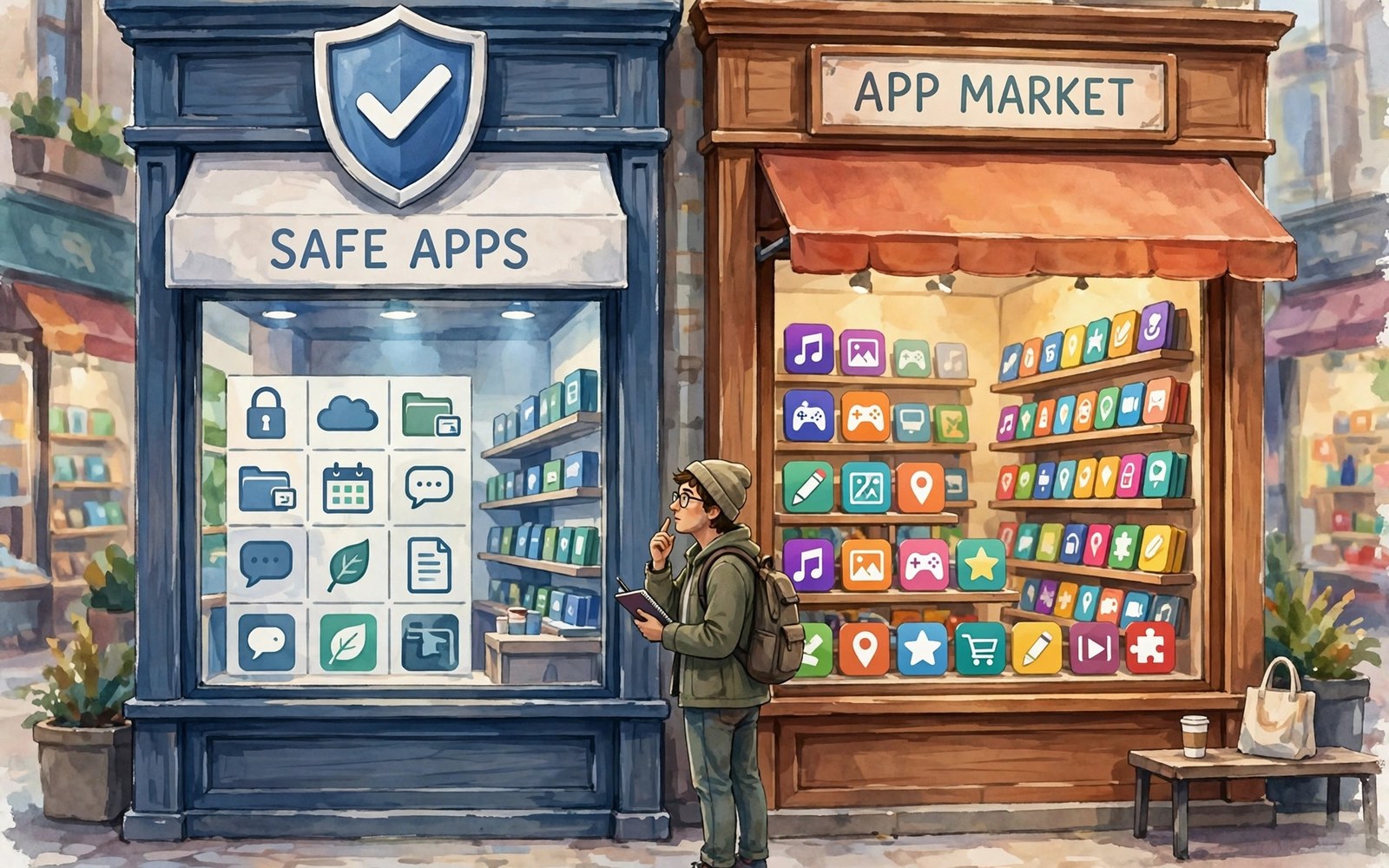
Every phone needs a store. The store is where you find apps and pay for them. It is also where safety rules live. Apple runs one strict store. Google runs a large store with wider doors. Both stores protect users. They protect them in different ways.
This comparison covers three tests. First comes security and review. Then comes app quality and choice. Last comes refunds and buyer rights. By the end you will know what each store does well. You will also know how to shop safely on either side.
How Review Works on Each Store
Apple reviews each app by hand and by machine. Reviewers check rules on privacy and payments. They check content and design too. Rejections are common for rule breaks. This slow gate keeps many bad apps out. It can also delay good apps.
Google reviews apps with heavy automation. Machine checks scan code for known harm. Human review steps in for flags and appeals. Bad apps get removed fast once found. The gate is faster for developers. But more weak apps slip through at first. Both models rely on fast removal after launch.
Malware Checks and User Safety
On device scanning adds a second layer on Android. The system scans installed apps for harm. It warns you about risky behavior. It can disable a harmful app at once. This layer matters because Android allows other install sources. The store is not the only door.
iOS relies more on the single door. Apps cannot reach deep system parts. Sandboxing limits what each app can touch. This design blocks whole classes of harm. Users rarely need to think about scans. The trade is less freedom to install outside the store.
App Choice and Variety
Google Play lists a huge range of apps. You will find niche tools and local apps. You will find many free apps with ads. You will also find early access apps and betas. Choice is the clear win here. But choice means you must judge quality yourself.
The App Store lists fewer apps in total. The gap has shrunk over the years. Most major apps appear on both stores. Apple curates collections by hand. Editors highlight quality apps each week. Discovery feels guided and tidy. For the wider system view, see the ecosystem breakdown.
App Quality in Daily Use
Quality shows in polish and updates. Top apps feel great on both stores. They get frequent fixes and new features. Mid tier apps differ more. An app may shine on one system and lag on the other. Check the update date before you install. Check recent reviews too.
Ratings help but they can mislead. A high rating with few reviews means little. A mid rating with thousands of reviews means more. Read the newest reviews first. Look for complaints about crashes or paywalls. A pattern in reviews beats a single star score.
Pricing, Trials and Subscriptions
Both stores sell apps and subscriptions. Prices vary by region and by app. Trials let you test before you pay. Manage subscriptions in one screen on each system. Cancel before renewal to avoid a charge. Set a reminder for trial ends.
Watch for subscription traps. Some apps hide the price in small text. Some renew yearly at a high rate. Read the payment sheet fully before you confirm. Check your subscription list once a month. Cancel what you no longer use. The privacy controls also affect what payment data apps can see.
Refunds: Rules and Reality
Refund rules differ by store and by region. Apple lets you request a refund through your account page. Explain the issue in plain words. Many requests succeed for broken apps or accidental buys. Decisions can take a few days. Keep receipts and dates ready.
Google offers a short auto refund window for most apps. After that window you must request a review. State the fault clearly and briefly. Attach screenshots if the app fails. Refund success varies by case. Act fast and keep proof. Do not wait weeks to report a fault.
A Safe Shopping Checklist
Check the developer name before you install. Known makers with a history are safer. Check the install count and the update date. Check the permission list too. A torch app does not need your contacts. A game does not need your messages.
shop_checks = [
  "developer",
  "reviews",
  "permissions",
  "refund window"
]
for check in shop_checks:
    print("Verify: " + check)
The snippet above is a simplified illustration of a safe shopping checklist. It shows the idea in plain form. Use it each time you try an unfamiliar app.
Family Sharing and Parental Controls
Family sharing saves money on both stores. Buy once and share with family members. Set approval rules for kids buys. Use age ratings to filter content. Review the family purchase list each month. Talk to kids about in app costs early.
Parental tools differ in detail. Both let you limit spending and screen time. Both let you approve downloads for kids. Test the tools with your child present. Show them why limits exist. Shared rules work better than secret blocks.
Beta Apps and Early Access
Early access lets you try apps before full release. Developers gain testers and feedback. Users gain early features and influence. The trade is bugs and crashes. A beta app may lose data or drain battery. Join betas only for apps you can afford to break. Keep a stable app for key work. Use the beta beside it when you can. Report bugs with clear steps. A good report helps the developer fix fast. Leave a beta when it harms daily work. Leaving is one tap in the store.
Stores handle betas differently. Google Play lists open betas in the app page. Join from the page and updates arrive fast. Apple betas need an invite link in most cases. TestFlight manages those invites. Both paths suit curious users. Neither path suits a main work phone. Beta data may not carry to release. Back up beta app data before you join. A beta that wipes notes teaches a hard lesson. Curiosity rewards the prepared tester.
In App Purchases and Disputes
In app purchases hide in games and tools. A coin pack costs little alone. Ten packs cost a lot together. Check purchase history monthly in the store. Look for subs you forgot. Look for child purchases you never approved. Dispute a charge fast when it looks wrong. State facts and dates plainly. Attach screenshots of the error. Stores decide most disputes in days. Banks can help when the store refuses. A calm factual claim wins more often than anger. Keep receipts for every dispute.
Children need purchase guardrails early. Require approval for every buy. Turn off one tap buying on shared devices. Talk about why games push purchases. Show kids the real money behind coins. A monthly spending cap teaches limits well. Review the cap together each month. Raise it slowly as trust grows. A child who learns costs early avoids debt later. Stores offer family tools for this lesson. Use them before the first surprise bill arrives.
Kids Accounts and Spending Rules
Kids accounts separate child activity from adult buys. A child account limits store access. It filters content by age rating. It asks a parent to approve downloads. Set up the account with the child present. Explain each limit in plain words. A rule understood beats a rule resented. Review approved apps together monthly. Remove apps that no longer suit the child. Add apps that teach new skills. The store becomes a shared space, not a secret shop.
Screen time rules pair with spending rules. Limit play time for games with purchases. Balance free play with creative apps. A child who builds and draws needs less shop pressure. Check play reports weekly at first. Praise good choices more than you punish bad ones. Trust grows when kids see fair rules. The store tools support that trust. Use them as a family, not as a warden.
Reading Reviews Like a Pro
Reviews guide store choices more than ads. Read them with a skeptical eye. Newest reviews matter most for current quality. An app that shone last year may rot today. A recent crash wave signals a bad update. A recent praise wave signals a good fix. Look for patterns across many reviews. One angry review means little alone. Fifty angry reviews about one bug mean a lot. Check the developer replies too. Replies show care and speed. A developer who answers fast fixes fast. A developer who ignores reviews may ignore bugs. Ratings need context from review counts. A five star app with ten reviews proves little. A four star app with ten thousand reviews proves much. Read before you pay, every time.
Fake reviews pollute store pages too. Short generic praise often signals fakes. Real reviews mention specific features. Real complaints mention specific faults. Look for detail as a truth signal. A review that names a screen or a button feels real. A review that says great app only feels hollow. Compare reviews across regions when you can. A global pattern beats a local burst. Trust your eyes over star averages. Stars summarize, reviews explain. Explanation guides money better than summary. A ten minute review read saves many refunds.
Update Speed and Developer Trust
Update speed signals developer health. Apps that update monthly stay alive. Apps silent for a year may be abandoned. Abandoned apps grow security holes. They also break on new systems. Check the update date before install. Check the version history for fix notes. Fix notes show what changed and why. Vague notes hide lazy work. Detailed notes show pride and care. Trust developers who explain changes plainly. They respect users enough to inform them. Distrust apps with silent long gaps. Silence often precedes shutdown. A shutdown strands your data and habits. Pick live apps for key daily work.
Paid apps deserve extra trust checks. A paid app that stops updating wastes money. Check update history before paying. Check refund windows for paid apps too. A short window demands fast testing. Test every paid feature in the window. Report faults at once for a refund case. Keep receipts for paid apps in mail. Receipts prove purchase dates in disputes. Developer trust builds over years of updates. It breaks with one silent year. Choose developers with long live histories. They tend to outlive trends and fads.
Switching Stores After a Move
Moving regions changes store availability. Some apps vanish in a new region. Some prices change with currency. Subscriptions may bill in a new currency. Check key apps before a region move. Note which apps may vanish. Find replacements before departure. Paid apps rarely transfer across regions. You may need to buy them again. That cost surprises many movers. Budget for rebuys in a move plan. Family sharing may break across regions too. Family members in old regions lose shared apps. Plan family changes with the move. A region move tests store loyalty hard. Prepare for app loss like luggage loss. Both hurt less when expected.
Account region changes need care as well. Stores limit region changes per year. A change may lock payment methods. Old balances may not transfer. Spend old balances before changing regions. Cancel subs tied to the old region first. Resubscribe after the change completes. Note the change date for future moves. A rushed region change strands money and apps. A planned change moves smoothly. Movers should treat store regions as borders. Borders have rules and costs. Respect them and plan around them.
Which Store Serves You Better
Pick the strict store if you want guardrails. You trade some choice for calm. You get guided discovery and tight rules. You get a simpler refund path in many cases. Casual users often prefer this calm.
Pick the wide store if you want choice and early access. You get more niche apps and more price points. You must judge quality with care. Use the checklist in this article each time. For sideloading rules beyond the store, see the sideloading rules. Either store can serve you well with good habits.

