

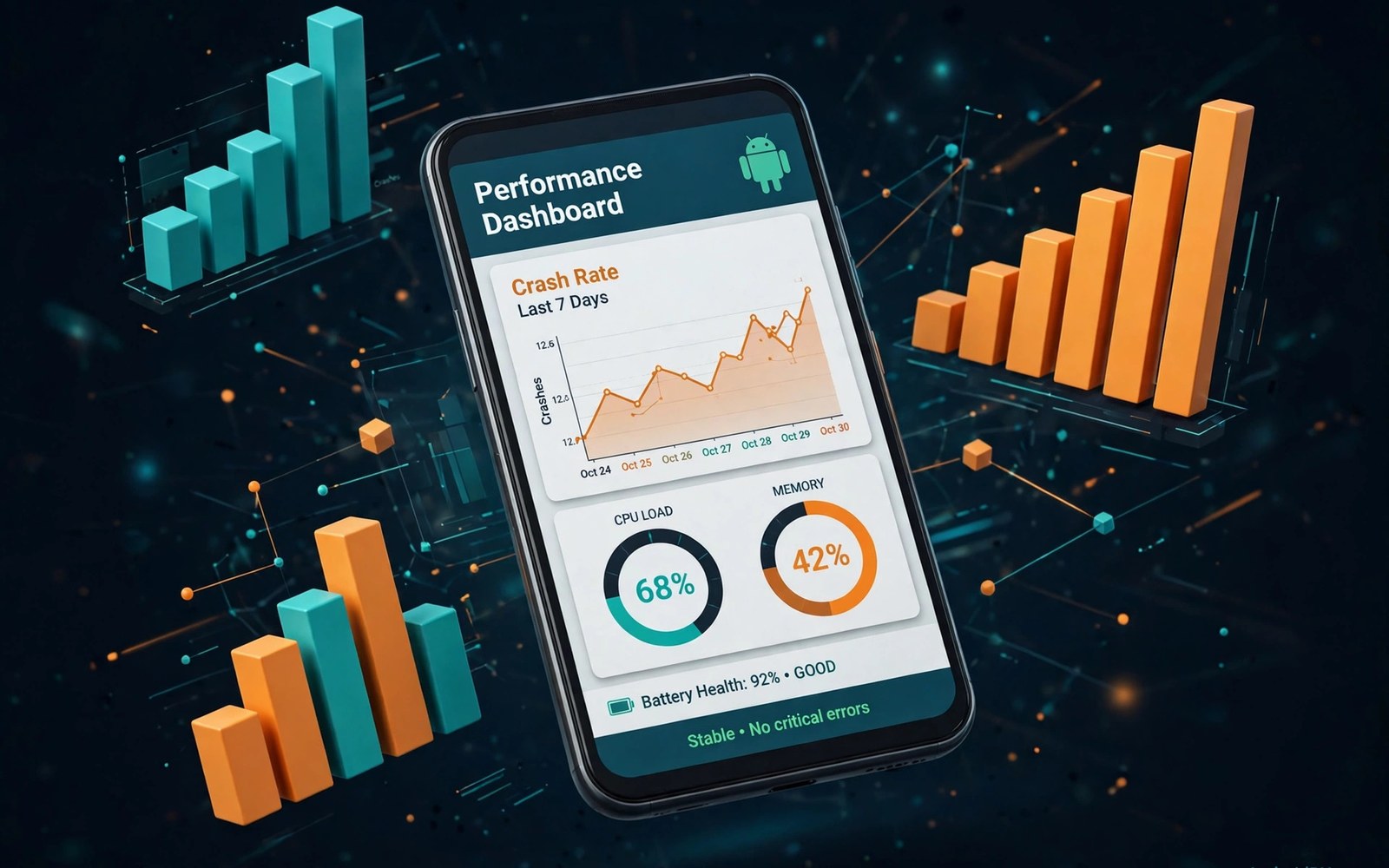
Android Vitals collects stability and performance data from real user devices. It reports crash rates and ANR rates and slow startup times. Those numbers reflect the experience of actual users rather than test devices. Real world data reveals faults that lab testing misses.
Stability affects store visibility as well as user satisfaction. Apps with poor stability metrics can rank lower and can face warnings. Users also uninstall unstable apps quickly and leave harsh reviews. Monitoring Vitals is therefore a business task as well as an engineering task.
Start Vitals work by establishing a baseline for your app. Record current crash and ANR rates before making changes. A baseline lets you judge whether a fix helped or hurt. Without a baseline every change feels like progress even when numbers worsen.
Understand Crash Rate Metrics
Crash rate measures the share of user sessions that end in a crash. Vitals reports rates over daily and monthly windows. Daily rates reveal sudden problems from a new release. Monthly rates reveal long term trends across releases. Use both windows for different questions.
Compare your crash rate with the threshold that the store considers poor behavior. A rate above that threshold deserves urgent attention. A rate below it still deserves monitoring because a small rise can cross the threshold quickly. Threshold awareness keeps stability work proactive.
Understand ANR Rate Metrics
An ANR occurs when the app stops responding to user input for too long. ANR rate measures the share of sessions affected. ANRs often come from long work on the main thread such as network calls or database work. Moving heavy work off the main thread prevents most ANRs.
ANRs harm user experience even when the app does not crash. A frozen screen feels broken to the user. Users may force stop the app and leave a negative review. ANR prevention deserves the same priority as crash prevention in stability work.
Read Vitals Dashboards Well
Vitals dashboards group crashes and ANRs by stack trace and by device and by system version. Grouping helps you find the largest fault first. A single stack trace that affects many users deserves priority over many traces that affect few users. Group size guides fixing order.
Filter dashboard data by release version to isolate a new release fault. A fault that appears only in the newest version points to a recent change. A fault across all versions points to an older code path or to a device specific issue. Version filtering speeds diagnosis considerably.
Prioritize Faults By Impact
Sort faults by affected users rather than by ease of fixing. A hard fault that affects thousands matters more than an easy fault that affects ten. Fixing by impact maximizes user benefit per engineering hour. Impact sorting also justifies stability work to product managers.
Consider severity alongside volume. A crash on startup affects every session for affected users. A crash in a rare screen affects only users who reach that screen. Startup crashes deserve immediate fixes even when their total volume seems moderate. Severity changes the priority math.
Fix Main Thread Blocking
Move network calls and file operations and database queries off the main thread. Use background threads or asynchronous APIs for long work. Keep main thread work short and focused on user interface updates. A main thread that stays free keeps the app responsive.
Audit code for hidden main thread work such as synchronous storage reads during startup. Startup code often accumulates blocking calls over time. Profile startup regularly and remove blocking work. A fast startup improves both ANR rates and user first impressions.
Fix Memory And Resource Faults
Memory faults cause crashes that appear random and hard to reproduce. Leaks grow over long sessions and crash the app eventually. Use memory profiling to find leaks in screens that users visit often. A leak in a popular screen affects many users over time.
Release large resources such as images and media players when a screen closes. Holding resources after close wastes memory for the rest of the session. Test long sessions with repeated navigation between screens. Long session tests reveal leaks that short tests miss.
Test Stability Before Release
Run stability tests on real devices before every major release. Include low end devices with limited memory. Low end devices reveal performance faults that flagship devices hide. A release that passes only on flagship devices is not ready for all users.
Use automated UI tests that navigate core flows repeatedly. Repeated navigation catches state faults that single pass tests miss. Run tests with poor network conditions as well. Network faults during testing reveal ANR risks before users encounter them.
Use Staged Rollouts For Stability
Roll out a new version to a small share of users first and watch Vitals for that group. Compare crash and ANR rates with the previous version baseline. Pause the rollout when rates rise materially. A staged rollout limits the impact of a stability regression.
Set pause thresholds in advance so the decision is not emotional during a launch. A threshold such as a doubling of crash rate triggers a pause automatically. Investigate the cause before resuming. A disciplined pause protects the app rating during a risky release.
Investigate Device Specific Faults
Some faults affect only one manufacturer or one system version. Device specific faults often trace to custom system behavior or to driver differences. Group Vitals data by device to find those patterns. A device pattern points to a workaround or to a manufacturer specific test.
Test device specific faults on the affected device when possible. Cloud testing can provide access to rare models. A fix that works on one device group should be verified on other groups too. A narrow fix can break a different group when applied carelessly.
Handle Third Party Library Faults
Libraries can cause crashes that appear in your app stack traces. Identify library faults by their package names in the trace. Check library changelogs for a fix before writing a workaround. A library update often resolves the fault faster than custom code.
Replace a library that causes repeated crashes without a fix. A library that harms stability costs more than its feature is worth. Evaluate alternatives with stability history in mind. A stable library with fewer features beats an unstable library with many features.
Monitor Startup Performance
Slow startup affects Vitals through slow start metrics and through user abandonment. Users who wait too long may close the app before it loads. Profile startup and defer non essential work until after the first screen appears. A fast first screen improves perceived performance immediately.
Measure startup time on low end devices where slowness matters most. A startup that feels instant on a flagship can feel slow on a budget phone. Optimize for the slowest common device in your user base. That optimization benefits every user to some degree.
Respond To Stability Warnings
A stability warning from the store deserves immediate attention. Read the warning and identify the metric and the threshold involved. Fix the largest contributing faults first. A warning that you ignore can escalate to visibility loss for the app.
Document the fix and the resulting metric improvement for future reference. A record of warning response shows a pattern of care. It also helps the team respond faster to the next warning. Stability warnings should trigger a documented response every time.
Build A Stability Routine
Review Vitals weekly during active development and monthly during stable periods. Assign an owner for stability metrics in each release cycle. A weekly review catches regressions while the causing change is still fresh. Fresh causes are easier to fix than old ones.
Include Vitals numbers in release notes for the team even when they are internal. A team that sees stability numbers will value stability work. A team that never sees the numbers will prioritize features over fixes. Visibility creates accountability for stability.
Reduce ANRs In Background Work
Background work that blocks the main thread through callbacks can cause ANRs. Keep callbacks short and move heavy callback work to background threads. Review broadcast receivers and lifecycle callbacks for hidden blocking work. Small blocking callbacks accumulate into ANRs under load.
Test background work under system pressure such as low memory and battery saver modes. System pressure changes timing and can expose ANR risks. A background task that works in ideal conditions may ANR under pressure. Pressure testing reveals faults before users experience them.
Learn From Every Major Crash
After fixing a major crash write a short note about its cause and its fix. Share the note with the team so others avoid the same pattern. A pattern that caused one major crash will cause another if the team does not learn it. Shared notes turn crashes into team knowledge.
Review major crash notes quarterly for recurring patterns. A recurring pattern signals a deeper design issue rather than isolated bugs. Address the design issue with refactoring or with new guidelines. Pattern level fixes prevent entire classes of future crashes.
- Establish crash and ANR baselines before changes
- Group faults by stack trace and fix by user impact
- Move network and database work off the main thread
- Test stability on low end real devices
- Roll out in stages and pause when rates rise
- Review Vitals weekly during active development
Tracking Performance Beyond Crashes
Vitals also covers slow rendering and excessive wakeups that drain battery. Track those metrics alongside crashes and ANRs. A smooth app needs good rendering and battery behavior as well as stability. Users notice jank and battery drain even when the app never crashes.
Set baselines for rendering and wakeups just as for crashes. Investigate a metric that worsens after a release. A rendering regression may trace to a new animation or to a heavier layout. Early investigation keeps performance regressions small.
Sharing Vitals With Product Teams
Share Vitals summaries with product managers in plain language. Explain what the numbers mean for users rather than only reporting percentages. A product manager who understands stability impact will prioritize fixes. A manager who sees only percentages may treat stability as an engineering detail.
Include a stability section in each release review meeting. Discuss the largest faults and their fixes. Celebrate a release that improves stability metrics. Recognition for stability work encourages teams to protect stability in future releases.
For reference the snippet below shows the basic pattern that keeps heavy work off the main thread.
// Main thread check example
fun loadData() {
    // Run heavy work on a background thread
    Thread {
        val data = fetchFromNetwork()
        // Update UI on the main thread only
    }.start()
}
For more context read private enterprise Android app publishing for organizations and Google Play billing system updates for digital goods. You may also find publishing your first app on Google Play Console helpful for your next release.
The steps above follow the approach described in the official developer documentation for this platform. That guidance explains the same sequence in general terms. This article adapts those ideas into a practical workflow for independent developers and small teams.

