

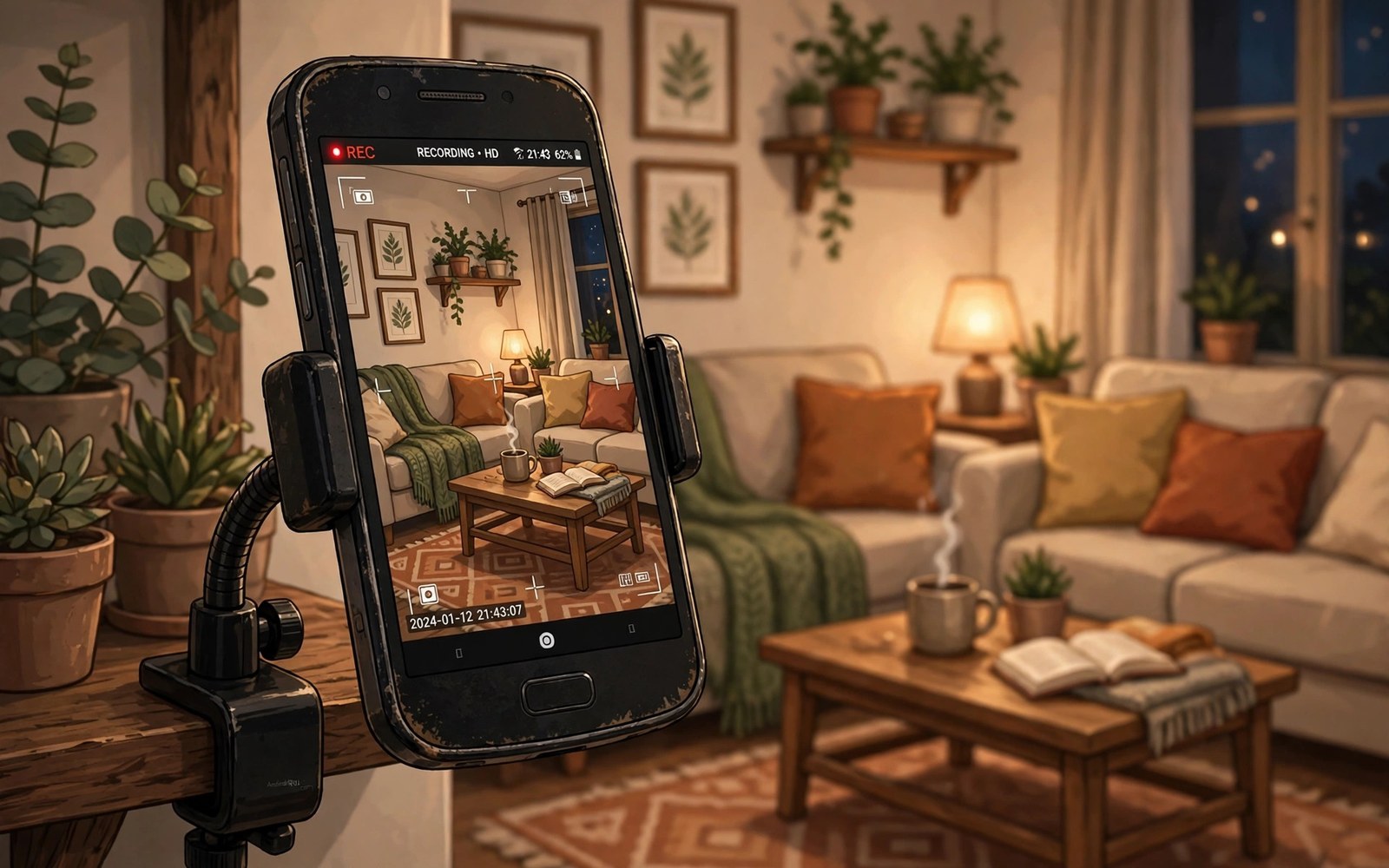
An old Android phone can become a useful security camera. Its camera and Wi-Fi already work. A camera app streams video to your main phone. Motion alerts tell you when something moves. This guide shows a safe and practical setup.
Reusing an old phone saves money and reduces waste. A dedicated camera costs more and needs new setup. An old phone already has a charger and a mount option. The main limits are battery health and Wi-Fi range. This guide addresses both limits.
Security cameras raise privacy questions at home. Place the camera only in your own spaces. Avoid bedrooms and bathrooms for shared households. Tell household members where cameras point. Clear placement rules keep reuse helpful rather than intrusive.
Choose the Right Old Phone
Pick a phone with a working camera and Wi-Fi. A cracked screen matters less for a camera role. The phone still needs to run a camera app reliably. Check that the battery holds charge while plugged in. A phone that shuts down randomly suits this role poorly.
Factory reset the old phone before repurposing it. A reset removes old accounts and personal data. Set up a fresh account for camera use only. Keep the phone system updated when updates remain available. An updated phone resists known security flaws better.
Pick a Camera App Approach
Camera apps turn the old phone into a viewer and streamer. Install a trusted camera app from the official store. Pair it with the viewer app on your main phone. Follow the app pairing steps carefully. Test the live view before mounting the phone.
Choose an app with motion detection for alerts. Motion alerts reduce constant watching. Check whether the app stores video locally or in the cloud. Local storage protects privacy better. Cloud storage helps when the phone itself is stolen.
adb shell dumpsys battery
# check charging health before a 24 hour camera role
Mount the Phone Securely
Use a small tripod or a phone mount for stable video. Place the phone where it sees the entry or room clearly. Avoid pointing it directly at a bright window. Backlight makes faces dark and hard to see. Angle the phone slightly downward for a natural view.
Secure the mount so the phone cannot fall. A falling phone can break or stop recording. Test the view on your main phone after mounting. Adjust angle until the key area fills the frame. A stable mount gives usable footage rather than shaky clips.
Power the Phone Continuously
Continuous video drains battery fast. Keep the phone plugged into a charger permanently. Use the original charger or a quality replacement. Cheap chargers can overheat during long use. Check the phone temperature during the first day.
Remove a thick case if heat builds up. Heat shortens battery life over time. Place the phone away from direct sunlight and heaters. A cool spot keeps the phone stable for months. Inspect the charger cable monthly for damage.
Keep Wi-Fi Stable
Place the camera phone within good Wi-Fi range. Weak Wi-Fi causes frozen video and missed alerts. Move the router closer or add a Wi-Fi extender. Test the live view from the farthest viewing spot. A stable stream matters more than maximum resolution.
Set video quality to a level your Wi-Fi handles. High resolution looks better but needs more bandwidth. Medium quality often gives smoother motion detection. Test both settings for a day each. Choose smoothness over sharpness for security use.
Set Motion Alerts Wisely
Motion sensitivity controls how often alerts arrive. High sensitivity alerts on pets and shadows. Low sensitivity may miss a slow intruder. Start at medium sensitivity and adjust over a week. Review false alerts to find the right level.
Set alert schedules for times you care about most. Night alerts matter for a front door camera. Day alerts may annoy during busy household hours. Use detection zones when the app offers them. Zones ignore busy streets outside a window.
Store and Review Footage
Decide how long to keep footage before setup. A few days suits most home uses. Longer storage needs more space or a paid plan. Review footage promptly after an alert. Old footage loses value quickly for security purposes.
Download important clips to your main phone at once. A clip on the camera phone alone can vanish if the phone fails. Label saved clips with date and event. Clear labels help later review. Delete routine footage on a regular schedule.
Protect Privacy and Security
Use a strong password for the camera app account. Turn on two factor authentication when offered. Keep the camera app updated. Updates fix security flaws in streaming features. Never share the live view link publicly.
Tell visitors about cameras in shared spaces. Transparency builds trust in a household. Avoid recording neighbours through windows. Point cameras at your own property only. Responsible placement keeps a helpful tool from becoming a privacy problem.
Choosing a Camera App Carefully
Camera apps vary in privacy and features. Some upload video to remote servers by default. Others keep video local on the device. Read privacy settings before first use. Local storage suits most home users better.
Check app reviews for reliability over months. An app that crashes weekly makes a poor camera. Look for regular updates from the developer. Active development signals ongoing support. Abandoned apps risk security flaws.
Camera Placement Ideas for Homes
Front doors benefit most from camera coverage. A door camera captures visitors and deliveries. Living rooms suit cameras for pets and children. Garages suit cameras for tools and vehicles. Prioritise entries over interior rooms.
Avoid cameras in bedrooms and bathrooms entirely. Those rooms deserve absolute privacy. Household trust depends on clear boundaries. Even owners should respect those boundaries. Placement ethics matter as much as coverage.
Night Vision With Old Phones
Old phones lack true infrared night vision. Their cameras still capture dim light reasonably. A small night light improves night footage greatly. Place a low light near the monitored area. Light helps the phone camera without blinding residents.
Test night footage before relying on it. Check whether faces remain recognisable. Adjust light position until faces clarify. Night performance varies by phone model. Testing reveals limits before an incident occurs.
Using Two Old Phones Together
Two old phones cover more angles than one. Place one at the front door. Place another covering a back area. Both stream to the same viewer app when supported. Multiple angles reduce blind spots significantly.
Label each camera clearly in the viewer app. Clear labels prevent confusion during alerts. Front and back labels suffice for most homes. Test both streams simultaneously. Simultaneous viewing confirms network capacity.
Legal Rules for Home Cameras
Home cameras must respect neighbours privacy. Point cameras at your own property only. Avoid recording public streets excessively. Audio recording faces stricter rules in many places. Disable audio when unsure about local law.
Inform visitors about cameras in shared spaces. A small sign near the entrance helps. Transparency prevents disputes later. Check local rules before installing outdoor cameras. Law varies by region and changes over time.
Retiring the Camera Phone Eventually
Camera phones age and batteries swell over time. Inspect the phone monthly for swelling. A swollen battery needs safe disposal immediately. Stop using a swollen phone at once. Safety outranks continued camera service.
Replace the camera phone when video quality degrades. Newer old phones from family upgrades work well. Recycle the retired phone responsibly. Electronics recycling prevents hazardous waste. A responsible lifecycle completes the reuse story.
Old Phone as a Baby Monitor
An old phone can monitor a baby room with audio and video. Place it safely out of reach of the cot. Use a trusted monitor app with encrypted streaming. Check the stream on your main phone regularly. A monitor phone supplements rather than replaces supervision.
Keep the monitor phone charged and cool. Continuous streaming generates heat over hours. Place it away from bedding and curtains. Ventilation prevents overheating during long sessions. Safety placement matters as much as video quality.
Old Phone as a Doorbell Camera
An old phone near a door can act as a visitor camera. Motion alerts notify you of visitors. Two way audio apps allow speaking to visitors. Mount the phone inside a window facing out. Window mounting protects the phone from weather.
Night performance through glass can suffer from reflections. Test night footage through the window first. Angle the phone to reduce glass glare. A small adjustment often fixes reflection problems. Window cameras suit sheltered doors best.
Old Phone Camera as a Pet Monitor
Pet owners use old phones to watch pets while away. Place the camera where pets spend most time. A treat area or favourite bed makes a good view. Motion alerts notify you when pets move. Watching pets remotely eases separation worry for owners.
Check local rules before recording audio in shared homes. Audio monitoring raises more privacy issues than video alone. Disable audio when household members object. Video only monitoring usually suffices for pet checks. Respect household privacy even for pet cameras.
Security Camera Setup Checklist
Use this list for a reliable camera phone.
- Factory reset the old phone first.
- Install a trusted camera app and pair it.
- Mount the phone stably with a clear view.
- Keep the phone plugged into a quality charger.
- Test Wi-Fi strength at the mount spot.
- Set motion zones and sensible sensitivity.
This checklist gives a stable and private camera setup. Test alerts for a few days before relying on it. Review placement and power monthly.
Camera phones pair well with recording skills. Learn how to record your screen with crisp internal audio for clean clip handling.
For safe sharing and placement see how to set up guest mode to share your phone safely and how to use your Android phone as a portable hotspot.
The steps above follow the approach described in the official developer documentation for Android devices. The documentation covers camera behaviour and background operation in general terms. Camera apps add their own streaming features on top of that shared system.
An old phone makes a capable security camera with the right setup. Reset it and mount it stably. Keep it powered and on strong Wi-Fi. Tune motion alerts over a week. With privacy respected your old phone gains a useful second life.

