

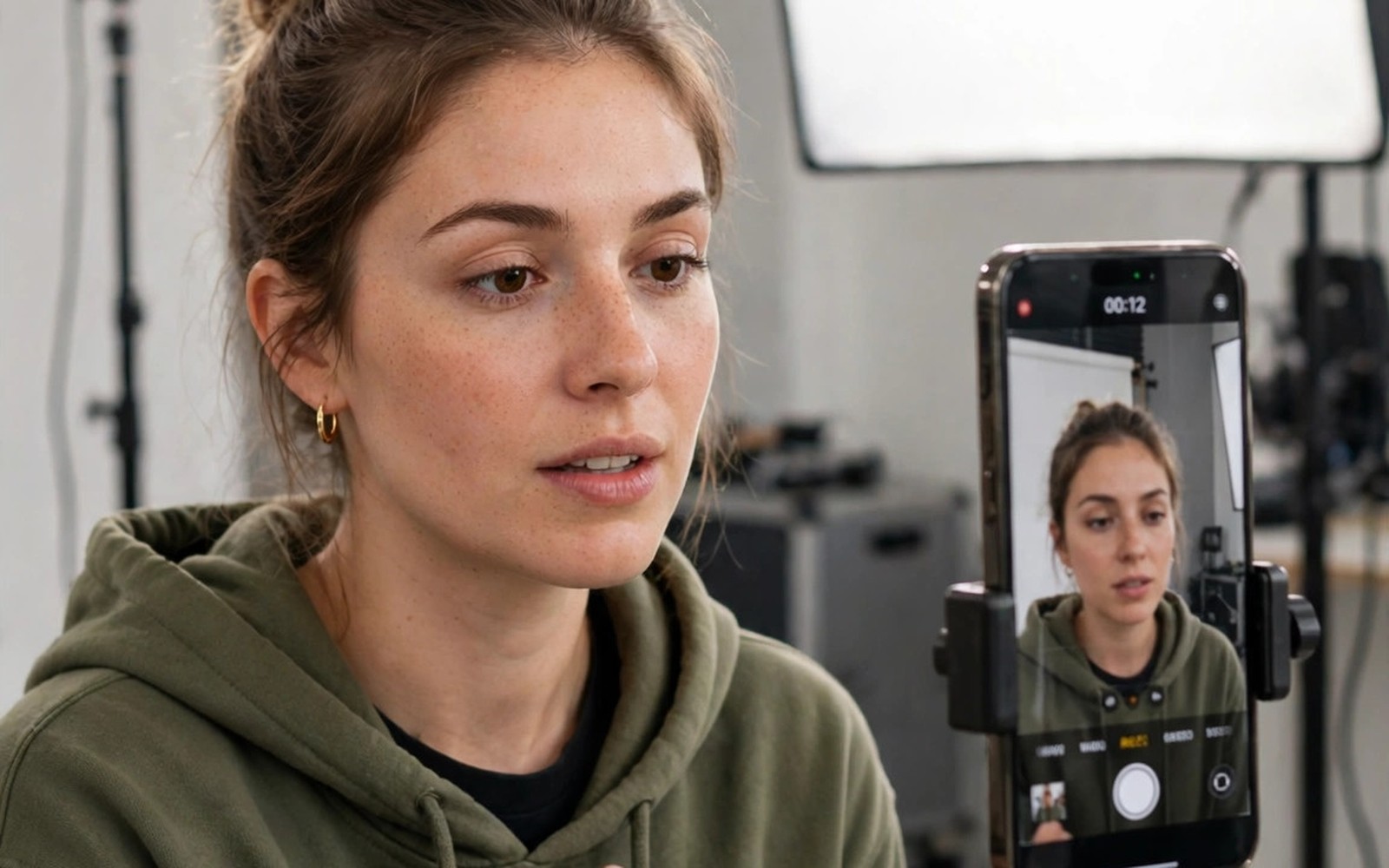
Short video rewards speed and clarity above fancy effects. Viewers decide in two seconds whether to keep watching. These best apps creating Reels Shorts TikTok videos choices help you edit fast on a phone. This guide compares editing and captions and templates. You will learn a workflow that turns one idea into a polished vertical clip.
Start with a single idea per video. One clear point beats five rushed points. Also check compression proof photos and videos for social uploads for export settings that keep clips sharp. Shoot vertical from the start. Cropping a horizontal clip later wastes quality and framing.
Picking an editor for your skill level
Beginners do well with template driven editors. Templates provide pacing and transitions and music in one tap. CapCut and similar editors suit quick trend videos. They trade some control for speed. That trade is perfect when you post daily.
Intermediate editors benefit from timeline editors with layers. You can control text timing and audio ducks and colour grades. PowerDirector and KineMaster offer that control on Android. They need more learning time but they reward it with distinctive videos. Choose one editor and master it before adding a second.
Hook and structure for short videos
Open with the result or the question in the first two seconds. Show the finished dish or the surprising fact at once. Then explain the steps in short visual beats. End with a clear next action for viewers. A weak opening loses viewers even when the middle is strong.
Keep sentences short on screen. One idea per caption card works best. Cut pauses and filler words ruthlessly. A thirty second video should feel dense and not rushed. Test pacing by watching without sound. If the visuals alone tell the story then the structure works.
Captions and text that viewers read
Most viewers watch short videos with sound off at first. Captions therefore carry the message. Use auto captions as a starting point and then fix errors manually. Auto captions often mishear names and technical terms. Large bold text with high contrast reads best on small screens.
Place captions away from app buttons. Bottom captions can hide behind like and comment icons. Test placement on the real app before publishing. Keep caption lines short. Two lines at a time is a comfortable maximum for most viewers.
Music and sound design choices
Trending sounds can boost discovery on some platforms. Use them when they fit the mood of your video. Forced trending audio on a serious topic feels wrong. Original voiceover builds trust faster than music alone. A clear voice explains while music supports in the background.
Balance audio levels before export. Voice should sit clearly above music. Duck music under speech automatically where your editor allows it. Also read top apps for audio based social networking and podcasts for voice recording tips. A clean voice track separates amateur clips from professional ones.
Effects and templates without clutter
Effects should serve the idea and not decorate it. One transition style per video keeps the edit coherent. Mixing five transition styles looks chaotic. Use zooms sparingly for emphasis. Use slow motion only when it reveals detail viewers would miss.
Templates save time but they can make every creator look alike. Customise template text and colours and pacing. Replace stock clips with your own footage where possible. Your own footage builds a recognisable style faster than any template pack.
Publishing and testing what works
Post consistently rather than in bursts. Three good videos per week beat ten rushed videos in one day. Check retention graphs after each post. Note the second where viewers drop off. That drop point tells you what to fix next time.
Test one variable at a time. Change the hook or the caption style but not both at once. Keep a simple log of what worked. Also check how social media apps impact battery and data use before heavy upload days. Upload on Wi-Fi to save data and battery.
ffmpeg -i clip.mp4 -vf scale=1080:1920 -c:v libx264 -preset medium -crf 20 -c:a aac -b:a 160k short.mp4
# Adjust crf lower for higher quality and larger files
These commands follow the standard open source ffmpeg documentation pattern for encoding vertical video. They create a new output file and they leave your original footage untouched.
A one day short video production plan
Plan your video in the morning with a simple script of five lines. Line one states the hook. Lines two to four state the steps. Line five states the call to action. That script keeps filming focused and editing fast. Film all clips in one session with consistent lighting. Changing light between clips creates jarring edits. Film each step twice so you have a backup take. Backup takes save reshoots when a clip has a flaw. That morning plan turns a vague idea into a shootable video by lunch.
Edit in the afternoon with a strict time limit of one hour. Import clips and arrange them in script order first. Add captions next and proofread them fully. Add music last at low volume under voice. Export a test version and watch it on a phone with sound off. Sound off viewing reveals caption and visual problems clearly. Fix those problems before final export. A time limit prevents endless tweaking that rarely improves results. Good enough published beats perfect unpublished for short video growth.
Publish in the evening when your audience is most active. Check your analytics for peak hours over the past month. Write a caption that adds context without repeating the video verbatim. Choose a cover frame that shows the result clearly. Reply to early comments within the first hour. Early replies boost engagement signals on many platforms. Note retention and comments the next morning. That note guides your next video topic and hook. Repeat the cycle three times per week for steady growth.
Equipment and setup for phone creators
Start with the phone you already own and a simple tripod. A tripod stabilises shots far more than any software stabilisation. Add a small clip on microphone when voice clarity matters. That microphone upgrade costs little and improves perceived quality hugely. Use natural window light as your main light source at first. A cheap ring light helps for evening filming. Avoid buying a full studio before you publish twenty videos. Equipment should follow proven habit and not precede it. Many creators waste money on gear they never use.
Organise footage with a simple folder system by date and topic. Delete failed takes weekly to save storage. Keep only the best take of each step plus the final export. That discipline prevents storage warnings during important shoots. Back up final videos to cloud storage monthly. A phone loss should not erase your portfolio. Name final files with topic and date for easy searching later. Good organisation feels boring. It saves hours when you need an old clip for a compilation.
Learn one new editing skill per week rather than ten at once. Week one can focus on caption timing. Week two can focus on audio ducking. Week three can focus on colour correction. That pace builds real skill without overwhelm. Watch tutorials for that single skill and practice it in a real video. Skills learned in real projects stick better than skills watched passively. After two months you will have eight solid skills that define your style. That style attracts followers more than any single viral trick.
Your short video launch checklist
Use this checklist for every short video you publish. First write a one sentence idea and a two second hook before filming. Second film vertical footage with locked exposure and stable support. Third film each step twice so a flawed take never forces a reshoot. Fourth edit in script order and cut pauses longer than a second. Fifth add captions and proofread every word manually. Sixth place captions away from app buttons at the bottom and sides. Seventh balance voice above music and check audio on phone speakers. Eighth export at platform target resolution and bitrate. Ninth upload a test version to a private account and view it with sound off. Tenth publish at a peak hour and reply to early comments within an hour. Eleventh note retention drop points the next day and plan one fix for the next video. A video that passes this checklist looks intentional rather than accidental. Intentional videos earn trust faster than random clips. Trust compounds into audience growth over months. Random posting without a checklist produces occasional hits and frequent misses. A checklist turns occasional hits into repeatable results. Keep the checklist visible during editing until it becomes habit. Habitual quality beats occasional inspiration for creators who post regularly. Start with your next video and follow every item without skipping. Skipped items are usually the ones that cause visible flaws later.
Common mistakes
Filming horizontal and cropping later is a common quality loss. Shoot vertical for short platforms. Skipping caption fixes leaves embarrassing auto caption errors. Always proofread captions fully. Overusing effects distracts from the core idea. One transition style per video is enough.
Posting without a hook wastes strong content. Lead with the result or the question. Ignoring retention data means repeating the same drop point. Check analytics after every post. Uploading huge files on mobile data burns data fast. Use Wi-Fi for publishing.
Copying a template exactly makes your channel forgettable. Customise colours and text and footage. Keep a consistent style across videos so viewers recognise you.
Frequently asked questions
Do I need a paid editor for good Reels?
No free editors cover most short video needs well. Paid tiers add stock assets and remove watermarks. Start free and pay only when a specific feature blocks you. Skill matters more than subscription tier.
How long should a Reel or Short be?
Aim for fifteen to forty five seconds for most ideas. Shorter works for a single tip. Longer works for a clear tutorial with steps. Watch retention data to tune length for your audience.
Should I post the same video everywhere?
Yes with small tweaks per platform. Adjust captions and hashtags and cover frames. Remove platform watermarks before cross posting. Each platform favours native uploads over reposted watermarked clips.
Conclusion
Great short videos come from clear ideas and tight edits. Pick one editor and learn it deeply. Hook fast and caption clearly. Use effects sparingly and test retention after each post. Consistency beats occasional brilliance for audience growth.
Your concrete next step is to shoot one vertical tip video today with a two second hook. Edit it in your chosen app and add proofread captions. Publish it and note the retention drop point tomorrow. That loop improves every future video.

