

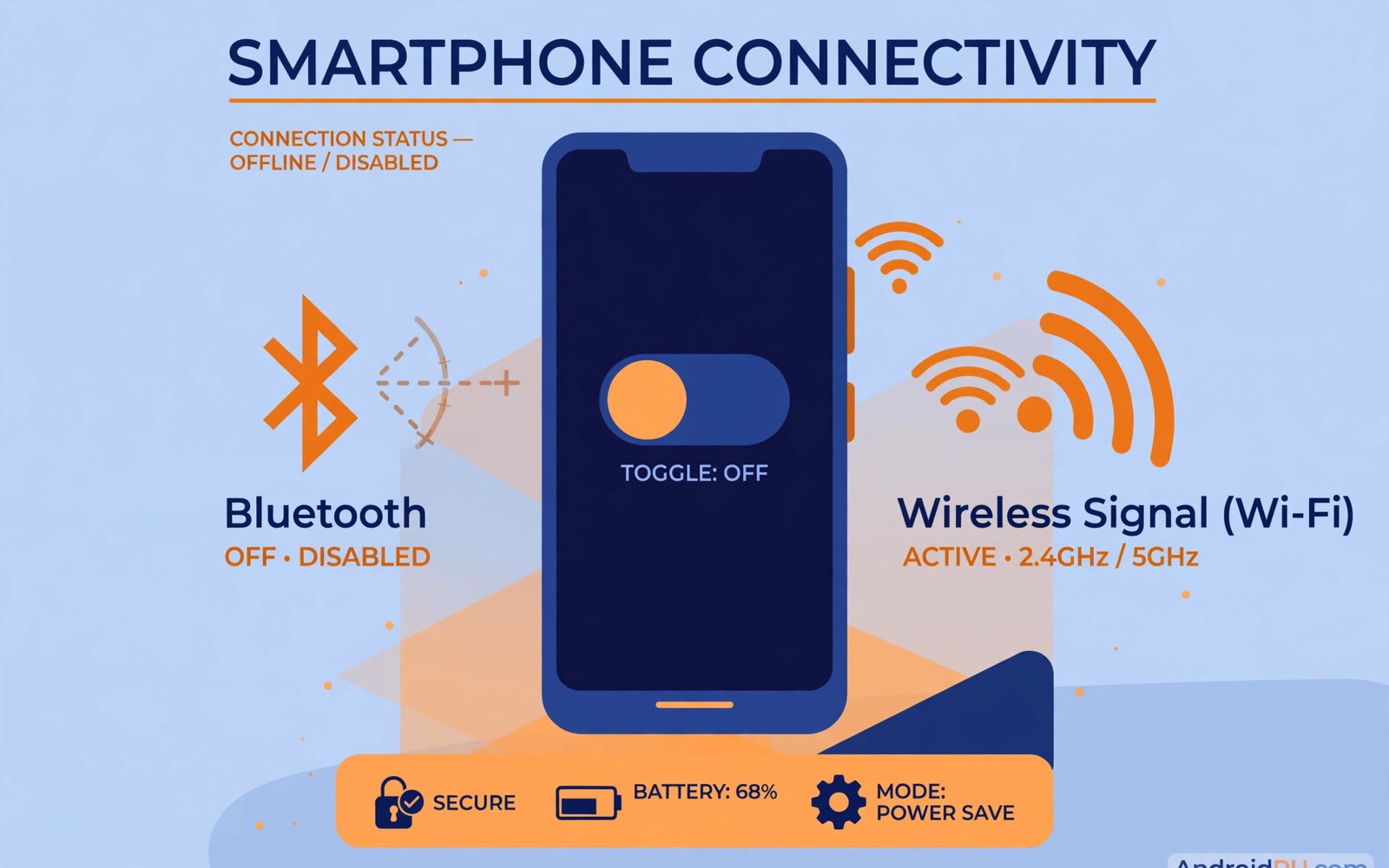
Bluetooth and NFC make pairing and payments easy. Leaving them on also advertises your phone nearby. Attackers scan for open radios in public places. Old flaws in radio stacks add real risk. Turning radios off when idle closes that window.
This guide explains the main attack paths. It covers pairing tricks and payment taps. It also covers simple quick-settings habits. Readers who use public networks should also review public network safety for the wider travel routine.
How Bluetooth Attacks Work
Bluetooth lets devices discover and pair nearby. Discoverable mode broadcasts your device presence. Attackers log discoverable devices in busy areas. Some flaws allow pairing without clear consent. Others exploit old protocol versions on phones.
Keep Bluetooth off when you use no accessory. Turn it on only for a pairing session. Turn it off again after the session ends. That habit shrinks the exposure window sharply. It also saves a small amount of battery.
Pairing Tricks To Reject
Never accept pairing requests you did not start. A request in a cafe likely comes from a stranger. Check the device name before accepting any pair. A generic name can hide an attacker device. Decline requests that appear without context.
Remove old pairings for devices you no longer own. Old cars and speakers may retain access rights. A sold accessory could reconnect later. Review paired devices every few months. Delete anything unfamiliar at once.
NFC Tap Risks
NFC works over a very short range by design. Tap payments use that short range for safety. Attackers need close proximity to abuse NFC. Crowded transport raises that proximity risk. A locked phone still limits payment abuse.
Turn NFC off when you do not pay by tap. Enable it only at the payment moment. Require a biometric check for every payment. That check stops a tap while the phone is locked. Keep payment cards inside a locked wallet app.
- Turn Bluetooth off after pairing sessions.
- Decline pairing requests you did not start.
- Delete pairings for sold accessories.
- Turn NFC off between payments.
- Require biometric checks for tap payments.
Location And Tracking Angles
Bluetooth beacons can aid location tracking. Stores and malls use beacons for analytics. Your phone may respond to beacon scans. Limiting radio use reduces tracking signals. Location permission controls add another layer.
Turn off Bluetooth scanning in location settings. That scanning finds devices even with Bluetooth off. The setting hides inside location services menus. Disabling it stops background radio scans. Check it after system updates reset toggles.
Quick Settings Habits
Place Bluetooth and NFC tiles in quick settings. A swipe then toggles them in seconds. Make toggling part of leaving home routines. Turn radios on for a task and off after. Small friction beats constant exposure.
Check quick settings before entering crowded places. A glance confirms radios are off. Teach family members the same habit. Shared habits protect borrowed phones too. A household routine beats individual memory.
Radio routine
Bluetooth: off unless pairing
NFC: off unless paying
Scanning: off in location settings
Pairings: reviewed quarterly
Payments: biometric check required
After A Suspicious Pairing
Remove the unknown pairing at once. Restart the phone to clear active sessions. Check for new apps installed around that time. Change passwords if data may have leaked. Watch bank alerts for payment anomalies.
Report the incident to venue staff if relevant. A fake kiosk may target many visitors. Readers who face wider device risk can review critical security settings for a full reset checklist. Fast removal limits what a brief pairing can do.
Radios left on invite nearby probing and tracking. Short on-windows for pairing and payments suffice. Quick settings make toggling nearly effortless. Quarterly pairing reviews remove stale access. Those habits keep convenience without constant exposure.
Bluetooth Privacy And Tracking
Bluetooth identifiers help track devices across places. Beacons in stores log nearby device signals. Repeated signals build movement profiles over time. Randomised addresses reduce tracking effectiveness. Check randomisation settings for public networks. Disable Bluetooth when not actively using it. That habit removes the signal entirely. No signal means no beacon tracking. Privacy improves through absence rather than controls. Readers who browse safely should also review safe browsing habits for online tracking layers. Radio privacy complements browser privacy well.
Wearables complicate Bluetooth-off habits greatly. Watches and earbuds need Bluetooth connections. A watch connection keeps Bluetooth on constantly. That constant connection increases exposure windows. Keep wearable firmware updated always. Updates patch radio flaws regularly. Remove old wearables from paired lists. Old wearables may retain connection rights. Review paired wearables quarterly for stale entries. Wearable convenience deserves managed risk.
Cars present another always-on Bluetooth case. Car systems pair for calls and media. Rental cars retain pairing data after return. Delete pairings from rental cars before return. Delete rental pairings from the phone too. Personal cars deserve pairing reviews yearly. Sold cars may retain phone data inside. Factory reset car systems before sale. Car data hygiene mirrors phone hygiene. Vehicles are computers with radios inside.
Bluetooth audio devices carry modest risks too. Headphones rarely access sensitive phone data. Their firmware may still contain flaws. Update headphone firmware when apps offer it. Remove headphones from pairing lists after loss. Lost headphones could reconnect nearby later. Reconnection alone rarely exposes data. Still remove lost devices promptly. Prompt removal is a cheap habit. Cheap habits compound into strong hygiene.
NFC Payments And Physical Safety
NFC payments need proximity plus device unlock usually. Payment apps require biometric checks before paying. That check stops taps on locked phones. Keep payment biometric checks enabled always. Disable express payment modes without checks. Express modes trade safety for speed. Speed matters less than fraud prevention. A stolen phone with express pay is risky. Check payment settings after app updates. Updates may reset express options quietly.
Transit cards complicate NFC payment security. Transit systems allow taps without unlock sometimes. That convenience aids rush-hour flow greatly. It also enables taps on locked phones. Limit transit card balances to small amounts. Small balances limit worst-case losses. Review transit transactions weekly for anomalies. Anomalies demand immediate card freezing. Freezing transit cards stops further taps. Balance convenience against loss limits deliberately.
Physical proximity attacks need crowded settings. Attackers need centimetre range for NFC abuse. Crowded transport provides that range easily. Shielded wallets block NFC signals physically. A shielded pocket adds a physical layer. Shielding suits high-risk travel situations. Everyday use rarely needs shielding. Biometric checks already provide strong protection. Combine shielding with checks for travel. Layers beat single controls consistently.
Lost phones with NFC need fast action. Remote lock blocks payment apps quickly. Carrier suspension adds another barrier. Bank apps allow card freezing remotely. Freeze cards before remote erase completes. Erasure may take time if offline. Freezing works through bank systems independently. Order freezing before erasure in practice. Both steps matter for full protection. Fast freezing limits payment fraud windows.
Radio Security Standards
Bluetooth standards evolved security over versions. Early versions lacked strong encryption. Modern versions encrypt connections robustly. Old devices may use old standards. Old standards expose connections to attacks. Check device Bluetooth versions when buying. Newer versions offer better protections. Version awareness guides purchase decisions. Purchases should favour current standards. Current standards resist known attacks.
Bluetooth Low Energy adds new considerations. Low Energy suits wearables and sensors. Low Energy devices pair frequently. Frequent pairing increases attack windows. Keep Low Energy devices updated. Updates patch Low Energy flaws. Remove unused Low Energy pairings. Unused pairings retain access rights. Rights retained invite later abuse. Prompt removal closes windows.
NFC standards include security features natively. NFC range limits attack feasibility. Range limits do not remove risks. Close proximity attacks remain possible. Payment checks add security layers. Layers include biometrics and tokens. Tokens replace card numbers in transit. Tokenisation limits card theft value. Stolen tokens expire quickly usually. Expiry limits fraud windows sharply.
Radio firmware updates matter greatly. Firmware flaws affect radio security. Makers release firmware patches periodically. Phone updates deliver radio firmware. Accessory firmware needs separate updates. Accessory apps deliver firmware updates. Check accessory update options regularly. Regular updates keep radios safe. Neglected firmware accumulates flaws. Flaws accumulate into exploitable sets.
Airplane mode offers a quick radio kill. Airplane mode disables all radios instantly. Instant disabling helps in suspicious places. Suspicious places include crowded venues. Venues may host radio attackers. Airplane mode plus selective re-enable works. Re-enable only needed radios after. Needed radios stay on briefly. Brief windows limit exposure. Airplane mode is a panic button.
Radio settings audits fit monthly routines. Monthly audits review Bluetooth status. Audits review NFC status too. Audits review paired device lists. Audits review scanning settings. A monthly audit takes minutes. Minutes monthly prevent stale exposures. Schedule audits with permission reviews. Combined audits save time overall. Combined routines persist better than separate ones.
Radio Habits For Commuters
Commuters face crowded radio environments daily. Crowded trains expose phones to scanners. Scanners log discoverable devices passively. Passive logging builds movement profiles. Profiles reveal commuting patterns over time. Patterns aid targeted attacks later. Turning radios off prevents logging. Prevention beats detection for privacy. Detection of tracking is difficult. Difficulty makes prevention essential.
The steps above follow the approach described in the official developer documentation for Android security and privacy. That documentation explains the same controls in general terms for phone owners who want a safer device.

