

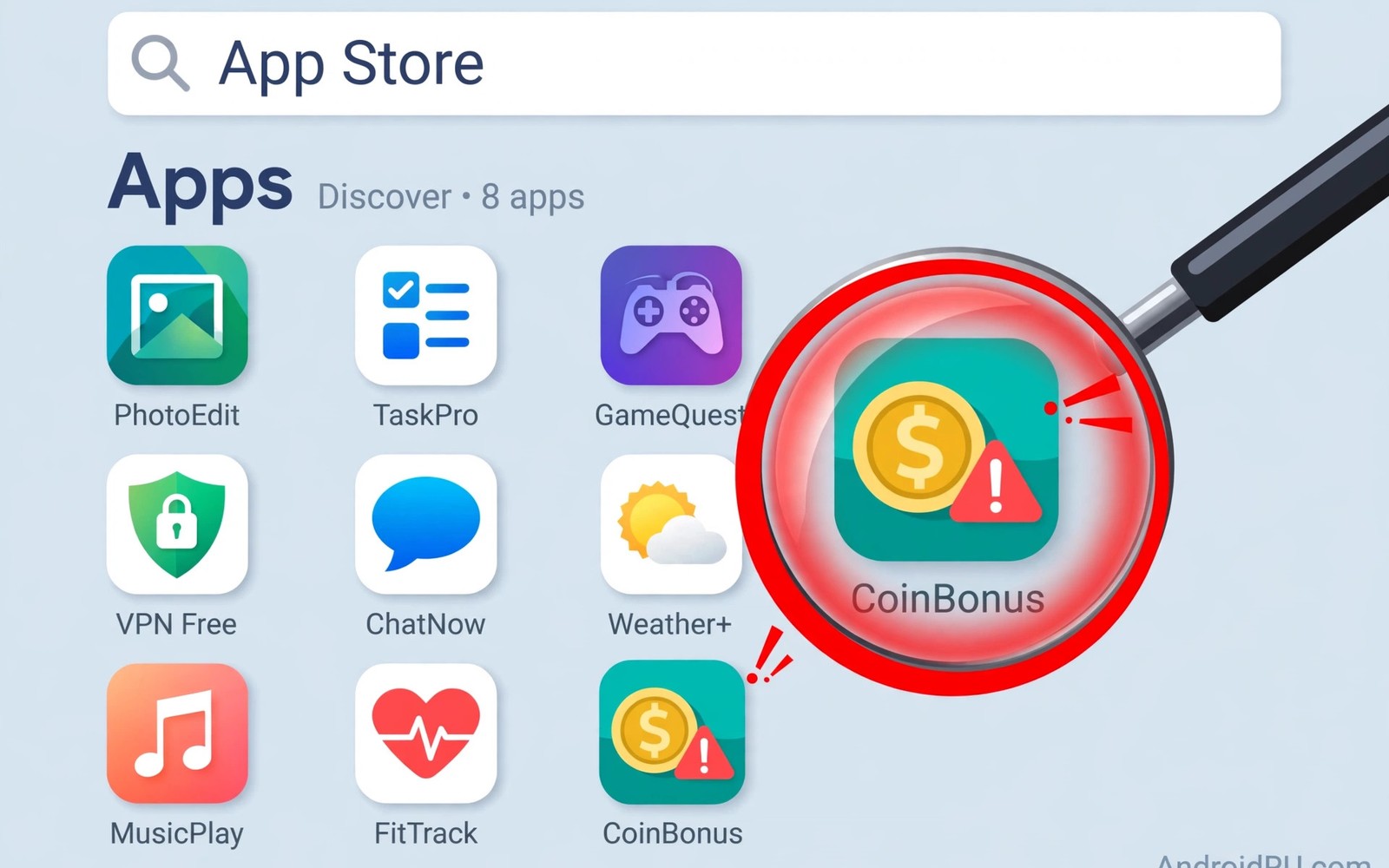
Most store apps are safe but harmful ones still slip through. They copy popular apps and hide risky behaviour inside. Store review catches many of them but not all. A careful user check adds a vital second filter. This guide shows what to check before install.
The checks take about two minutes per app. They cover the developer and permissions and reviews. They also cover clones and update history. Readers who want daily device protection should also know daily phone scanning as a backup layer.
Check The Developer First
A real developer usually has several apps and a clear site. A fake developer often has one app and vague details. Tap the developer name to see their full catalogue. A thin catalogue with one hit app deserves suspicion. Search the developer name on the web for complaints.
Contact details also reveal a lot about legitimacy. Real teams list a support email and a privacy policy. Missing policies for data-hungry apps are a warning. A policy copied from another app is another warning. Skip apps with no credible developer footprint.
Read Permissions With Purpose In Mind
Permissions should match what the app actually does. A flashlight app needs no location or contacts. A simple game needs no SMS or call logs. A photo filter needs no microphone access. Mismatched permissions signal data harvesting or worse.
Check permissions before install on the store page. After install you can deny risky ones in Settings. An app that refuses to work without odd access is suspect. Find an alternative that asks for less. Less access means less damage if the app turns bad.
Study Reviews And Install Counts
Real apps gather reviews over months and years. Fake apps often show bursts of short praise. Look for detailed complaints about ads and charges. Look for reports of battery drain and data use. A pattern of similar complaints matters more than one rant.
Install counts give useful context beside reviews. A popular app with a million installs has a track record. A clone with few installs and a famous name is risky. Compare the clone with the original app listing. Small differences in name or icon reveal the copy.
- Bursts of short generic five-star reviews.
- Complaints about hidden charges or subscriptions.
- Reports of aggressive ads after install.
- Reviews mentioning a disappearing app icon.
- Many installs claimed but few real reviews.
Spot Clones And Copycats
Clones copy the name and icon of a famous app. They add a word or swap a letter to look close. The real app usually links from its official site. Use that link when you doubt a listing. A store search alone can surface the clone first.
Check the app size and update history too. Clones often appear suddenly with few updates. Real apps show steady updates over time. A clone may also demand extra permissions. Those extras fund the scam behind the copy.
Pre-install checklist
Developer: real catalogue and policy
Permissions: match the app purpose
Reviews: detailed and spread over time
Installs: plausible for the app age
Clone check: name and icon match official
Verdict: install only if all pass
Watch Behaviour After Install
Harmful apps often behave well for the first days. They wait before showing ads or stealing data. Watch battery use and data use in the first week. Watch for new icons and strange notifications. Watch for permission prompts at odd times.
Uninstall at the first strong sign of abuse. Use Settings to remove the app fully. Restart the phone after removal. Change passwords for accounts the app could reach. Readers who install files outside stores face higher risk and should study checking files before you install them.
Report And Recover
Report harmful apps through the store listing. Reports trigger fresh review of the app. Other users benefit from your report quickly. Leave a factual review about the behaviour you saw. Facts help more than anger in a review.
If an app stole data then act on accounts first. Change email passwords before other passwords. Check bank alerts for unknown charges. Scan the device for other flagged apps. A fast response limits the harm from one bad install.
Spotting bad apps is a skill that improves with practice. Developer checks and permission checks catch most fakes. Review patterns catch the rest before install. Post-install watching catches late-blooming threats. Keep all three habits and your phone stays much safer.
Developer Signals In Depth
Developer history reveals patterns that single listings hide. Open the developer page and scan all their apps. A real team usually shows a coherent theme. A scammer often shows unrelated copycat apps. Check release dates across the catalogue. Steady releases suggest a real operation. Sudden bursts of similar apps suggest farming. Farming operations prioritise volume over quality. Avoid developers whose catalogue looks farmed. Readers who want network safety beside app checks should review safe browsing habits for page-level defence. Catalogue review takes a minute and reveals much.
Contact quality separates real teams from fakes. Real teams answer support emails eventually. Fake teams list dead emails or none. Test the support email before trusting a sensitive app. A bounce or silence is informative. Privacy policies also reveal developer care. A policy written for another app is a warning. A policy with no company details is another. Compare policy wording across the developer apps. Copied policies across unrelated apps signal fraud. Skip developers who fail these basic checks.
Update behaviour tells a story about maintenance. Real apps fix bugs and patch flaws regularly. Abandoned apps accumulate known vulnerabilities. Check the last update date before install. An app untouched for years deserves doubt. Check update notes for security mentions. Vague notes are normal for small teams. No notes at all for years is not. Balance age against update activity fairly. A stable simple tool may need few updates. A complex social app needs frequent ones.
Store badges and editorial picks add context. Editorial picks pass human review by store teams. Badges do not guarantee safety forever. A picked app can still change behaviour later. Treat badges as a starting signal only. Combine badges with permission and review checks. No single signal should decide an install. Layered checks catch what single signals miss. That layered mindset is the core skill here. Practice it until it feels automatic.
Post-Install Monitoring Habits
First-week monitoring catches late-blooming threats. Check battery stats daily after a new install. A new app should not dominate battery use. Check data use beside battery use. Unexpected uploads suggest hidden behaviour. Check permission use in the privacy dashboard. Camera or microphone use at odd times is alarming. Location access overnight deserves investigation. Any anomaly justifies removal without further proof. Removal is cheap while investigation is slow.
Notification behaviour reveals adware quickly. Aggressive ads outside the app signal abuse. Lock screen ads after install are a red flag. Ads that resist dismissal indicate deeper problems. Check notification settings for the new app. Disable notifications that feel abusive at once. Persistent ads after disabling suggest system abuse. Uninstall such apps without hesitation. Report the behaviour through the store listing. Reports protect users who install later.
Subscription traps hide inside free apps often. A free trial may convert silently to paid plans. Check subscriptions after installing new apps. Cancel trials you do not intend to keep. Review bank statements for small recurring charges. Small charges test whether users notice fraud. Report unauthorised charges to the bank fast. Early reports improve refund chances greatly. Read trial terms before starting any trial. Terms reveal auto-renewal traps in advance.
Family devices need post-install monitoring too. Children install games from ads frequently. Review their new apps weekly together. Explain why each removed app was risky. Turn on approval for new installs where possible. Approval gives parents a review chance. That chance is the key protection layer. It also creates teaching moments naturally. Children learn app safety through guided choices. Guided practice builds lifelong caution skills.
Store Policies And Enforcement
Store policies set rules for app behaviour. Policies ban malware and deceptive practices. Enforcement removes violating apps regularly. Removal lags behind initial publication often. Lag windows expose early installers to risk. User caution covers lag windows effectively. Caution plus enforcement beats either alone. Enforcement improves as detection improves. Detection improves through reports and scanning. User reports accelerate enforcement directly.
Appeal processes sometimes restore removed apps. Developers may fix violations and return. Returned apps deserve fresh scrutiny always. A past violation signals developer risk. Check update notes for violation fixes. Check reviews after return for behaviour. Behaviour after return matters most. Trust returns slowly after violations. Slow trust is appropriate caution. Past behaviour predicts future behaviour often.
Regional store differences affect app availability. An app banned in one region may persist elsewhere. Regional persistence creates inconsistent safety. Travellers may encounter regional variants. Variants may differ in safety quality. Prefer global versions with broad review. Broad review means more scrutiny overall. Scrutiny improves safety measurably. Regional apps need extra user checks. Extra checks compensate for thinner review.
Paid apps carry different risk profiles. Paid apps fund developers directly. Direct funding reduces ad fraud motives. Paid apps still collect data sometimes. Payment does not guarantee privacy safety. Check permissions for paid apps equally. Paid status is not a safety badge. Free apps with ads carry ad risks. Ad risks include tracking and fraud. Price alone never decides safety.
Beta apps carry higher risk than stable apps. Beta versions contain unfinished code. Unfinished code may hold security flaws. Beta testers accept risk knowingly. Ordinary users should avoid beta apps. Stable versions receive more testing. Testing reduces flaw counts measurably. Choose stable releases for daily use. Beta testing suits spare devices only. Spare devices tolerate beta risk better.
App removal from devices after store bans matters. Store bans may trigger remote removal. Remote removal protects users automatically. Users should still check manually. Check installed apps after ban news. Remove banned apps without delay. Banned apps may retain harmful code. Retention of code means retention of risk. Manual checks complement automatic removal. Both layers ensure complete cleanup.
Store Safety And Children
Children need store safety guidance from parents. Parents should enable purchase approval controls. Approval controls block accidental paid installs. Children may still install free risky apps. Free apps can carry adware and tracking. Review child installs together every week. Weekly reviews create teaching moments naturally. Teaching moments build lasting judgement skills. Skills matter more than controls alone. Controls plus skills protect children best.
The steps above follow the approach described in the official developer documentation for Android security and privacy. That documentation explains the same controls in general terms for phone owners who want a safer device.

