

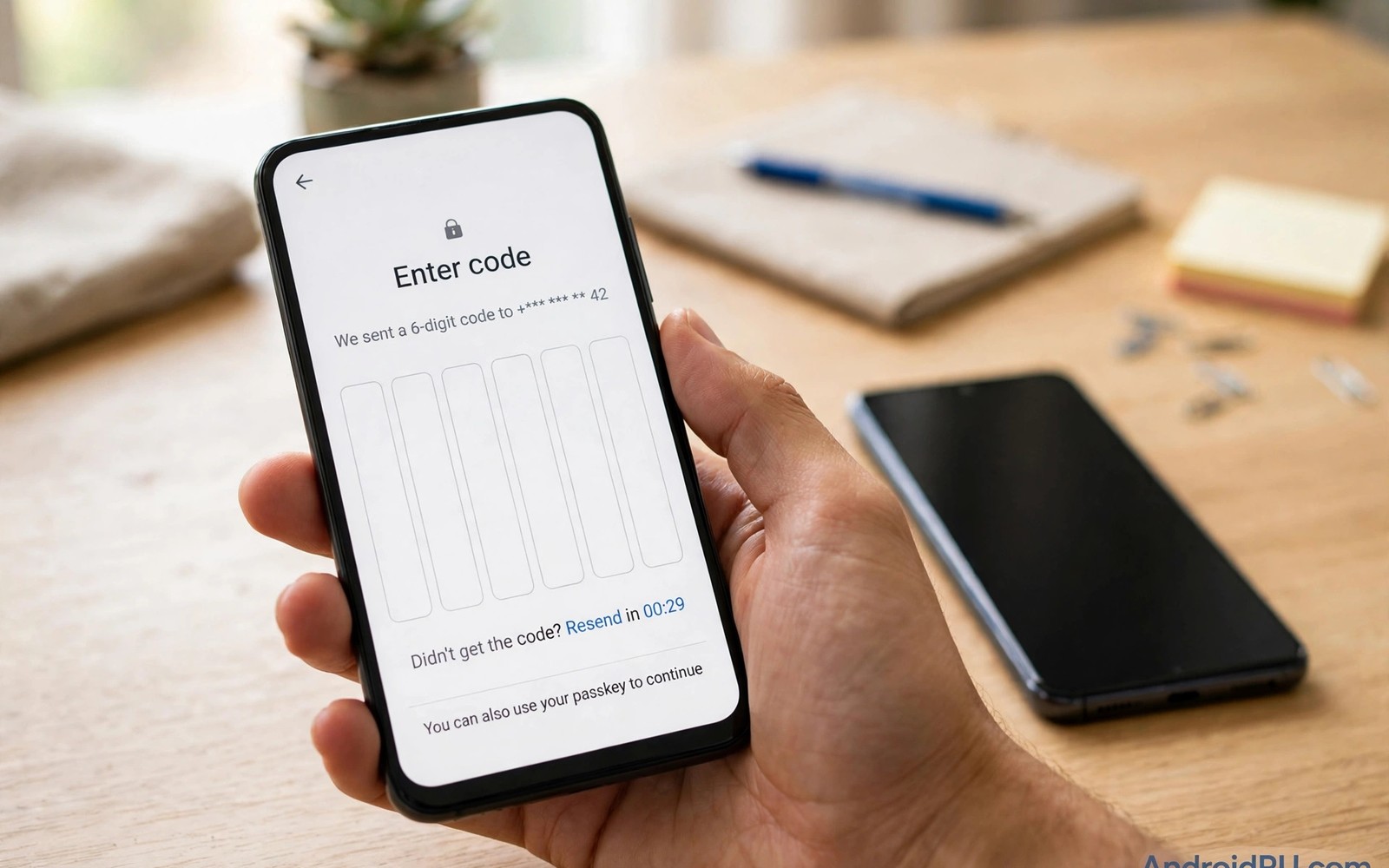
Two-factor sign-in adds a second proof beside your password. That proof usually arrives as a code. The code can come from an app or from a text message. Both methods beat a password alone by a wide margin. They differ a lot in how attackers can defeat them.
Text codes travel through your mobile carrier network. App codes stay on your device and refresh every short interval. That difference decides which method survives a SIM swap. This guide compares both options in plain terms. It also shows how to set up the safer option well.
How SMS Verification Works
SMS verification sends a code to your phone number. You type that code to finish signing in. The method is easy because no extra app is needed. It works on almost any phone with signal. That ease explains why so many services still offer it.
The weakness sits in the phone number itself. Numbers can move to a new SIM through carrier fraud. Attackers trick support staff or use stolen identity details. Once the number moves the codes follow it. Your password plus a swapped number gives full access.
How Authenticator Apps Work
Authenticator apps generate codes on your device. The code derives from a secret shared during setup. Codes refresh on a short timer and need no network. An attacker needs your device or your secret to copy them. A SIM swap alone cannot steal app codes.
Setup uses a QR code or a manual secret key. Store that secret safely during setup. A lost phone without a backup can lock you out. Many apps offer encrypted cloud backup for secrets. Use that backup only with a strong vault password.
Side By Side Comparison
SMS wins on ease and on universal support. Authenticator apps win on security in almost every case. SMS codes can leak through network attacks and staff fraud. App codes stay local and expire within seconds. That local design removes the carrier from the trust chain.
Recovery differs between the two methods too. SMS recovery needs only control of the number. App recovery needs your backup or your recovery codes. That stricter recovery is a feature rather than a flaw. It stops attackers from resetting access with a swapped SIM.
- SMS codes travel through carrier systems.
- App codes generate locally on your device.
- SMS fails when a number is swapped.
- App codes survive a SIM swap attack.
- SMS needs signal while apps work offline.
SIM Swap Attacks Explained
A SIM swap moves your number to an attacker SIM. The attacker then receives your calls and texts. Password reset codes arrive on the attacker phone. Email and bank accounts can fall in sequence. Victims often notice only when signal dies.
Carriers now offer extra checks for SIM changes. Set a carrier PIN and ask about port-out locks. Those controls raise the effort for attackers. They do not remove the SMS weakness entirely. Moving key accounts to app codes is the stronger fix.
Backup Codes And Recovery
Backup codes rescue you when the main method fails. Generate them after you turn on two-factor sign-in. Print them or store them in a secure offline place. Never store them as plain photos on the same phone. A stolen phone with codes inside defeats the purpose.
Test recovery before you actually need it. Sign out and sign back in with the backup method. Fix gaps while you still have full access. Add a second device as a backup authenticator if possible. Readers who secure a full account should also review account backup safety for restore planning.
Authenticator setup checklist
1. Install an authenticator app
2. Open account security settings
3. Choose authenticator app setup
4. Scan the QR code
5. Enter the test code
6. Save backup codes offline
Choosing The Right Method
Use authenticator apps for email and banking and cloud accounts. Those accounts unlock many other services when breached. Keep SMS only where no app option exists. Treat SMS-protected accounts as higher risk accounts. Use unique passwords for each of them.
Hardware keys offer an even stronger option for key accounts. They resist phishing because the key checks the real site. A key costs money but lasts for years. Combine a key with an app as a backup method. Readers comparing sign-in habits can also review critical security settings as part of a wider routine. That layered setup gives strong protection with a sane fallback.
App codes beat SMS codes for serious accounts. SMS still beats no second factor at all. Move your most important accounts to app codes first. Add backups so a lost phone does not lock you out. That balance gives strong security without daily friction.
Recovery Planning For Authenticator Users
Losing access to an authenticator app locks accounts fast. Planning recovery before loss prevents that crisis. Generate backup codes for every protected account. Store those codes offline in a secure place. A printed copy in a locked drawer works well. A second device with the same secrets works too. Test recovery on one low-risk account first. That test reveals gaps while access remains. Fix gaps before they become emergencies. Readers who want the wider account picture should review daily phone scanning as part of device hygiene. Recovery planning is boring until the day it saves you.
Cloud backup of authenticator secrets needs care. Encrypted backup protects secrets with a vault password. A weak vault password defeats the encryption benefit. Use a long unique password for the vault. Store that password separately from the backup. Consider a password manager with its own strong lock. That manager then guards many secrets at once. Guard the manager account with a second factor too. Layers of protection must not share a single key. A single shared key creates a single point of failure.
Moving to a new phone tests authenticator setup fully. Export or transfer secrets before wiping the old phone. Keep the old phone until the new one works. Sign into each account with the new device codes. Confirm each transfer before erasing anything. A rushed wipe can destroy untransferred secrets. Keep backup codes handy during the whole move. Verify banking and email accounts first in order. Those accounts unlock many other services. A careful move avoids a week of lockouts.
Multiple authenticator options reduce single-app risk. Some accounts support several second-factor methods. Register an authenticator app and a hardware key together. A key offers phishing resistance for key accounts. An app offers convenience for daily sign-ins. Losing one method leaves the other available. Review registered methods yearly for stale entries. Remove methods tied to lost or sold devices. A clean method list prevents forgotten backdoors. Redundancy done well is quiet insurance.
SMS Risks Beyond SIM Swapping
SIM swapping is the best-known SMS weakness. Other SMS risks deserve attention too. Text messages travel without end-to-end encryption. Carrier systems and intermediaries can see message content. Malware on a phone can read incoming codes. A code visible in notifications leaks to lock screens. Shoulder surfers can read codes from notifications too. Hide sensitive notification content on the lock screen. That single setting closes a common leak. Small settings compound into meaningful protection.
Number recycling creates another SMS risk over time. Old numbers return to circulation after disuse. A new owner may receive your old reset codes. Accounts still tied to the old number stay exposed. Update the number on every account after a change. Remove old numbers from account recovery settings. Check recovery settings yearly for stale numbers. A stale number is a forgotten backdoor. Treat number changes as a full account audit. That audit takes an hour and prevents lasting exposure.
SS7 network attacks target SMS at a deeper level. Attackers exploit old signalling protocols between carriers. Those attacks can redirect messages without a SIM swap. They require skill and access but they exist. High-risk users should avoid SMS codes entirely. Journalists and executives face higher targeting risk. App codes and hardware keys resist network redirection. Choose stronger methods for high-value accounts first. Ordinary users benefit from the same upgrade. Stronger defaults protect everyone over time.
Phishing defeats SMS codes through user tricks. A fake login page can request a code live. Attackers enter the stolen code within seconds. The victim believes the code went to a real site. Hardware keys resist this trick by checking the site. Authenticator apps reduce but do not remove the risk. User education remains essential beside any method. Pause before entering codes on linked pages. Open the official app instead of following links. That habit defeats most live phishing attempts.
Choosing Methods For Different Accounts
Not every account needs the strongest method. Email accounts unlock many other services. Banking accounts guard money directly. Social accounts guard reputation and contacts. Rank accounts by breach impact first. Apply strongest methods to highest ranks. Apply app codes to top-ranked accounts. Apply SMS only to lowest-ranked accounts. Ranked protection focuses effort wisely. Effort focused beats effort spread thinly.
Work accounts often mandate specific methods. Employers may require hardware keys. Hardware keys resist phishing strongly. Follow employer requirements without shortcuts. Shortcuts may violate company policy. Policy violations risk job consequences. Work methods may differ from personal methods. Keep work and personal methods separate. Separation prevents cross-account confusion. Clear separation aids recovery too.
Shared accounts complicate second-factor choices. Family accounts may share a single login. Sharing second factors weakens accountability. Each person should hold separate accounts. Separate accounts allow individual second factors. Family plans offer separate logins usually. Use separate logins wherever plans allow. Separation improves security and privacy both. Shared logins suit only low-risk services. Low-risk sharing still needs unique passwords.
Travel changes second-factor availability sharply. Authenticator apps work without network signal. SMS codes need carrier signal abroad. Roaming signal may fail unexpectedly. Hardware keys work without networks too. Carry backup codes during travel always. Backup codes work without devices or signal. A printed set in luggage helps greatly. Test backup codes before departure. Tested backups prevent travel lockouts.
Age and ability affect method usability. Older users may struggle with app codes. Simpler methods may suit them better. SMS codes feel familiar to many. Familiarity reduces errors during sign-in. Balance familiarity against security needs. High-risk accounts still need stronger methods. Help older relatives set up app codes. Guided setup reduces confusion greatly. Patience during setup pays lasting dividends.
Recovery contacts add a human safety net. Trusted contacts can vouch for identity. Some services offer recovery contact features. Choose contacts who respond reliably. Brief contacts about their role clearly. Contacts should verify requests carefully. Attackers may impersonate users to contacts. Contacts must use separate channels to verify. Verified contacts prevent social recovery fraud. Human nets complement technical methods well.
The steps above follow the approach described in the official developer documentation for Android security and privacy. That documentation explains the same controls in general terms for phone owners who want a safer device.

