

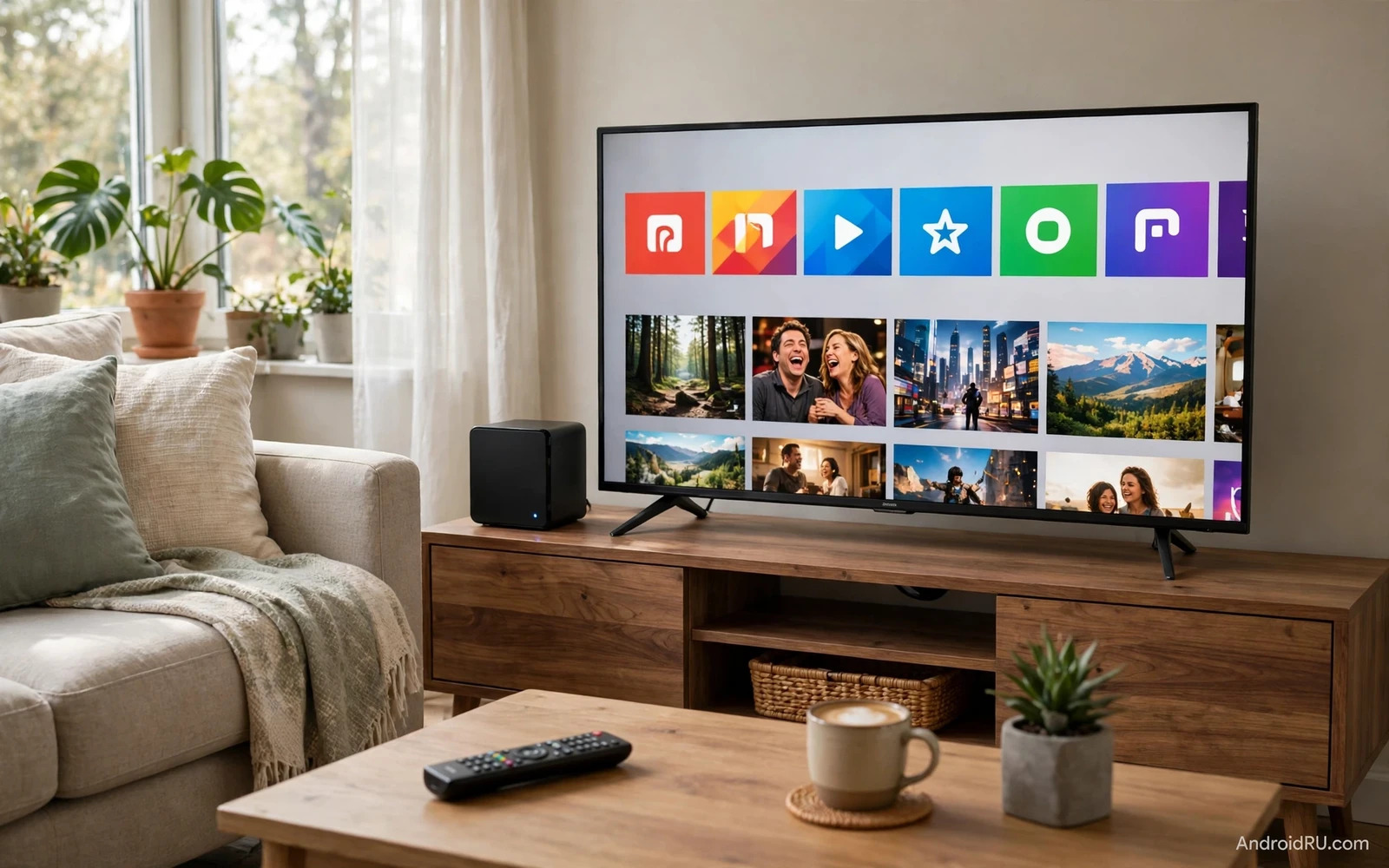
Why A TV Box Still Matters
A smart television already runs apps yet a dedicated TV box often runs them better. A box brings a faster processor and more storage and cleaner software updates. It also survives longer than a television panel because you can replace a small box without replacing a large screen. A family that streams daily will notice smoother menus and faster app launches on a good box. A family that only watches occasionally may be happy with built in television apps. The value of a box grows with daily use and with gaming and with smart home control.
Android TV and Google TV power both contenders in this comparison in different forms. Nvidia Shield runs Android TV with a powerful processor and a full featured remote. Chromecast with Google TV runs Google TV with a content first home screen and a compact dongle design. Both systems run major streaming apps. Both systems support voice search. Both systems cast from a phone. The difference sits in power and storage and gaming and price and design philosophy. A buyer should match those differences to living room habits.
A TV box also centralises the living room. One remote can control television power and volume and streaming. One home screen can gather films and shows and live channels. One device can act as a smart home hub for lights and cameras. That central role makes the choice more than a streaming choice. It becomes a household control choice. A box that fits the household routine will be used every day. A box that fights that routine will gather dust behind the television.
Nvidia Shield Strengths
Nvidia Shield stands out for power. Its processor handles high bitrate video smoothly. It upscales lower resolution video with AI enhancement that sharpens detail without harsh artefacts. It plays demanding local media files from a home server. It runs games through cloud services and through local game streaming from a compatible computer. A household that values local media and gaming will feel the power advantage at once.
Shield storage and ports add flexibility. A Shield Pro model offers more storage and USB ports for external drives and accessories. A user can attach a large drive full of films and music. A user can connect a keyboard or a controller or a tuner accessory. That expandability suits a media library owner. A user with only streaming apps may not need those ports yet they cost little to have for future use.
Shield software stays close to Android TV with a clean app row layout. It supports a wide range of apps and sideloaded tools for advanced users. It integrates with smart home systems and voice assistants. It also serves as a Plex server for a home in some setups. Advanced users gain a small server and a player in one box. That dual role is unique among mainstream TV boxes and it justifies the higher price for media enthusiasts.
Chromecast Strengths
Chromecast with Google TV stands out for simplicity and price. The dongle hides behind the television. The remote is small and clear. The home screen gathers recommendations across services into one feed. A viewer who asks what to watch will find suggestions without opening each app separately. That content first design suits casual viewers and families who share one television.
Google TV profiles and watchlists help households share a device without mixing tastes. Each person can keep a watchlist. Children can use a restricted profile with suitable content. Voice search through the remote finds shows across services by title or by actor or by genre. Casting from a phone remains effortless for photos and videos and music. A guest can cast without learning a new remote or a new menu system.
Chromecast price makes multi room setups affordable. A household can place a dongle on a bedroom television and another on a living room television for less than one premium box. That spread matters for families with several screens. A single premium box cannot serve two televisions at once. Two affordable dongles can. The trade off is less power and less storage and no USB expansion on most dongle models.
Streaming Quality Compared
Both boxes support high resolution streaming with HDR on compatible televisions and services. Shield adds stronger upscaling for older content and smoother handling of very high bitrate local files. Chromecast handles mainstream streaming services cleanly at their standard quality levels. A viewer with a fast connection and a premium television may notice Shield upscaling on older shows. A viewer with a standard connection may see no difference between the two on mainstream services.
Audio support matters for home cinema fans. Shield supports advanced audio formats through compatible apps and receivers. Chromecast supports common surround formats well yet it may lack some advanced passthrough options. A household with a soundbar will be happy with either box. A household with a full surround receiver and a local media library should favour Shield for audio flexibility. Check the exact audio formats your receiver needs before deciding.
App availability is strong on both platforms because both run on the Google TV and Android TV ecosystem. Major streaming services appear on both. Niche services may appear on one before the other. Sideloading is easier on Shield for advanced users who want apps outside the store. Chromecast suits users who stay inside the official store. Most families will never need sideloading. Media enthusiasts may use it often.
Smart television differences in differences between Google TV and Android TV on smart televisions help explain the interface gap because Google TV organises content first while Android TV organises apps first. A viewer who browses by show will prefer Google TV. A viewer who opens a favourite app directly will be happy with either system. Interface preference is personal yet it shapes daily satisfaction more than a processor benchmark.
Gaming And Local Media
Shield gaming is a clear advantage. Cloud gaming services run well on Shield hardware. Local game streaming from a computer gives a big screen gaming option without a console. Emulation and Android games also run better on Shield power. A gamer who wants a living room box that also plays games should choose Shield without hesitation. Chromecast can run casual Android games yet it lacks the power and storage for serious gaming sessions.
Local media playback also favours Shield. Large video files with high bitrates play smoothly. Subtitle and audio track switching works well in capable player apps. External drives connect directly through USB. A home media library owner gains a reliable player that does not stutter on demanding files. Chromecast can play local media through network apps yet it may struggle with the most demanding files and it lacks direct USB drive support on dongle models.
A household that only streams from major services gains little from Shield gaming and local media power. That household should weigh price and simplicity above power. Chromecast delivers the core streaming experience at a lower cost. Paying for unused power wastes money that could fund a better television or a better soundbar. Match the box to the media you actually play.
Smart Home And Voice Control
Both boxes work with voice assistants for search and playback control. Shield adds deeper smart home hub behaviour in some setups. It can control compatible lights and devices through assistant routines. Chromecast works well as a voice controlled player and as a cast target for the home. A household that already uses a smart speaker may need only cast and voice search from the box. A household that wants the box to act as a hub should check the exact hub features for its devices.
Casting from a phone remains a daily benefit on both boxes. A user can start a video on a phone and move it to the television in one tap. A user can show photos from a trip on the large screen for family. A user can play music through the television speakers from a phone. That phone to television flow is core to the Google ecosystem. Both boxes support it well. The difference is not casting itself but the power and storage around it.
Casting guidance in how to cast an Android screen to a smart TV or monitor shows how a phone and a television work together beyond a single streaming app because screen mirroring turns the television into a large display for photos and presentations and games. A TV box that casts reliably becomes a shared household screen rather than a single viewer device. Families should test casting with their own phones before finalising a box choice.
Setup And Daily Use
Chromecast setup takes minutes. Plug the dongle into an HDMI port. Connect power. Sign into a Google account. Install favourite apps. Pair the remote for television power and volume. The home screen then suggests content at once. A non technical user can complete setup without help. That ease matters for gifts and for second televisions and for rental homes.
Shield setup takes a little longer because it offers more options. Connect the box and sign in. Choose display and audio settings for your television and receiver. Install media apps and game services. Attach storage if needed. The extra steps reward a user who wants control. They may overwhelm a user who wants only to press play. A buyer should be honest about how much setup they enjoy.
Remote design differs too. Chromecast remote is minimal with a clear voice button and a few shortcuts. Shield remote is backlit and triangular with a locator feature and more buttons. A dark living room favours the backlit Shield remote. A simple household favours the minimal Chromecast remote. Remote comfort matters because it is handled every day. A remote that feels wrong will annoy a user long after setup is forgotten.
Price And Value Judgement
Chromecast wins on upfront price and on multi room value. Shield wins on power and longevity and versatility. A Shield bought today may still feel fast in several years because its processor headroom covers future app demands. A Chromecast may feel slower sooner as apps grow heavier. Total value over five years narrows the price gap for heavy users. Light users will still save money with Chromecast because they never use the extra power.
Consider the television and sound system alongside the box. A premium television with a good built in system may need only a Chromecast for extra apps. A large media library and a surround receiver justify Shield power. A bedroom television justifies a cheap dongle. A main living room television justifies the best box the household can afford. Room role should guide the spend rather than a single best box claim.
Video editors and players in free Android video editors that export without watermarks matter less for TV boxes than for phones yet they show the same ecosystem strength because Android apps move across phones and tablets and televisions with shared accounts and shared purchases. A household invested in Android apps gains continuity when the television box shares that ecosystem. That continuity is a quiet benefit that grows with each device added.
Smartwatch and accessory ecosystems in smartwatches compatible with Android phones illustrate the same household logic because devices that share one account and one assistant feel simpler together than devices from scattered systems. A TV box that joins an existing Android household reduces learning time for every family member. That household fit can outweigh a small spec advantage from an isolated rival system.
Verdict For Living Rooms
Choose Nvidia Shield for a main living room with local media and gaming and a surround system. Choose Chromecast with Google TV for casual streaming and for bedrooms and for multi room setups on a budget. Both boxes deliver the core streaming apps well. The choice is about power and price and household role rather than about basic app access. Buy the box that matches the room where it will live and the media you actually play there.

