

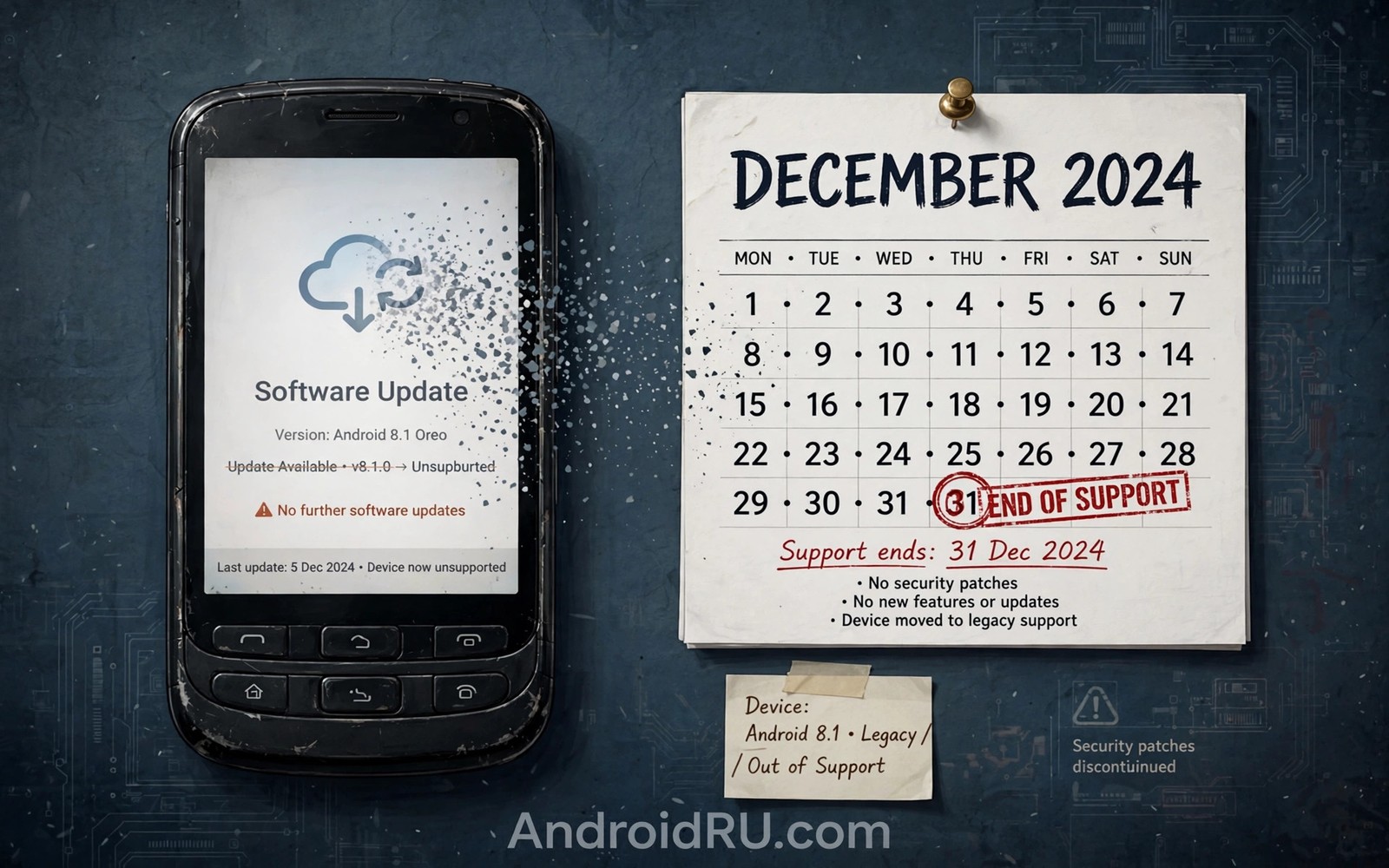
A phone no longer getting software updates can feel like a sudden failure. In most cases the cause is a support window that has simply ended. Brands promise updates for a fixed number of years and after that period the phone stops receiving new versions. The hardware still works but the software calendar has run its course.
Other causes can mimic the end of support. A staged rollout or a carrier delay or a full storage can all hide an update temporarily. Before you conclude that support has ended you should check the real status. Learning how long brands support Android updates gives you the timeline to compare against your phone.
The support window has ended
Every phone ships with a support promise that covers a set number of major updates and a set number of years of patches. When that period ends the brand stops building new versions for that model. Building updates for old models costs testing time and engineering time. Brands focus those resources on newer models instead.
The end of major updates does not always mean the end of all updates. Security patches may continue for a short period after major updates stop. Check both dates separately. A phone with recent patches is still receiving care even if the version number no longer changes.
Your model variant matters
One phone name can cover several model variants with different update paths. A global model and a carrier model and a regional model may follow different schedules. An update for one variant does not guarantee an update for another variant on the same day. The exact model number in settings tells the true story.
Regional variants also face different approval steps. A model sold in one country may need extra testing for local network features. That testing can delay or in rare cases block an update for that region. Owners who imported a phone may face longer waits than owners who bought locally.
Carrier and region delays
Carrier locked phones depend on carrier approval before an update ships. A carrier may test network calling and messaging features before it signs off. That testing adds weeks in normal cases. In some cases a carrier may skip an update for an older model entirely.
adb shell getprop ro.product.model
adb shell getprop ro.build.version.release
adb shell getprop ro.build.version.security_patch
df -h /data
These commands follow the approach described in the official Android developer documentation for reading device identity and storage state from a connected phone.
Region staging adds another layer. Brands release updates to a small group first and widen the group after early feedback looks clean. Your region may sit in a later group. Reading about Android 14 vs Android 15 performance will not change the rollout order but it helps you judge whether waiting is worthwhile.
Software problems that block updates
A phone with almost no free storage may fail to download or install an update. The system needs room for the package and for the install process. Clearing old videos and unused apps can unblock an update quickly. A weak connection can also cause repeated download failures that look like missing updates.
Modified software can block official updates as well. A rooted phone or a custom recovery may fail the integrity checks that official updates require. In that case the update system may report no update rather than showing an error. Returning to stock software is often needed before official updates resume.
What you can do next
First confirm the support status from the brand page for your exact model. If support has truly ended then focus on security habits. Install any remaining patches promptly and keep apps updated from the official store. Avoid sideloading risky apps on a phone without patch support.
If support has not ended then try a manual check over Wi-Fi with free storage available. Restart the phone and check again after a few days. Learning top features of the next Android generation helps you decide whether a new phone is worth buying for those features.
Support end and daily security habits
Daily security habits become more important once a phone approaches the end of support. Owners should install app updates promptly because app makers often patch flaws independently of system updates. A browser update can protect web browsing even when system patches stop. A messaging app update can fix a flaw in message handling. App updates therefore extend safe use beyond the system support window for a period.
Owners should also review app permissions once support ends. Remove permissions that apps no longer need for their core job. Deny location access to apps that do not need it. Deny microphone access to games and utilities that have no voice feature. Tighter permissions reduce the damage that a future flaw could cause. Permission hygiene costs little time and it improves safety on any phone.
Public Wi-Fi deserves extra caution on a phone without current patches. Attackers on the same network may exploit known flaws more easily. Using mobile data for sensitive tasks reduces that exposure. A trusted VPN can add a layer of protection on public networks though it does not fix system flaws. Owners should avoid banking on open Wi-Fi with an unsupported phone when a safer connection is available.
Two factor authentication also helps protect accounts when a phone grows older. Even if a flaw exposes some data an attacker still needs the second factor to access accounts. Owners should enable two factor authentication for email and banking and cloud accounts. That step protects accounts independently of phone security. It remains valuable long after system support ends.
When a custom ROM is worth considering
A custom ROM can extend the life of a phone that lost official support. Community developers build newer Android versions for older hardware in many cases. That work can bring fresh features and security fixes to a phone the brand abandoned. Custom ROMs suit technically confident owners who accept risks and who can follow detailed guides. They do not suit owners who need a fully reliable phone for work or banking without extra effort.
Custom ROM installation requires unlocking the bootloader in most cases. Unlocking erases data and it may void remaining warranty or support. Banking apps may refuse to run on an unlocked phone. Safety features that depend on device integrity may also fail. Owners must weigh those trade offs before unlocking. A phone used for banking should stay on official software in most cases.
Community support quality varies sharply between models. Popular models attract active developers and frequent updates. Rare models may receive only one ROM build that never updates again. Owners should check community activity for their exact model before committing. A ROM with no recent activity may offer less security than the last official build despite a newer version number.
Backups become essential before any custom ROM attempt. A full backup protects photos and messages if installation fails. Owners should also keep the original firmware file ready for recovery. That file allows a return to stock software if the ROM proves unstable. Preparation separates a recoverable experiment from a bricked phone with lost data.
Life after support ends in practice
Life after support ends in practice often feels normal for months because apps continue to update and the phone still performs daily tasks well. The risk grows gradually rather than suddenly. New security flaws accumulate without patches while attackers learn about old flaws from public disclosures. Owners may not notice any change in daily use during that period. That quiet risk makes planning important even when the phone feels fine.
Owners can extend safe use after support ends by reducing the phone role gradually. Moving banking to a newer device while keeping the old phone for media and calls reduces exposure. Using the old phone only on trusted home Wi-Fi further reduces risk. That gradual role reduction lets owners extract value from an old phone without exposing sensitive accounts. It offers a middle path between immediate disposal and risky continued use for everything.
Selling or donating a phone after support ends requires careful data wiping. A factory reset removes personal data in most cases but owners should also remove accounts before reset. Removing a Google account before reset prevents activation lock problems for the next owner. Owners should also remove SD card data separately because a factory reset may not erase external storage. Careful wiping protects privacy and it helps the next owner set up smoothly.
Recycling an unsupported phone responsibly matters when it finally retires. Many brands and retailers offer recycling programmes that recover materials safely. Owners should use those programmes rather than discarding a phone in general waste. Batteries in particular need proper handling because they can harm the environment if discarded incorrectly. Responsible recycling closes the loop on a phone life that began with a support promise years earlier.
Common mistakes
Many owners assume a missing update means the phone is broken and they reset the phone without checking support status. A reset cannot restore a support window that has ended. Another mistake is installing a random firmware file from an unknown site. That file may damage the phone or expose it to malware.
- Resetting the phone without checking support status wastes time because a reset cannot extend an ended window.
- Installing firmware from unknown sites risks malware and bricking and it voids any remaining brand support.
- Ignoring remaining security patches after major updates end leaves the phone exposed sooner than needed.
Frequently asked questions
Is my phone unsafe once updates stop?
Risk rises over time as new flaws go unpatched. The phone does not become unsafe overnight. Careful app habits and remaining patches reduce risk while you plan a replacement.
Can I force an update after support ends?
Official updates cannot be forced once the brand stops building them for your model. Custom ROMs offer an unofficial path but they carry their own risks and they need technical care.
How long can I keep using an unsupported phone?
Many owners use one for a year or more with care. Avoid banking apps on a long unsupported phone if you can. Plan a replacement before the phone becomes a daily security worry.
Conclusion
A phone stops receiving updates because its support window ended or because a variant or carrier delay hides a pending update. Checking the exact model and the brand promise separates those two cases quickly. Software problems such as full storage can also block an update.
Your next step is to check your model number and the brand support page today. If support has ended then back up your data and plan a replacement with a longer promise. If support continues then free space and run a manual check over Wi-Fi.

