

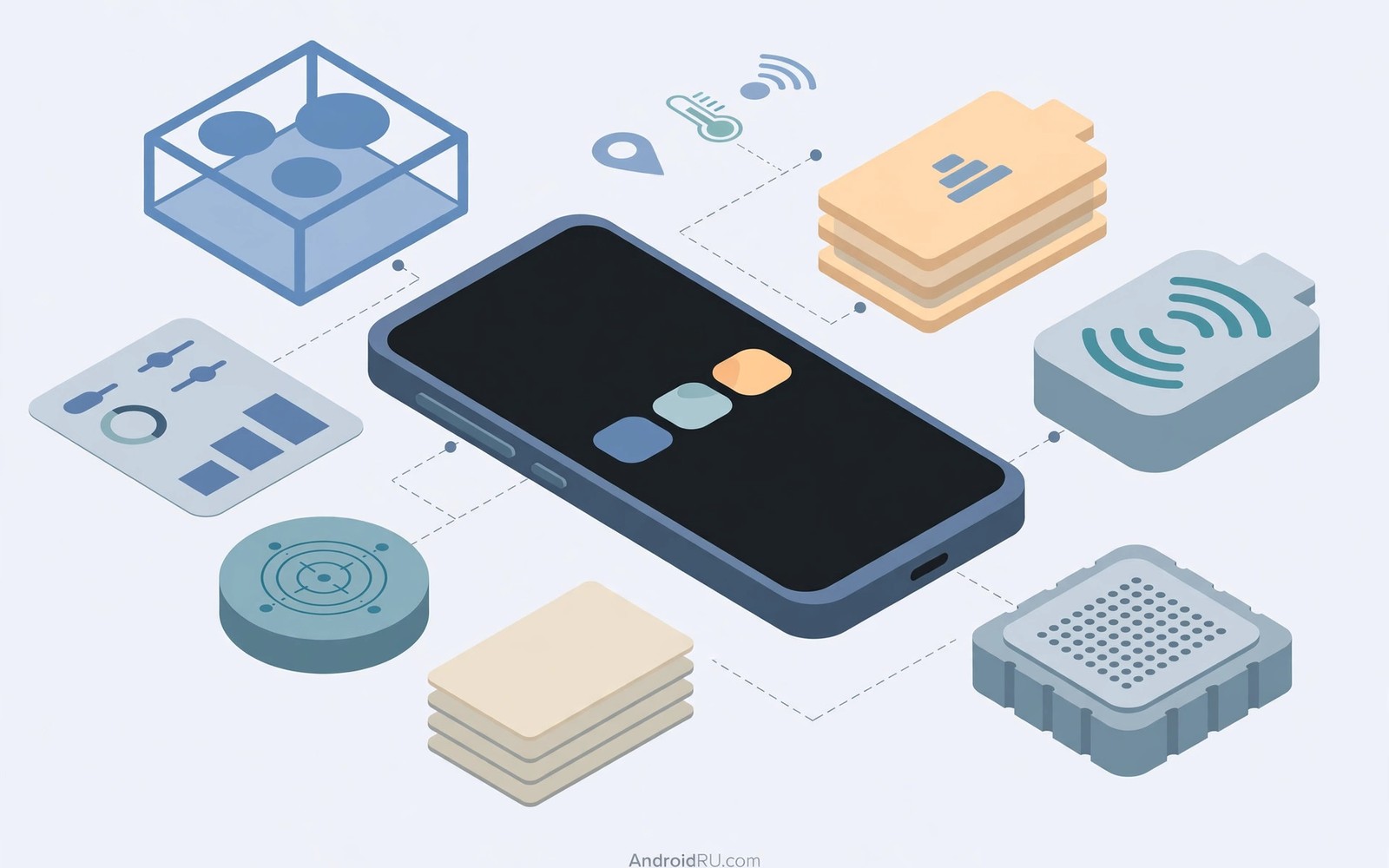
LSPosed is a framework that lets small modules change how Android apps behave while they run. It does not replace the operating system. It works inside app processes and changes selected method calls at runtime. This approach gives users deep customization without flashing a full custom ROM. Many advanced users treat it as the modern path forward from the older Xposed project. The older project shaped this whole field for years. Newer Android versions changed the runtime in ways that made the older design hard to maintain. LSPosed was built for those newer conditions. It focuses on stability and on limiting each module to chosen apps. That scope control is one of its most important ideas. A module should affect only the apps you pick for it. Everything else should keep running exactly as before.
Understanding LSPosed starts with the idea of method hooking. An Android app is made of many small methods that perform tasks. A method might draw a screen element or read a sensor value. A hook can run code before or after that method. It can also replace the result that the method returns. LSPosed provides the plumbing that makes those hooks possible. Module developers write the actual hook logic for their own goals. The framework loads that logic into the target app process at startup. The app itself does not need to be modified on disk. Its code stays intact in storage. Only its behavior in memory changes while it runs. This distinction matters for updates and for troubleshooting. Removing a module usually restores the original behavior after a restart.
The history of this field helps explain why LSPosed exists in its current form. Classic Xposed modified the system at a deep level on older Android releases. It worked well for its era and it built a large module community. Android then moved to the ART runtime as the standard execution engine. Security models tightened around app processes and system partitions. The old approach became harder to keep working across new releases. Developers needed a design that fit the modern runtime instead of fighting it. LSPosed grew out of that need. It builds on newer injection techniques that work with current Android versions. It also keeps the familiar module concept that users already understood. People who used classic Xposed can recognize the workflow at once. They pick modules and they pick target apps for each module.
How LSPosed Fits Into A Modern Android Device
LSPosed does not run as a standalone app that you simply open and forget. It needs a rooted environment that can inject its code into app processes. Most users today pair it with a root solution that supports Zygisk. Zygisk is a feature that injects code into every app process at birth. LSPosed uses that injection point to load its own runtime. From there it can decide which modules apply to each process. The manager app gives you a control panel for that setup. You can see installed modules and their status in one place. You can also review which apps fall inside each module scope. This control panel is the main place where daily management happens. It is not the framework itself but it is how you steer it.
The process model is worth describing in plain terms. Android starts a new process for each app when that app launches. Zygisk code runs very early in that new process. LSPosed checks whether any enabled module targets that app. If no module targets the app then the process continues normally. If a module does target the app then its hooks get installed. Those hooks sit quietly until the hooked method runs. The overhead stays small when hooks are few and well written. A badly written module can still slow an app or cause crashes. That risk is why scope control matters so much. Limiting a module to one or two apps limits the damage it can cause. It also makes it easier to find the culprit when something breaks.
Readers who plan to install the framework should first study installing LSPosed through Zygisk so the base setup is correct before any module is added. A clean base makes later troubleshooting far simpler. Many reported problems trace back to a rushed install rather than to a faulty module. Take time to confirm that the manager opens cleanly and that the framework reports an active state. Check that your root solution is stable on its own before adding layers. Add modules one at a time after that point. Test the phone for a day between additions when you can. This patient rhythm saves hours of confusion later.
What Modules Can Change And What They Cannot
Modules can change a wide range of app behavior. Some modules adjust the user interface of the system. Others change how a single app handles a specific feature. A module might move a clock or change a status bar icon. Another module might block a tracking call inside one app. The common thread is method level control inside a chosen process. Modules cannot magically add hardware features to a phone. They cannot turn a single camera into a triple camera system. They cannot fix a broken radio or a dead battery. They work with the data and the code that already exist on the device. Their power comes from redirecting that existing behavior in useful ways.
System interface modules are among the most popular uses. They let users reshape parts of Android that vendors normally lock down. Colors and layouts and gestures can all become adjustable. Some users want a cleaner status bar with fewer icons. Others want extra shortcuts on the lock screen. These changes feel large in daily use even though they touch small methods. App specific modules serve a different purpose. They focus on one app and fix one annoyance inside it. That focus keeps the rest of the system untouched. It also lets developers test their work against a narrow target. Narrow targets produce more reliable modules over time.
- Interface modules reshape system screens and app layouts for a more personal daily experience.
- Privacy modules block or alter selected tracking calls inside chosen apps only.
- Utility modules add shortcuts and small features that the stock system does not offer.
- Media modules adjust camera and audio paths for specific apps and use cases.
- Testing modules help developers observe method calls and app behavior during development.
- Accessibility modules change text size and contrast and navigation for easier daily use.
- Automation modules trigger actions when a chosen app reaches a defined state.
- Theme modules harmonize colors and icons across the system interface and supported apps.
The Role Of Scope And Why It Protects Stability
Scope is the list of apps that a module is allowed to touch. LSPosed asks you to choose this list for every module. This step is not optional decoration. It is the main safety boundary in the whole design. A module with a broad scope can affect dozens of processes. A problem in that module can then appear in many places at once. A module with a narrow scope can only affect its chosen apps. Troubleshooting becomes a short task instead of a long hunt. Beginners should treat scope as a habit rather than a chore. Pick only the apps that truly need the module. Leave system processes out unless the module documentation clearly requires them.
Scope also affects performance in a direct way. Every hooked process pays a small cost for each hook it carries. Processes outside the scope pay nothing for that module. This is why two users can report very different battery results for the same module. One user may have scoped it to a single app. The other user may have enabled it for nearly everything. The framework itself is light. The total load depends on how many modules you run and how widely you scope them. Keep the module count low and the scopes tight. Your phone will thank you with smoother behavior and fewer surprises.
Users who want a deeper tour of module choices can explore top LSPosed modules for advanced users after they understand scope basics. That kind of list helps you compare categories before you install anything. Do not install ten modules at once just because a list mentions them. Pick one idea that solves a real annoyance for you. Install that module alone and learn how it behaves. Add the next module only after the first one proves stable. This discipline separates a smooth setup from a fragile one.
LSPosed Compared With Older Xposed Approaches
Classic Xposed and LSPosed share a goal but they differ in execution. Classic Xposed modified the system framework files on disk in many setups. LSPosed leans on runtime injection through a modern root layer. That difference makes updates easier in many cases. A system update does not always require rebuilding the same deep patches. The framework can often be reactivated after the root layer is restored. Module developers also benefit from a cleaner API surface. They can target modern Android versions without fighting legacy assumptions. The result is a system that feels more maintainable across releases.
Another difference sits in how modules declare their targets. Older setups sometimes applied hooks very broadly by default. LSPosed pushes developers and users toward explicit scope choices. The manager shows scope clearly for each module. Users can review and change scope at any time. This visibility reduces accidental side effects. It also helps when an app updates and a hook stops matching. The user can narrow scope or disable the module quickly. The old model offered less guidance at this step. The new model treats scope as part of the user experience rather than an afterthought.
Module setup checklist
1. Confirm root solution is stable on its own
2. Install LSPosed manager and confirm active state
3. Install one module at a time
4. Set scope to only the apps that need it
5. Reboot and test the target app
6. Keep a note of each change for later review
Common Risks And How To Reduce Them
Root level frameworks always carry risk and LSPosed is no exception. A faulty module can crash an app at launch. A broad scope can make the system interface restart in a loop. An outdated module can conflict with a new app version. These outcomes sound scary but they are usually recoverable. The manager can disable modules from its own interface in most cases. Recovery options exist for the harder cases where the system will not boot normally. Backups remain the strongest protection against any modding accident. Make a full backup before you install the framework. Keep that backup somewhere safe and test that you can restore it.
Security deserves honest attention as well. A module runs inside app processes with real power. A malicious module could read data that its target app can see. Only install modules from sources you trust and whose code you can review or whose reputation is strong. Read recent user reports before installing anything new. Check whether the module is actively maintained for your Android version. Avoid modules that promise impossible features or that ask for scope far beyond their stated purpose. A flashlight tweak has no reason to hook your banking app. Scope discipline is also a security habit. Tight scopes limit what any single module can observe.
The steps above follow the approach described in the official developer documentation for the framework and its module system. That material explains the runtime model and the scope concept in general terms. It also describes how modules load into app processes at startup. Readers who want deeper technical detail can consult the same documentation directly. The guidance here stays at the level of concepts and safe habits. It does not replace careful reading of module specific instructions. Each module has its own requirements and its own limits. Treat those instructions as part of the install process.
Who Benefits Most From LSPosed Today
LSPosed suits users who enjoy shaping Android beyond stock settings. It suits developers who want to test behavior changes quickly. It suits privacy minded users who want control over selected app calls. It does not suit users who want a phone that never needs attention. Modding rewards patience and careful testing. It punishes rushed installs and broad scopes. If you depend on your phone for critical work then keep a second device for experiments. That advice sounds cautious but it reflects real experience. A test device lets you learn without risking your daily driver.
Students of Android internals gain a lot from this framework. Watching a hook change one method teaches more than reading abstract theory. You can see cause and effect in a real app process. You can test small ideas and measure the result at once. This hands on learning path builds intuition about the runtime. It also builds respect for how complex modern apps have become. Many developers start with small interface tweaks. They later move to deeper privacy and automation modules. The framework grows with the user because its model stays consistent across those stages.
For a fuller picture of the ecosystem it helps to read about system hooking inside LSPosed and about differences between LSPosed and Magisk. Those topics explain the layers beneath the manager screen. They show why LSPosed and a root solution are partners rather than rivals. Each layer handles a different job in the stack. Understanding that split helps you diagnose problems at the right layer. It also helps you choose modules that match your actual goals. A clear mental model is the best tool any modder can carry.

