

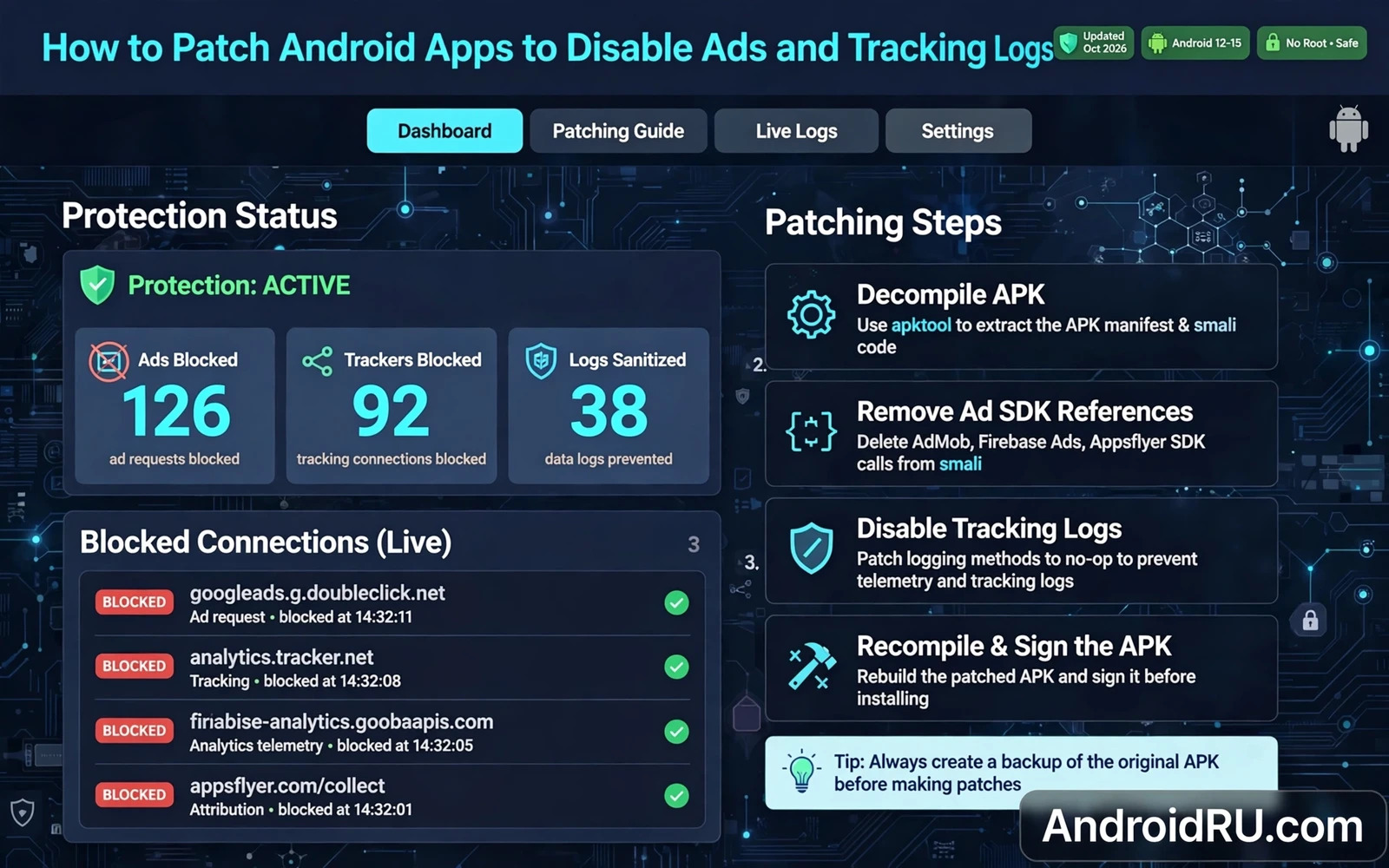
Ads And Tracking Are Different Problems
Advertisements are visible content served inside an app. Tracking logs are records of app activity sent to analytics servers or to advertising partners. Blocking an advertisement does not automatically stop tracking. Stopping a tracking log does not automatically remove an advertisement. Owners who want privacy must address both layers separately.
Advertisements arrive through ad software development kits embedded in apps. Those kits request ad content from a server and display it in a designated area. Tracking logs are generated when the app records events such as screen views or button taps or session duration. The app then batches those events and uploads them on a schedule or when connectivity returns.
Network level blocking stops connections to known ad and tracking servers. Hook level patching stops the app from generating the ad request or the tracking event in the first place. Network blocking is broader because it applies to many apps at once. Hook patching is more precise because it targets a specific app behaviour. Each method has a different failure mode.
Legal and contractual limits matter here. Some apps offer a paid version that removes ads legitimately. Bypassing a paywall to obtain premium features without payment is not ad blocking. It is unauthorised access to a paid feature. Owners should distinguish between removing an advertisement from a free app and stealing a paid feature. Only the first belongs in a general privacy discussion.
Network Filtering As The First Layer
A private DNS service or a local virtual private network filter can block many ad and tracking domains without modifying any app. The filter maintains a list of domains associated with advertising and analytics. When an app tries to connect to a listed domain the filter blocks the connection. The app may show an empty ad area or may fall back to cached content.
Network filtering works best for domains that serve only advertising or only analytics. It works poorly for domains that mix advertising with essential app content. Blocking a mixed domain can break the app feature that shares the domain. Owners should test each app after enabling a filter and should whitelist a domain if blocking it breaks a feature they need.
DNS filtering does not inspect encrypted content. It blocks by domain name rather than by message content. An app that sends tracking data through its own main domain will bypass a domain filter. That limitation explains why some tracking persists even with a strong filter enabled. No single layer solves every tracking path.
Keep filter lists updated but review changes before applying them. A filter list update can block a new domain that an app needs. A sudden app failure after a filter update points to the list rather than to the app. Temporarily disabling the filter is a quick diagnostic step that separates a filter problem from an app problem.
Hook Patching As The Precise Layer
Hook patching targets the specific method that requests an ad or that logs an event. A hook can return an empty result for an ad request or can skip the logging method entirely. Precision is the advantage. The rest of the app continues to run normally while the targeted behaviour is suppressed. Precision is also the risk because a wrong hook can break the app flow that depends on the method return value.
Ad software kits often check whether an ad loaded successfully before showing content. A hook that returns a failure signal may cause the app to retry repeatedly. Repeated retries waste battery and network resources. A better hook returns a neutral result that the app treats as a normal empty ad slot. Understanding the kit flow matters more than simply blocking a call.
Tracking hooks must consider batching. Some apps store events locally and upload them later. Skipping the upload method alone leaves the local store growing. Skipping the logging method alone prevents new events but leaves old events queued. A complete privacy patch addresses both generation and upload where the app design allows it. Testing must therefore cover both immediate behaviour and behaviour after a restart.
Module scope should be limited to the apps being patched. A system wide ad hook can break apps that were never intended to be patched. Scoped hooks keep failures contained. The hooks overview that explains understanding Android system hooks and substrate architecture explains scoping in detail. The utilities roundup that covers top Android modding utilities every tweaker needs helps owners choose tools that support scoping.
Testing And Staying Within Bounds
Test a patched app thoroughly before daily use. Open every major screen and use every major feature. Check that purchases still work if the app offers them. Check that login still works. Check that offline content still loads. A patch that breaks login or purchases has gone too far even if ads disappear.
Monitor battery and data use after patching. A good patch should reduce data use or leave it unchanged. A patch that increases battery drain through retry loops is a failed patch. Revert it and try a different hook point or a different filtering method. Performance regression is evidence that the patch design is wrong.
Respect app terms and developer livelihood. Many free apps depend on advertising revenue to survive. Owners who value an app should consider its paid version or its legitimate ad free option before patching. Patching for privacy is a defensible choice. Patching to avoid paying for a premium feature while using that feature is not.
For owners who want audio privacy as well the audio guide that explains how to extract audio streams from system apps via hooking shows how audio data flows through system apps. Understanding that flow helps owners distinguish between an app that plays audio locally and an app that streams audio data elsewhere. That distinction guides sensible privacy decisions far better than a blanket block list alone.
Ad SDK Behaviour Under Blocking
Ad software kits behave differently when their servers are unreachable versus when they receive an explicit empty response. Unreachable servers trigger retry logic that may increase battery use. Empty responses may trigger fallback to a house ad or to a blank area. Owners testing a block should observe which behaviour occurs. Retry storms indicate a block method that needs refinement. Clean blank areas indicate a block method that the kit handles gracefully.
Ad kits often cache ads for offline display. A block that stops new downloads may not remove cached ads immediately. Owners who expect instant ad disappearance may be disappointed by cached content. Clearing app cache after enabling a block removes cached ads and reveals the true block effect. Cache clearing should be part of block testing rather than an afterthought.
Some apps detect ad blocking and restrict features in response. Detection may be explicit through a message or implicit through a feature that stops working. Owners should test core features after enabling a block rather than only checking that ads disappeared. A feature restriction discovered during daily use is more costly than a restriction discovered during testing.
Rewarded ads present a special case because they gate a benefit behind watching an advertisement. Blocking a rewarded ad may prevent the benefit from being granted. Owners who value a rewarded benefit should not block rewarded ads in that app. Selective blocking by app respects the value exchange in apps where ads fund a benefit the owner actually wants.
Ad kit updates can change blocking effectiveness because new kit versions may use new domains or new request patterns. A block list that worked last month may fail after a kit update. Owners should retest blocking after app updates that mention advertising changes. Update notes rarely detail kit changes but a sudden return of ads after an update is a clear signal.
Privacy focused owners should remember that ad blocking alone does not stop first party tracking. An app can log user behaviour on its own servers without any third party ad kit. First party logs require hook level or permission level controls rather than domain blocks. A complete privacy approach addresses first party and third party tracking together.
Tracking Log Formats And What They Reveal
Tracking logs typically contain event names and timestamps and device identifiers and app version information. Event names reveal which screens the owner visited and which buttons were tapped. Timestamps reveal usage patterns across the day. Device identifiers link events across sessions. Together those fields build a detailed usage profile even without personal name information.
Session identifiers link events within a single app launch. A session that starts with a login event and ends with a logout event is easy to interpret. A session without login still reveals behaviour through screen sequence. Screen sequence alone can identify a user journey through an app. Journey data is valuable to developers and sensitive for owners who value privacy.
Crash logs contain additional detail including stack traces and device state at crash time. Crash logs help developers fix bugs but they can also contain user data that the app logged before crashing. Owners should review crash log sharing settings in apps that offer them. Opting out of crash reporting reduces data exposure but also reduces the developer ability to fix bugs affecting that owner.
Analytics opt out settings exist in some apps but their scope varies. Some opt outs stop third party analytics while preserving first party logs. Some opt outs stop all analytics. Owners should read opt out descriptions carefully rather than assuming total coverage. A partial opt out that leaves first party logs running still exposes significant behaviour data.
Data retention policies determine how long tracking logs remain on servers. Short retention reduces long term exposure. Long retention allows longitudinal analysis across months or years. Owners cannot control server retention directly. They can control how much data they generate by limiting app use and by using privacy controls. Less generated data means less retained data regardless of policy.
Regulatory frameworks in some regions give owners rights to access and delete tracking data. Exercising those rights requires identifying the data controller and following its request process. Owners who care deeply about a particular app tracking profile should explore those rights. Technical blocking and legal rights together give stronger privacy than either alone.

