

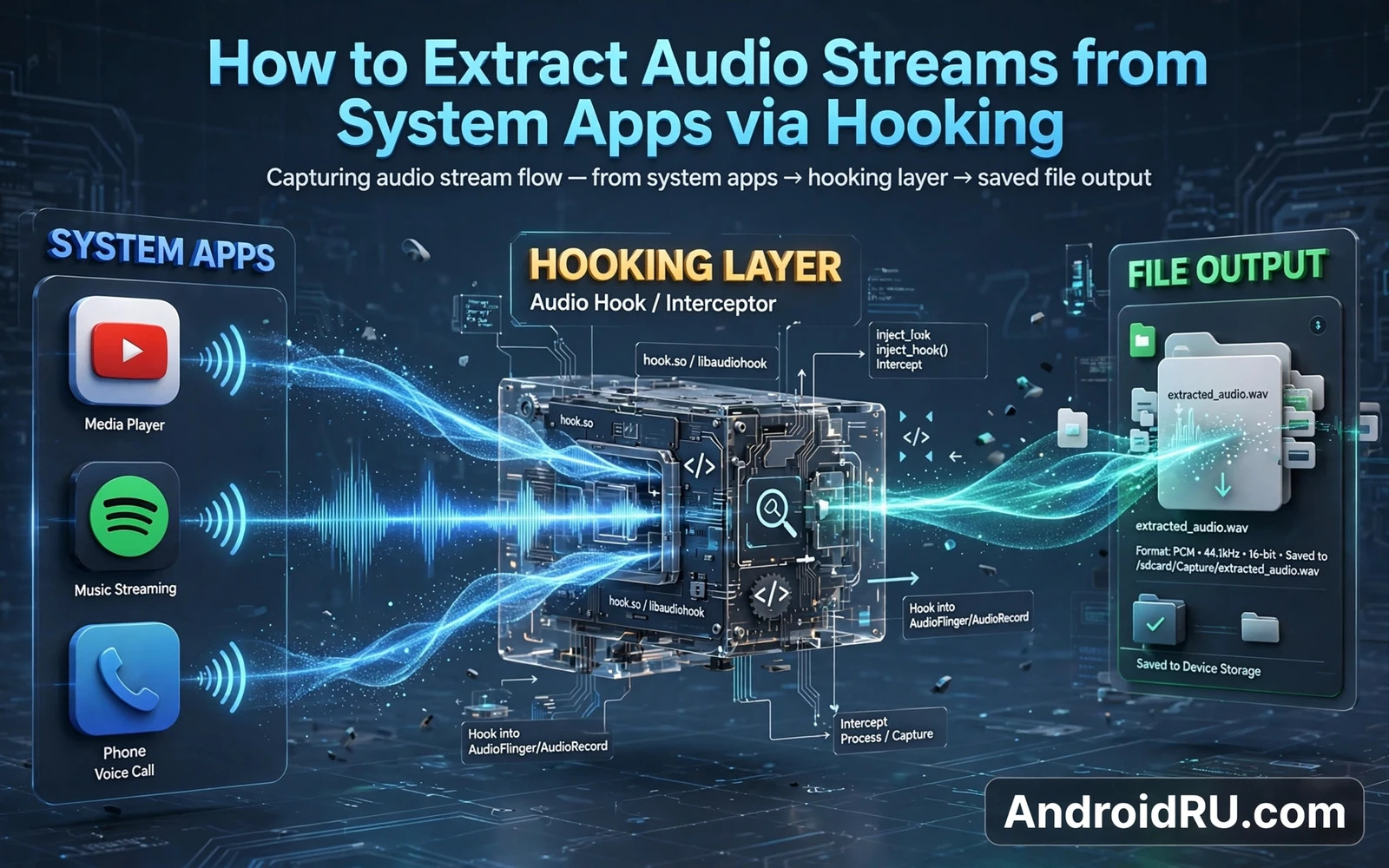
What Audio Extraction Means In Technical Terms
Audio extraction captures the digital audio data that an app plays or records before it reaches the speaker or after it leaves the microphone. Hooking intercepts the audio buffer at a point in the audio pipeline where the data is accessible in a known format. The captured buffer can then be written to a file for analysis. Extraction does not mean recording speaker output with a microphone. It means capturing the data stream itself.
System apps present a special case because they may use privileged audio paths that ordinary apps cannot access. A hook in the audio framework or in the target app process can access those paths if the hooking framework has sufficient privilege. Access depends on the Android version and on the audio API the app uses. Older audio APIs expose buffers differently from newer low latency APIs.
Format knowledge is essential. Audio buffers carry sample rate and channel count and sample format information. A captured buffer without correct format metadata sounds like noise when played back. A good extraction implementation reads the format from the audio track configuration rather than guessing it. Guessed formats produce distorted output that looks like a failure of the hook when the real failure is metadata handling.
Extraction for testing is legitimate when the owner tests their own app or analyses audio behaviour on their own device with their own content. Extraction of copyrighted streams or private conversations without consent is not legitimate. The technical method does not change the legal context. Owners must decide the purpose before building the tool.
How Audio Flows Through Android
An app creates an audio track for playback or an audio record object for capture. The audio framework mixes tracks from multiple apps and sends the mixed output to the audio hardware abstraction layer. The hardware layer talks to the kernel driver that drives the speaker or the microphone. Hooks can sit at the app layer or at the framework layer depending on the goal.
App layer hooks capture audio for a single app. Framework layer hooks capture mixed audio from many apps at once. App layer hooks are more precise and easier to attribute to a source. Framework layer hooks capture everything and require careful separation of sources. Precision usually beats breadth for testing purposes.
Buffer size affects capture quality and timing. Small buffers give low latency but require frequent handling. Large buffers are easier to handle but add delay. An extraction hook must keep up with buffer delivery or it will drop data. Dropped buffers produce gaps in the captured file. A hook that does heavy file writing inside the audio callback risks dropping buffers. Offload file writing to a separate thread.
Sample rate conversion may be needed when the captured stream rate differs from the desired file rate. Conversion must preserve timing or the captured file will drift. Drift becomes noticeable in long captures where audio slowly falls out of sync with video. Test long captures explicitly rather than assuming that a short test proves long capture quality.
Setting Up An Extraction Test Safely
Use your own audio content for testing. Generate a simple tone sequence or record your own voice with consent. Known test content makes it easy to verify that the captured file matches the source. Unknown content makes verification impossible because there is no reference to compare against.
Scope the hook to the test app only. A system wide audio hook captures audio from every app including messaging and calls. Scoped capture protects privacy and reduces the chance of capturing sensitive audio accidentally. Privacy protection should be designed into the test rather than added as an afterthought.
Back up the device before installing an audio hooking module. Audio framework hooks can affect calls and media playback across the system. A backup lets you restore working audio quickly if the module breaks playback. Test calls and media playback after installing the module before starting any extraction test.
Store captured files securely and delete test files when the test is complete. Captured audio can contain sensitive information even when the test content seems harmless. A test file left on shared storage can be accessed by other apps with storage permission. Secure handling is part of responsible testing.
Troubleshooting And Responsible Use
If captured audio sounds distorted then check format metadata first. Check sample rate and channel count and sample format against the track configuration. If metadata is correct then check for buffer drops by looking for gaps in the waveform. Gaps point to a hook that cannot keep up. Distortion without gaps points to a format mismatch.
If the target app produces no captured data then check whether the app uses a different audio API from the one hooked. Some apps use native audio paths that bypass the Java audio layer. Native paths need a different hook point. A Java only hook cannot capture a native only stream. API identification is therefore a required first step.
If system audio breaks after enabling the module then disable it and reboot immediately. Do not add a second audio module to compensate. Audio framework instability can affect emergency calls in extreme cases. A phone that cannot make calls is not a suitable test device. Restore working audio before continuing any experiment.
For related pipeline knowledge the camera guide that explains how to redirect camera input to gallery videos using hooking covers the parallel video pipeline. The hooks overview that explains understanding Android system hooks and substrate architecture explains the framework that makes audio hooks possible. The patching guide that explains how to patch Android apps to disable ads and tracking logs shows another precise hook use case. Together they help owners place audio extraction in its proper technical and ethical context.
Audio API Differences And Capture Points
Java audio APIs expose buffers through callbacks that a hook can intercept with relative ease. Native audio APIs expose buffers through lower level functions that require native hooking techniques. An extraction tool designed for Java APIs will miss native streams entirely. Owners should identify the API family before choosing a tool. API identification prevents wasted effort on an incompatible hook point.
Low latency audio paths use small buffers and strict timing. A hook that adds processing delay to a low latency path can cause glitches that the listener hears as clicks. Glitch free capture on a low latency path requires minimal work inside the audio callback. Heavy work must move to a worker thread. Thread design separates successful low latency capture from glitchy capture.
Bluetooth audio paths add encoding and transmission stages after the app buffer. Capturing at the app buffer gives uncompressed audio. Capturing after Bluetooth encoding gives compressed audio with lower quality. Capture point determines quality. Owners who need analysis quality should capture as early as possible. Owners who need to study Bluetooth behaviour should capture later deliberately.
Microphone capture paths differ from playback paths because they involve permission and privacy indicators. Modern Android shows an indicator when microphone is in use. A hook that captures microphone data should respect indicator behaviour rather than hiding it. Hiding a privacy indicator undermines user trust and may violate platform policy. Visible indicators are part of responsible capture design.
System sounds and notification sounds mix with app audio at the framework layer. A framework layer capture includes system sounds unless filtered by source. An app layer capture excludes system sounds naturally. Source filtering matters for analysis because system sounds contaminate a clean app capture. Layer choice determines contamination risk.
Sample format conversion during capture can introduce artefacts if done incorrectly. Converting between integer and float samples requires proper scaling. Incorrect scaling produces clipping or quiet audio that looks like a capture failure. Conversion code should be tested with known tones before use on real content. Known tone testing validates conversion independently of hook correctness.
Storing And Analysing Captured Audio
Captured audio files should use a lossless container during analysis to avoid compression artefacts confusing results. Lossy compression changes waveform details that analysis may misinterpret. Analysis should happen on lossless files. Lossy versions can be created later for sharing. Order matters because lossy to lossless conversion cannot restore lost detail.
File naming should include source app and capture date and format parameters. Descriptive names prevent confusion when many captures accumulate. A file named only with a number requires a separate index to interpret. A descriptive name is self documenting. Self documenting files survive moves between devices better than index dependent files.
Waveform visualisation helps identify gaps and clipping and silence periods quickly. A visual scan of a waveform reveals problems that listening alone may miss. Gaps appear as flat lines. Clipping appears as flattened peaks. Silence appears as a long flat section. Visual analysis complements listening rather than replacing it.
Spectral analysis reveals frequency content that waveform analysis hides. A tone that sounds pure may contain harmonics visible in a spectrum. A voice recording contains formant patterns visible in a spectrum. Owners analysing audio behaviour should use both waveform and spectrum views. Each view answers different questions.
Long captures should be segmented for analysis because a single huge file is hard to navigate. Segmentation by time or by event creates manageable pieces. Each segment can be analysed independently. Segmentation also makes it easier to share a relevant excerpt without sharing an entire long capture that may contain unrelated audio.
Secure deletion of captured audio after analysis protects privacy. Standard deletion may leave data recoverable on storage media. Secure deletion methods overwrite file contents where the filesystem allows it. Owners handling sensitive captures should use secure deletion rather than ordinary deletion. Ordinary deletion removes the directory entry but not necessarily the data.

