

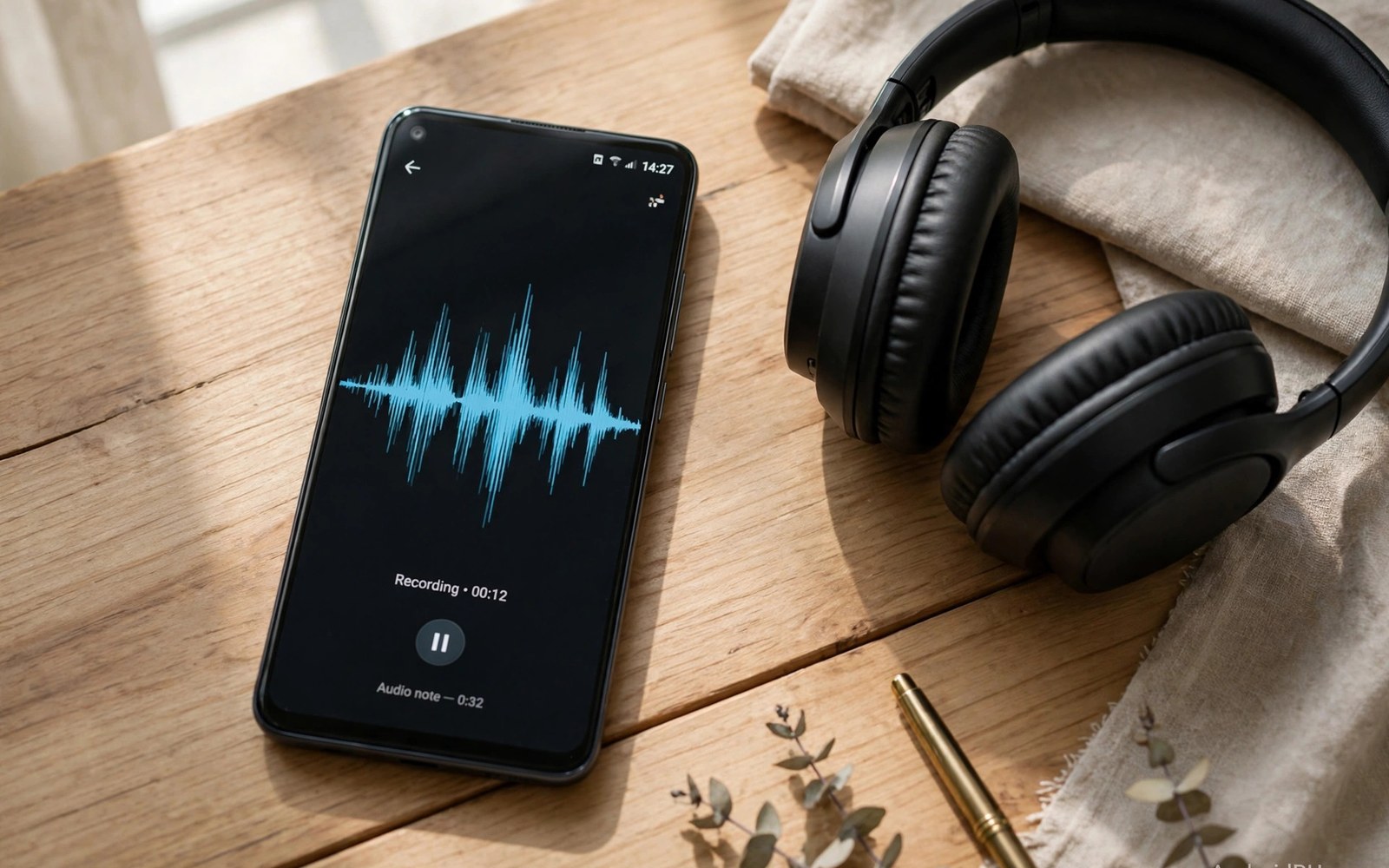
Audio hooking modules change how sound flows inside Android apps. They can redirect a stream from one destination to another. They can capture internal audio that normally plays only through speakers. They can replace microphone input with a prepared audio file. These abilities serve testing and accessibility and creative work. A developer can verify app audio without external speakers. A user can record a call or a stream for personal notes. The technique depends on where the audio path lives. Some paths respond well to hooks. Others run in native code that a Java hook cannot reach.
Android audio starts with an app requesting a recording or playback session. Playback apps send audio data to a mixer that feeds speakers or headphones. Recording apps read audio data from a microphone source or from an internal mix. The system manages routing between sources and outputs. It handles focus when several apps want audio at once. It handles volume and ducking when a notification arrives. A hook can intervene at the Java API boundary for these sessions. It can change parameters or capture buffers as they pass. The exact point decides what the module can achieve. A well chosen point gives clean capture. A poorly chosen point gives silence or distortion.
Internal audio recording is the most requested use case. Users want to capture the sound an app plays without microphone noise. Android restricts this path for privacy reasons. A scoped hook inside the target app can sometimes provide a lawful personal capture path. The module taps the playback buffers inside that app process. It writes those buffers to a file for later playback. This approach differs from microphone recording in quality. Microphone recording picks up room noise and speaker echo. Internal capture preserves the original stream cleanly. That quality gap explains the strong interest in the technique.
Playback Paths And Where Hooks Attach
Playback in Android flows through a player object inside the app. The app feeds encoded or raw audio into that player. The player hands buffers to the system audio service. The service mixes streams and sends the mix to hardware. A hook at the player level sees audio before mixing. That position is ideal for per app capture. It isolates one app from notification sounds and other apps. A hook at the mixer level sees a combined stream. That position mixes everything together and loses per app separation. Module authors prefer the player level when the app exposes it. Users should check which level a module claims to tap.
Some apps use high level media libraries that hide the player object. The library may process audio in native code before the Java layer sees it. A Java hook then sees only control calls rather than audio buffers. Control calls reveal play and pause and volume changes. They do not reveal the sound itself. A module limited to control calls cannot capture audio content. It can still automate playback or log events. Users who need content capture must verify buffer access for their app. A module description that promises capture should name the tested apps and versions. Vague promises deserve skepticism.
General hook mechanics for this layer appear in material on system hooking inside LSPosed. That background explains Java layer limits clearly. It also explains why native paths need different tools. Audio work sits exactly on that boundary. Many failures trace to a native path that a Java hook cannot see. Understanding the boundary prevents wasted installs.
Recording Paths And Microphone Replacement
Recording paths start with a recorder object inside the app. The app requests a microphone source and a sample rate and a channel count. The system connects that request to hardware or to an internal mix. A hook can change the requested source before the connection forms. It can redirect the app to an internal stream instead of the microphone. It can also replace buffers after they arrive from hardware. Both techniques produce a changed recording. The first changes the source. The second changes the data after capture. Each has tradeoffs in latency and quality.
Microphone replacement serves voice testing and creative streams. A tester can feed a known voice sample into a call app repeatedly. A creator can play prepared audio into a live app without a studio. The module must pace audio buffers to match real time. Buffers delivered too fast will sound rushed or clipped. Buffers delivered too slowly will sound choppy. Timestamp handling matters here just as in video work. A steady clock and even spacing produce natural sound. Test with a full minute of audio rather than a short clip. Timing drift appears only in longer sessions.
Recording hooks also interact with privacy indicators on modern Android. The system shows a microphone indicator when an app records. A hook that replaces buffers does not remove that indicator in a proper design. The app still holds a recording session from the system view. Users should expect the indicator to remain visible. Any module that hides the indicator deserves deep suspicion. Privacy indicators exist to protect users from hidden recording. A legitimate module works within that transparency rather than against it.
Routing Between Outputs And Inputs
Routing modules change where audio goes during playback or recording. A module might force an app to use headphones while other apps use speakers. It might send a call to a Bluetooth device while media stays on the phone speaker. Android routing rules normally apply system wide per stream type. Per app routing breaks that global rule in a useful way. It lets users build a personal audio layout for multitasking. A navigation voice can stay on the phone speaker. Music can stay on headphones at the same time. That separation improves focus during travel and work.
Routing hooks work best when they change routing parameters at session start. Changing routing mid stream can cause a brief dropout. The app may need to rebuild its audio session after a routing change. Good modules handle that rebuild cleanly. Poor modules leave the app silent until restart. Test routing changes during active playback to reveal this weakness. Switch outputs while audio plays and listen for gaps. A clean switch sounds like a brief fade. A broken switch sounds like silence until the app restarts. That test separates good modules from fragile ones quickly.
- Player level hooks capture one app cleanly before system mixing occurs.
- Mixer level hooks see combined audio and lose per app separation.
- Recorder hooks can redirect source or replace buffers after capture.
- Routing hooks change output destination for a chosen app session.
- Control hooks observe play and pause without capturing audio content.
- Native audio paths may resist Java hooks and need different tools.
- Privacy indicators should remain visible during any recording session.
- Long tests reveal timing drift that short clips tend to hide.
Sample Rates Channels And Buffer Sizes
Audio quality depends on sample rate and channel count and buffer size. A module that captures at the wrong sample rate will sound pitched or slow. A module that drops a channel will lose stereo width. A module that uses tiny buffers may stutter under load. A module that uses huge buffers may add noticeable delay. Good modules read the session parameters from the app request. They match those parameters exactly in capture and replacement. They do not impose a fixed rate on every app. Parameter matching is a basic sign of a careful implementation. Users should ask how a module handles parameters before installing it.
Buffer size also affects latency for live use cases. A live call needs low latency to feel natural. A recording for later playback tolerates higher latency. A module built for recording may feel laggy in a live call. A module built for live use may drop buffers under heavy load. Match the module purpose to your use case. Do not judge a recording module by live call latency. Do not judge a live module by recording file perfection. Each design optimizes a different tradeoff. Clear purpose statements help users choose correctly.
Testing Audio Modules Thoroughly
Audio testing needs a structured routine because ears adapt quickly. Start with a known reference sound that you recognize well. Use a short music clip or a spoken sentence with clear words. Capture or route that sound through the module. Play the result back on good headphones. Listen for distortion and dropouts and pitch changes. Compare the result with the original reference directly. A side by side comparison reveals flaws that memory hides. Repeat the test at low volume and high volume. Some flaws appear only at one extreme.
Test across app restarts and device reboots as well. Audio sessions rebuild on each launch. A module that works on first launch may fail after a restart. A module that works after restart may fail after a system update. Build a habit of retesting after updates to either layer. Keep a reference file that you use for every test. The same reference makes comparisons fair across versions. Notes on each test result help you spot gradual decline. A module that slowly degrades deserves replacement before it fails fully.
Audio module test routine
Reference: known music clip and spoken sentence
Capture: record through the module for one minute
Playback: compare with original on headphones
Checks: distortion, dropouts, pitch, stereo, sync
Retest: after app restart and after system update
Record: keep notes on each test result
Legal And Ethical Boundaries For Capture
Audio capture carries legal and ethical duties that video tweaks do not. Recording a conversation without consent may break the law in many places. Recording a stream may violate the terms of that service. Users must check local law before capturing any audio that involves other people. They must also respect service terms for content they do not own. Personal notes from your own content are a different case from capturing others. When in doubt do not record. Consent and ownership should be clear before capture starts. A technical ability does not create a legal right.
Ethical use also covers hidden recording in shared spaces. A module should never record people who believe they are in a private conversation. Privacy indicators and consent practices exist for good reasons. A responsible user announces recording when others are involved. A responsible module preserves system indicators rather than hiding them. The community should reject modules that promise stealth recording. Stealth features serve deception rather than legitimate testing. Choose modules that respect transparency by design.
The steps above follow the approach described in the official developer documentation for the framework and its module system. That material explains scope and process loading in general terms. It also describes how modules attach to app processes at startup. Readers who want deeper detail can consult the same documentation directly. The guidance here adds audio pipeline concepts and testing habits. It does not replace module specific instructions from each author. Always read those instructions before capturing audio.
When Audio Hooking Fits And When It Does Not
Audio hooking fits personal testing and accessibility workflows well. A developer can verify audio behavior with repeatable samples. A user with hearing needs can route audio to a preferred device per app. A creator can build a controlled audio feed for a stream. These uses benefit from precision and repeatability. They involve content the user owns or tests with permission. They respect other participants and service rules. That combination makes audio hooking a valuable tool.
Audio hooking fits poorly when the goal is to bypass a service restriction. It fits poorly when the goal is to capture others without consent. It fits poorly when the target app uses a native path that hooks cannot reach. In those cases a different tool or a different approach serves better. A direct download with permission may beat a fragile hook. A system audio feature may beat a module for a simple routing need. Check stock Android features first before adding a hook. Stock features carry no module maintenance burden. They also survive updates without author intervention.
For neighboring media topics explore virtual camera modules for live feeds and camera filters inside live stream apps. Those reads show how video and audio hooks combine in live apps. They also show where each pipeline reaches its limit. A complete media setup needs both sides understood. Test video and audio together for any live workflow. Separate tests can hide sync problems that only appear together.

