

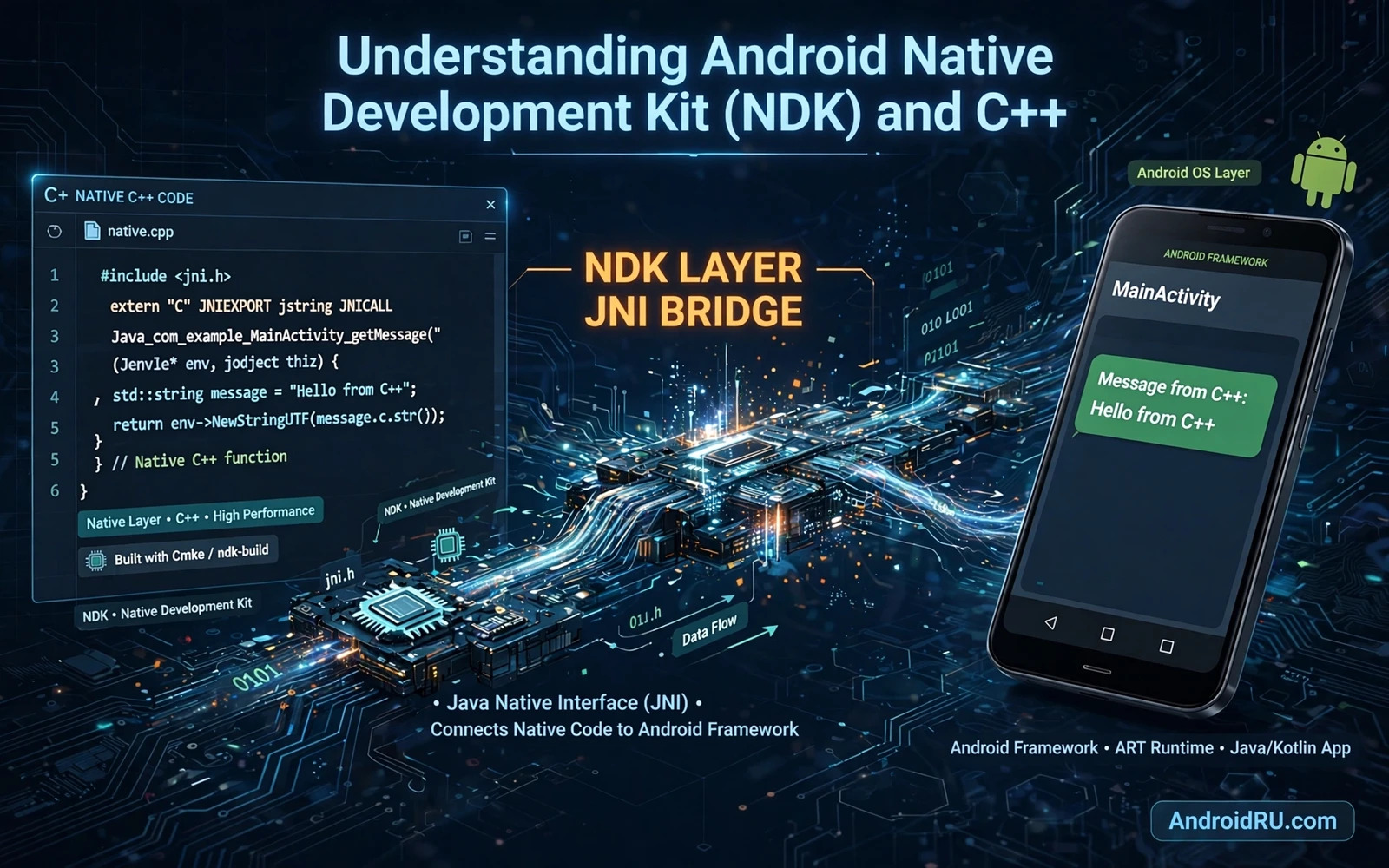
What the NDK Is For
The Android Native Development Kit lets developers write parts of an app in C or C++ and run that code on Android devices. Most Android apps are written in Kotlin or Java and they run on the Android runtime. Native code runs closer to the hardware and it can reuse existing C++ libraries that were built for other platforms. The NDK is therefore a bridge between the managed Android world and the native world rather than a replacement for Kotlin or Java.
Native code is best used for a clear reason such as heavy computation or media processing or reuse of a mature C++ library. Games and audio engines and image processing pipelines often benefit from native code. Ordinary app screens and network calls and database work rarely need native code. A team that moves code to native without a measured reason adds complexity and build burden without a clear gain. Measurement should come before migration in every native project.
The NDK includes toolchains and headers and libraries that target Android ABIs such as arm64 and x86_64. An ABI defines how native code talks to the processor and the system. An app that ships native libraries must include the right ABI variants for the devices it supports. A missing ABI variant can cause an install failure or a runtime crash on a device that needs that variant. ABI planning is a basic part of NDK work and it should not be left to the end of a project.
How JNI Connects Java and Native Code
The Java Native Interface is the bridge that lets managed code call native functions and lets native code call back into managed code. A native method is declared in Kotlin or Java and implemented in C++ with a matching signature. Data crosses the bridge as primitives and arrays and objects with rules for ownership and lifetime. A mistake in that crossing can leak memory or crash the app in ways that are hard to trace. Careful JNI code treats every crossing as a contract with clear ownership.
JNI references need explicit management because the runtime cannot always know when native code still holds an object. Local references live only for one native call and global references live until they are explicitly deleted. A native function that creates many local references without releasing them can exhaust the reference table. A global reference that is never deleted leaks memory for the life of the process. Reference discipline is a core JNI skill and it must be practised from the first native function.
Threading adds another layer of care because native code may run on threads that the runtime does not manage directly. A native thread that calls into managed code must attach to the runtime first and detach when it finishes. A thread that forgets to detach can leak runtime state. Callbacks from native threads to the interface must also respect threading rules for the app screens. A JNI design that ignores threading will fail intermittently and those failures are the hardest to debug.
Setting Up an NDK Project
Android Studio supports native projects through CMake or ndk-build as the build system for native code. CMake is the modern default and it describes native targets and source files and linked libraries in a build script. The Gradle build then invokes CMake during the app build and packages the resulting native libraries into the APK. A clean project layout keeps native source separate from managed source so each part can be reviewed and tested on its own.
Build variants matter for native code because debug native builds carry symbols that help debugging while release native builds strip symbols for size. A release build should still keep a symbol file outside the APK so crash reports can be symbolised later. Without that symbol file a native crash report is a list of addresses with no readable function names. Symbol handling should be tested with a deliberate native crash in a staging build before release.
Developers who want a broader view of reusable code can compare native choices with library choices in top open source libraries for Android developers before they commit to a native implementation. Many problems have a tested library solution that avoids native complexity. That comparison saves time when a library already solves the problem well. Native code remains the right choice when no library fits and when measurement supports it.
Memory and Safety in Native Code
Native code has no garbage collector and no bounds checking by default. A buffer overflow or a use after free error can corrupt memory and crash the app or create a security flaw. Modern C++ practices such as smart pointers and containers and bounds checked access reduce those risks greatly. A team that writes native code in an old unsafe style will pay for it in crashes and security reviews. Safety in native code is a discipline that must be built into code review from the start.
Sanitisers and static analysis help to catch native bugs before release. Address sanitiser can detect memory errors during testing with a modest performance cost. Static analysis can flag dangerous patterns and uninitialised variables and unsafe functions. These tools work best when they run in continuous testing rather than only before a release. A native bug found by a sanitiser in testing is far cheaper than the same bug found by users in production.
Crash handling for native code differs from managed crash handling because a native crash can bypass normal exception handling. A crash reporter that captures native stack traces and registers is essential for any app with significant native code. The reporter must be tested on real devices because emulator behaviour for native crashes can differ. A native crash that cannot be diagnosed will be fixed by guessing and guessing wastes release cycles.
Performance Work That Justifies Native Code
Performance work should start with profiling of the managed implementation. A profiler shows where time is actually spent and it often reveals an algorithmic problem or an I/O problem rather than a language problem. Moving code to native without profiling may move the bottleneck rather than remove it. A measured baseline also lets the team prove that the native version is actually faster. Without a baseline a performance claim is only an opinion.
Media and signal processing are classic native cases because they process large buffers with tight loops. Audio effects and image filters and video codecs all benefit from native optimisation and from processor specific instructions when used carefully. Even in these cases the native code should be isolated behind a clean interface so the rest of the app does not depend on native details. Isolation also makes testing easier because the native part can be tested with fixed inputs and expected outputs.
Camera and audio paths often meet native code and readers can study implementing virtual camera drivers on rooted Android to see how a camera layer interacts with native and framework parts. That example shows why native knowledge helps even when the main app code stays managed. It also shows why a narrow native interface is safer than a broad native surface that touches many system parts.
Debugging and Maintaining Native Code
Debugging native code requires symbols and a debugger that understands both managed and native frames. Android Studio can step between managed and native code when symbols are available. Logs from native code should be clear and tagged so they can be filtered from managed logs. A native bug that is hard to reproduce should be reproduced with a small standalone test rather than inside the full app. Small tests make native debugging far less painful.
Maintenance of native code includes toolchain updates and ABI updates and platform header updates. A native library that is not rebuilt for a new platform version may still work but it may miss security fixes and performance improvements. Dependency updates for native libraries need the same care as managed dependency updates. A native dependency that is abandoned can block a platform upgrade and force a costly rewrite at the worst time.
Reverse engineering work also meets native code frequently and developers can review basic APK reverse engineering and code inspection to understand how native libraries appear inside a built APK. That view helps an NDK developer to think about what a built app actually contains. It also helps when debugging a native crash because the built layout explains which library and which ABI is actually running.
The NDK is a powerful tool when it is used for a measured reason and with disciplined JNI and memory practices. It lets apps reuse C++ libraries and handle heavy media and computation work efficiently. It demands care with references and threads and symbols and ABI packaging. Teams that respect those demands gain real performance and reuse. Teams that ignore them gain complexity without a matching benefit.
Choosing Between CMake and Ndk Build
CMake and ndk-build both build native code but they differ in syntax and ecosystem support. CMake is widely used beyond Android and it integrates well with modern tooling and IDE support. Ndk-build uses Android specific makefiles and it suits projects that already use that system. A new project should prefer CMake unless an existing native codebase already uses ndk-build. Consistency with the existing codebase matters more than a theoretical preference for one system.
Build speed for native code can become a bottleneck as native sources grow. Incremental builds and caching and parallel compilation help to keep build times acceptable. A native module that rebuilds fully on every small change will frustrate developers and slow iteration. Build configuration should be reviewed when native build times grow noticeably. Fast builds encourage frequent testing and frequent testing catches native bugs earlier.
Interoperability with Kotlin deserves care because Kotlin nullability and native pointers do not map automatically. A native interface should use simple types and clear ownership rules so Kotlin callers cannot easily misuse it. Wrapper functions in Kotlin can hide JNI complexity and present a safe API to the rest of the app. That wrapper layer is where input validation and error translation belong. A clean wrapper turns a fragile native boundary into a dependable app feature.
ndk project notes
keep native interface narrow and documented
manage JNI references with explicit lifetimes
attach native threads before runtime callbacks
keep release symbols outside the APK
profile managed code before moving to native

