

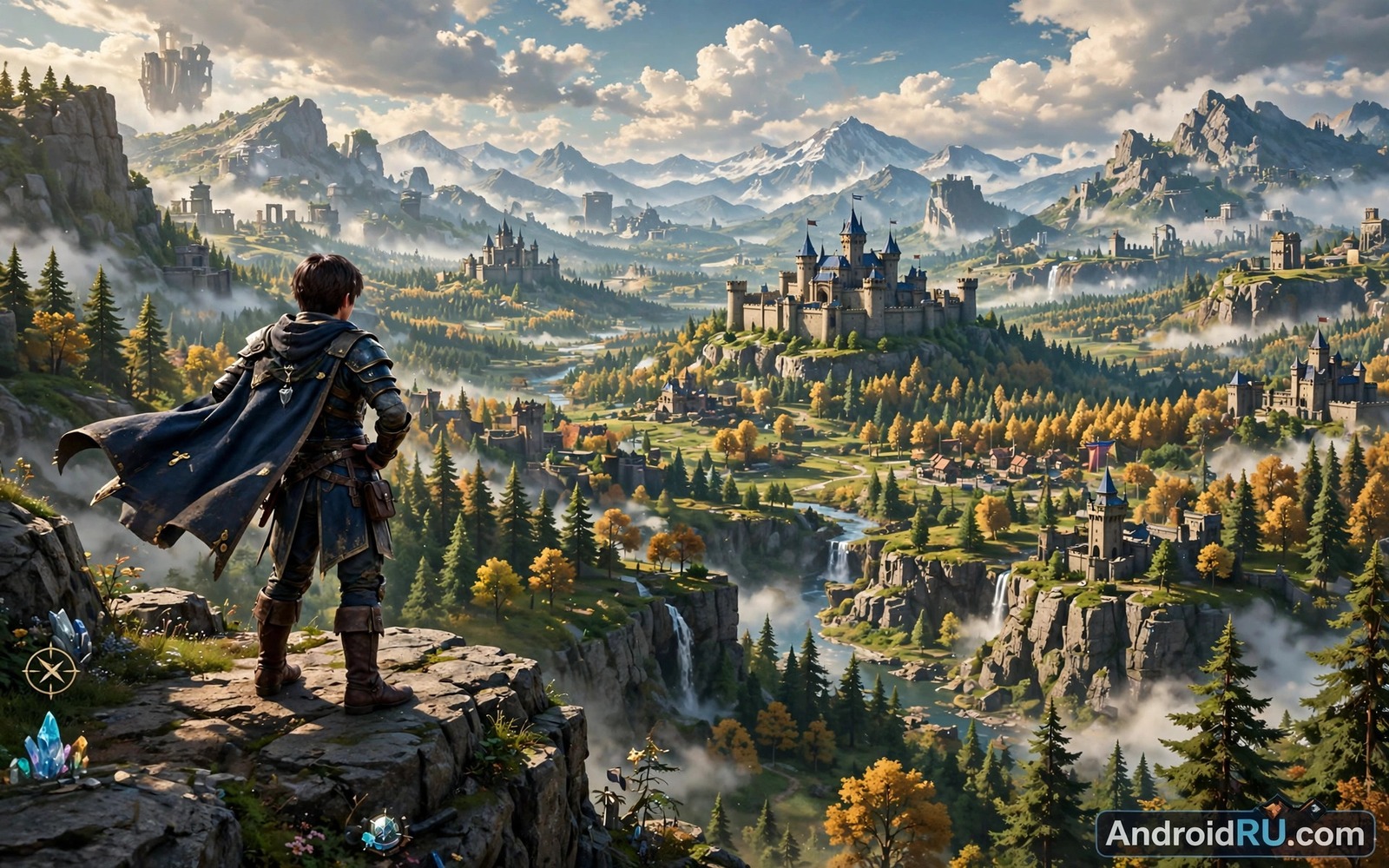
Open-world RPGs for Android promise a whole living world in your pocket. You can cross deserts and climb mountains and enter cities full of quests without a loading screen every few steps. That freedom is exciting. It also asks more from your phone than almost any other kind of mobile game.
A large open world means constant streaming of terrain and textures and characters. Your processor and graphics chip and memory all work at once while the battery drains fast. If you want to see which of these games stress hardware the most then a look at fast paced loot hunting helps too since many open worlds borrow that same loop and you can read about dungeon crawling and loot collection in a companion piece through this link to action RPGs with deep loot systems: action RPGs built around dungeon crawling. The rest of this guide explains what pushes hardware to its limits and how to keep frame rates stable.
Why open worlds are so demanding
An open world never rests. Even when you stand still the game tracks nearby enemies and weather and day cycles and quest states. Draw distance matters a lot here. A game that shows mountains five kilometers away must keep that geometry ready. Phones handle this with tile based rendering and aggressive culling but the workload still grows with every new region you unlock.
Memory pressure is the quiet killer. A phone with 8 GB of RAM can run many open worlds well. A phone with 6 GB may reload textures often and stutter when you fast travel. Storage speed matters as well. Games installed on slow internal storage stream assets late and you see pop in or blurry ground. Keep at least a few gigabytes free so the system can cache and swap without choking.
Graphics settings that actually matter
Resolution scale beats every other setting for performance. Dropping render resolution from 100 percent to 80 percent can lift frame rates by a wide margin while the image still looks sharp on a small screen. Shadows come next. High shadows look great in screenshots but they cost a lot during combat in dense towns. Medium shadows are the sweet spot for most midrange phones.
Frame rate caps deserve attention too. A 60 fps target feels smooth but it doubles the work of a 30 fps target. Many open worlds also offer a 45 fps middle option or a balanced mode. Try balanced first for a week. If the phone stays cool and the battery lasts through your session then you have found your setting. Chasing maximum graphics on a phone that throttles will only give you smooth menus and choppy combat.
Heat, throttling, and real play sessions
Heat is the real boss fight of mobile open worlds. A phone can run at full speed for ten minutes and then throttle hard once the chip gets hot. That is why a game can feel great at the start of a session and rough after half an hour. Playing near a fan or removing a thick case helps more than people expect. So does lowering brightness a notch since the display itself adds heat.
Long sessions need a plan. Charge while you play only if the phone supports bypass charging or if you accept slower charging and extra warmth. Otherwise play on battery and charge between sessions. If you travel with huge game installs then storage planning matters just as much as cooling and you can get practical tips from a guide on managing space for massive online worlds through this link about handling large game installs: managing storage for massive mobile games. A cool phone with free storage beats a hot flagship with a full drive.
Picking the right phone for open worlds
A current flagship chip handles nearly every open world at high settings. A one generation old flagship often matches it once you lower shadows and resolution slightly. Midrange chips can still play these games well if you accept medium settings and a 30 fps cap. The gap between tiers shrinks every year but it never disappears completely for the largest worlds.
Cooling accessories help sustained play. A clip on cooler keeps the chip from throttling during long boss fights or city exploration. A controller also helps because touch controls force your thumbs over the screen and hide the action. Battery size matters for trips and commutes. A 5000 mAh battery gives you a real session while smaller batteries force you to hunt for chargers mid quest.
World density and why cities hurt performance
Open cities are the hardest places for a phone to render because dozens of characters and shops and vehicles and light sources crowd a small area. The game must draw every visible object while also simulating the behaviour of people walking and trading and reacting to you. Rural areas look huge but they contain far fewer active objects, so they run smoother despite their size. When a game stutters, it usually stutters in a market square rather than on an empty plain, and that pattern tells you the bottleneck is object density rather than map size.
Developers fight density with tricks like reduced crowds at a distance and simplified models for far away characters. These tricks work well until you sprint through a city on a mount, because the game must suddenly upgrade dozens of models at once. That upgrade spike causes the classic city stutter that even strong phones show. Lowering crowd density or pedestrian detail in settings removes the spike directly. If your game lacks such a setting, then capping frame rate gives the phone breathing room to handle the upgrades without visible hitching.
Draw distance and fog and the illusion of scale
Draw distance decides how far you can see clearly, and it is one of the most expensive settings in any open world. A long view distance forces the phone to keep distant mountains and forests and towns in memory at reasonable detail. Fog hides this cost by fading distant objects into haze, which looks atmospheric while saving performance. Games set in deserts or snowy plains use fog heavily because flat terrain would otherwise expose the limits of mobile rendering.
You can tune draw distance to your phone without ruining the view. Drop it one notch from maximum and the difference is small on a phone screen, yet the performance gain is large. Combine a medium draw distance with high texture quality for nearby objects, and the world still feels rich where it matters most. Your eyes focus on the road ahead and the enemies near you, not on a mountain ten minutes away, so spend rendering power where your attention actually goes.
Streaming and pop-in and storage speed
Open worlds stream their content from storage as you move, which means your storage speed directly shapes what you see. Slow storage delivers textures late, so rocks appear blurry and then sharpen a second later. This pop-in effect breaks immersion more than a slightly lower resolution does. Phones with fast modern storage suffer far less pop-in than older phones, even when both phones share similar processors, because the bottleneck sits in the storage pipeline rather than in raw computing power.
You can reduce pop-in without buying a new phone. Keep the game on internal storage rather than any expandable card, since internal storage is almost always faster. Leave generous free space so the system can maintain its caches efficiently. Close apps that read or write heavily in the background, because they compete for the same storage bandwidth. These three habits together often cut pop-in dramatically and make an older phone feel far more capable than its age suggests.
Multiplayer open worlds and network load
Some open worlds add other players to the same map, which creates a second performance burden alongside graphics. Your phone must now track dozens of real players with unpredictable movement, plus their gear and effects and chat messages. Network latency adds another wrinkle, because a player with a slow connection appears to teleport or stutter even when your own phone runs perfectly. Judging such a game fairly means separating your hardware performance from network behaviour, which many players confuse.
Play online open worlds on stable Wi-Fi whenever possible, and test the same area on mobile data to learn the difference. If stutter follows you across both connections, then your phone is the limit. If it vanishes on Wi-Fi, then your connection was the culprit. This simple test saves many players from blaming a good phone for a bad signal. It also explains why a game can feel perfect at home and rough on a train, even with identical graphics settings in both places.
Long term care for an open-world phone
Playing huge open worlds daily wears a phone faster than light apps do, mainly through heat cycles that age the battery. A battery that constantly runs hot loses capacity sooner, which shortens every future session. Protect it by avoiding charging while playing demanding games, since charging adds its own heat on top of gaming heat. Play on battery and charge during breaks instead, and your battery will thank you with longer useful life across years rather than months.
Software care matters too. Restart your phone weekly to clear memory leaks from long gaming sessions. Update games promptly, because performance patches often arrive quietly inside content updates. Finally, keep your operating system current, since newer system versions frequently improve graphics drivers and memory handling. A phone treated this way can run open worlds well for years, while a neglected phone of the same model starts stuttering far sooner.
Check what your phone can handle
Before you raise every slider, check your hardware baseline. These commands show your chip and memory on Android through a computer connection. They take a minute and they prevent guesswork about why a game stutters.
adb shell getprop ro.hardware.chipname
adb shell cat /proc/meminfo | grep MemTotal
adb shell dumpsys gfxinfo | grep -i fps
The commands above come from standard Android developer tooling. The Android Debug Bridge is part of the official platform tools and it reads only basic device properties. The first command names the chip. The second shows total memory. The third reports graphics frame data. Use them to match your phone against a game’s recommended specs before you blame the game for a hardware limit.
Common mistakes
The most common mistake is maxing every setting on day one. Players install a huge open world and set everything to ultra and then complain about stutter. Start at medium settings and raise one slider at a time. You will find the true limit of your phone in an evening instead of fighting heat and lag for a week.
Another mistake is ignoring background apps. A video app or a chat app syncing in the background steals memory and network. Close heavy apps before a long session. Also skip the habit of installing every open world at once. A full drive slows asset streaming and leaves no room for updates that often add whole new regions.
FAQ
Do open-world RPGs need a flagship phone?
No. A midrange phone from the last two years runs most open worlds at medium settings. You may need a 30 fps cap and lower shadows. Flagships simply hold high settings longer without throttling.
Why does my game stutter only after 30 minutes?
Heat is the likely cause. The chip slows itself to stay safe and frame times spike. Lower brightness and remove the case and try a cooler. A short break also lets the phone recover fully.
How much storage should I keep free?
Keep at least 15 percent of internal storage free. Open worlds stream assets constantly and updates can be several gigabytes. Free space keeps streaming smooth and updates painless.
Conclusion
Open-world RPGs for Android reward players who respect their hardware. Choose settings for sustained play rather than screenshots. Keep storage free and heat low and your phone will deliver the vast worlds these games promise.
Your next step is simple. Pick one open world and run it for a week at balanced settings. Note where it stutters and adjust one slider at a time. If frame drops follow long sessions then heat is your enemy and a cooler or lower brightness will help more than a new phone. For players who want smoother combat in heavy titles, battery behaviour matters too and you can learn how power saving changes frame stability through this guide on battery saver modes in demanding games: how battery saver modes affect frame stability.

