

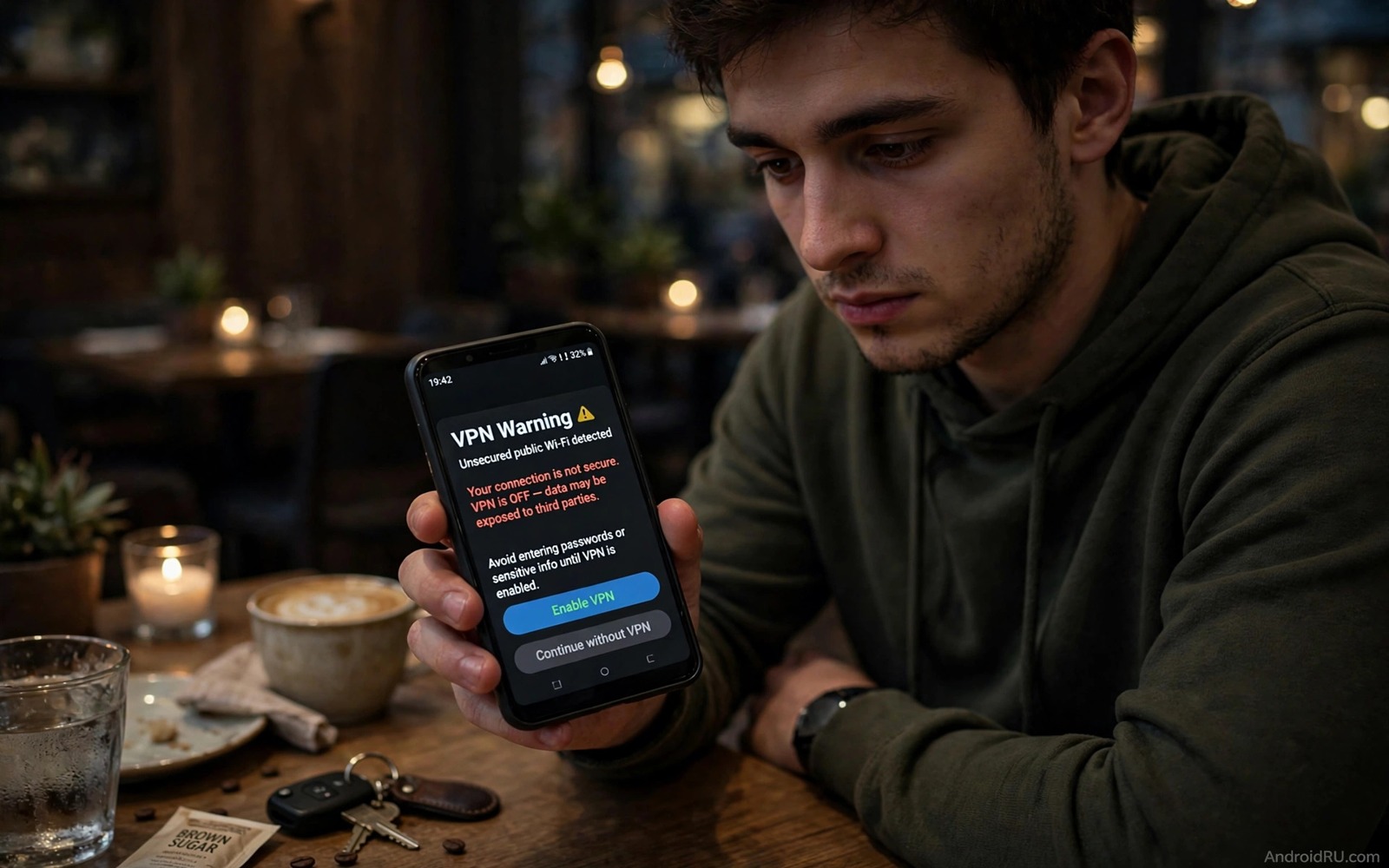
A free VPN sounds like a simple win. You tap one button and your traffic gains a layer of protection without a monthly bill. The problem is that running a VPN network costs real money for servers and bandwidth and staff. A service that charges nothing must earn money in another way and that other way often involves your data.
This guide explains the hidden costs in plain terms. It covers data collection and ad injection and weak encryption and fake protection. It also covers the cases where a free VPN can be acceptable and the cases where it should never be used. The goal is not fear. The goal is a clear choice based on how the service pays its bills.
Start by checking the VPN that you use today. Read its privacy policy and look for clear statements about logs and data sales and third party sharing. A vague policy is itself a warning. A clear policy that admits logging is also a warning. The safest policy is short and specific and it matches the behaviour of the app.
How a free VPN pays its bills
Bandwidth is not free for a VPN provider. Every gigabyte that passes through its servers costs money. A provider with millions of free users needs a large income stream to keep those servers running. Advertising can cover part of that cost. Data partnerships can cover the rest. Both income streams can work against your privacy.
Some free VPN apps sell aggregated browsing data to advertisers and data brokers. The data may be stripped of your name yet it can still reveal habits and interests and locations over time. A pattern of visits can identify a person even without a name attached. That risk grows when the VPN sees every site that you visit.
Other free apps inject ads into pages or redirect searches through partner networks. Those ads slow browsing and they can expose you to tracking scripts. A VPN that injects content into your traffic is doing the opposite of protection. It becomes a middleman that you cannot fully trust.
Weak protection is worse than no protection
A VPN with weak encryption gives a false sense of safety. You may use public Wi-Fi with confidence while your traffic remains easy to read. Outdated protocols and leaky DNS settings can expose the very data that the VPN claims to hide. A test for DNS leaks can reveal whether your real location still shows through the tunnel.
Some free apps route only part of your traffic through the tunnel. Other apps on the phone may bypass the VPN entirely. That split behaviour is hard to notice without a leak test. A user who believes that all traffic is protected may log into sensitive accounts on a risky network without extra care.
Server location claims can also mislead. An app may claim a location that it does not truly provide. A server in a country with weak privacy law may be subject to data requests that a better jurisdiction would resist. The location label on the screen is not proof of the legal protection behind it. For safer browsing habits read how to lock down mobile browsing on public Wi-Fi and combine those habits with any VPN choice that you make.
When a free VPN can be acceptable
A free tier from a reputable paid provider is a different case from an unknown free only app. A known provider may offer a limited free plan as a trial for its paid plan. The limits are usually clear and the privacy policy matches the paid product. Data caps and fewer server choices are honest limits that keep the free plan sustainable.
Short term use for a low risk task can also be acceptable. Reading public news through a free tier is lower risk than banking through an unknown tunnel. Even then you should avoid logging into sensitive accounts during that session. Treat the free tunnel as untrusted and act with that caution in mind.
Your own network tools can offer another path. Private DNS and HTTPS and careful Wi-Fi habits already protect much of your traffic without a VPN. Those tools do not hide your IP address from sites. They do protect the content of your traffic from local snoopers. That level of protection is enough for many daily tasks.
A simple check you can run today
The checklist below helps you judge any VPN app in a few minutes. Run a leak test after you connect and note whether your real location still appears. Check the permission list for access that a VPN does not need. A VPN needs network access and it does not need your contacts or your messages or your call logs.
1. Read the privacy policy for logging and data sales
2. Connect the VPN and run a DNS leak test
3. Check permissions for contacts and message access
4. Note speed and stability over a full day of use
5. Remove the app if leaks appear or policy stays vague
6. Prefer a reputable paid plan for sensitive accounts
This checklist follows the standard controls built into Android and it uses only the menus that ship with the system plus a public leak test in the browser. No extra tool is required to complete the six steps. The leak test is the most important step because it shows whether the tunnel works in practice rather than in advertising.
Choose a paid VPN with a clear privacy promise
A paid VPN still needs careful selection because price alone does not guarantee privacy. Read the privacy policy for a clear statement about logs and look for an independent audit that confirms the policy in practice. An audit by a reputable firm carries more weight than a marketing claim on a landing page. A provider that publishes audit results and updates them regularly shows confidence in its own practices. A provider that hides behind vague language while charging a premium price deserves the same doubt as a free app.
Test a paid VPN during its trial or refund period with real daily use. Connect it on home Wi-Fi and on mobile data and on a public network and note speed and stability in each setting. Run a DNS leak test in each setting and confirm that your real location stays hidden. A VPN that leaks on mobile data yet works on Wi-Fi has a configuration problem that needs support help. A provider with responsive support for leak reports is worth more than a provider with a slightly lower price and silent support.
Plan the renewal decision before the first payment period ends. Set a calendar reminder to review the VPN after three months of use. Check whether the privacy policy changed and whether new permissions appeared after updates. A provider that quietly changes its logging policy during a subscription period should lose your renewal. That regular review turns a one time purchase into an ongoing privacy choice rather than a forgotten subscription that keeps charging while protection fades.
Test the VPN on every network you use
A VPN that works at home may fail on a hotel network that blocks VPN traffic. Test the VPN on home Wi-Fi and on mobile data and on a public network before you rely on it for travel. A VPN that connects slowly on mobile data may need a different protocol setting in its app menu. A VPN that fails on a public network may need a stealth mode that hides VPN traffic from network filters. Those tests take an hour across a week yet they prevent a travel day failure when you need protection most.
Check the kill switch setting during those tests as well. A kill switch stops all traffic when the VPN connection drops. Without a kill switch a dropped VPN can expose traffic on a public network without a warning. Turn the kill switch on and test it by disconnecting the VPN manually during a browsing session. Traffic should stop until the VPN reconnects. That test proves that a temporary drop cannot silently expose your browsing to a local network.
Review VPN costs and benefits every quarter
A VPN subscription that made sense last quarter may not suit the next quarter. Review usage every three months and ask whether the VPN still protects daily browsing or only occasional travel. A VPN used daily for work deserves renewal without question. A VPN used once in three months may be replaced by private DNS and careful Wi-Fi habits for most tasks. That quarterly review prevents a forgotten subscription from charging while protection value fades.
Check the provider privacy policy again during the quarterly review. A provider can change its logging policy between renewals without a prominent notice. A policy change that adds logging should trigger a switch to a different provider before the next renewal date. A provider that keeps a clear no log policy across quarters earns continued trust. That policy check takes ten minutes and it keeps a paid service honest over time.
Test speed and leak protection again during the quarterly review. A VPN that slowed over three months may need a different server location or a protocol change in its settings. A VPN that leaks after an app update needs support help before the next sensitive session. That quarterly test catches gradual decline that daily use may hide because users adapt to slow speeds without noticing the change.
Common mistakes
One mistake is trusting a VPN because it has a high store rating. Ratings can be inflated and many users rate speed rather than privacy. A fast app with weak privacy can earn five stars from users who never test leaks. Judge the policy and the leak results above the rating.
Another mistake is using a free VPN for banking and email and work accounts. Those accounts deserve the strongest protection that you can afford. A reputable paid VPN or a trusted work VPN is a better fit for sensitive logins. A free unknown tunnel should never carry your most valuable accounts.
A third mistake is leaving the VPN connected forever without review. A VPN app can update its policy or change ownership without a clear notice. Review the app every few months and check for new permissions after updates. If you need stronger network blocking read how to use private DNS to block ads and trackers systemwide and add that layer alongside a trusted VPN.
Frequently asked questions
Are all free VPNs unsafe?
No and a limited free tier from a reputable paid provider can be safe for low risk use. The danger lies with unknown free only apps that hide their income source. A clear policy and a known company behind the app make a large difference.
Does a VPN make me anonymous?
No and a VPN hides your traffic from local networks and it hides your IP from sites. It does not hide you from the VPN provider itself. Accounts and cookies and device fingerprints can still identify you. Treat a VPN as one layer rather than total anonymity.
Should I pay for a VPN?
Pay when you use a VPN daily or for sensitive accounts or on public networks often. A paid plan from a reputable provider usually offers stronger privacy and better speed. If you rarely need a VPN then private DNS and careful Wi-Fi habits may be enough.
Conclusion
Free VPNs are not free in the full sense. The cost appears as data collection or ad injection or weak protection or all three at once. A clear privacy policy and a clean leak test and a reputable company behind the app are the minimum signs of a safer choice.
Your concrete next step is to run a DNS leak test on your current VPN today and read its privacy policy in full. If leaks appear or the policy stays vague then remove the app this week. For safer daily browsing read how to block spyware and adware without root and apply its steps after you choose a trusted VPN.

