

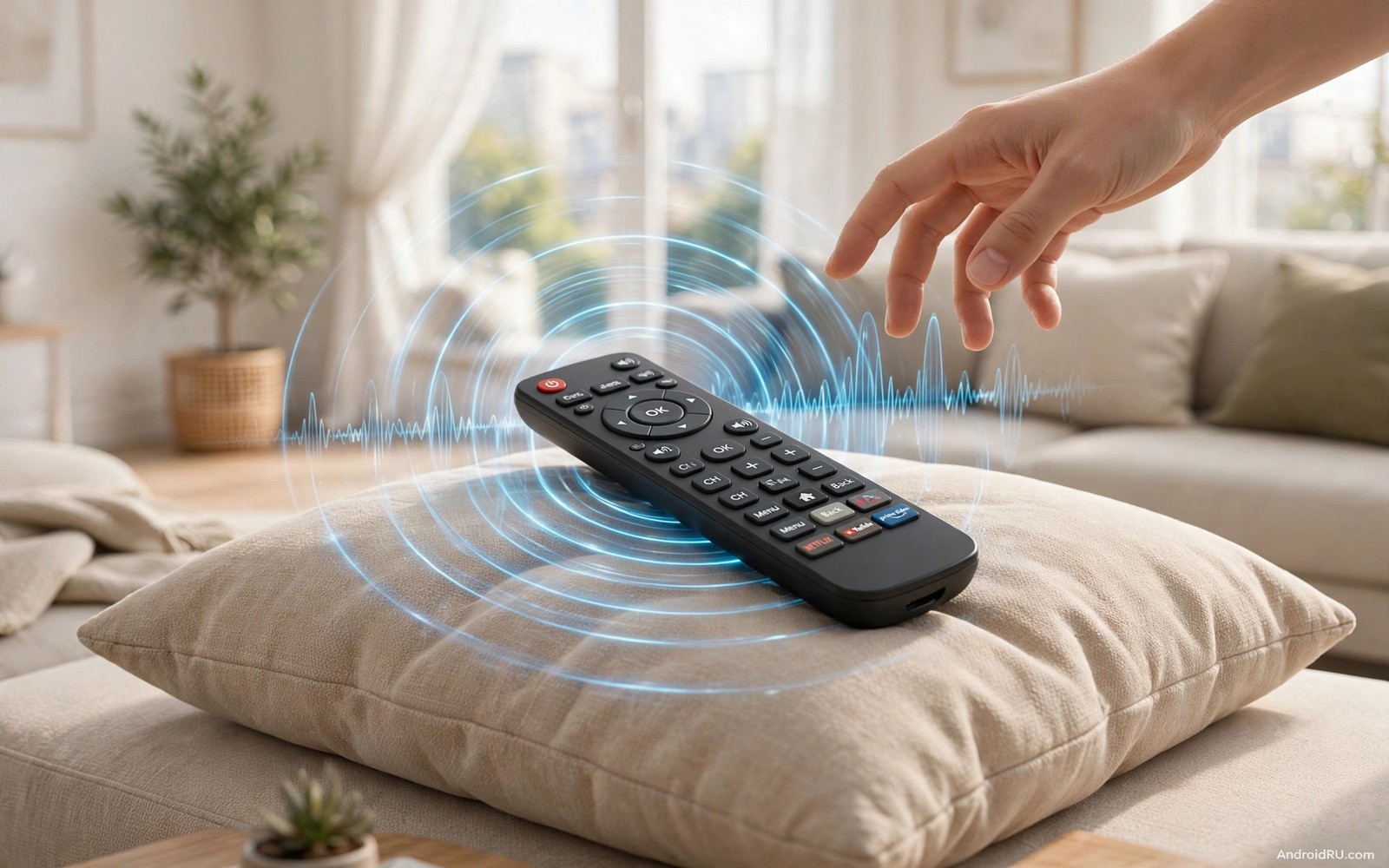
Losing a remote feels trivial until it happens during a live show or a movie climax. The remote hides under a cushion or inside a blanket or behind the sofa. Searching by hand takes minutes and it interrupts everyone in the room. A remote finder beep solves the search in seconds. The remote sounds an alarm and you follow the sound straight to it. That simple feature saves more frustration than almost any other television trick.
Start by learning which finder method your remote actually supports. Some remotes include a built in speaker and a finder button on the television or set top box. Other remotes rely on a phone app that triggers a sound through Bluetooth. A third group needs a small tracker tile attached to the remote. Each method works differently and each one fails differently. Knowing your method before you lose the remote matters because you cannot learn it while searching frantically. The phone remote guide in how to use a phone as a wireless remote for Google TV gives you a backup control while you hunt for the physical remote.
Use the built in finder button
Many modern television boxes include a finder button on the device itself. Press that button and the paired remote beeps loudly for about thirty seconds. The beep repeats until you press a button on the remote or until the timer ends. Walk around the room slowly while it beeps. Sound direction guides you better than random cushion lifting.
Test the finder button before you actually need it. Press it on a calm afternoon and listen for the beep from different rooms. Note how loud it sounds through a cushion and through a closed drawer. That test teaches you what to listen for during a real search. A test also reveals a dead remote battery before it matters.
Keep the television box accessible for finder use. A box hidden deep inside a closed cabinet muffles the finder button purpose. You need to reach the button quickly when the remote vanishes. Place the box where the button stays reachable without moving furniture. Accessibility beats hidden cabling for this feature.
Trigger a beep from your phone
Some television systems let a phone app trigger the remote beep over Bluetooth or Wi-Fi. Open the companion app and find the remote finder option. Tap it and the remote sounds its alarm. Phone triggering helps when the television box sits far away or behind a cabinet. It also helps when several people search at once because anyone with the app can trigger the beep.
Pair the phone app with the remote before you need the finder. Pairing during a search wastes precious minutes. Complete pairing on setup day and test the trigger once. A tested phone trigger becomes a reliable backup. An untested trigger becomes another thing to troubleshoot during a stressful search.
Keep the phone app signed into the same account as the television. Account mismatch breaks remote finder pairing silently. The app may look connected while the finder silently fails. Check account consistency after any account change on either device. A consistent account keeps the finder ready.
Attach a tracker when no finder exists
Older remotes lack any built in finder. A small Bluetooth tracker tile solves that gap. Stick the tile to the back of the remote with strong adhesive. Pair the tile with a phone app. Ring the tile from the phone when the remote disappears. The tile beeps and you follow the sound.
Choose a tracker thin enough not to ruin remote grip. A bulky tile makes the remote awkward to hold and it may fall off during use. A slim tile stays attached and feels natural. Test grip for a full evening before you commit to a tracker style. Comfort matters because you hold the remote every day.
Replace tracker batteries on a schedule. A tracker with a dead battery cannot beep when you need it most. Note the battery replacement date in a phone reminder. A six month reminder prevents the silent tracker problem. Some trackers use rechargeable batteries that need a monthly charge instead. Pick the battery style that fits your habits.
Prevent future remote losses
Give the remote a fixed home after every use. A small tray or holder on the coffee table works wonders. A remote that always returns to the same spot rarely gets lost. The habit takes a week to build and it pays off for years. Family members need to agree on the spot for the habit to work.
Use a bright remote cover to make the remote visible. A neon cover stands out against dark cushions and blankets. Visibility prevents many losses before they start. A cover also protects the remote from drops. Choose a colour that clashes with your sofa for maximum visibility.
Keep a phone remote ready as a permanent backup. A phone remote cannot be lost in cushions because the phone travels with you. It also offers a keyboard for searches. A backup remote turns a lost physical remote from a crisis into a minor inconvenience. Install it before you need it.
adb shell dumpsys bluetooth_manager | grep -i remote
adb shell input keyevent 3
The snippet above was written for this article to show how advanced users inspect Bluetooth remote state and send a home key event through a computer connection. It prints remote related Bluetooth details and it simulates a home button press. Use it only for diagnosis on a device you own. The everyday finder path stays on the television box button or the phone app.
Maintain remote batteries and contacts
Remote batteries cause more finder failures than any other factor. A weak battery may power basic buttons but fail to power the finder speaker. Replace batteries at the first sign of weak response. A remote that needs hard presses is already telling you the battery fades. Fresh batteries restore both control and finder reliability at once.
Clean battery contacts occasionally when a remote behaves erratically. Dust and corrosion on contacts interrupt power flow. A dry cloth wipe restores contact in most cases. Avoid liquids inside the battery compartment. A clean compartment keeps power steady and extends remote life.
Keep spare batteries in a known drawer near the television area. A spare battery within reach turns a dead remote into a one minute fix. A spare battery hunted across the house turns the same problem into a long interruption. A small stock of the correct battery size prevents that hunt. Check the stock monthly and replace used spares promptly.
Consider rechargeable batteries for remotes used heavily. Rechargeable batteries cost more upfront but they pay back over months of use. A charging dock near the television keeps them ready. Rechargeables also reduce waste from disposable batteries. That environmental benefit adds up across years of remote use.
Use a second remote as insurance
A second remote eliminates the crisis of a lost primary remote. Keep a cheap universal remote in a drawer as backup. A backup remote may lack fancy features but it covers basic control. Basic control suffices until the primary remote returns. Insurance against remote loss costs little and saves much frustration.
Programme the backup remote before you need it. A backup remote that needs programming during a crisis helps nobody. Programme it on a calm day and test every core button. A tested backup gives genuine peace of mind. An untested backup gives false confidence.
Store the backup remote in a different place from the primary remote. A backup stored beside the primary remote may vanish together with it. A drawer in another room keeps the backup safe. Separation is the whole point of a backup. Different locations protect against a single loss event.
Teach children the finder routine
Children lose remotes often and they can learn the finder routine quickly. Teach them to press the finder button or ask a parent to trigger it from a phone. A child who knows the routine finds the remote independently. Independence reduces household frustration for everyone. It also teaches responsibility for shared devices.
Reward consistent remote return habits for children with praise rather than punishment for losses. Praise builds the habit of returning the remote to its home. Punishment for losses creates hiding and blame. Positive reinforcement works better for household habits that need years of repetition. Celebrate a week of perfect remote returns.
Common mistakes
The biggest mistake is never testing the finder until the remote is actually lost. An untested finder may need pairing or a battery or an account fix. Test it on setup day and retest after major updates. A tested finder works when stress runs high.
Another mistake is hiding the television box so well that the finder button becomes unreachable. A beautiful cabinet that blocks the button defeats the feature. Keep the button reachable or rely on phone triggering instead. Choose one reachable method and keep it ready.
A third mistake is attaching a tracker and then ignoring its battery. A dead tracker gives false confidence. You think you can ring the remote but silence answers instead. Schedule battery checks and the tracker stays trustworthy.
Frequently asked questions
Do all Android TV remotes have a finder beep?
No. Finder support depends on the remote and box model. Check the box manual for a finder button. Older remotes need a tracker tile for the same result.
Can I trigger a beep when the remote battery is dead?
No. A dead remote cannot beep or respond to Bluetooth. Replace remote batteries regularly. A fresh battery keeps both control and finder working.
Will a tracker tile interfere with remote signals?
A slim tile on the back rarely interferes. Place it away from the infrared front edge. Test all buttons after attaching a tile to confirm normal operation.
Conclusion
Remote finder beeps turn a frustrating search into a ten second task. Learn your finder method and test it before you need it and give the remote a fixed home. Your concrete next step is to press the finder button or phone trigger once today and listen for the beep from another room. If the beep sounds clearly then your finder is ready. If it stays silent then pair the remote or replace its battery tonight. The voice control guide in voice commands to control Android TV and the phone remote guide in how to use a phone as a wireless remote for Google TV give you backup control for any night the physical remote still hides. As a related next step, explore syncing Windows PC notifications to your Android smart TV to extend what you set up here.

