

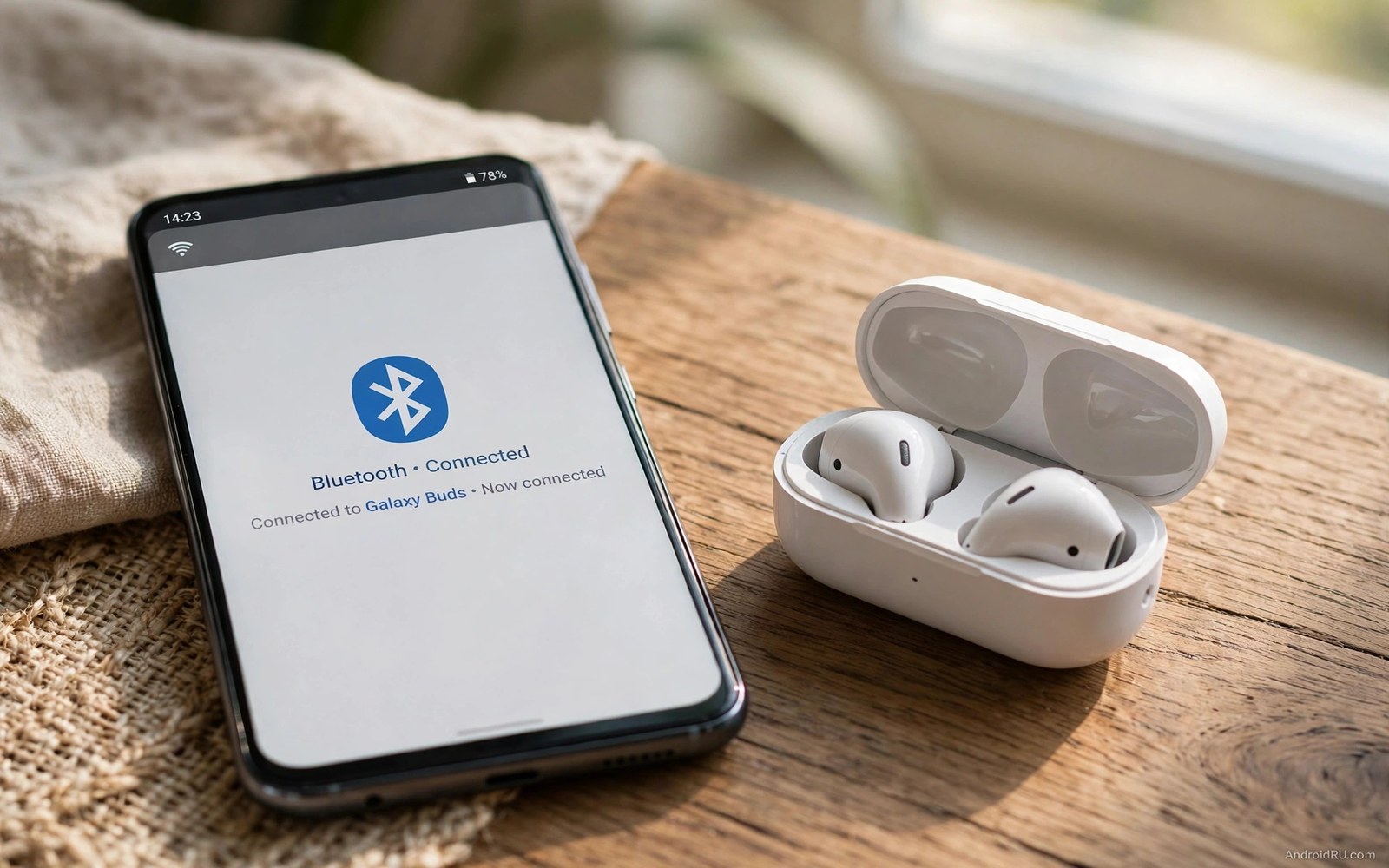
Almost every battery guide tells you to turn off Bluetooth. The advice sounds simple and safe. Leave Bluetooth off and save power. But how much power does Bluetooth really cost when nothing is connected? The answer surprises many users. Idle Bluetooth costs far less than the old advice suggests. Connected Bluetooth costs more but still less than a weak mobile signal or a bright screen. This article tests the real impact so you can stop guessing.
Bluetooth changed a lot over the years. Early versions scanned often and held power hungry links. Modern Bluetooth Low Energy changed that pattern. A modern phone with Bluetooth on but idle mostly sleeps. It wakes briefly to listen for nearby devices. Those brief wakes cost little. The cost grows only when a device stays connected and streams data. Even then the cost is modest compared with other drains. The old rule to always turn Bluetooth off comes from an older era.
This article breaks the impact into three clear cases. Idle Bluetooth with no device connected. Bluetooth connected to earbuds for music and calls. Bluetooth scanning for new devices in a busy place. You will see what each case costs in a normal day. You will learn when turning Bluetooth off truly helps. You will also learn when leaving it on costs almost nothing. The goal is a habit based on evidence not on old fear.
Case One: Bluetooth On But Nothing Connected
An idle Bluetooth radio listens in short bursts. It does not transmit at full power when no device is paired for use. It checks the air briefly and then sleeps again. That pattern costs a small amount of power across a day. In tests on modern phones the idle cost often falls below one or two percent of a full charge. That amount is smaller than the daily variation from screen brightness or signal strength. Most users will not notice it at all.
The idle cost rises a little when many Bluetooth devices sit nearby. The phone may notice beacons from watches and speakers and cars. Each notice wakes the system briefly. The wake is still short. A busy office with many devices adds only a small extra cost. A quiet home adds almost none. Idle Bluetooth is therefore not the drain villain many guides describe. It is a minor background cost that rarely decides whether a phone lasts the day.
Older phones pay a little more for idle Bluetooth. Their radios wake less efficiently. Their processors handle each wake with more overhead. Even on an older phone the idle cost usually stays modest. It rarely passes a few percent per day. If your phone dies early then look first at screen and signal and background apps. Those drains dwarf idle Bluetooth in almost every case. Turning off idle Bluetooth alone will not rescue a dying phone.
Case Two: Bluetooth Connected To Earbuds
Connected Bluetooth costs more because the link stays alive. Music streaming sends a steady flow of audio data. The radio transmits and receives in a regular pattern. That pattern costs power but modern audio codecs keep it efficient. A few hours of music over Bluetooth typically costs a single digit percent of battery. That cost is similar to wired listening plus a small radio premium. Most users find the convenience worth that premium.
Calls over Bluetooth cost a little more than music. The link carries audio in both directions. The microphone stays active. The phone processes voice in real time. A long call over earbuds will show up in battery stats. Yet the cost still stays below a long call on a weak mobile signal. The mobile radio at high transmit power costs far more than the Bluetooth link. Do not blame Bluetooth for a call drain that really comes from weak coverage.
Watch and fitness connections add a steady trickle. A smartwatch syncs steps and alerts across the day. Each sync is small. Hundreds of small syncs add up to a modest total. A watch connection often costs a few percent per day. That cost buys alerts on your wrist and health tracking. Most watch users accept it gladly. If you do not wear the watch then disconnect it. A connection you never use is pure waste even when the cost is small.
Case Three: Scanning And Pairing In Busy Places
Scanning is the most expensive Bluetooth state. When you open Bluetooth settings and search for devices the phone transmits actively. It listens across many channels. It tests each device it finds. That active scan costs far more per minute than idle listening. A few minutes of scanning costs little in total. An hour of forgotten scanning costs more. Close the Bluetooth settings screen when pairing ends. The phone then returns to idle listening.
Some apps trigger scans in the background. Location scanning can use Bluetooth to improve position fixes. That feature scans even when Bluetooth appears off in Quick Settings. Open Settings and tap Location. Then tap Location services and look for Bluetooth scanning. Turn it off if you do not need Bluetooth based location. That single toggle stops hidden scans that many users never notice. It saves more than turning off the main Bluetooth switch in some cases.
Pairing mode on a speaker or car can also keep a link busy. A car system that stays paired and awake may ping the phone often. A speaker left in pairing mode may do the same. Turn off devices you are not using. Disconnect from the phone menu when you leave the car. Those small disconnects stop trickle costs that add up across weeks. A clean paired list helps too. Remove old devices you no longer own.
How To Test Bluetooth On Your Own Phone
Run a simple two day test. Day one leave Bluetooth on with your normal earbuds use. Note the bedtime battery percentage. Day two turn Bluetooth off all day and skip earbuds. Keep screen use and travel roughly similar. Note the bedtime percentage again. A gap of one or two percent means Bluetooth barely matters for you. A gap above five percent means your setup has a costly connection or scan. The test beats any generic claim because it uses your phone and your habits.
Check battery usage during the test. Open Settings and tap Battery. Then tap Battery usage and look for Bluetooth in the list. Some phones fold Bluetooth into system lines rather than showing it alone. In that case compare the total drain between the two days instead. A clean total comparison still tells the story. Keep other changes frozen during the test. Changing screen brightness at the same time ruins the comparison.
Repeat the test with earbuds connected all day if you use them daily. That test measures your real cost not an idle cost. A music heavy day will show a larger Bluetooth share. That share is still a fair price for wireless audio. The question is not whether Bluetooth costs anything. Everything costs something. The question is whether the cost matters beside your other drains. For most users the answer is no.
When Turning Bluetooth Off Truly Helps
Turning Bluetooth off helps most on a very old phone with a weak battery. Every small saving matters when the battery barely lasts. It also helps when a faulty device keeps the link busy. A speaker that pings constantly can cost far more than normal Bluetooth. Disconnect that device first. If the drain stays then turn Bluetooth off as a test. A faulty device is a real cause worth finding.
Turning Bluetooth off also helps in a dead zone trip when every percent counts. On a long hike or a long travel day you may need the phone for maps later. Turn off every radio you do not need. Bluetooth and Wi-Fi and mobile data can all rest until you need them. That extreme saving suits rare days. It does not need to be a daily habit. Daily life with earbuds and a watch benefits from leaving Bluetooth on.
Security adds a second reason to turn Bluetooth off in risky places. An idle radio can be probed by nearby attackers in theory. The risk is low for most users. Still turning Bluetooth off in crowded unknown places is a sensible precaution. It costs nothing for a short period. It also saves a little power. Use the toggle as a situational tool not as a permanent rule.
Bluetooth Beside The Bigger Drains
Compare Bluetooth with the drains that truly kill a battery. A bright screen for hours costs far more than Bluetooth all day. A weak mobile signal costs far more than idle Bluetooth. A heavy game costs far more than music over earbuds. Background apps that sync constantly cost far more than a watch link. Fix those big drains first. Bluetooth tuning comes last in the priority list for most users.
Weak signal deserves special attention in this comparison. A phone shouting to a distant tower can drain faster than any Bluetooth use. Readers who see fast drain indoors should check signal readings before blaming Bluetooth. The signal story is covered in why low signal strength drains battery and it often explains a drain that Bluetooth tests cannot. Fix the signal first and Bluetooth fades into the background.
Background apps also deserve a check before Bluetooth. An app that syncs every few minutes wakes the processor and radio often. Restricting those apps saves more than any Bluetooth toggle. For that larger win see the setting that cuts background app battery usage and tune it before you obsess over Bluetooth. A tuned app list plus idle Bluetooth beats a bloated app list with Bluetooth off.
Bluetooth battery test
Day 1: Bluetooth on with normal earbud use
Note bedtime battery percentage
Day 2: Bluetooth off all day no earbuds
Keep screen use similar both days
Note bedtime battery percentage
Gap 1 to 2 percent: Bluetooth barely matters
Gap above 5 percent: find a costly device
The test above was written for this article as a plain summary of the two day comparison. It uses only built-in battery readings and normal use. Run it once and trust your own numbers over generic advice. Your phone and your devices decide the true cost. No guide can replace that personal test.
Airplane mode days also benefit from Bluetooth control. When you need maximum saving you can turn everything off at once. For the emergency charging value of that approach see why airplane mode helps emergency charging and use it on rare days when every percent counts. Daily life does not need that extreme step.
Common mistakes
Many users turn Bluetooth off every night out of habit and gain almost nothing. Idle Bluetooth costs little on modern phones. The nightly toggle saves a tiny amount and adds daily friction. Leave it on when you use earbuds or a watch daily. Turn it off only when you truly need every percent.
Another mistake is blaming Bluetooth for a weak signal drain. The mobile radio at high power dwarfs Bluetooth. Check signal strength before you blame the earbuds. A weak tower link explains many fast drains that look like Bluetooth problems.
Some users leave Bluetooth scanning on in settings for hours. Active scanning costs far more than idle listening. Close the Bluetooth settings screen after pairing. Turn off Bluetooth scanning for location when you do not need it. Those two steps cut the costly scan state.
A final mistake is keeping dead devices paired forever. Old speakers and cars can ping the phone long after you stop using them. Remove paired devices you no longer own. A clean list stops trickle costs and speeds up pairing with devices you actually use.
FAQ
Does Bluetooth drain battery when nothing is connected?
Idle Bluetooth drains very little on modern phones. It listens in short bursts and sleeps between them. The daily cost often stays below two percent. Older phones pay a little more but the cost still stays modest. Check your own two day test for a personal number.
Do wireless earbuds drain phone battery a lot?
Wireless earbuds add a modest cost for music and calls. A few hours of music typically costs a single digit percent. Calls cost a little more than music. The cost is worth it for most users. Weak mobile signal during the same call costs far more than the Bluetooth link itself.
Should I turn Bluetooth off every night?
You do not need to turn Bluetooth off every night. The overnight idle cost is tiny. A nightly toggle adds friction for almost no gain. Turn Bluetooth off on rare days when every percent matters. Leave it on for normal daily use with earbuds or a watch.
Conclusion
Bluetooth is not the battery villain old guides describe. Idle Bluetooth costs little on modern phones. Connected earbuds cost a modest amount that most users gladly pay. Scanning costs the most per minute but lasts only while you search. Faulty devices and hidden location scans are the real Bluetooth traps. Fix those traps and Bluetooth fades into a minor cost.
Your concrete next step is to run the two day test this week. Leave Bluetooth on day one with normal earbud use. Turn it off day two and compare bedtime percentages. If the gap is tiny then stop toggling Bluetooth daily and spend that effort on screen and signal fixes instead.

