

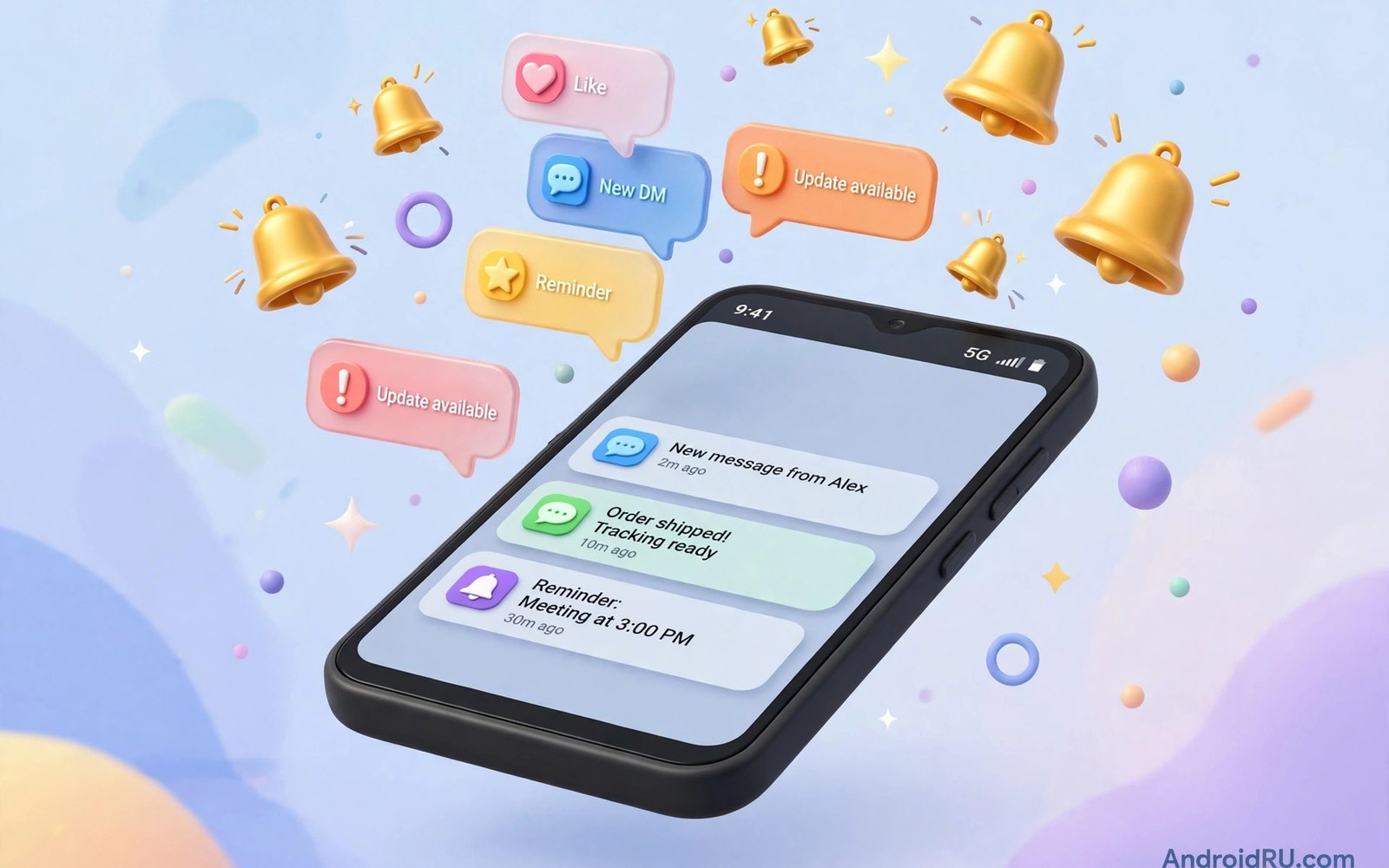
Push notifications let an app reach users with timely updates even when the app is not open and they are a powerful tool when used with respect for user attention. Firebase Cloud Messaging provides the infrastructure that delivers messages from a server to Android devices reliably across many device types and network conditions. Implementing push well requires more than sending a message because you must handle tokens and channels and delivery states and user preferences in a coherent system. This guide explains the full flow from setup to message handling to user control so notifications feel helpful rather than intrusive. Done well push notifications increase engagement while done poorly they drive users to disable notifications or uninstall the app entirely.
A push system has three main parts which are your server that decides what to send and the messaging service that routes messages and the app that receives and displays them on a device. Your server sends a message to the messaging service with a target token that identifies a specific app installation on a specific device. The service then delivers that message to the device through a persistent connection maintained by the system in an efficient way that saves battery compared with polling. The app receives the message in a service class and decides whether to show a notification immediately or to process data silently for later use in the interface. Understanding this flow helps you debug delivery problems because each part can fail independently and each failure needs a different investigation.
Setup Tokens and Registration
Setup begins with adding the messaging library and a configuration file that connects your app to a cloud project with the correct application identifier for your app. The app then requests a registration token that uniquely identifies that app installation for messaging purposes and that token can change over time for security and lifecycle reasons. Store the token on your server alongside the user account or device record so your server can target that installation when a relevant event occurs for that user. Handle token refresh by updating the server record whenever the app receives a new token because sending to an old token will fail silently and users will miss important updates. Treat tokens as sensitive identifiers because anyone with a token and server credentials could send messages that appear to come from your app.
Token handling code should run early enough that a new installation can receive messages soon after first launch but not so early that it blocks the first screen from appearing for users. Log token generation failures during development because a misconfigured project or a missing service declaration often prevents token creation in a way that is easy to miss until a real message fails. Test token refresh by clearing app data and by reinstalling the app to ensure that the server record updates correctly in both scenarios. Document the token flow for your team so backend developers understand when tokens change and why a stored token may become invalid after an app reinstall or a device restore. A reliable token system is the foundation for every other push feature that follows it.
- Request a registration token after setup and store it on your server for targeting.
- Update the server record whenever the app receives a refreshed token.
- Treat tokens as sensitive identifiers that must not appear in public logs.
- Test token creation after reinstall and after clearing app data on a real device.
- Document token lifecycle so backend developers understand invalidation cases.
Notification Channels and User Control
Notification channels let users control categories of notifications independently so they can keep important alerts while silencing promotional messages that they find less valuable. Create a channel for each meaningful category such as messages and reminders and promotions with a clear name and description that users see in system settings. Channel importance controls sound and vibration and visual interruption and you should match importance to the urgency of the category rather than setting every channel to maximum urgency. Once a user changes a channel setting your app cannot override that choice programmatically and that limitation protects user control over their device experience. Respecting channel settings builds trust because users learn that your app will not bypass their preferences with a new channel for the same content.
On modern Android versions apps must request notification permission at runtime before they can show notifications to users who install the app for the first time. Request that permission in context when a user enables a feature that benefits from notifications rather than during first launch before they understand the value. Explain the benefit in plain language such as receiving a message alert or a delivery update so the request feels relevant to an action the user just took. If permission is denied keep the app fully usable and offer a settings path to enable notifications later when the user changes their mind. A respectful permission flow increases long term opt in rates compared with an aggressive first launch request that many users reject immediately.
Handling Messages in Foreground and Background
Message handling differs between foreground and background states because the system may display a notification automatically for some message types while your app code handles other types manually. Notification messages contain a title and body that the system can display when the app is in the background without waking your code for display purposes. Data messages contain custom key value pairs that your service class processes in code so you can decide how to present them or whether to store them silently for later use. A combined message can carry both parts but behaviour varies by app state so test both foreground and background delivery for every message type you use in production. Understanding these differences prevents bugs where a message works while testing in the foreground but never appears when the app is closed.
When your code handles a message it should create a notification with a channel and a pending intent that opens the relevant screen when the user taps the notification. Deep linking from a notification should land on the specific content mentioned in the message rather than on a generic home screen that forces users to search for the content themselves. Pass identifiers in the message data and let the target screen load fresh content so a notification remains accurate even if data changed since the message was sent. Handle expired content gracefully by showing a clear message when the linked item no longer exists instead of crashing or showing a blank screen. Thoughtful handling turns a tap on a notification into a satisfying shortcut rather than a frustrating detour through the app.
Delivery Reliability and Edge Cases
Delivery can fail due to network conditions or device battery optimisation or an invalid token or a server error that the messaging service reports in its response. Your server should handle invalid token responses by removing stale tokens from its database so future sends do not waste resources on installations that no longer exist. Battery optimisation on some devices can delay messages for apps that the system considers rarely used and you should test delivery on real devices from major manufacturers to understand real world timing. High priority messages can wake a device for time sensitive alerts but overusing high priority for routine content drains battery and may cause the system to throttle your app in the future. Use priority honestly by reserving urgent delivery for messages that genuinely need immediate attention from the user.
Topic messaging offers an alternative to individual tokens when many users subscribe to a shared interest such as news for a city or updates for a sports team. Topics simplify server logic because the server sends one message to a topic and the service delivers it to all subscribed installations without managing individual tokens for that audience. Users should be able to subscribe and unsubscribe from topics through clear in app controls that reflect their interests and privacy choices. You can learn permission handling in managing permissions dynamically in code safely because notification permission is part of the same user trust system. You can also study background work in coroutines and Flow for background tasks for processing data messages efficiently after delivery.
Measuring and Improving Notifications
Measure notification performance by tracking delivery and open rates and opt out rates for each channel and each message type over time. A high open rate with a low opt out rate suggests that messages are relevant and well timed for the audience that receives them. A rising opt out rate after a new message type launches is a warning that the content or frequency needs adjustment before users disable all notifications from your app. Test send times and frequency limits because several messages in a short period can overwhelm users even when each individual message is useful on its own. Group related updates into a single summary notification when possible so users receive one clear update instead of a flood of small alerts throughout the day.
Personalisation should respect privacy and frequency because a message that feels creepy or too frequent damages trust faster than a generic message that arrives rarely. Let users choose categories and quiet hours in app settings so they can shape notification behaviour to their lifestyle without disabling everything at once. Review notification copy for clarity because a vague title forces users to open the app just to understand why they were interrupted in the first place. You can apply testing ideas from testing Android apps with unit and Espresso tests to notification handling logic and deep link targets. With careful setup and respectful control push notifications become a valued connection between your app and its users rather than a source of annoyance.
A final habit keeps notifications welcome because you should review opt out rates for each channel monthly and pause any message type whose opt out rate rises sharply after launch. That review protects user trust and it gives you a chance to adjust frequency or content before users disable all notifications from your app. Test every new message type in foreground and background states so delivery behaviour matches the design for both cases. With that discipline push notifications remain a helpful connection to users rather than a source of annoyance that drives uninstalls.
class MessagingService : FirebaseMessagingService() {
    override fun onMessageReceived(message: RemoteMessage) {
        val title = message.notification?.title ?: "Update"
        showNotification(title)
    }
    override fun onNewToken(token: String) {
        sendTokenToServer(token)
    }
}
The steps above follow the approach described in the official developer documentation for this platform and reflect common practice used by experienced developers when they build and test Android apps in a careful and organised way.

